
Polar handles billing for developer products: orders, subscriptions, usage meters, and revenue metrics. Claude Code is Anthropic's AI coding CLI that runs in your terminal. Sequel's MCP server connects the two, so you can answer revenue questions from the same place you ship the product.
This guide covers the full setup in three steps.
What You'll Accomplish
By the end of this guide, you'll be able to run Claude Code and ask questions like:
- "What was MRR last month, and how much of it came from new versus expansion?"
- "Which customers have active subscriptions but no usage recorded in the last 30 days?"
- "List refunds and disputes from the last quarter with the products they were against."
Claude Code calls Sequel's MCP server, which queries the Polar API and returns the results inline.
Prerequisites
- A Sequel account: Sign up free at sequel.sh
- A Polar organization on production or sandbox
- Permission to create an Organization Access Token under Organization Settings
- Claude Code installed: run
npm install -g @anthropic-ai/claude-codeif you haven't already
Step 1: Connect Polar to Sequel
Sign in to sequel.sh and click Data Sources in the left sidebar.
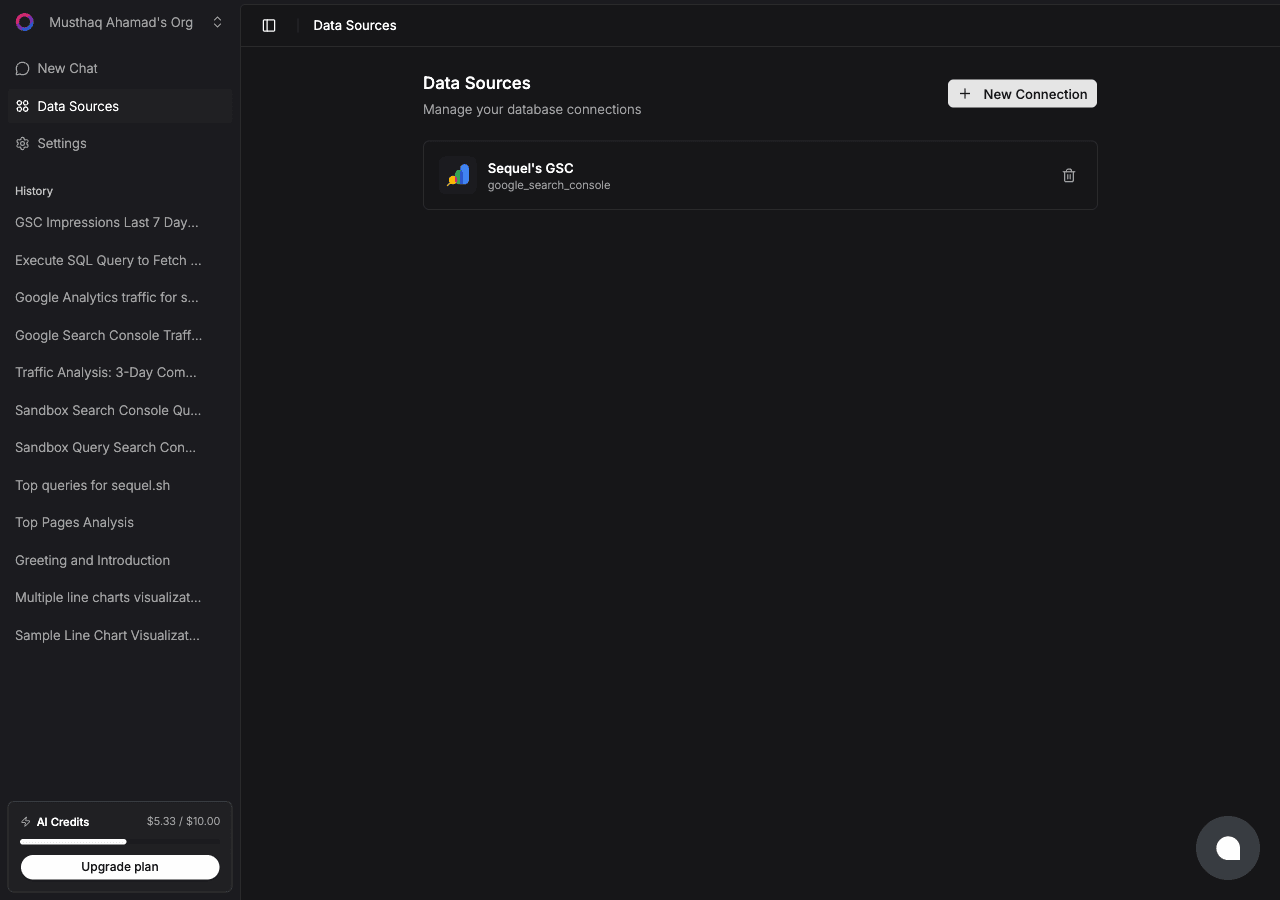
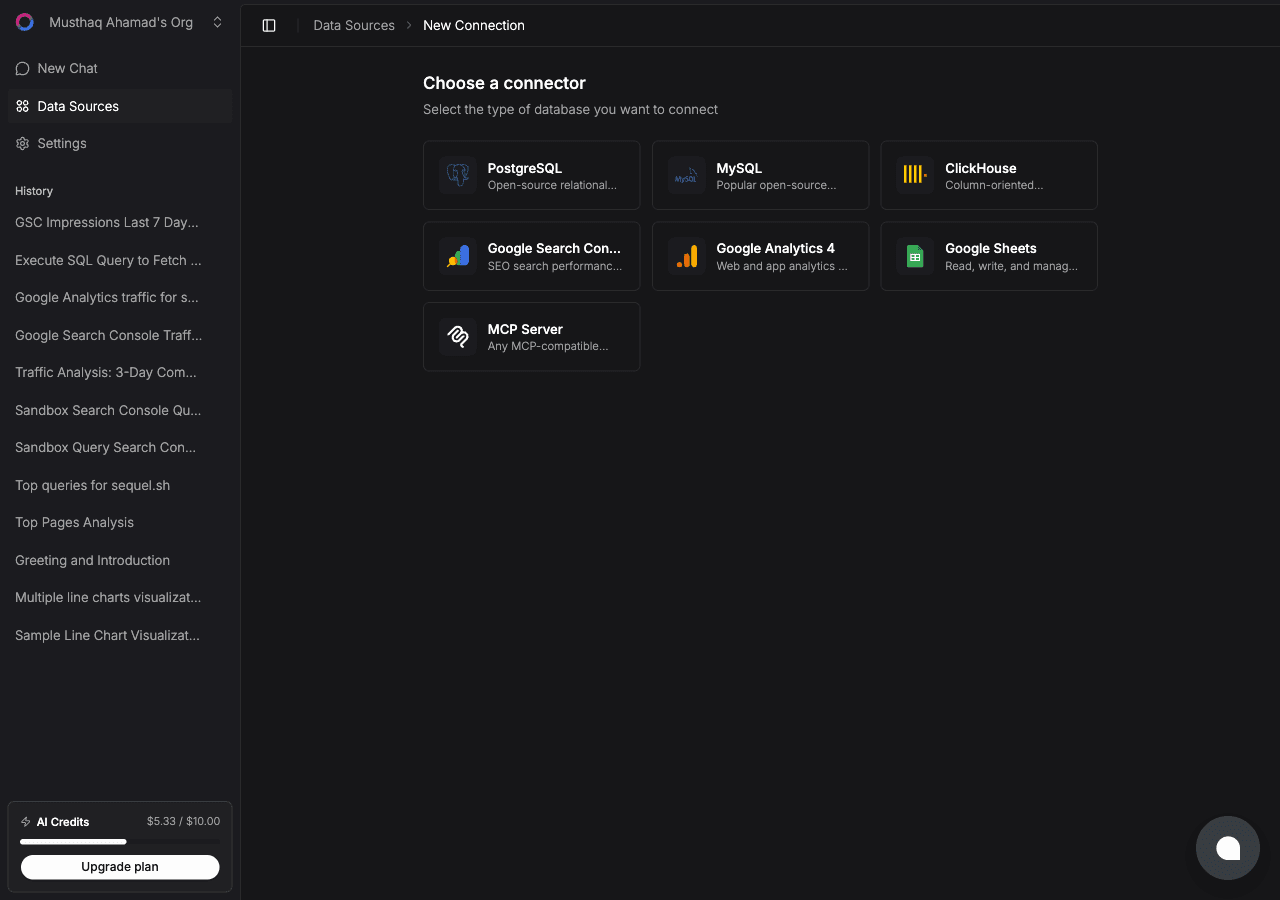
Click New Connection, then select Polar from the connector list.
Now create the token in Polar. Go to Organization Settings → Developers → New Token and grant read-only scopes:
metrics:read, orders:read, subscriptions:read, customers:read, products:read, payments:read, refunds:read, disputes:read, discounts:read, checkouts:read, events:read, meters:read, customer_meters:read, organizations:read
Copy the token. It starts with polar_oat_.
Back in Sequel, fill in two fields:
- API key: the Organization Access Token
- Server:
productionfor live data,sandboxfor sandbox.polar.sh
Click Connect. Sequel verifies the token against the organization before saving it.
Tip: grant read scopes only. The connector has no write tools, so a read-scoped token means an agent cannot touch orders, subscriptions, or customers even by accident.
Step 2: Add Sequel to Claude Code
In your terminal:
claude mcp add sequel \
  --transport http \
  https://api.sequel.sh/mcp
Claude Code opens a browser so you can authorize Sequel. Once approved, the server persists across sessions. Add --scope user to install it globally rather than per project.
Verify it registered:
claude mcp listsequel should appear in the list of configured MCP servers.
Step 3: Query Your Polar Data
Start a Claude Code session and try these:
What was MRR at the end of last month, and how does it split between new, expansion, and churned?
Which customers have an active subscription but recorded no meter usage in the last 30 days?
Show refunds and disputes from the last quarter, grouped by product, with the total value of each.
Claude Code calls the Sequel MCP server, which hits the relevant Polar endpoint and returns the results in your terminal.
What You Can Do Now
- Revenue checks without a dashboard: ask "What did we bill last week compared to the week before?" mid-session.
- Churn risk from usage: ask "Which paying customers dropped their meter usage more than 50% month over month?"
- Pricing analysis: ask "Which products have the highest refund rate relative to order volume?"
- Discount audits: ask "Which active discounts are still being redeemed, and what revenue have they given up?"
- Cross-source analysis: with Postgres or PostHog also connected, ask "For customers who upgraded in Polar last month, what did their product usage look like in the two weeks before?"
That last question spans billing and product data, which is exactly the shape Polar cannot answer alone. For more on why cross-source questions justify this setup, see the connector is the easy part and MCP for databases.