
Ahrefs holds your off-site SEO picture: organic keywords, backlinks, referring domains, and competitor visibility. Claude Code is Anthropic's AI coding CLI that runs in your terminal. Sequel's MCP server connects the two, so you can pull SEO data into the same session where you are editing the pages it describes.
This guide covers the full setup in three steps.
What You'll Accomplish
By the end of this guide, you'll be able to run Claude Code and ask questions like:
- "Which organic keywords does our blog rank for in positions 4 to 10?"
- "What are the top 20 pages on a competitor's domain by organic traffic?"
- "Which referring domains did we gain in the last 30 days?"
Claude Code calls Sequel's MCP server, which queries the Ahrefs API and returns the results inline.
Prerequisites
- A Sequel account: Sign up free at sequel.sh
- An Ahrefs account on an eligible paid plan for API access
- Workspace owner or admin permissions, since only those roles can create API keys
- Claude Code installed: run
npm install -g @anthropic-ai/claude-codeif you haven't already
Step 1: Connect Ahrefs to Sequel
Sign in to sequel.sh and click Data Sources in the left sidebar.
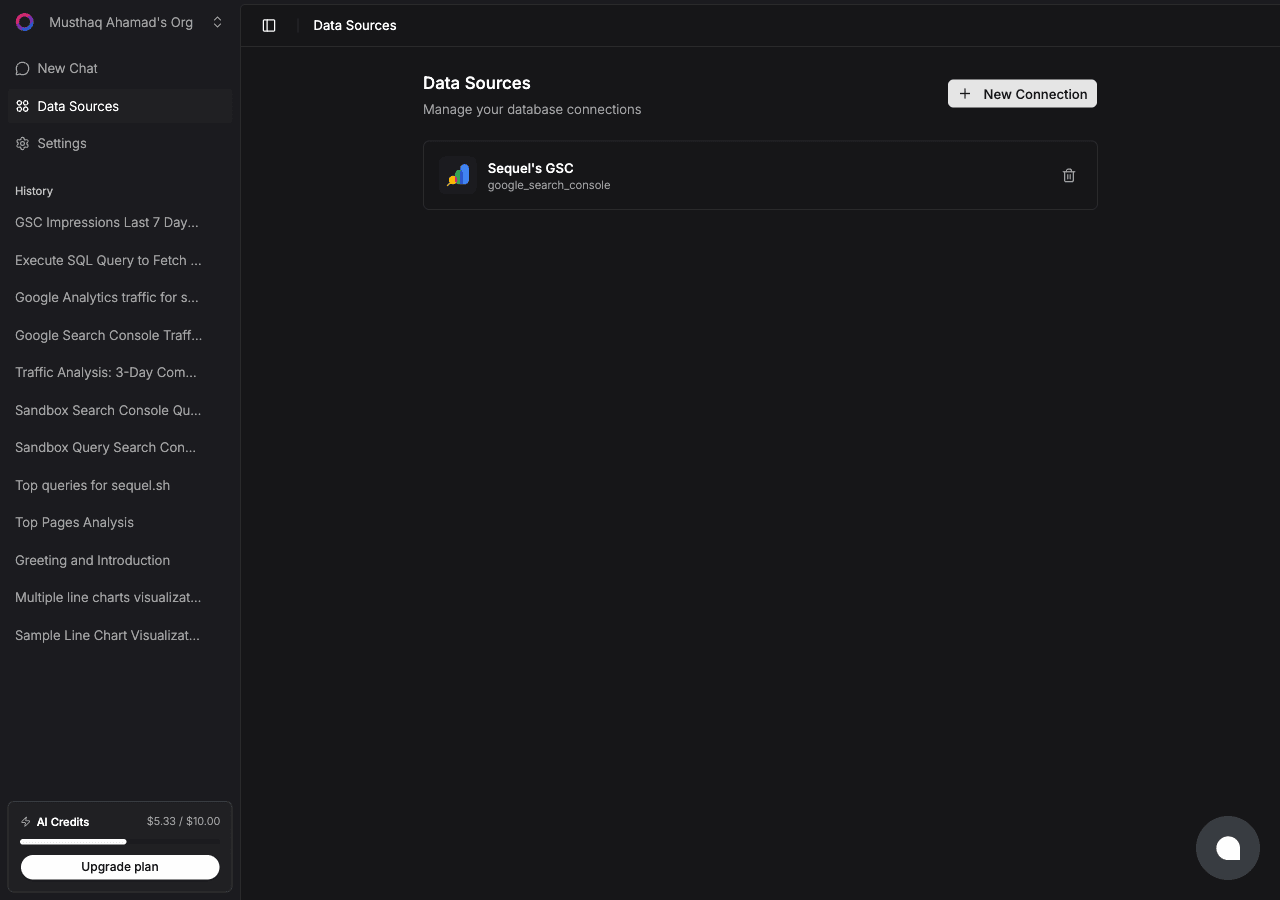
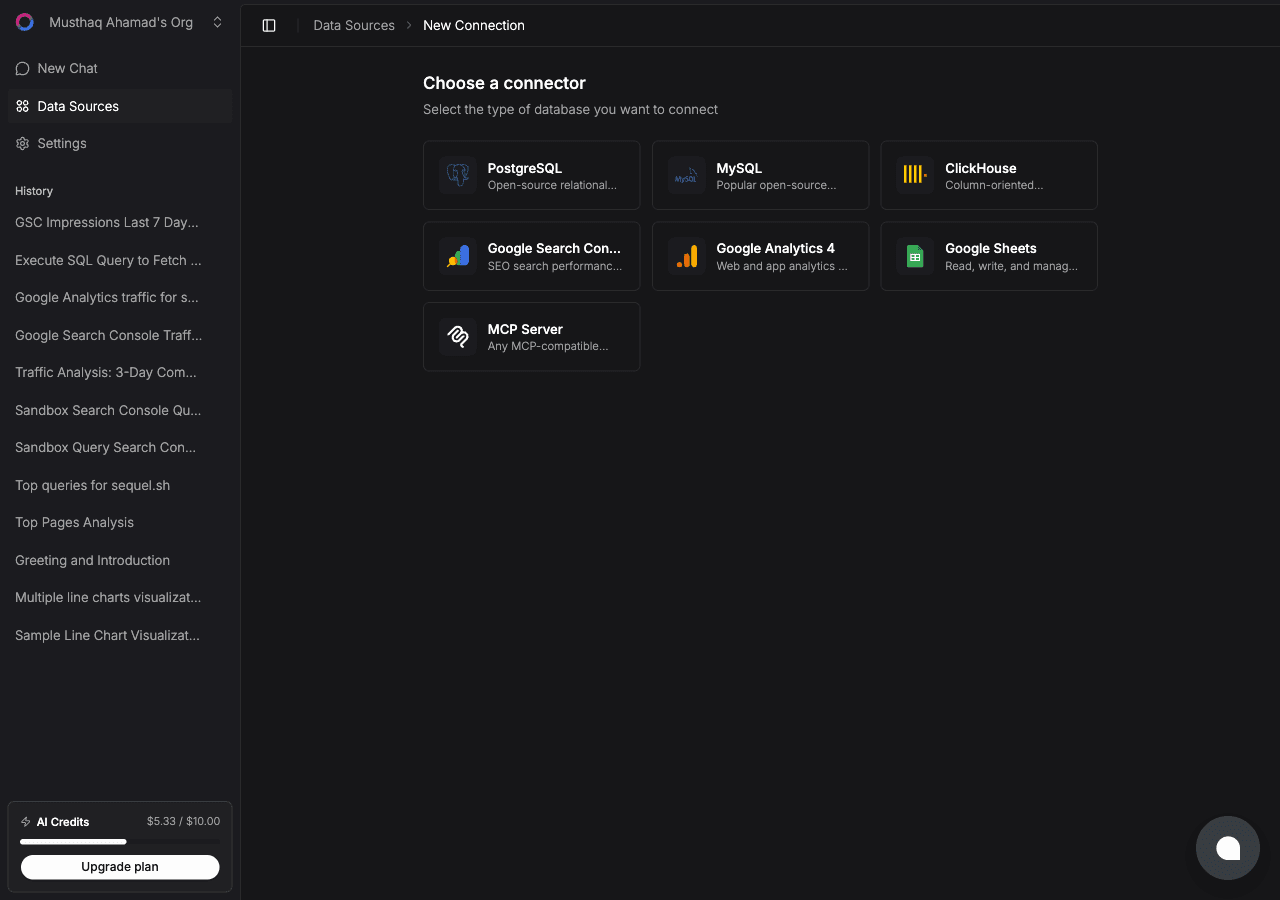
Click New Connection, then select Ahrefs from the connector list.
Now create the key in Ahrefs. Go to Account settings → API keys and create a new key. Copy it before leaving the page.
Back in Sequel, paste it into the single field:
- API key: the key from Ahrefs, sent as a Bearer token
Click Connect. Sequel verifies the key against the Ahrefs API before saving it.
Tip: API calls consume units against your plan. Narrow questions cost less than broad ones, so scope by domain and date range rather than asking for everything.
Step 2: Add Sequel to Claude Code
In your terminal:
claude mcp add sequel \
  --transport http \
  https://api.sequel.sh/mcp
Claude Code opens a browser so you can authorize Sequel. Once approved, the server is available in every future session. Add --scope user to install it globally rather than per project.
Verify it registered:
claude mcp listsequel should appear in the list of configured MCP servers.
Step 3: Query Your Ahrefs Data
Start a Claude Code session and try these:
Which organic keywords does our domain rank for in positions 4 to 10, sorted by search volume?
List the top 20 pages by organic traffic on a competitor's domain, and tell me which topics we have no page for.
Which referring domains did we gain and lose in the last 30 days, and what is the domain rating spread?
Claude Code calls the Sequel MCP server, which hits the relevant Ahrefs endpoint and returns the results in your terminal.
What You Can Do Now
- Striking distance work: ask "Which of our pages rank between 5 and 15 and have over 500 monthly volume?" to find the cheapest ranking wins.
- Competitive gap analysis: ask "Which keywords does a competitor rank top 10 for that we do not rank for at all?"
- Backlink monitoring: ask "Which referring domains did we lose this month, and which pages did they point to?"
- Content planning from the repo: ask "For the pages in this repo's content directory, which ones have organic keywords in positions 11 to 20?" while you have the files open.
- Cross-source analysis: with Search Console also connected, ask "For the keywords Ahrefs says we rank 4 to 10 for, what are our actual impressions and CTR in Search Console?"
That last question is where the setup pays for itself. Ahrefs estimates position from its own index. Search Console reports what Google recorded for your property. Comparing them catches both tool error and real opportunity.
For the mechanics of that join, see how to join Search Console and GA4 data with one AI agent. For the wider picture, see AI agents for marketing analytics.