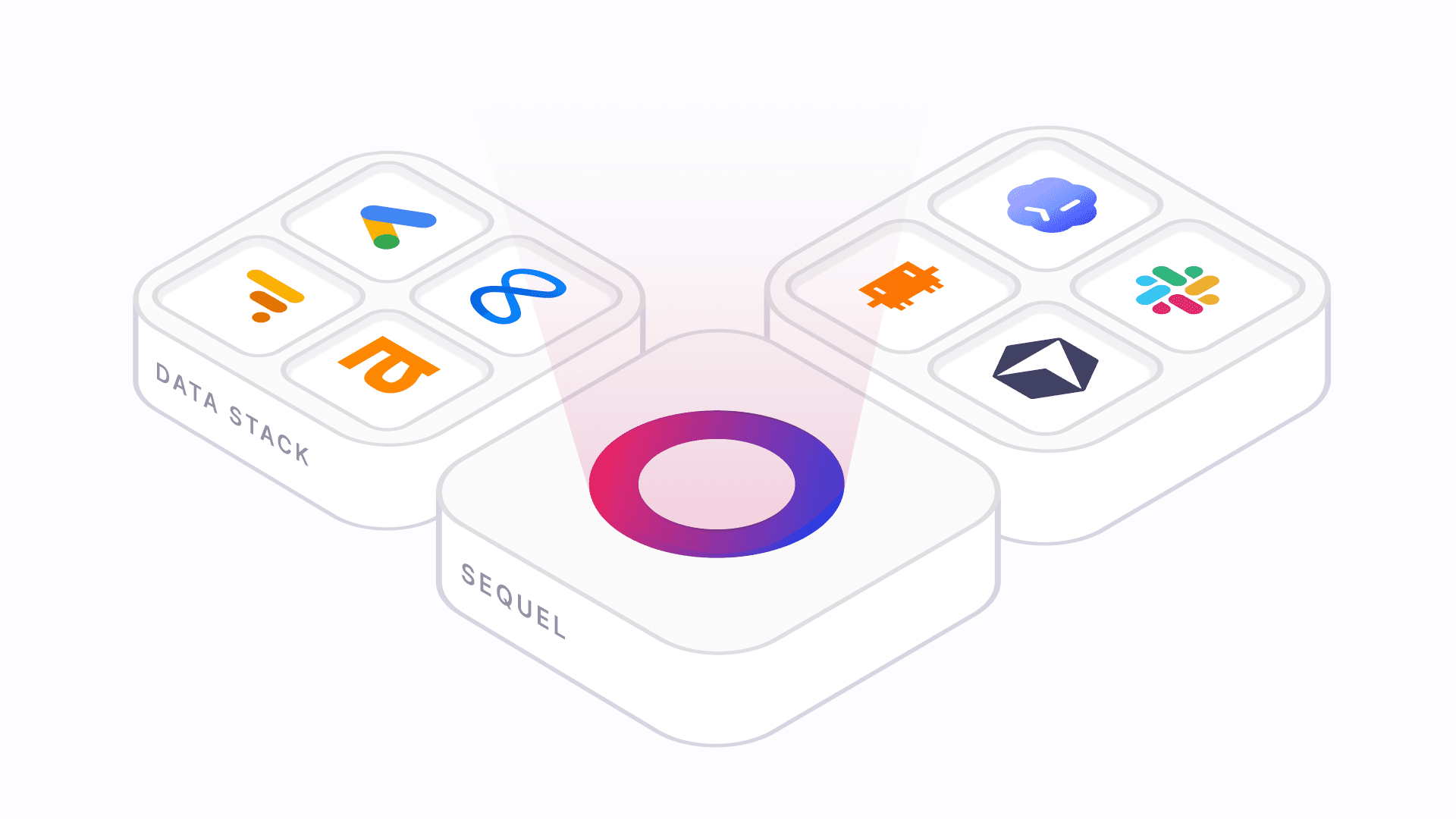
Sequel is the data layer for your agents. You connect your cloud databases, warehouses, and SaaS tools to Sequel once, and then the AI tools you already use — Claude, Cursor, ChatGPT, or any other MCP-capable agent — can ask questions of your data in plain English and get back real answers. Your agents talk to Sequel, and Sequel safely talks to your data. No more handing out database passwords or API keys to every tool.
Why use Sequel
- One secure boundary. Your credentials live in Sequel, encrypted. Agents ask Sequel to run work — they never see the secret behind a connection. Authorize a tool once, revoke it any time.
- Connect once, use everywhere. The same connections power every MCP client and the CLI. Add a new agent with a permission grant, not another round of credential setup.
- Answers across sources. Most real questions span more than one system. Sequel can join your Postgres revenue, Google Analytics sessions, and Stripe payments in a single thread.
- Real analysis, not just queries. A built-in Python sandbox (pandas, matplotlib, and more) lets agents compute, chart, and export results — backed by your actual data.
What Sequel manages for you
Sitting between your agents and your data, Sequel owns the three things that make agent access hard to get right:
| Concern | How Sequel handles it |
|---|---|
| Auth | Every agent and MCP client connects through Sequel's OAuth flow and scoped API keys. You authorize a tool once, and you can revoke that access at any time without touching the data source itself. |
| Credentials | Database passwords, connection strings, and SaaS API keys are stored and encrypted on Sequel's side. Agents never see them — they ask Sequel to run work on a connection, not for the secret behind it. |
| Execution | Queries and Python analyses run in Sequel's controlled, sandboxed environment, then return clean results. Your agents get answers and charts back; your data sources only ever talk to Sequel. |
This is what "data layer" means in practice: one secure boundary in front of all your sources, so onboarding a new agent is a permission grant rather than a secret-sharing exercise.
What you can do with it
- Ask questions across sources. Join Postgres revenue with Google Analytics sessions and Stripe payments in a single thread.
- Explore schemas in natural language. "What tables relate to subscriptions, and how?"
- Run real analysis. Sequel includes a Python sandbox (pandas, matplotlib, and more) so agents can compute, chart, and export results.
- Connect once, use everywhere. The same connections power every MCP client and the CLI — no per-tool credential setup.
Who it's for
- Data and analytics teams who want self-serve answers without writing every query by hand.
- Engineers who want schema-aware, data-grounded answers inside their editor or CLI.
- Operators and PMs who live in ChatGPT or Claude and want those tools to answer with real numbers instead of guesses.
Sequel connects to cloud-hosted data sources
Managed Postgres and MySQL (RDS, Supabase, Neon, PlanetScale, and similar), warehouses like BigQuery and ClickHouse, and SaaS APIs like Stripe and Google Analytics.
Next steps
- Getting Started — connect the MCP server and run your first query.
- Install Sequel MCP — copy-paste setup for every supported AI tool.
- Integrations — browse every supported data source and its setup guide.