
Amplitude holds your product analytics: events, funnels, retention curves, and saved charts. Claude Code is Anthropic's AI coding CLI that runs in your terminal. Sequel's MCP server connects them, so you can check how a feature is performing right after you ship it.
This guide covers the full setup in three steps.
What You'll Accomplish
By the end of this guide, you'll be able to run Claude Code and ask questions like:
- "What is 30-day retention for users who completed onboarding last month?"
- "Run the trial to paid funnel for the last quarter and show where the biggest drop is."
- "Which events fired most in the last week, and how does that compare to the week before?"
Claude Code calls Sequel's MCP server, which queries your Amplitude project and returns the results inline.
Prerequisites
- A Sequel account: Sign up free at sequel.sh
- An Amplitude project on US or EU data residency
- Your project API key and secret key, from Settings → Projects → [project] → General
- Claude Code installed: run
npm install -g @anthropic-ai/claude-codeif you haven't already
Step 1: Connect Amplitude to Sequel
Sign in to sequel.sh and click Data Sources in the left sidebar.
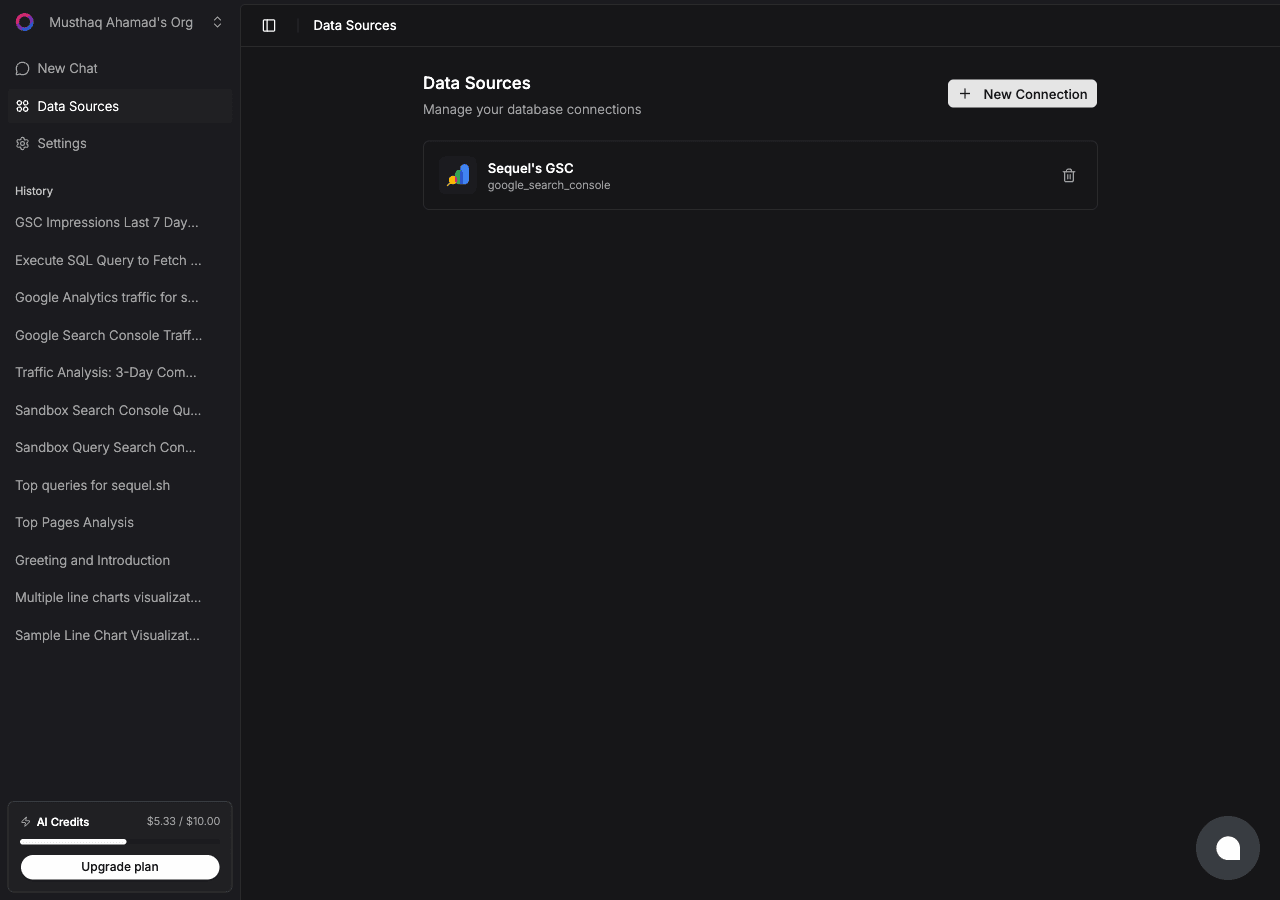
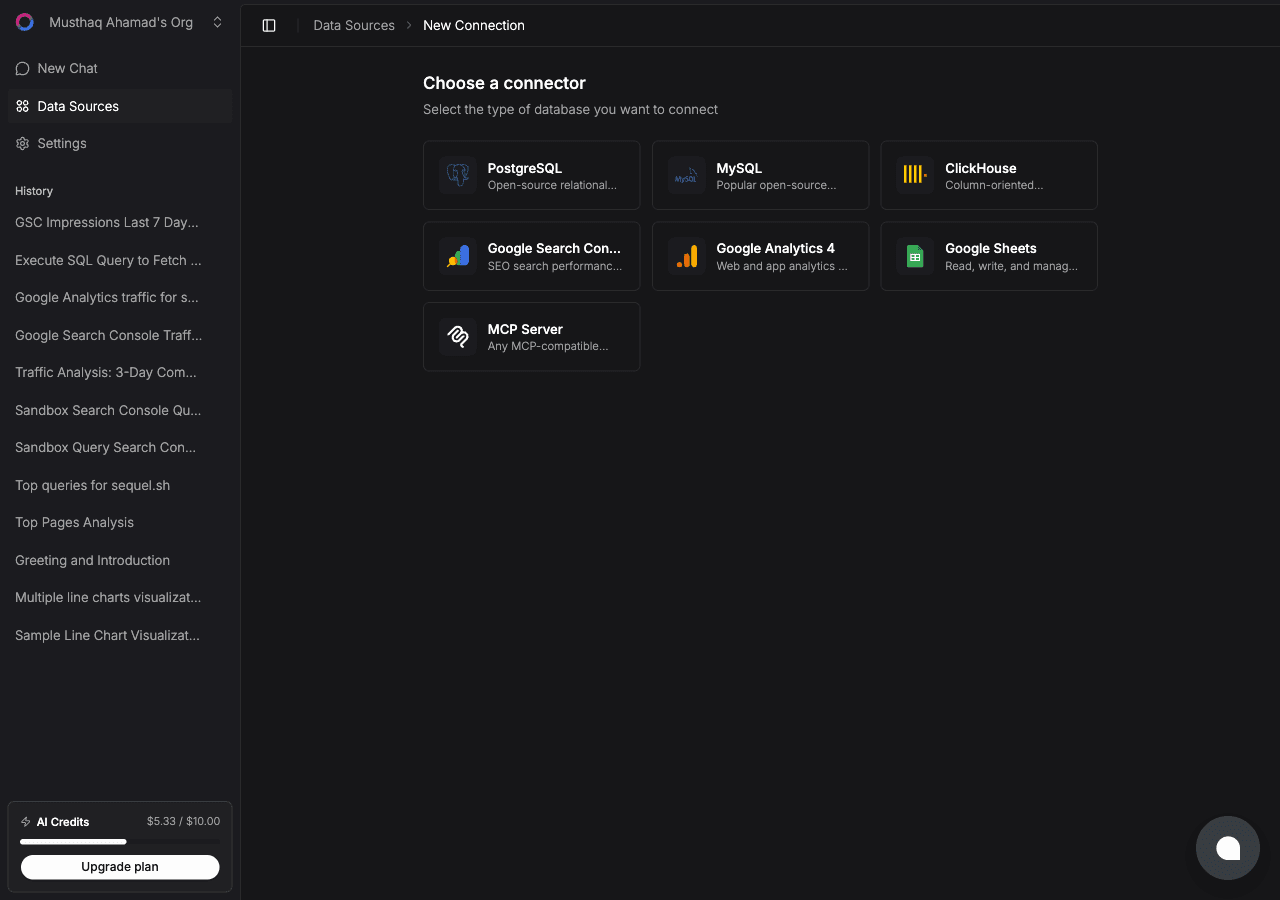
Click New Connection, then select Amplitude from the connector list.
Now grab the credentials from Amplitude. Go to Settings → Projects, select your project, and open the General tab. Both the API Key and the Secret Key are listed there.
Back in Sequel, fill in three fields:
- API key: the project API key
- Secret key: the project secret key
- Region:
usfor amplitude.com,eufor projects on EU residency
Click Connect. Sequel verifies the credentials against the project before saving them.
Tip: the secret key grants read access to your project's analytics APIs. Store it in Sequel rather than pasting it into shell configs or scripts on individual machines.
Step 2: Add Sequel to Claude Code
In your terminal:
claude mcp add sequel \
  --transport http \
  https://api.sequel.sh/mcp
Claude Code opens a browser so you can authorize Sequel. Once approved, the server persists across sessions. Add --scope user to install it globally instead of per project.
Confirm it registered:
claude mcp listsequel should appear in the list of configured MCP servers.
Step 3: Query Your Amplitude Data
Start a Claude Code session and try these:
What is 30-day retention for users who first fired project_created in July, compared to June?
Run the trial_started to subscription_created funnel for the last 90 days and tell me the largest drop-off step.
Show daily active users for the last 8 weeks and flag any week that moved more than 10% week over week.
Claude Code calls the Sequel MCP server, which runs the segmentation, funnel, or retention query against Amplitude and returns results in your terminal.
What You Can Do Now
- Post-release checks: ask "How many users triggered the new editor event since the release yesterday?" while still in the repo.
- Retention investigation: ask "Compare 30-day retention between users who connected an integration in week one and those who did not."
- Funnel regression alerts: ask "Did any step of the activation funnel get worse this week versus last?"
- Event coverage audits: ask "Which events have had no volume in the last 30 days?" to find instrumentation that quietly broke.
- Cross-source analysis: with Stripe or your warehouse also connected, ask "For customers who churned in Stripe last month, what did their Amplitude engagement look like in the 30 days before?"
That last question is the one Amplitude cannot answer on its own. For more on why cross-source questions are the ones worth setting this up for, see what 30 Reddit threads reveal about connecting marketing data to AI and MCP for databases.