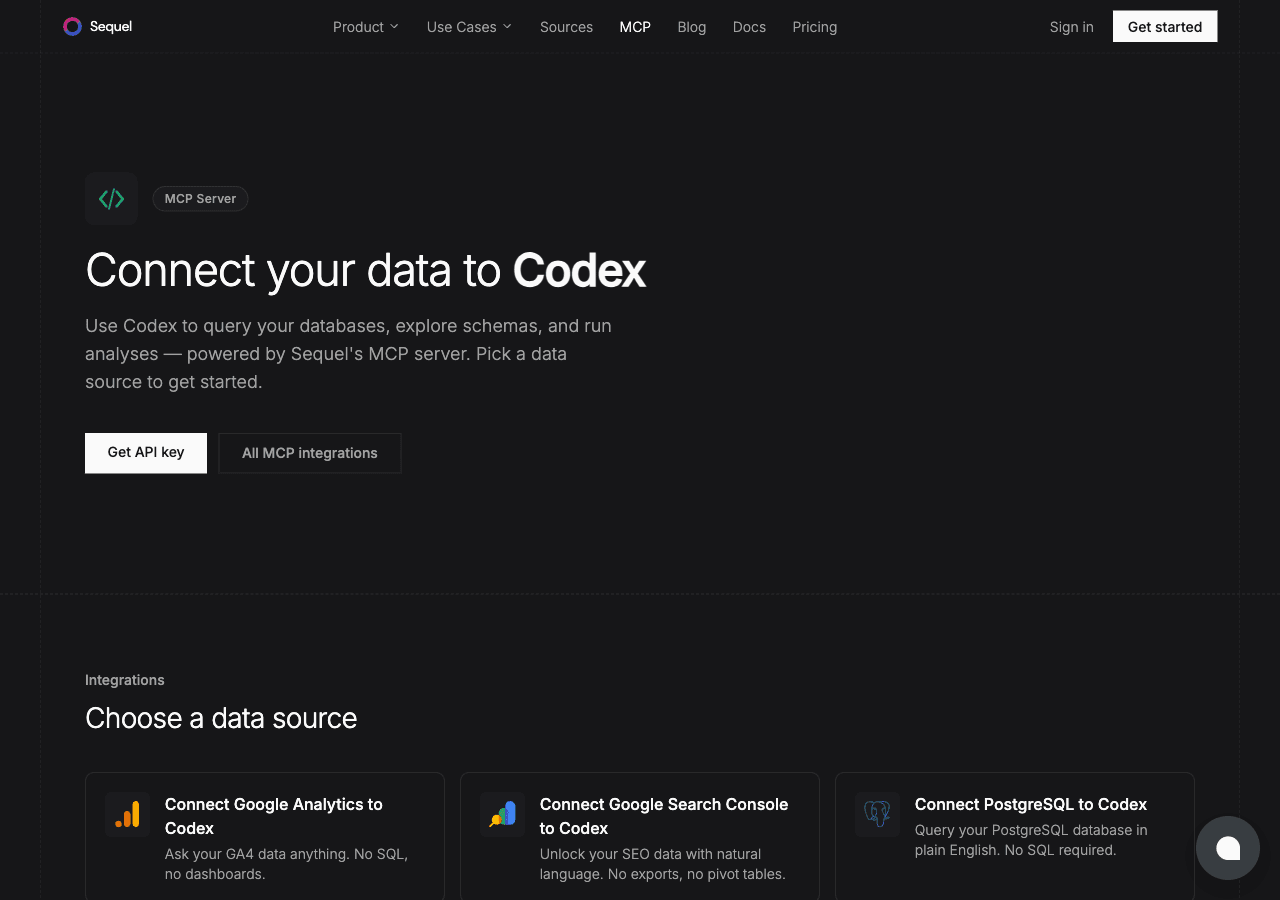
The OpenAI Codex CLI is a developer tool that brings AI assistance directly into your terminal. Connect it to your MySQL database through Sequel's MCP server and you can ask natural language questions about your data from the same terminal where you write code. No SQL client, no context switching.
What You'll Accomplish
After this setup, you can run the Codex CLI and ask:
"What's the structure of the users table?"
"How many orders are in 'pending' status right now?"
"Which customers placed more than 5 orders in the past month?"
Show me today's orders with their totals and customer names.
Are there any users who have never placed an order?
What You Can Do Now
Explore a new codebase: ask "What are all the tables?" to quickly understand a project's data model
Debug data during development: ask "Are there any constraint violations in the current dataset?"
Write better migrations: describe the change you need, ask Codex to check existing rows against the new constraint
Catch issues before production: ask "Are there any orders with negative total values?" as a pre-deploy check
Try Sequel
Build your company brain.
Sequel connects the systems your company runs on and learns how your team defines every metric, so any AI agent can answer from it. Free for up to 3 seats, no credit card required.
Where does the OpenAI Codex CLI store its MCP configuration?
The Codex CLI reads MCP server config from "~/.codex/config.toml". Create this file if it doesn't exist. Each MCP server is defined as an [mcp_servers.name] section in TOML format.
What does a MySQL connection string look like?
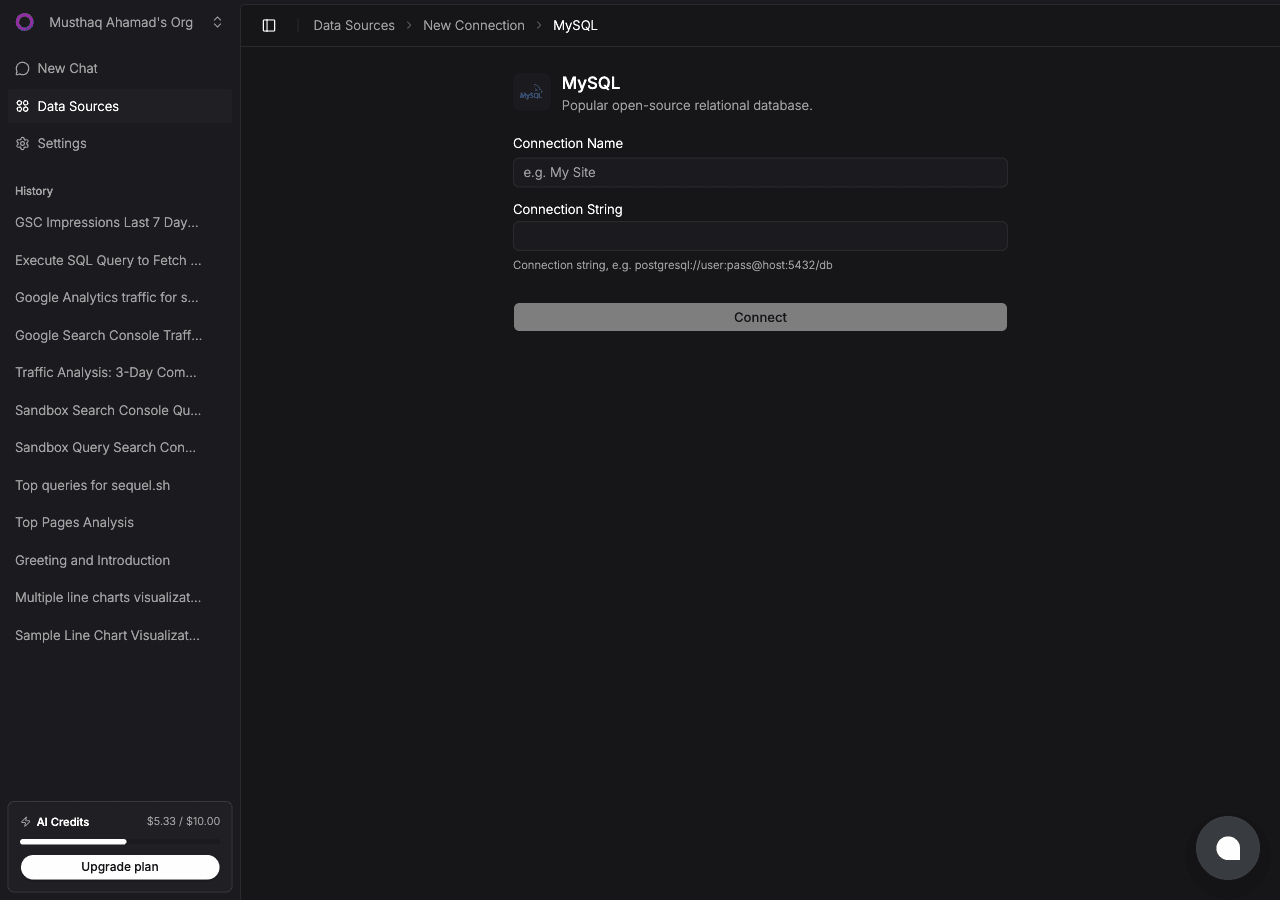
The format is mysql://username:password@host:3306/database_name. For example, mysql://root:mypassword@db.myapp.com:3306/production.
Does Codex CLI support remote HTTP MCP servers like Sequel?
Yes. Codex CLI fully supports streamable HTTP MCP servers via the url field. You can also specify a bearer_token_env_var to load the authentication token from an environment variable.
Why use bearer_token_env_var instead of putting the key directly in config.toml?
Config files can be accidentally committed to dotfile repos or shared with others. Storing the key in an environment variable keeps it out of any file that might be tracked or shared.
Which MySQL versions are supported?
Sequel supports MySQL 5.7 and 8.0+, as well as compatible databases like PlanetScale, AWS Aurora MySQL, and Vitess.
Will this integration work with PlanetScale?
Yes. PlanetScale is MySQL-compatible and works with Sequel. Use the connection string from your PlanetScale branch's "Connect" tab as your connection string in Sequel.