
HubSpot holds the pipeline, and the pipeline is what leadership asks about. Claude Code is Anthropic's AI coding CLI that runs in your terminal. Sequel's MCP server connects the two, so you can pull deal and ticket numbers without building another HubSpot report or waiting on RevOps.
This guide walks you through the full setup in four steps.
What You'll Accomplish
By the end of this guide, you'll be able to open a terminal, run Claude Code, and ask questions like:
- "How many open deals do we have, by stage and owner?"
- "What's our win rate by lead source for deals closed this quarter?"
- "Show me deals over $50k stuck in Proposal Sent for more than 30 days."
Claude Code will use Sequel's MCP server to query the HubSpot CRM API, aggregate the results, and answer in your terminal.
Prerequisites
- A Sequel account: Sign up free at sequel.sh
- A HubSpot account where your user can see the CRM data you want to query
- Claude Code installed: run
npm install -g @anthropic-ai/claude-codeif you haven't already
Step 1: Connect HubSpot to Sequel
Sign in to sequel.sh and click Data Sources in the left sidebar.
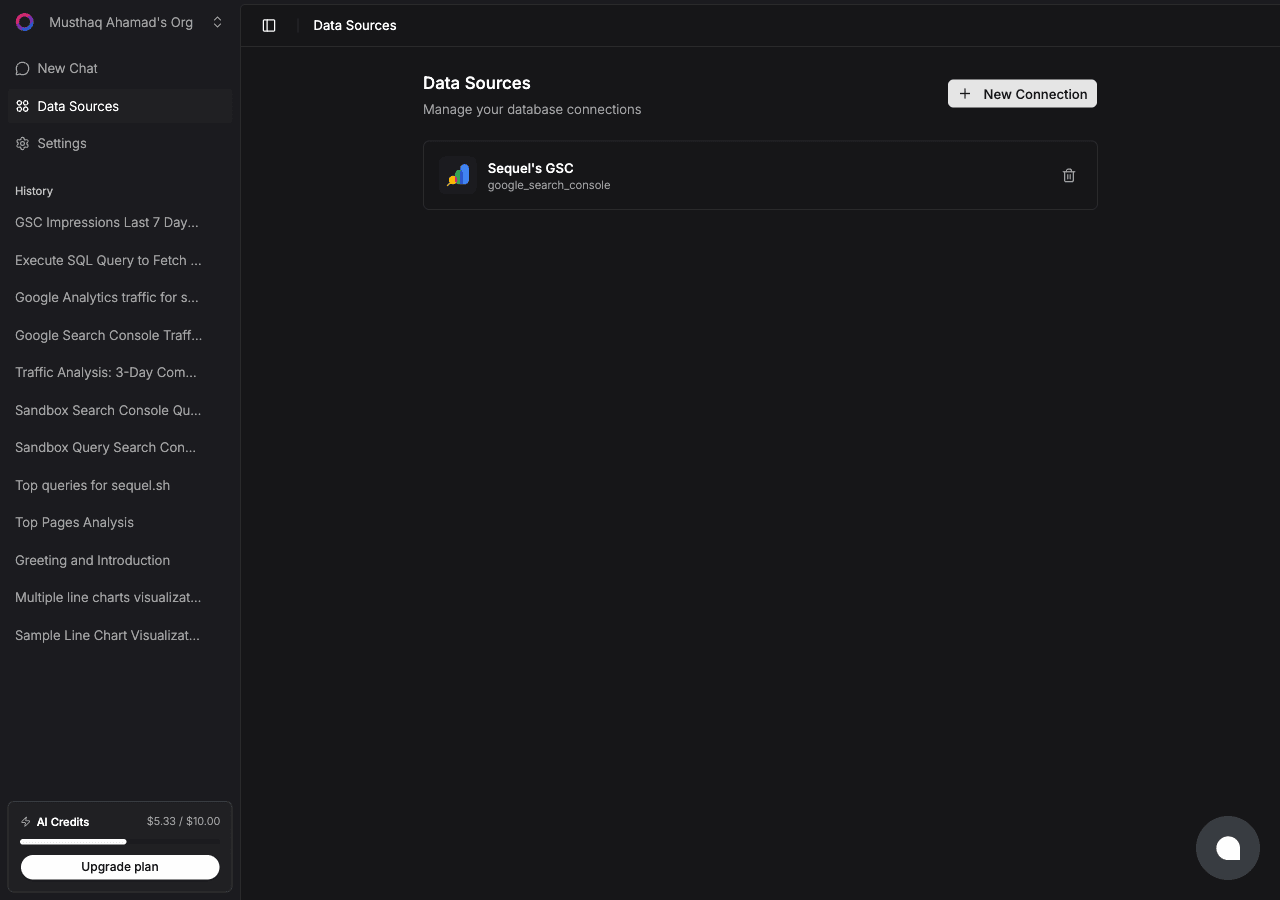
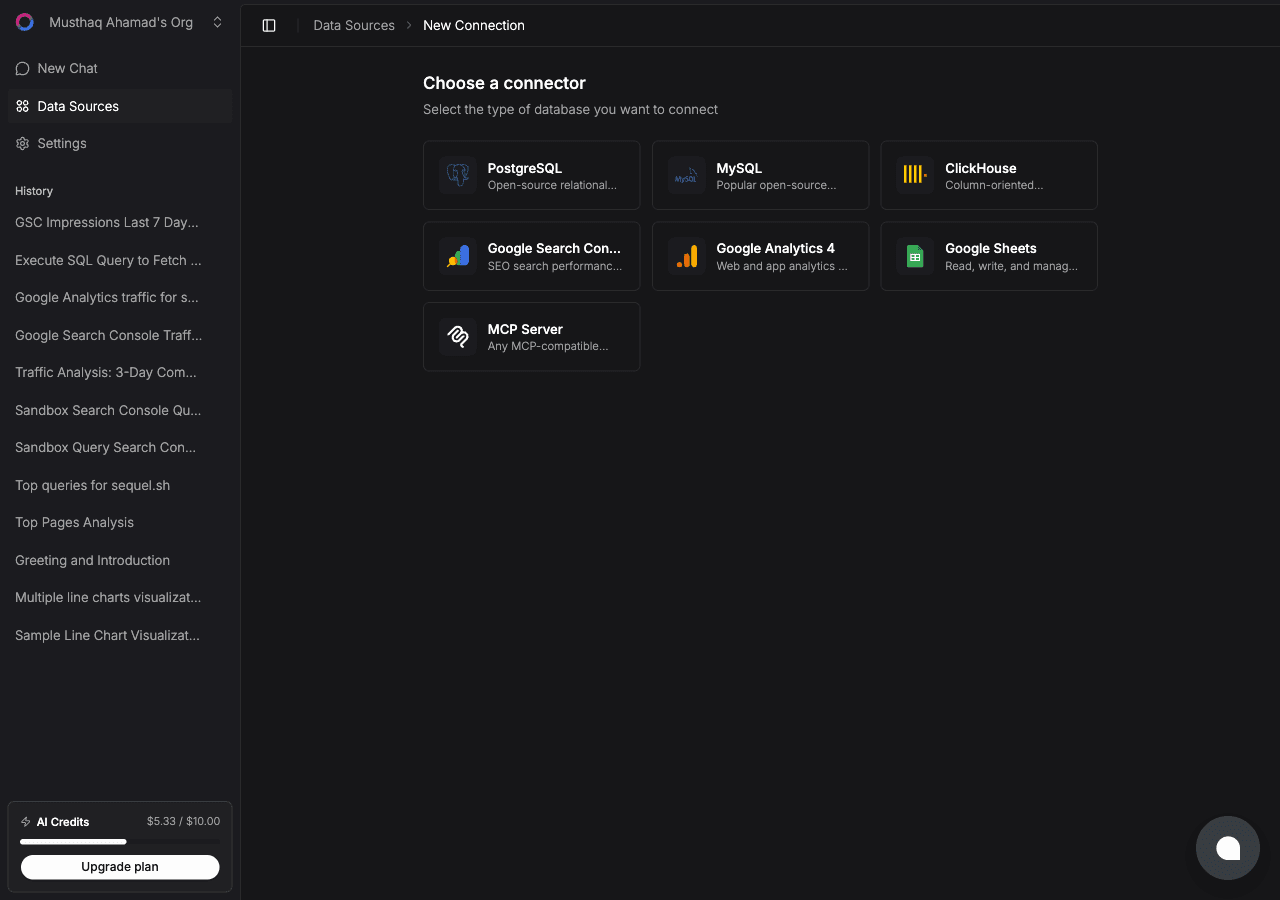
Click New Connection. On the "Choose a connector" page, select HubSpot.
Give the connection a name like HubSpot Production, then click Connect with HubSpot. You'll be redirected to HubSpot's OAuth screen.
Pick the portal you want Sequel to query and approve the requested scopes. Sequel asks for read access only:
crm.objects.contacts.readandcrm.schemas.contacts.readcrm.objects.companies.readandcrm.schemas.companies.readcrm.objects.deals.readandcrm.schemas.deals.readcrm.objects.tickets.readandcrm.schemas.tickets.read
Once you approve, HubSpot redirects you back and Sequel verifies the token. The connection goes live.
Tip: the account you authorize with determines what Sequel can see. If a teammate's deals are hidden from you in the HubSpot UI, they'll be hidden here too. Connect with an account that has the visibility you need.
Step 2: Get Your Sequel API Key
Click Settings in the left sidebar, then select API Keys.
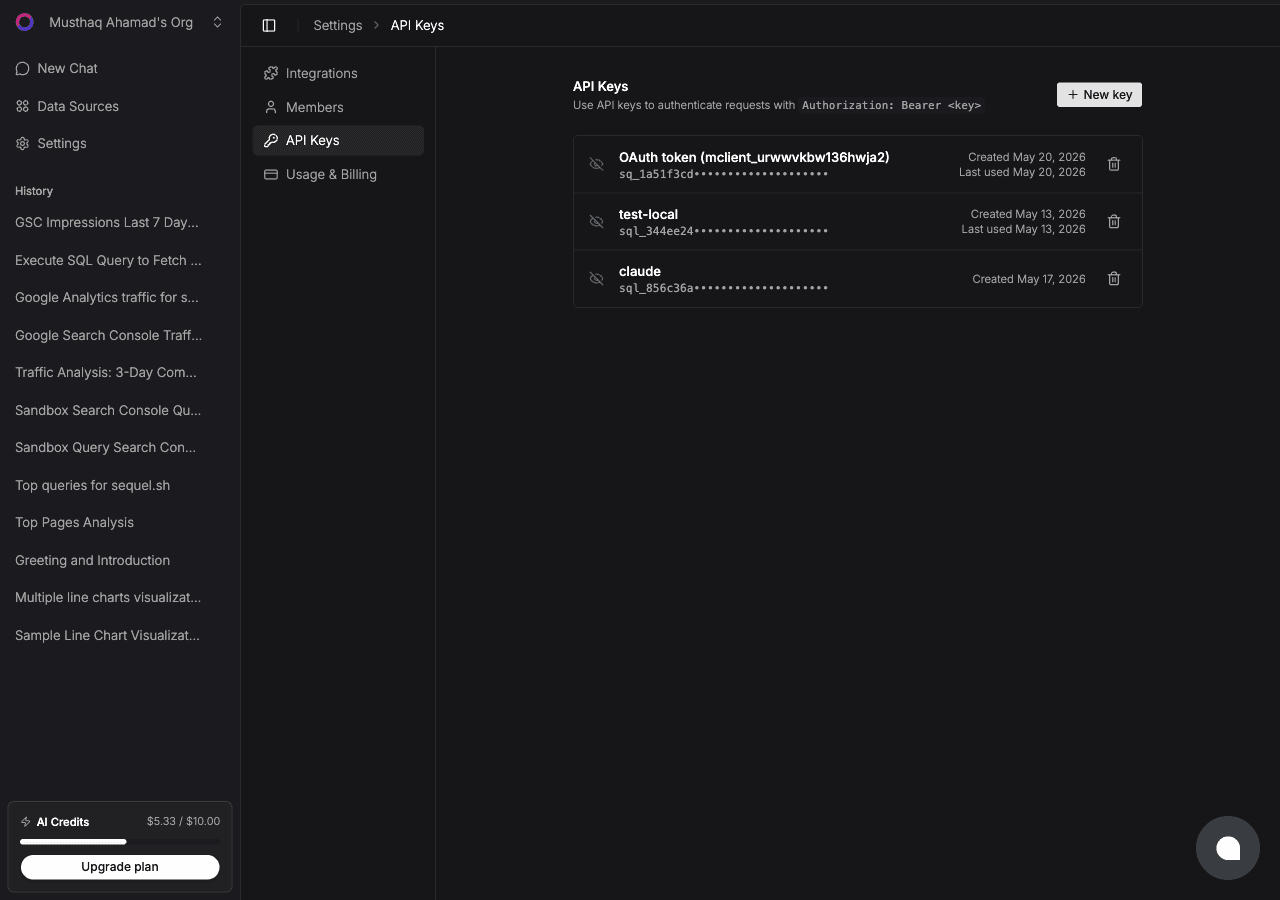
Click New key, name it claude-code-hubspot, and copy the key. It starts with sql_. Treat it like a password.
Shortcut: if you have the Sequel CLI installed,
sequel install claude-codecreates the key and writes the Claude Code config for you. That covers Steps 2 and 3 in one command.
Step 3: Configure Claude Code to Use Sequel MCP
In your terminal:
claude mcp add --transport http sequel https://api.sequel.sh/mcp \
  --header "Authorization: Bearer sql_your_api_key"
Replace sql_your_api_key with the key from Step 2. Add --scope user before --transport to install it globally for every project. Verify with:
claude mcp listYou should see sequel in the list of configured MCP servers.
Step 4: Query Your HubSpot Data
Start a Claude Code session and try these:
How many open deals are in each pipeline stage, and what's the total value per stage?
Show me deals over $50,000 that have sat in Proposal Sent for more than 30 days, with the owner name.
What's our win rate by lead source for deals closed in the last 90 days?
Claude Code calls the Sequel MCP server, which queries HubSpot and returns the results inline.
What You Can Do Now
- Pipeline review prep: ask "Summarize every deal closing this month by stage, owner, and amount." before the forecast call.
- Stalled deal detection: ask "Which deals haven't had an activity logged in 21 days?"
- Support load analysis: ask "How many tickets are open per pipeline, and what's the median age by priority?"
- Segment exploration: ask "Break down our companies by industry and lifecycle stage." Custom properties are included automatically.
- Cross-source analysis: with Postgres or Stripe also connected, ask "For accounts marked Closed Won in HubSpot, what's their current MRR and active seat count?" That join is the part HubSpot reports cannot do.