
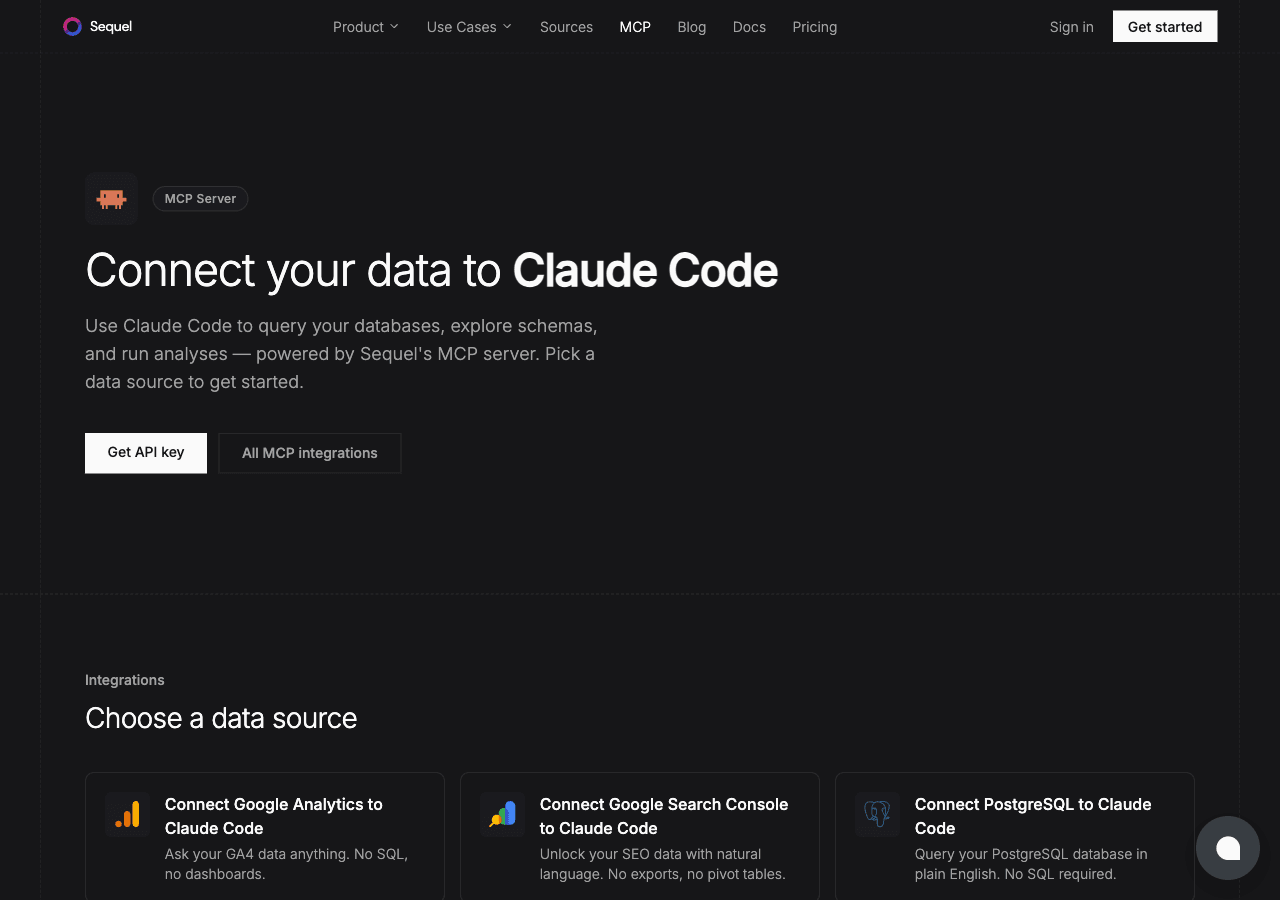
Half the numbers a company runs on live in a spreadsheet that nobody has migrated yet. The headcount plan, the pricing model, the campaign tracker. Claude Code is Anthropic's AI coding CLI that runs in your terminal. Sequel's MCP server connects the two, so that spreadsheet becomes queryable next to your real databases.
This guide walks you through the full setup in four steps.
What You'll Accomplish
By the end of this guide, you'll be able to open a terminal, run Claude Code, and ask questions like:
- "What tabs are in this spreadsheet, and how many rows does each have?"
- "Show me every row in the Campaigns tab where spend is over $5,000."
- "Total the Q3 column in the Budget tab, grouped by department."
Claude Code will use Sequel's MCP server to read the right tab and columns and answer in your terminal.
Prerequisites
- A Sequel account: Sign up free at sequel.sh
- A Google account with at least read access to the spreadsheet you want to query
- A header row in each tab you plan to query, since the first row is read as column names
- Claude Code installed: run
npm install -g @anthropic-ai/claude-codeif you haven't already
Step 1: Connect Google Sheets to Sequel
Sign in to sequel.sh and click Data Sources in the left sidebar.
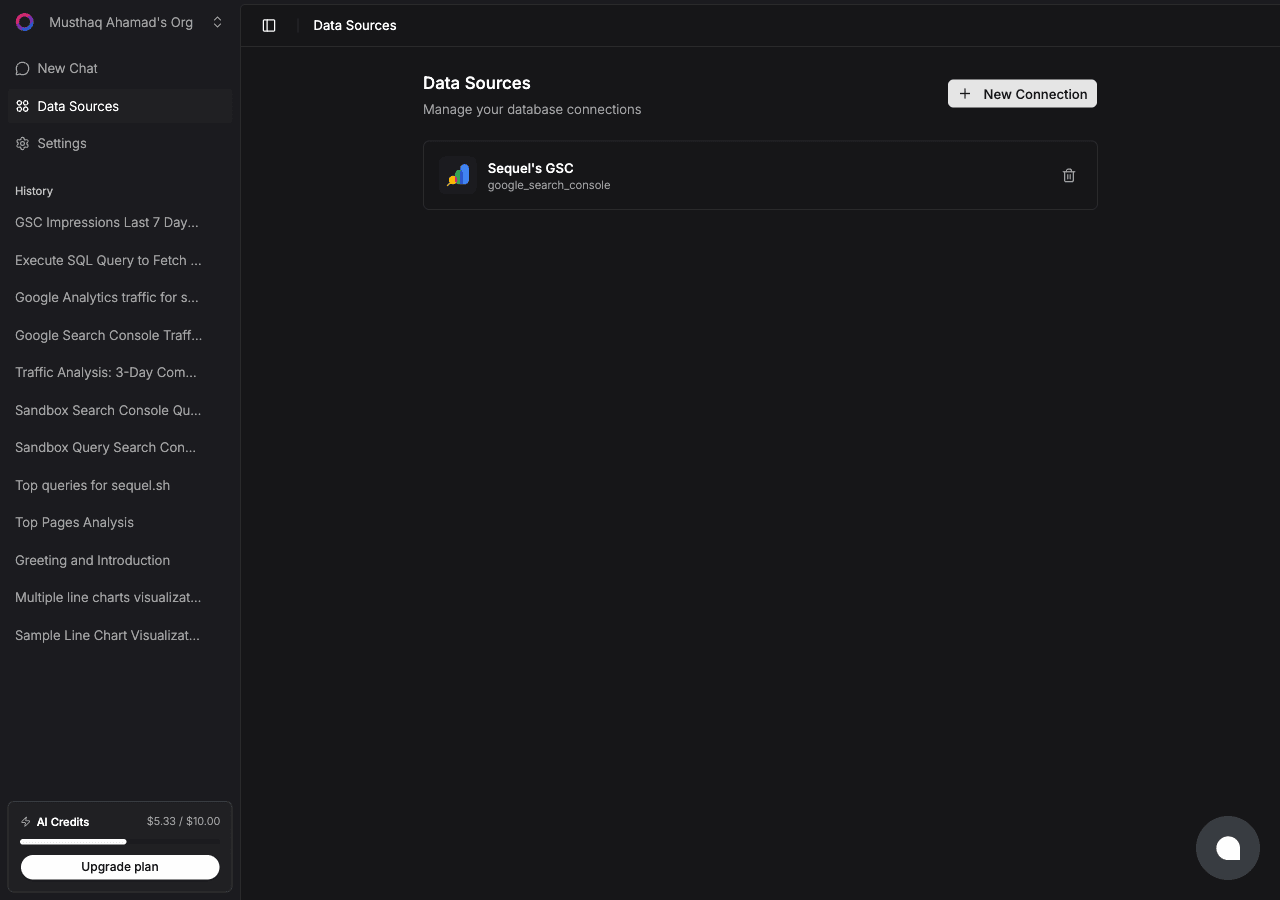
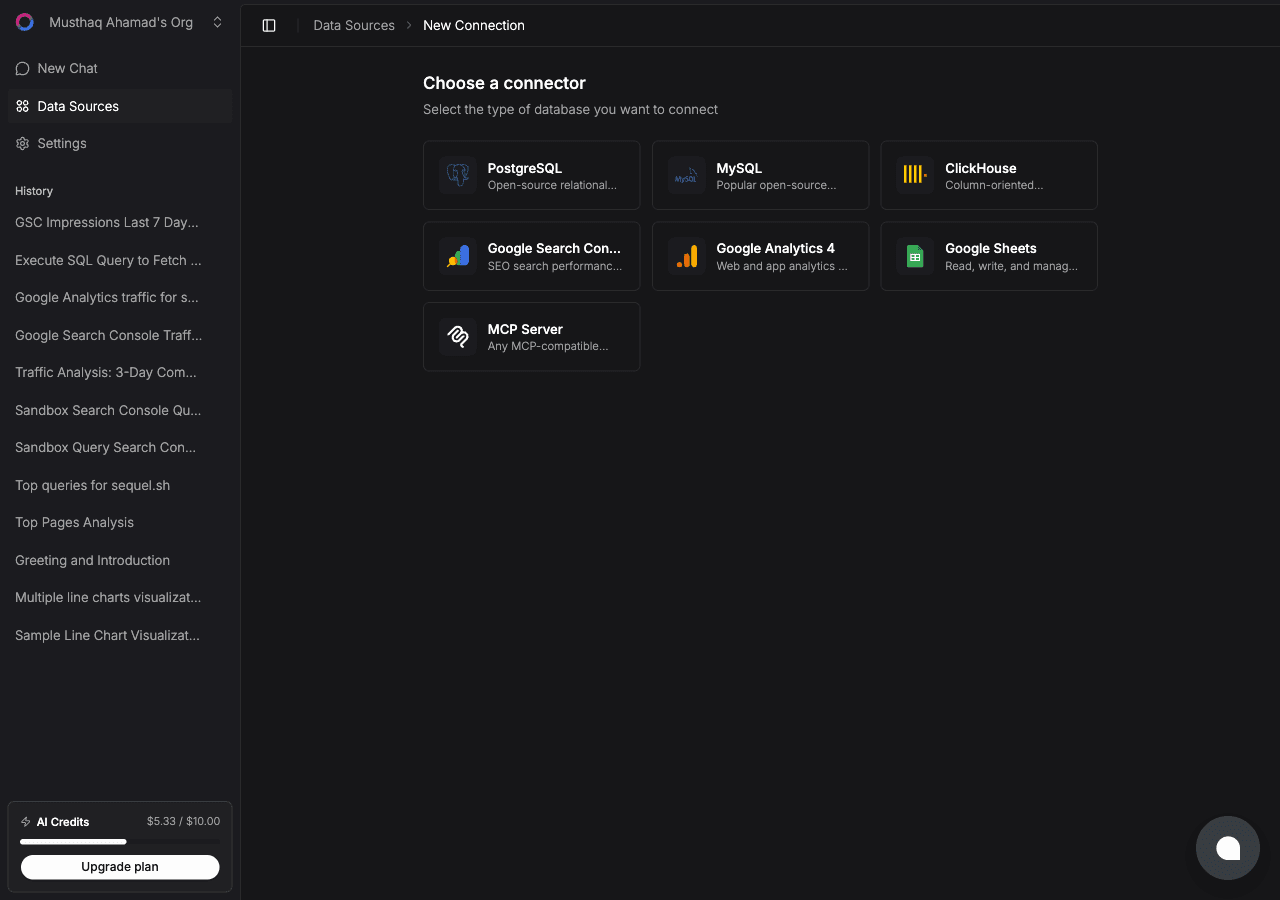
Click New Connection. On the "Choose a connector" page, select Google Sheets.
Give the connection a name, then sign in with Google. There's no URL or spreadsheet ID to paste anywhere.
After you approve the consent screen, Google's file picker opens, filtered to spreadsheets. Select the one you want Sequel to query.
Sequel then verifies it can read the file, indexes the tabs and their column headers, and the connection goes live.
Tip: the file picker is the security boundary. Sequel uses Google's
drive.filescope, so it only ever sees the spreadsheet you explicitly pick. Everything else in your Drive stays invisible to it.
Step 2: Get Your Sequel API Key
Click Settings in the left sidebar, then select API Keys.
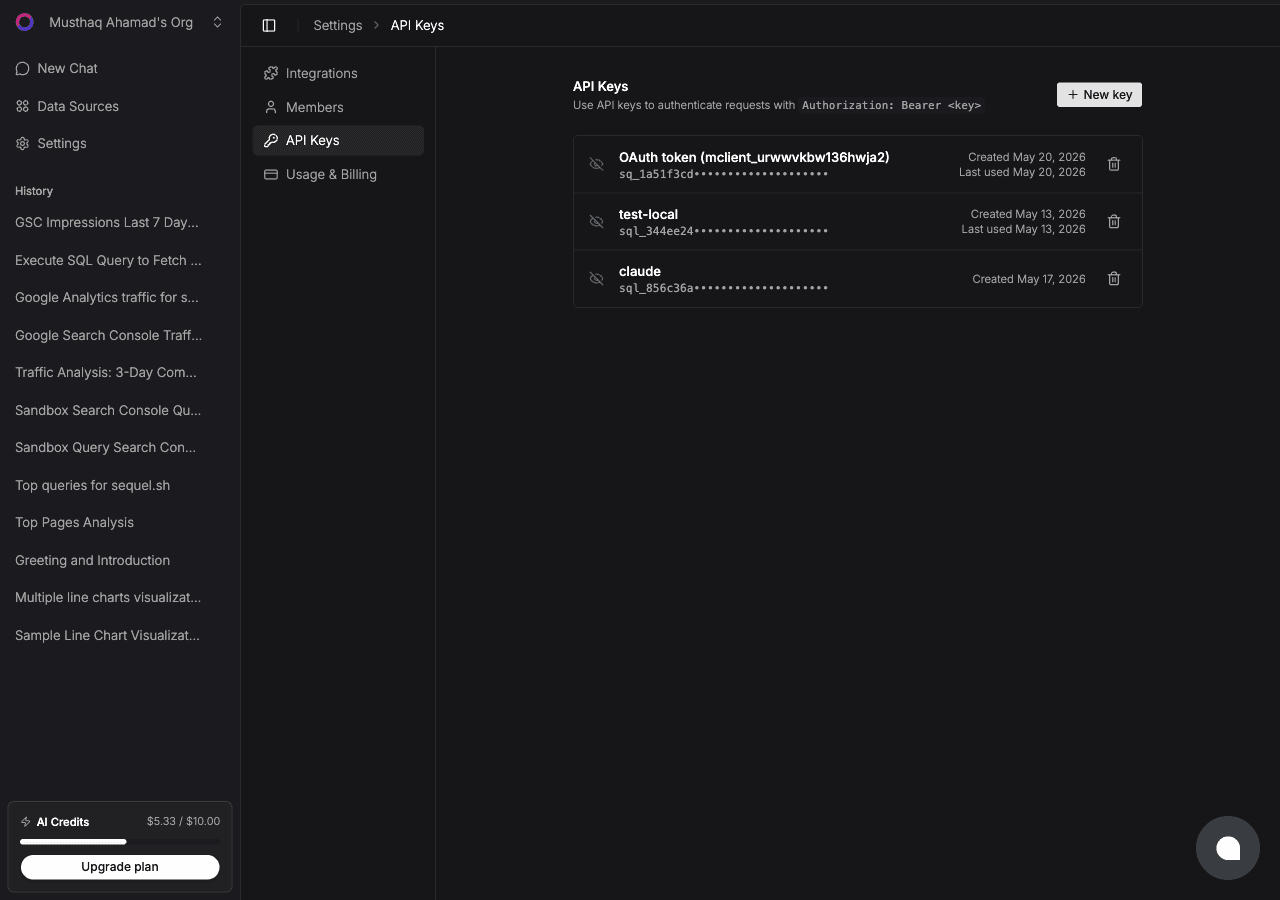
Click New key, name it claude-code-sheets, and copy the key. It starts with sql_. Treat it like a password.
Shortcut: if you have the Sequel CLI installed,
sequel install claude-codecreates the key and writes the Claude Code config for you. That covers Steps 2 and 3 in one command.
Step 3: Configure Claude Code to Use Sequel MCP
In your terminal:
claude mcp add --transport http sequel https://api.sequel.sh/mcp \
  --header "Authorization: Bearer sql_your_api_key"
Replace sql_your_api_key with the key from Step 2. Add --scope user before --transport to install it globally for every project. Verify with:
claude mcp listYou should see sequel in the list of configured MCP servers.
Step 4: Query Your Spreadsheet
Start a Claude Code session and try these:
What tabs are in this spreadsheet, and what are the column headers in each?
Read the Campaigns tab and show me every row where spend is over $5,000, sorted by ROAS.
In the Budget tab, sum the Q3 column grouped by department and flag anything over plan.
Claude Code calls the Sequel MCP server, which reads the relevant tab and returns the rows inline.
What You Can Do Now
- Explore a handed-over sheet: ask "What's in this spreadsheet and how is it structured?" instead of scrolling through 14 tabs someone else built.
- Ad-hoc math without formulas: ask "What's the average deal size in the Pipeline tab, excluding rows marked Lost?"
- Data quality checks: ask "Which rows in the Inventory tab are missing a SKU or have a negative quantity?"
- Turn a sheet into a report: ask "Summarize the Campaigns tab into a short performance rundown by channel."
- Cross-source analysis: with Postgres also connected, ask "Reconcile the headcount plan in my Planning tab against the employees table in Postgres, and show which planned roles have no matching active employee." That reconciliation is the part a spreadsheet cannot do alone.