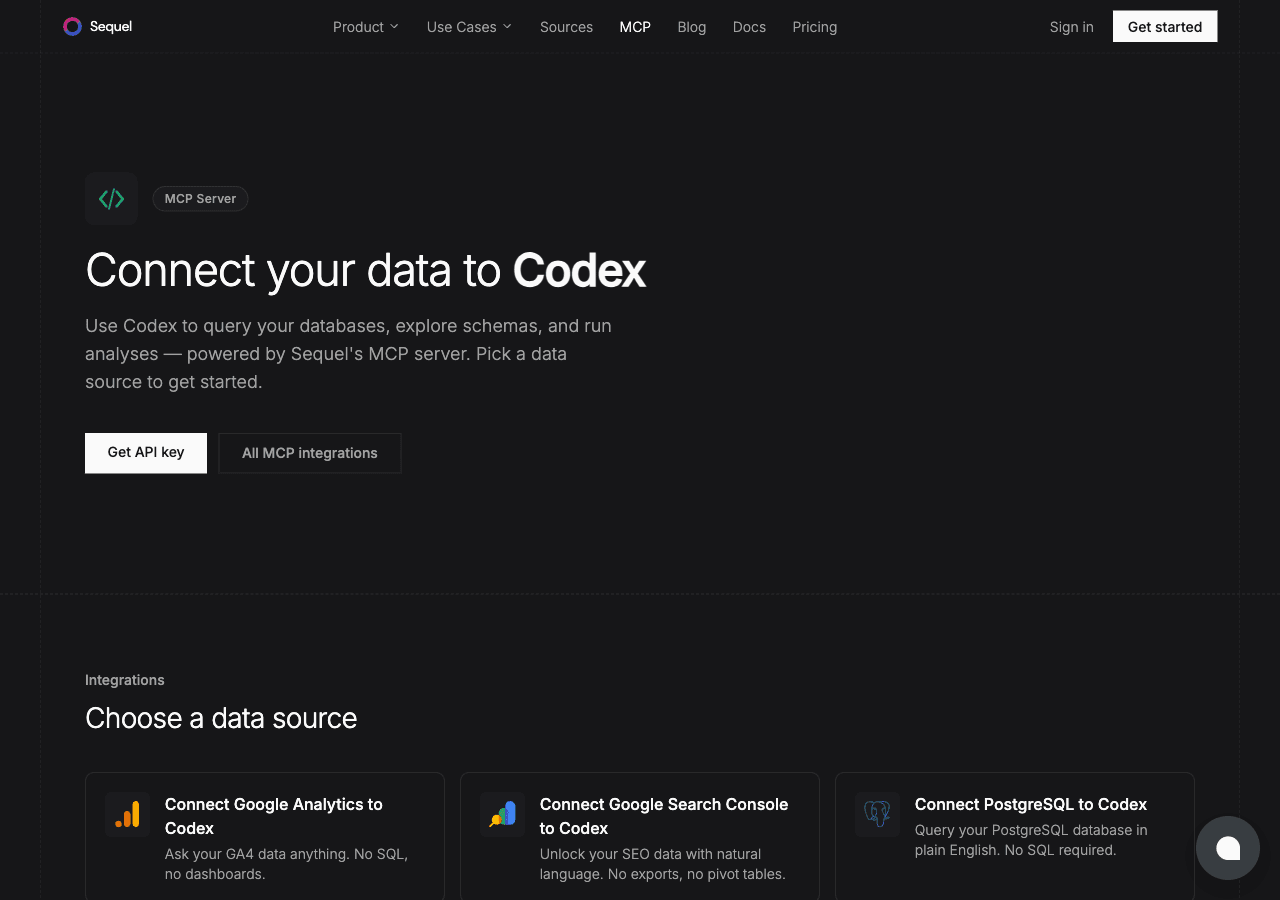
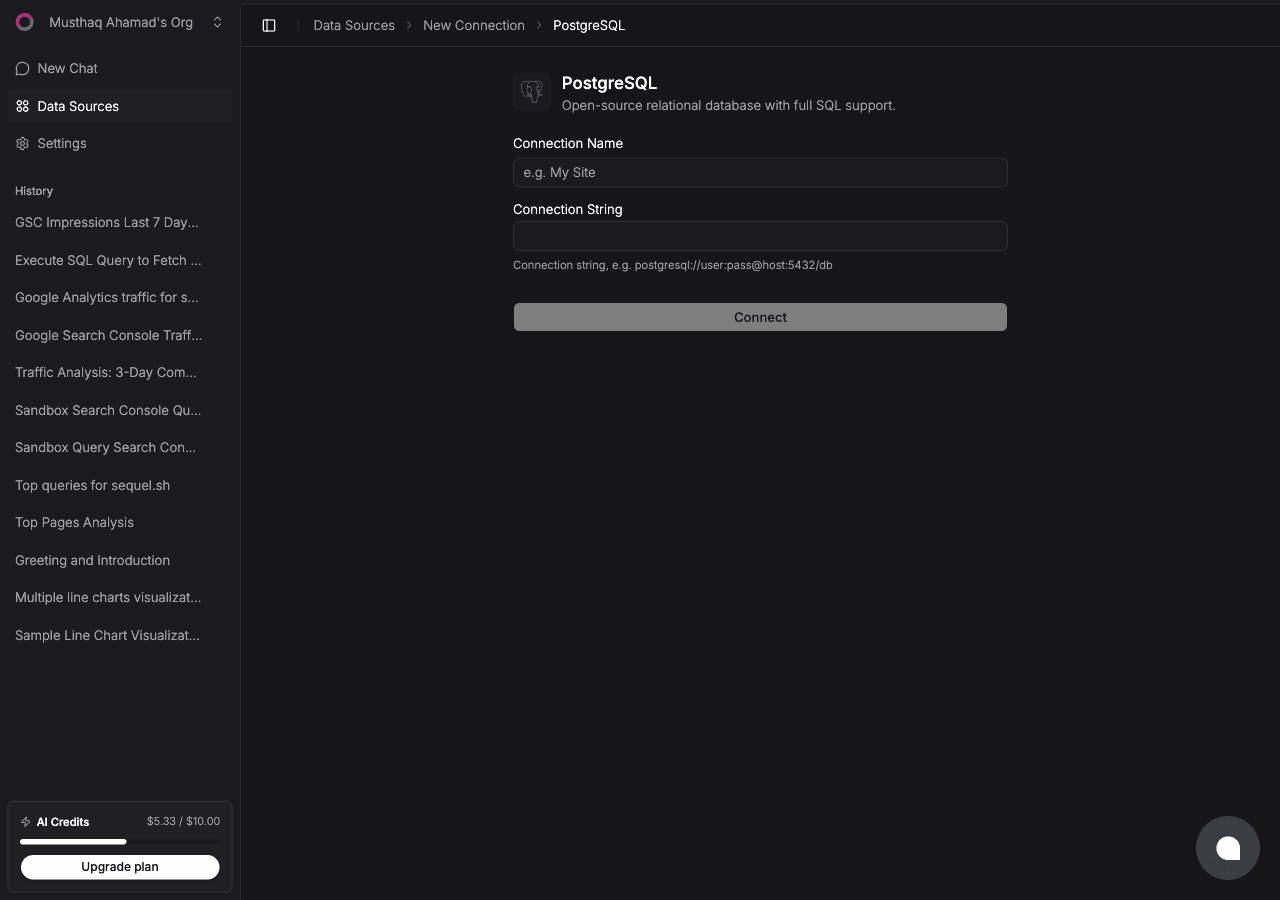
The OpenAI Codex CLI brings AI-assisted development directly into your terminal. Combined with Sequel's MCP server, it becomes a tool for querying your PostgreSQL database in natural language, right alongside the rest of your development workflow, without leaving the command line.
What You'll Accomplish
After this setup, you can run Codex in your terminal and ask:
"How many active sessions are in the database right now?"
"Which tables have more than a million rows?"
"Give me the schema for the orders table."
Codex will call Sequel's MCP server, run the SQL against your PostgreSQL database, and return the results in the terminal session.
Recommended: Create a read-only user before connecting:
CREATE USER sequel_reader WITH PASSWORD 'strong_password';GRANT CONNECT ON DATABASE myapp TO sequel_reader;GRANT USAGE ON SCHEMA public TO sequel_reader;GRANT SELECT ON ALL TABLES IN SCHEMA public TO sequel_reader;
Step 2: Get Your Sequel API Key
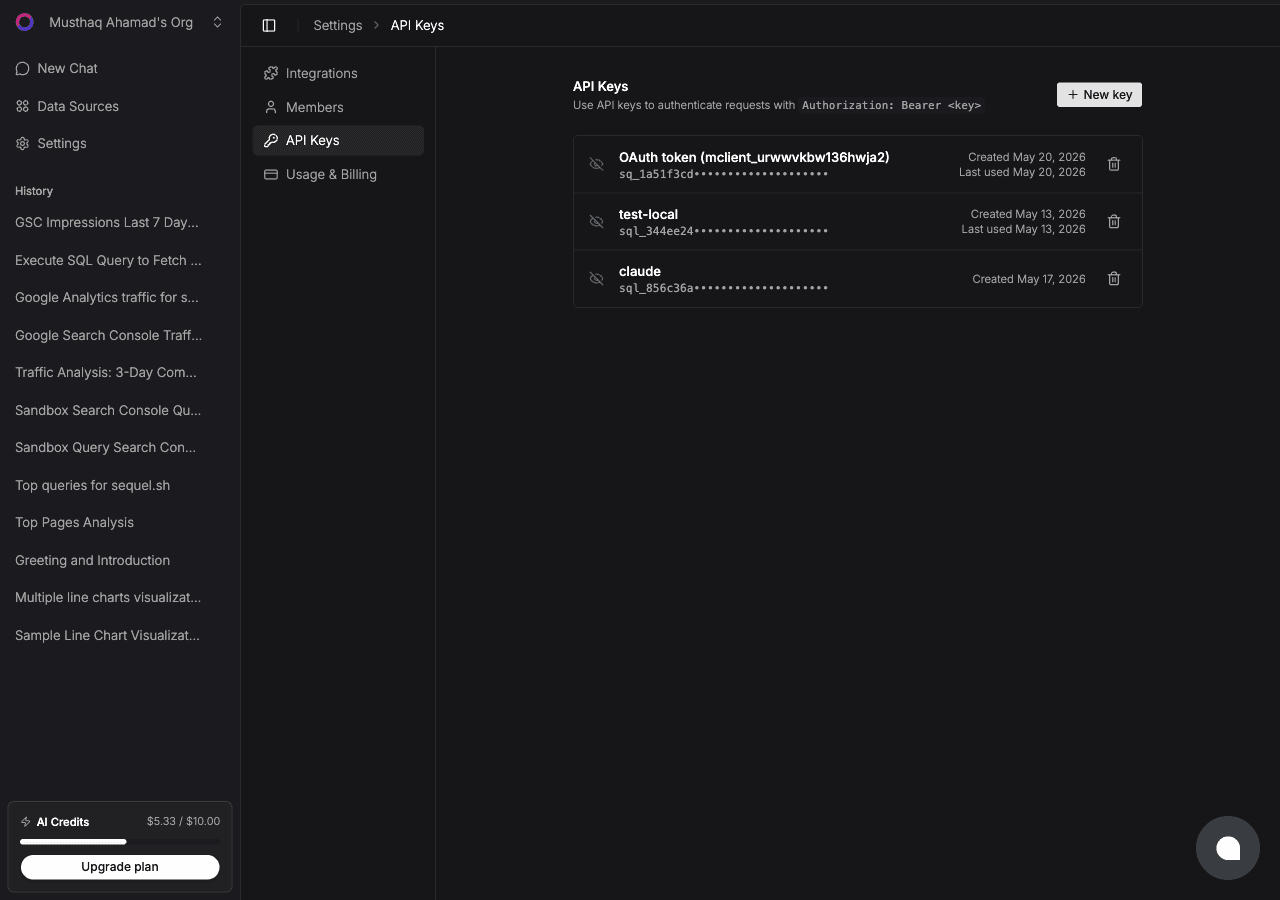
Click Settings in the left sidebar, then select API Keys from the settings navigation.
Click New key, name it codex, and copy the key (starts with sql_).
Step 3: Configure Codex CLI to Use Sequel MCP
Set your API key as an environment variable (add to ~/.zshrc or ~/.bashrc):
export SEQUEL_API_KEY="sql_your_api_key"
Reload your shell:
source ~/.zshrc
Add Sequel to ~/.codex/config.toml (create the file if it doesn't exist):
Save the file. Codex will load this MCP server on the next session start.
Step 4: Query Your PostgreSQL Database
Start a Codex session:
codex
Then ask questions:
What tables are in my PostgreSQL database?
How many users signed up in the last 7 days?
Show me all orders with a total value over $500 from this month.
Codex calls Sequel's MCP tools, translates your question to SQL, runs it, and returns results in the terminal.
What You Can Do Now
Explore database schemas while coding: ask "What columns does the events table have?" without switching to a database client
Debug data issues during development: ask "Are there any rows in the jobs table with a null status?"
Understand existing data: ask "What's the distribution of user_role values in the users table?"
Catch issues before production: ask "Are there any orders with negative total values?" as a pre-deploy check
Try Sequel
Build your company brain.
Sequel connects the systems your company runs on and learns how your team defines every metric, so any AI agent can answer from it. Free for up to 3 seats, no credit card required.
The OpenAI Codex CLI is a terminal-based AI coding assistant from OpenAI. It runs in your terminal, can read your local project files, and execute shell commands. It's a developer-first tool that integrates directly into your coding workflow.
Where does the Codex CLI store MCP server configuration?
The Codex CLI stores MCP server config in "~/.codex/config.toml". If this file doesn't exist yet, create it. The format is TOML, and each server is defined under an [mcp_servers.name] section.
Why use an environment variable for the API key instead of hardcoding it?
Storing secrets in config files risks accidentally committing them to git. Using bearer_token_env_var means Codex reads the key from an environment variable at runtime. You can set it in your shell profile and it never touches a config file that might be shared.
Can I connect multiple databases to Codex through Sequel?
Yes. Add multiple data sources in Sequel and they'll all be accessible through the single Sequel MCP server entry in your Codex config.
Does this work with cloud-hosted PostgreSQL?
Yes. Any PostgreSQL-compatible host works. AWS RDS, Supabase, Neon, Railway, and others all work as long as Sequel can reach the database over the network.
Do I need a read-only PostgreSQL user?
Strongly recommended. Create a user with SELECT-only access so that even if a query goes wrong, no data can be modified.