
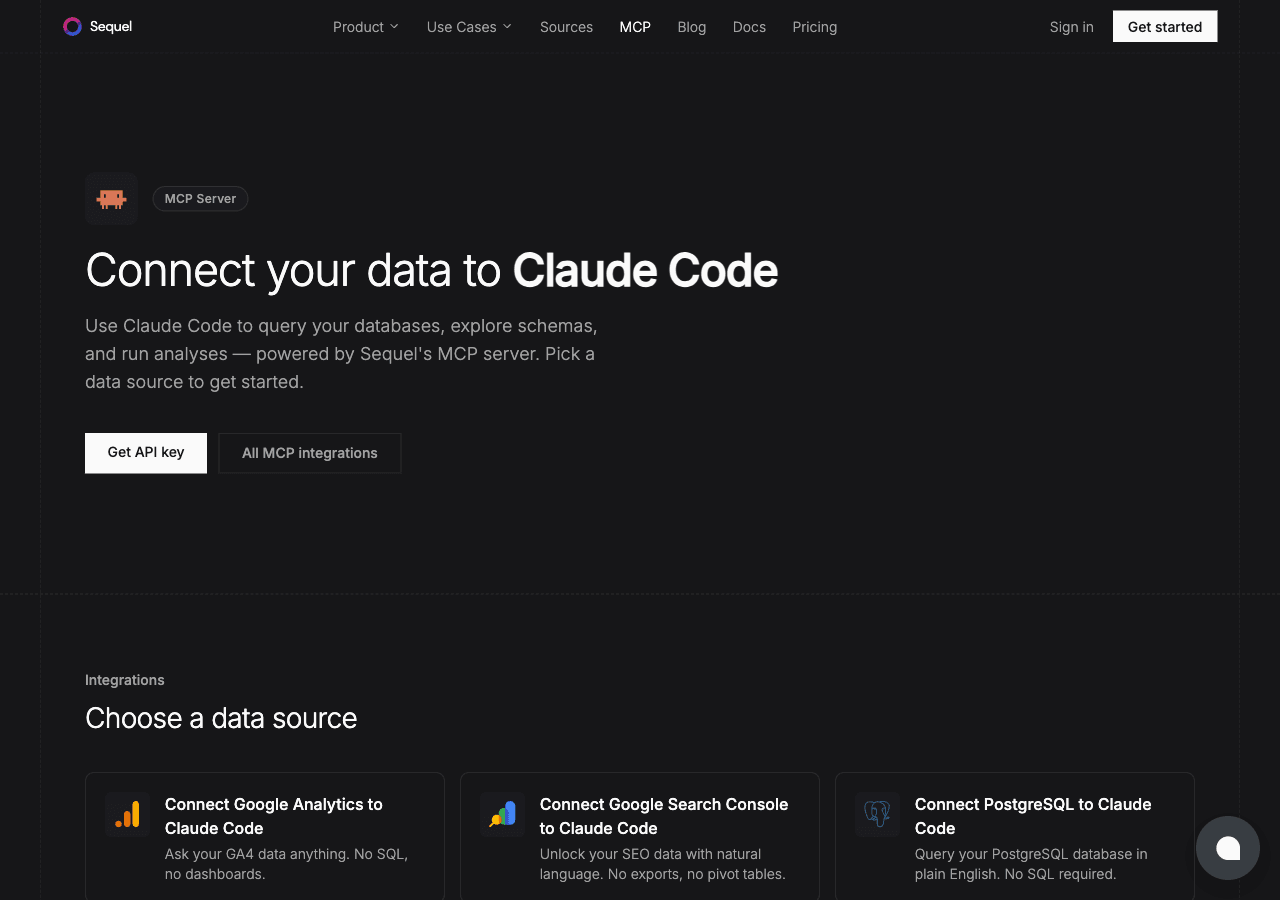
Google BigQuery holds your company's most valuable data: event logs, revenue records, user behavior, product analytics. Claude Code is Anthropic's AI CLI that runs in your terminal. With Sequel's MCP server, you can ask BigQuery questions in plain English without writing SQL or switching tools.
What You'll Accomplish
After completing this setup, you'll be able to run Claude Code and ask:
- "What are the top 10 products by revenue this month?"
- "How many new users signed up each day last week?"
- "Which marketing campaigns drove the most conversions this quarter?"
Prerequisites
- A Sequel account — Sign up free at sequel.sh
- A GCP project with BigQuery enabled — and your Project ID ready
- Claude Code installed — run
npm install -g @anthropic-ai/claude-codeif needed
Step 1: Connect Your BigQuery Project to Sequel
Sign in to sequel.sh and click Data Sources in the left sidebar.
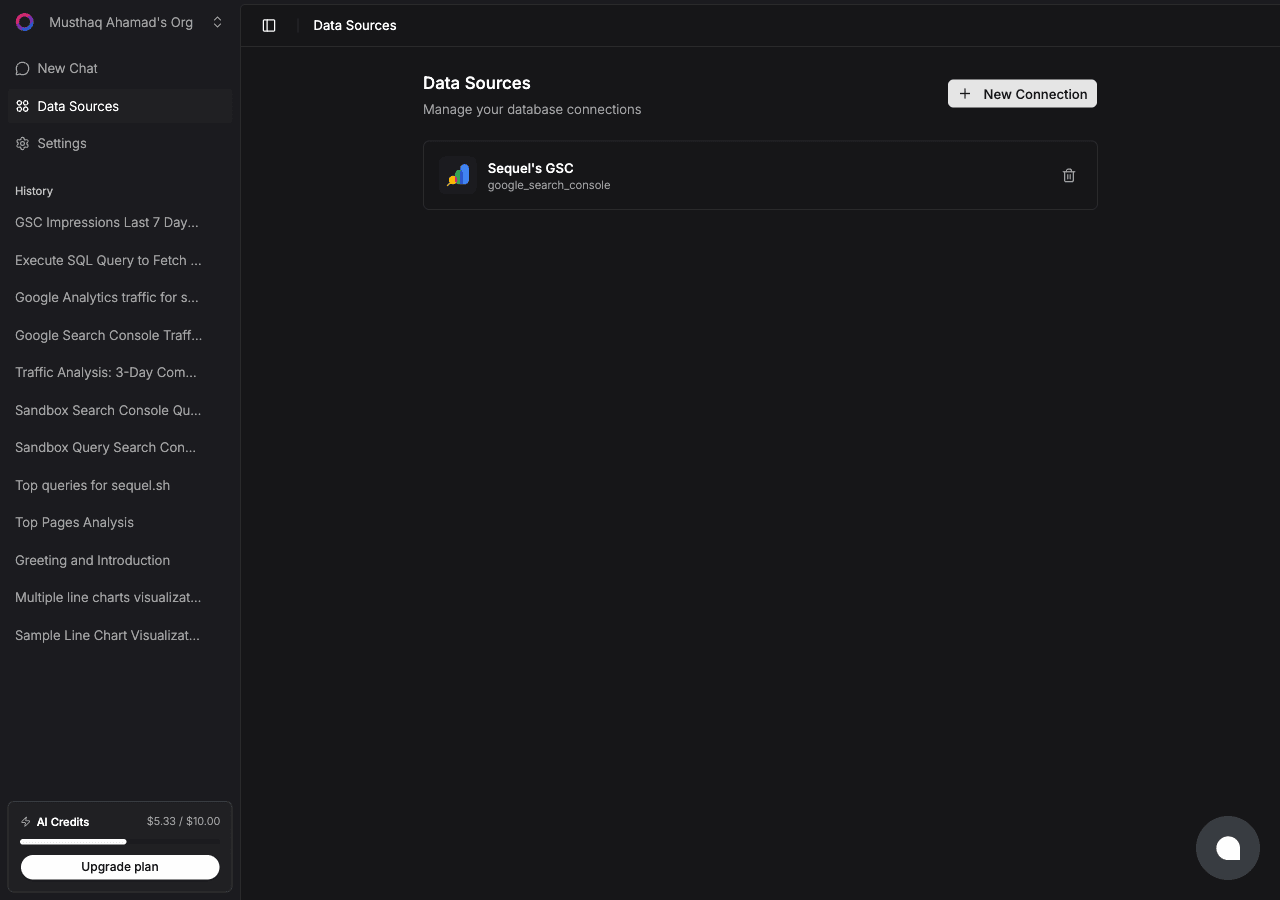
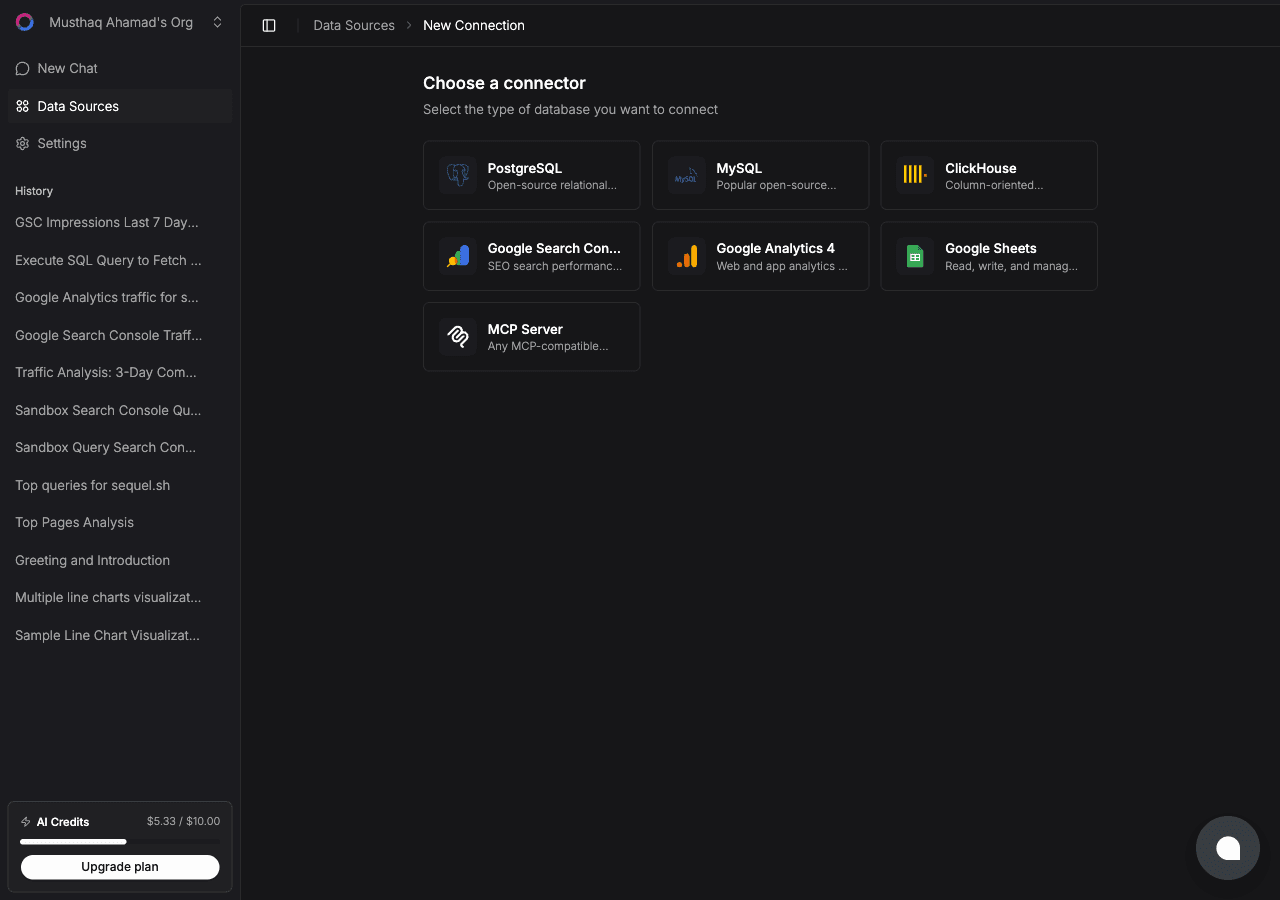
Click New Connection. On the "Choose a connector" page, select BigQuery.
Click Connect with Google and sign in with the Google account that has access to your BigQuery project. Sequel requests read-only access (bigquery.readonly scope) — it cannot modify your data.
After authorizing, enter your GCP Project ID (e.g. my-company-analytics-123). You can find this in the Google Cloud Console at the top of the dashboard.
Click Connect to verify and save.
Step 2: Get Your Sequel API Key
Click Settings in the left sidebar, then select API Keys from the settings navigation.
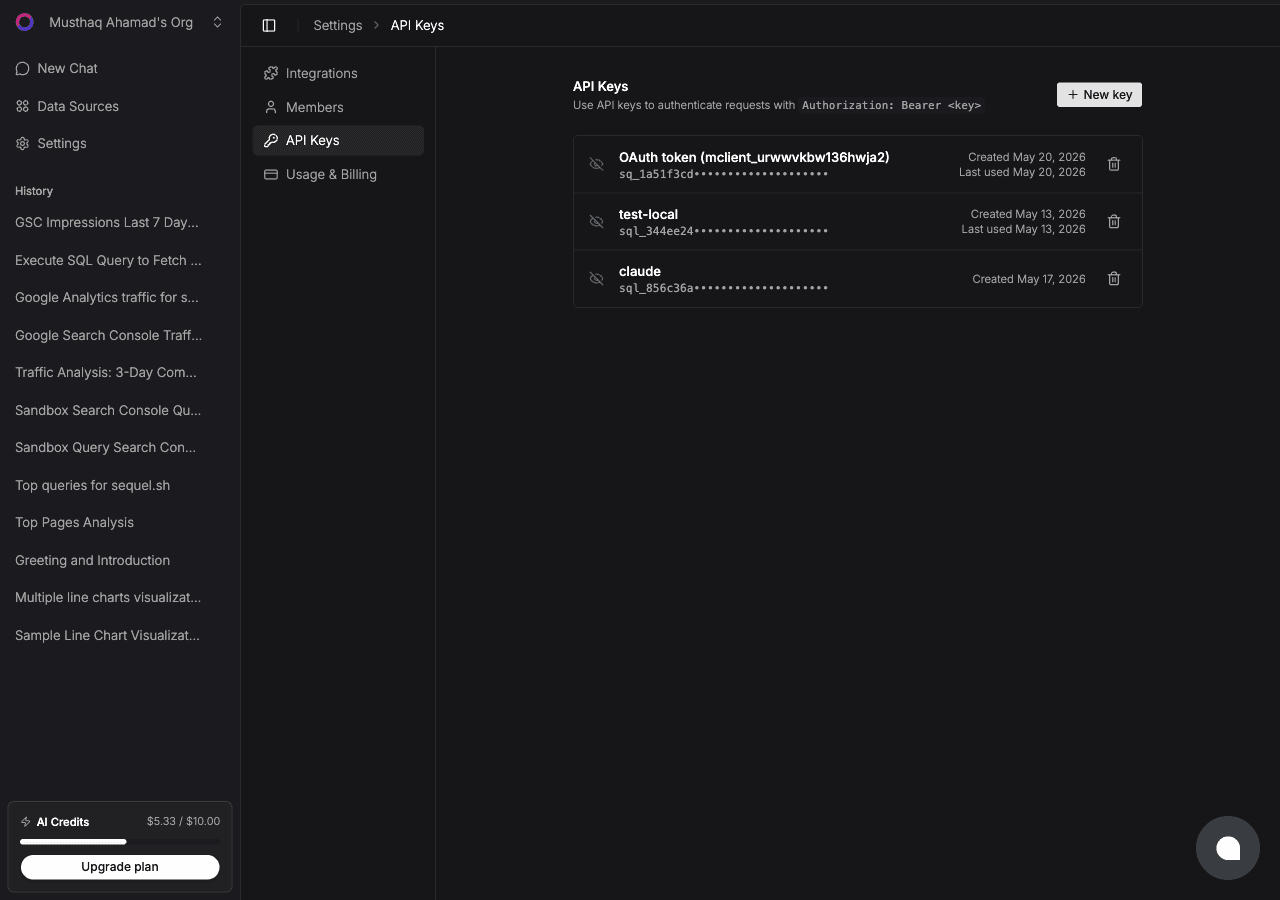
Click New key, name it claude-code-bigquery, and copy the key (starts with sql_).
Step 3: Configure Claude Code to Use Sequel MCP
In your terminal:
claude mcp add --transport http sequel https://api.sequel.sh/mcp \
  --header "Authorization: Bearer sql_your_api_key"
Replace sql_your_api_key with the key from Step 2. Add --scope user before --transport to install it globally for every project. Verify with:
claude mcp listStep 4: Query Your BigQuery Data
Start a Claude Code session and ask questions about your data:
What are the top 10 events by count in the last 7 days?
Show me daily revenue for the past 30 days.
Which countries have the highest number of active users this month?
Claude Code translates these into BigQuery standard SQL, runs the query through Sequel, and returns results in your terminal.
What You Can Do Now
- Revenue analysis — ask "What's the month-over-month revenue growth for each product category?"
- User behavior — ask "What's the average session duration by device type this week?"
- Funnel analysis — ask "What percentage of users who viewed a product page made a purchase?"
- Schema navigation — ask "What tables are in my analytics dataset?" to orient yourself
- Incident response — ask "Are error rates higher than usual in the past hour?" during an incident
- Executive reporting — ask "Give me key KPIs for this quarter vs. last quarter"