
Apollo holds both your own saved CRM records and a global B2B database, and the interface makes it easy to forget which one you are searching. Grok Bot is xAI's bot builder, an agent that keeps context and reaches your tools through plugins. Connect Apollo through Sequel and your bot can run both kinds of search, then compare the results against your real customer list.
TL;DR
| What you're connecting | An Apollo.io account to Grok Bot |
| Setup time | About 5 minutes |
| Setup method | One chat message. Grok Bot has no MCP config file |
| Auth to Apollo | Master API key, passed as X-Api-Key |
| Auth to the bot | OAuth to Sequel. No key in the chat |
| Access level | Search tools only, read-only |
| Credit cost | Global People and Organization search consumes credits. Contacts and Accounts do not |
What You'll Accomplish
Once this is wired up, you can ask your bot:
- "Find VPs of Sales at SaaS companies in the US with 50 to 200 employees."
- "Which of our Apollo contacts were added in the last 30 days and never emailed?"
- "List our accounts in the Negotiation stage, sorted by last activity."
Prerequisites
- A Sequel account: sign up free at sequel.sh
- An Apollo.io account with access to Settings → Integrations → API
- A master API key created with master access enabled
- A Grok account with a bot you can send messages to
Step 1: Connect Apollo to Sequel
In Apollo, go to Settings → Integrations → API → Create New Key and enable master access. Copy the key.
Then sign in to sequel.sh, open Data Sources, click New Connection, and choose Apollo.io.
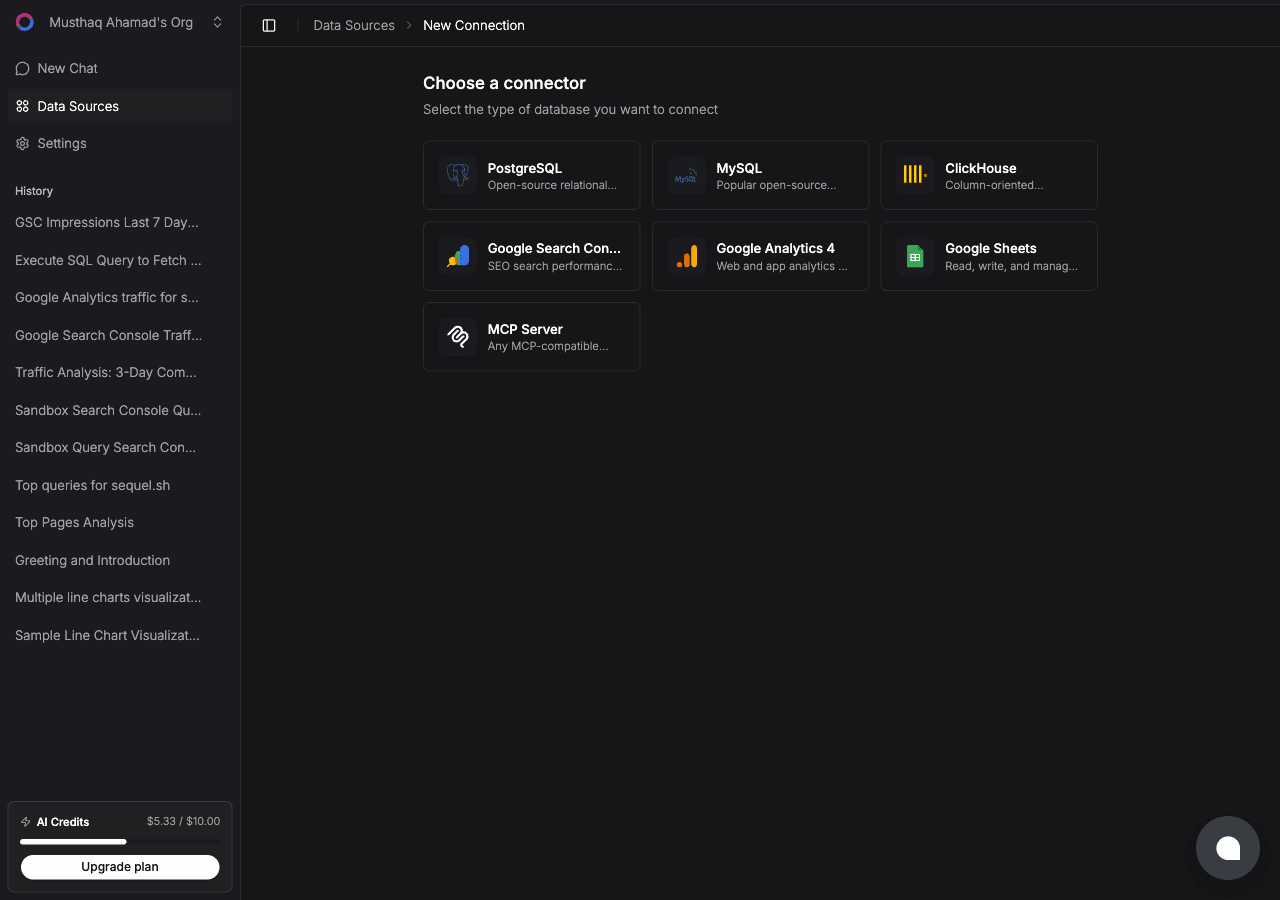
Paste the key into the API key field. Sequel verifies it against the Apollo API.
What you get, all read-only:
| Tool | What it searches | Credits |
|---|---|---|
| People | Apollo's global prospect database by title, seniority, location, employer, headcount, keywords | Consumes credits |
| Organizations | Apollo's global company database by location, headcount, industry tags, domains | Consumes credits |
| Contacts | The contacts your team has saved in Apollo | Free |
| Accounts | The accounts your team has saved in Apollo | Free |
Step 2: Add Sequel to Grok Bot
Grok Bot has no MCP config file and no settings form to fill in. You add a server by asking the bot.
Open a chat with your bot and send this:
Add a custom MCP server called sequel at https://api.sequel.sh/mcp
Say custom server explicitly. Leave those words out and the bot searches the plugin marketplace instead of registering your endpoint.
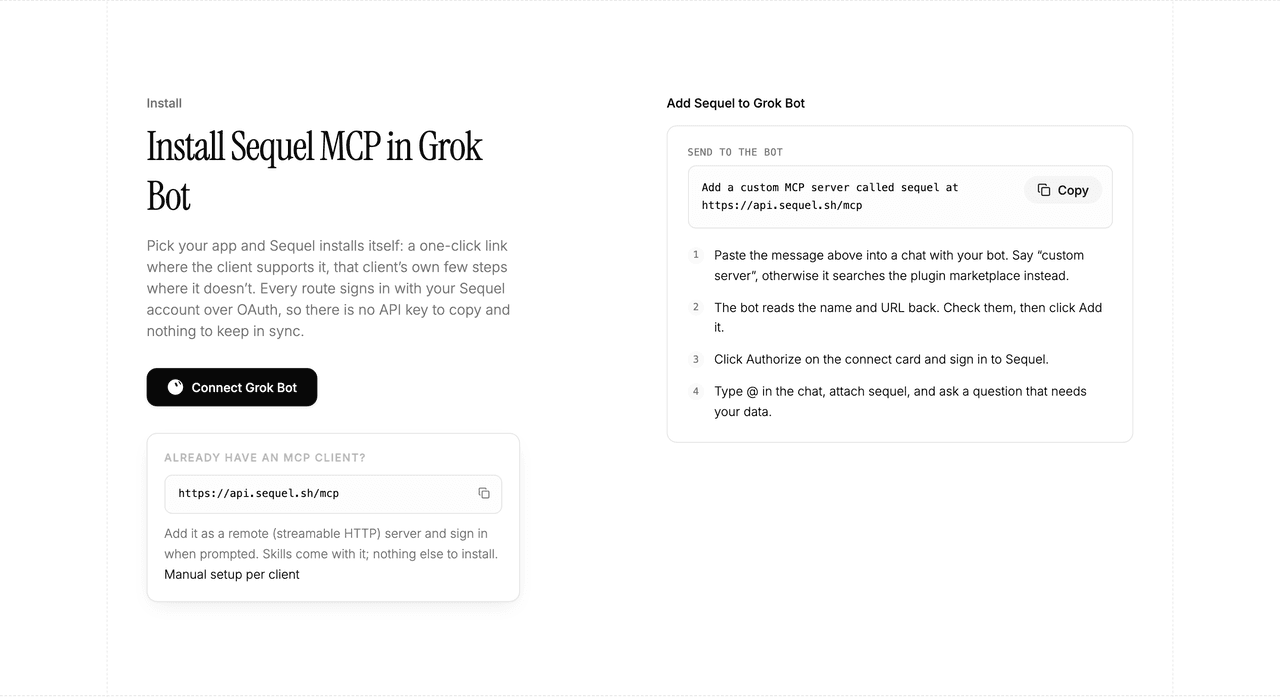
The bot reads the name and URL back to you. Check both, confirm, and it posts a connect card in the chat. Click Authorize, sign in to Sequel, and approve access. The OAuth token stays on the connector side, so there is no API key to copy and nothing to keep in sync.
To confirm it registered, open Settings → Plugins → Yours. Every server on your account is listed there, including the ones you added by chat.
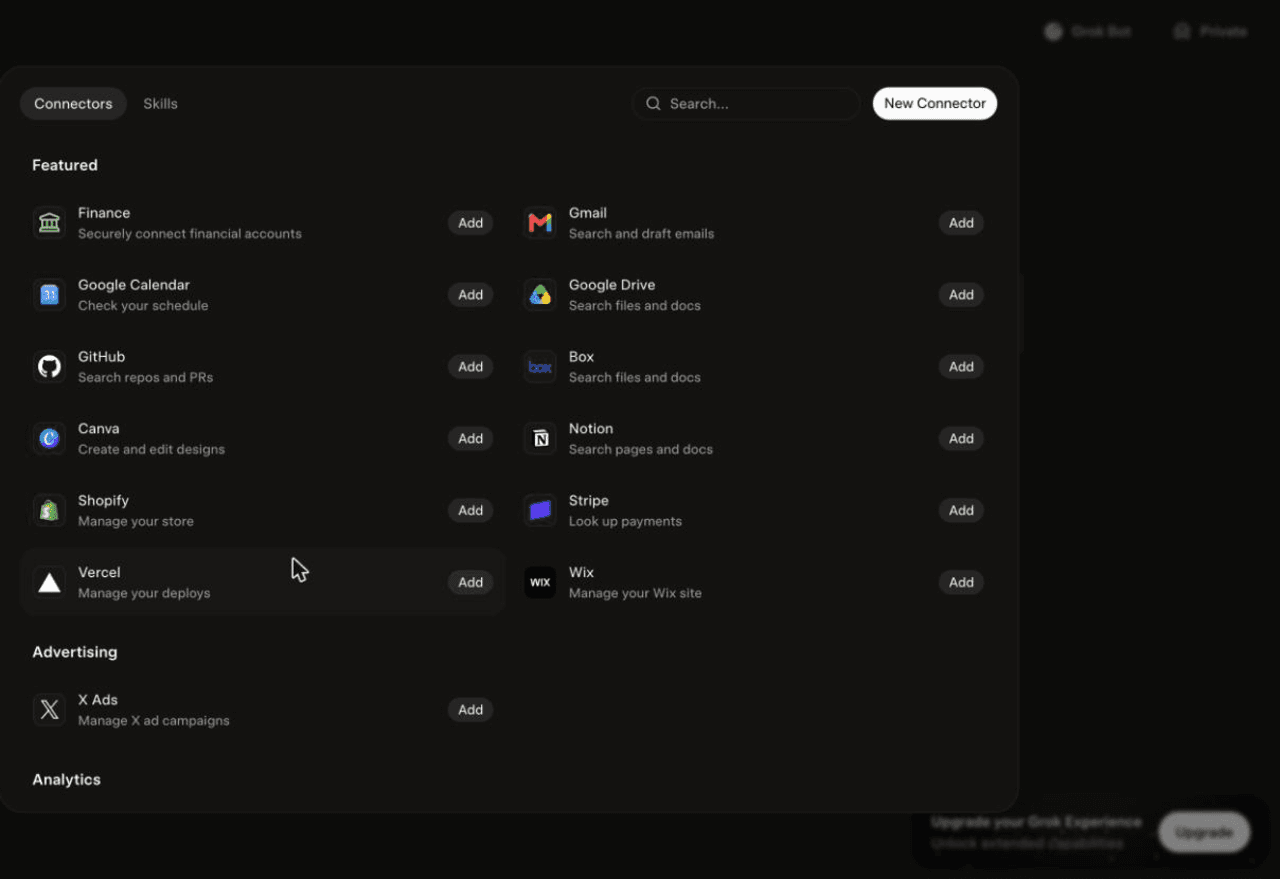
Then attach it to a task: type @ in the chat and pick sequel.
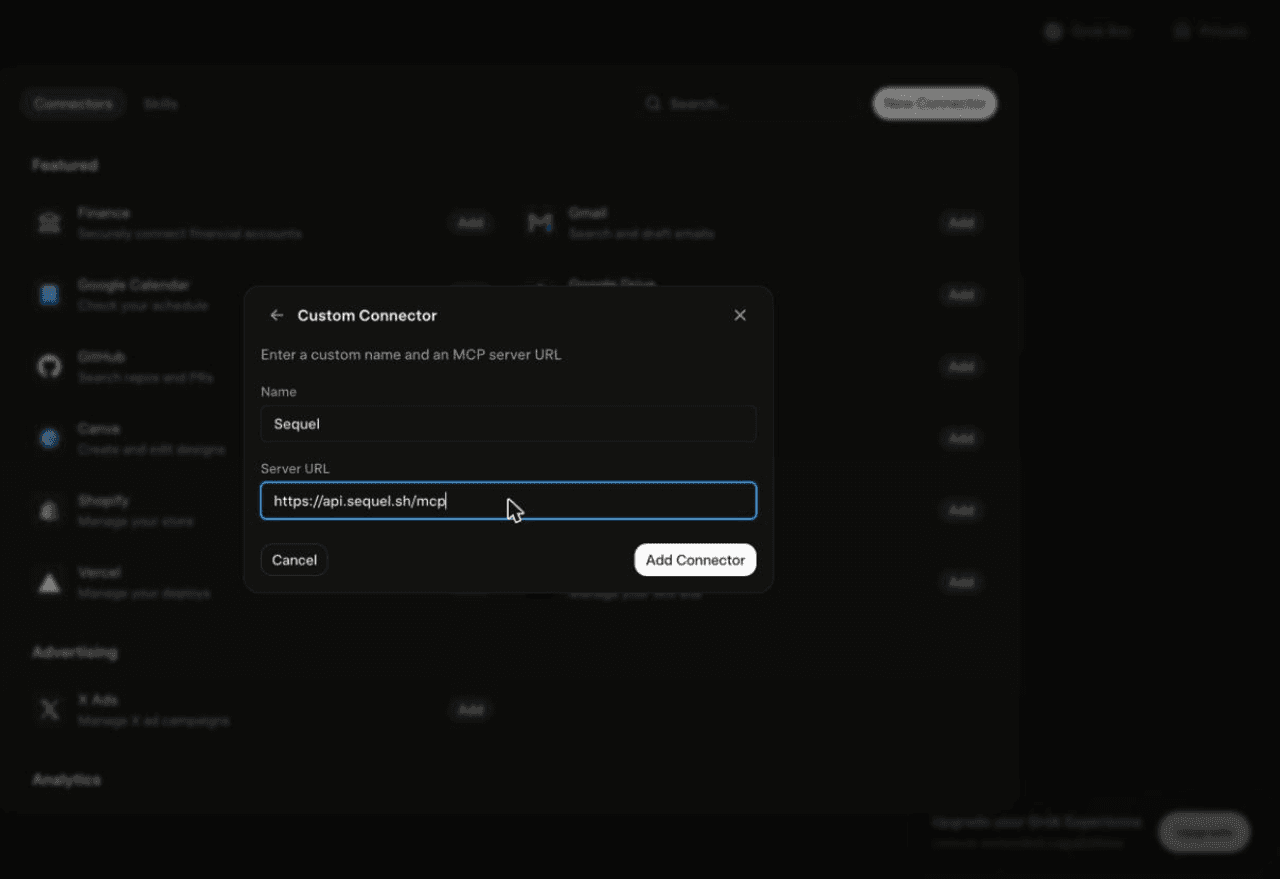
Using Grok chat rather than a bot? The steps do not carry over. On grok.com, open Plugins → New Connector → Custom, set the name to
Sequeland the Server URL tohttps://api.sequel.sh/mcp, click Add Connector, and sign in.
Step 3: Ask Grok Bot About Your Apollo Data
Attach @sequel and ask:
Find VPs of Sales at SaaS companies in the US with 50 to 200 employees.
Which of our saved Apollo contacts were added in the last 30 days?
List our accounts in the Negotiation stage, sorted by last activity date.
What You Can Do Now
- Targeted prospecting: describe the ICP in a sentence instead of assembling eight filters.
- CRM hygiene: "Which saved contacts have no activity in 90 days?" without burning credits.
- Pipeline review: accounts by stage and last touch, pulled into the chat.
- Market sizing: "How many companies match this profile in these three countries?"
- Cross-source joins: match Apollo accounts against your customer table to find prospects who are not customers yet.
Troubleshooting
| Symptom | Likely fix |
|---|---|
| The bot searched the marketplace instead of adding the server | Resend the message with the words "custom server" in it. |
| The server is not listed under Settings → Plugins → Yours | The registration did not complete. Resend the message and confirm the name and URL when the bot reads them back. |
| The bot answers without touching your data | You did not attach it. Type @ in the chat and pick sequel before asking. |
| Apollo rejected the API key | Re-check it for typos, or create a fresh key under Settings, Integrations, API. |
| People or Organization search errors | The key likely lacks master access. Recreate it with master access enabled. |
| A search returns nothing | Loosen the filters. For your own records use Contacts and Accounts, for net-new use People and Organizations. |