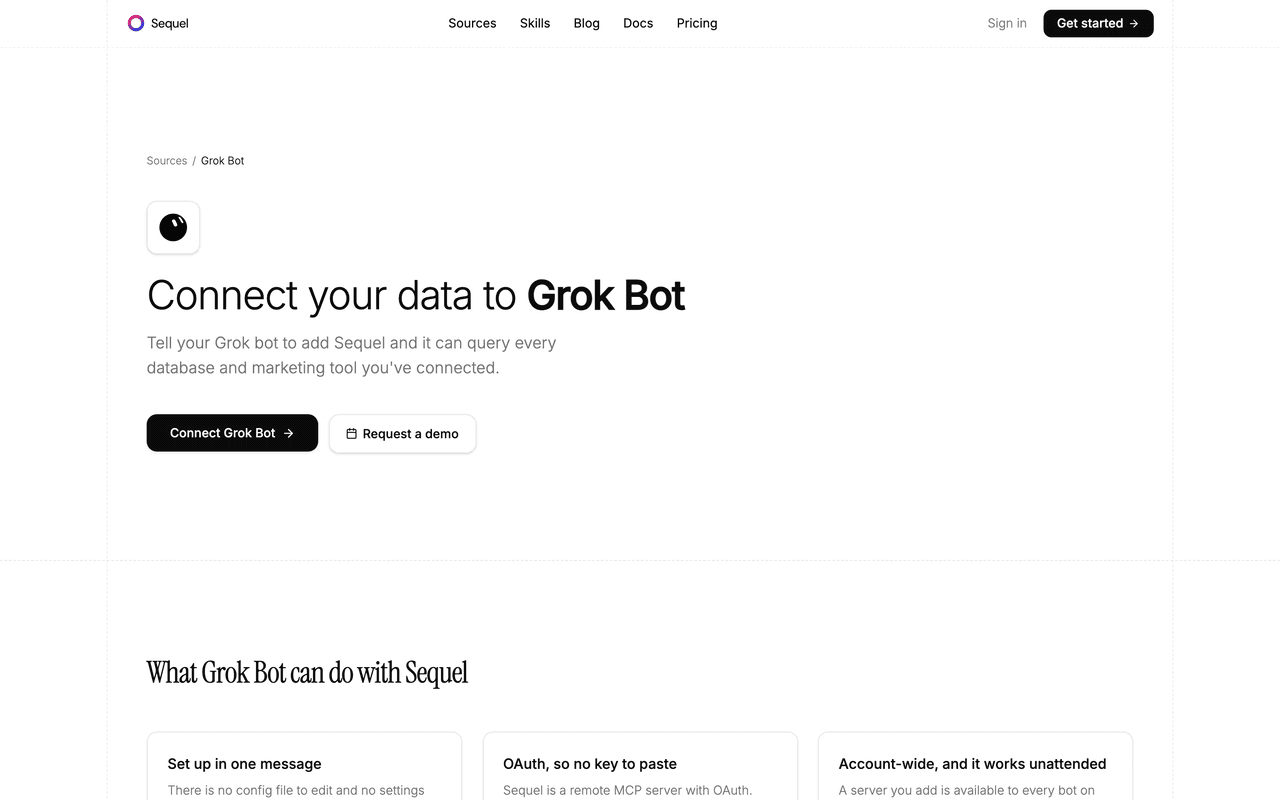
PostgreSQL holds the data most teams actually run on: users, orders, subscriptions, events. Grok Bot is xAI's bot builder, a persistent agent that keeps context, runs skills, and reaches your apps through plugins. Sequel's MCP server is the bridge, so your bot can answer a question from live Postgres rows instead of a stale export.
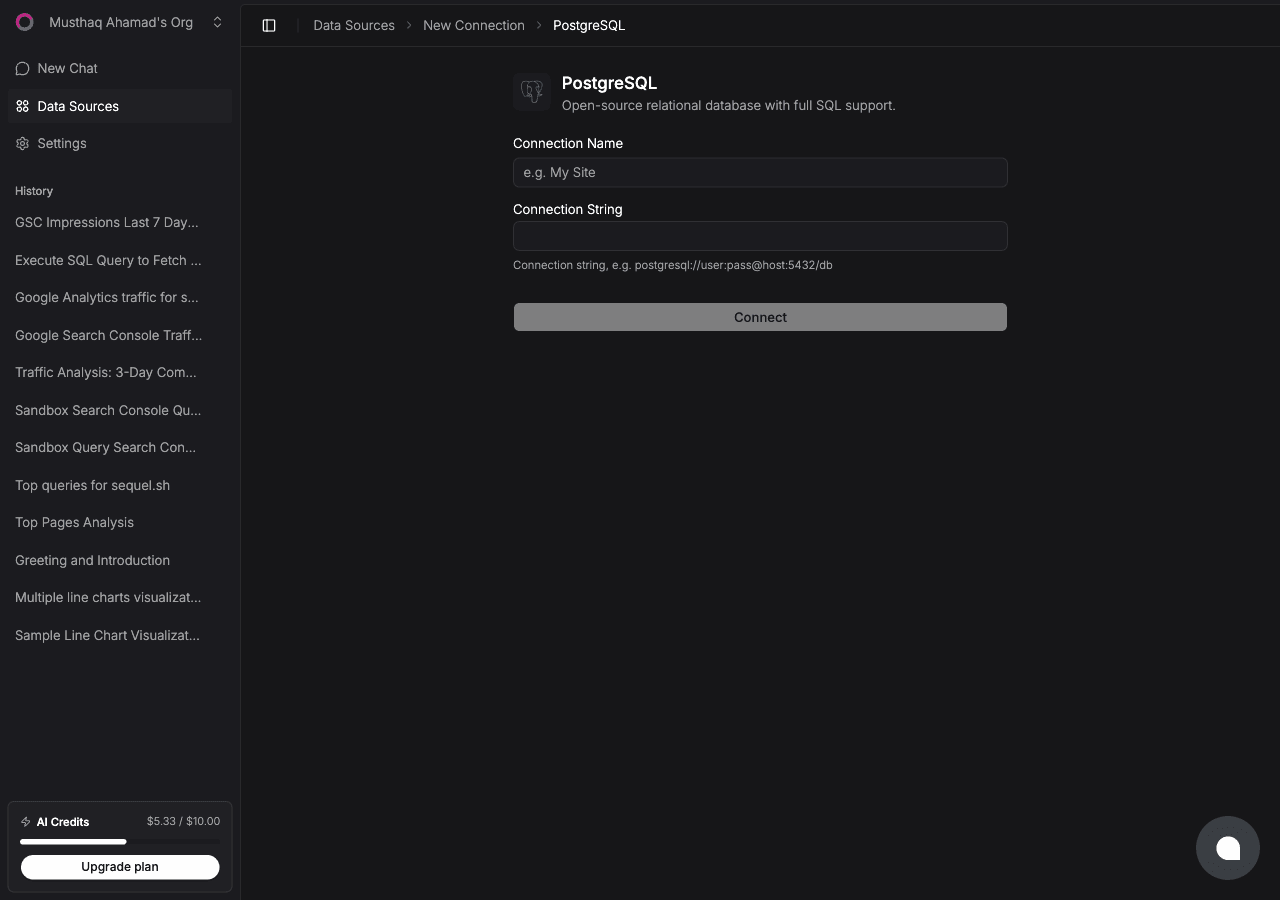
Click Connect. Sequel tests the credentials, reads your table and column definitions, and stores a schema summary so the bot knows your real column names before it writes any SQL.
Use a read-only user. Sequel already opens every session with default_transaction_read_only, but a scoped user makes it structural:
CREATE USER sequel_reader WITH PASSWORD 'a_strong_password';GRANT CONNECT ON DATABASE myapp TO sequel_reader;GRANT USAGE ON SCHEMA public TO sequel_reader;GRANT SELECT ON ALL TABLES IN SCHEMA public TO sequel_reader;
Step 2: Add Sequel to Grok Bot
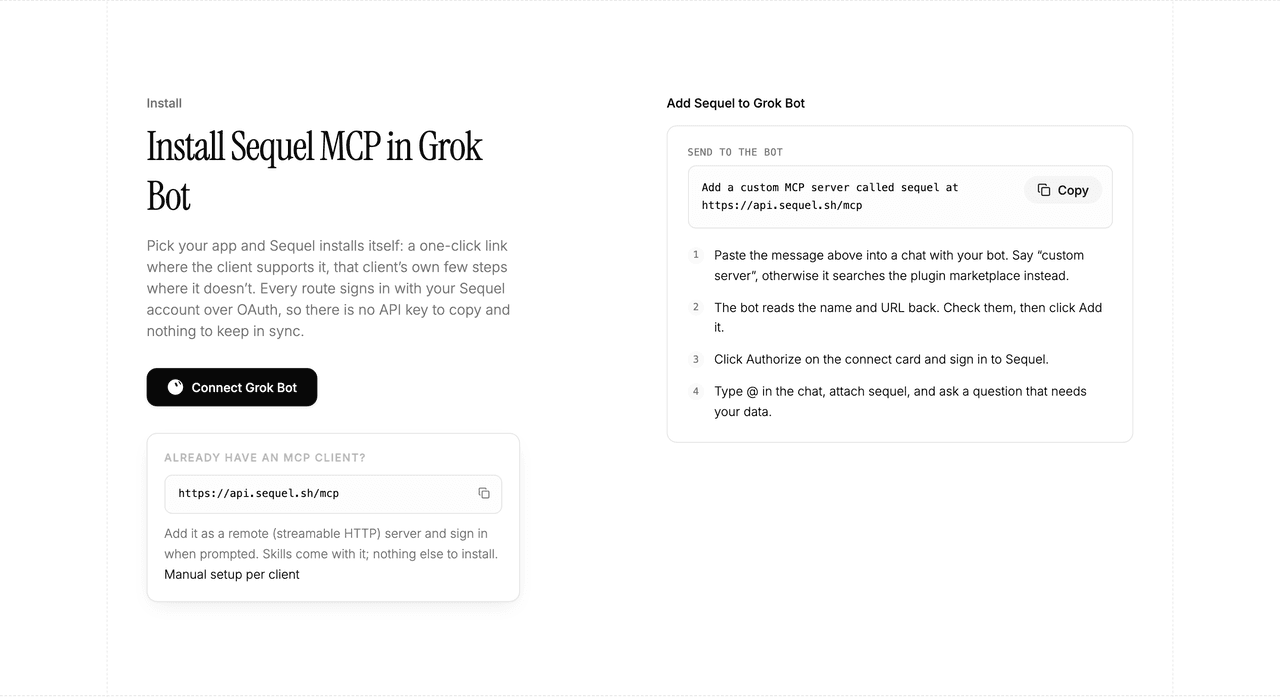
Grok Bot has no MCP config file and no settings form to fill in. You add a server by asking the bot.
Open a chat with your bot and send this:
Add a custom MCP server called sequel at https://api.sequel.sh/mcp
Say custom server explicitly. Leave those words out and the bot searches the plugin marketplace instead of registering your endpoint.
The bot reads the name and URL back to you. Check both, confirm, and it posts a connect card in the chat. Click Authorize, sign in to Sequel, and approve access. The OAuth token stays on the connector side, so there is no API key to copy and nothing to keep in sync.
To confirm it registered, open Settings → Plugins → Yours. Every server on your account is listed there, including the ones you added by chat.
Then attach it to a task: type @ in the chat and pick sequel.
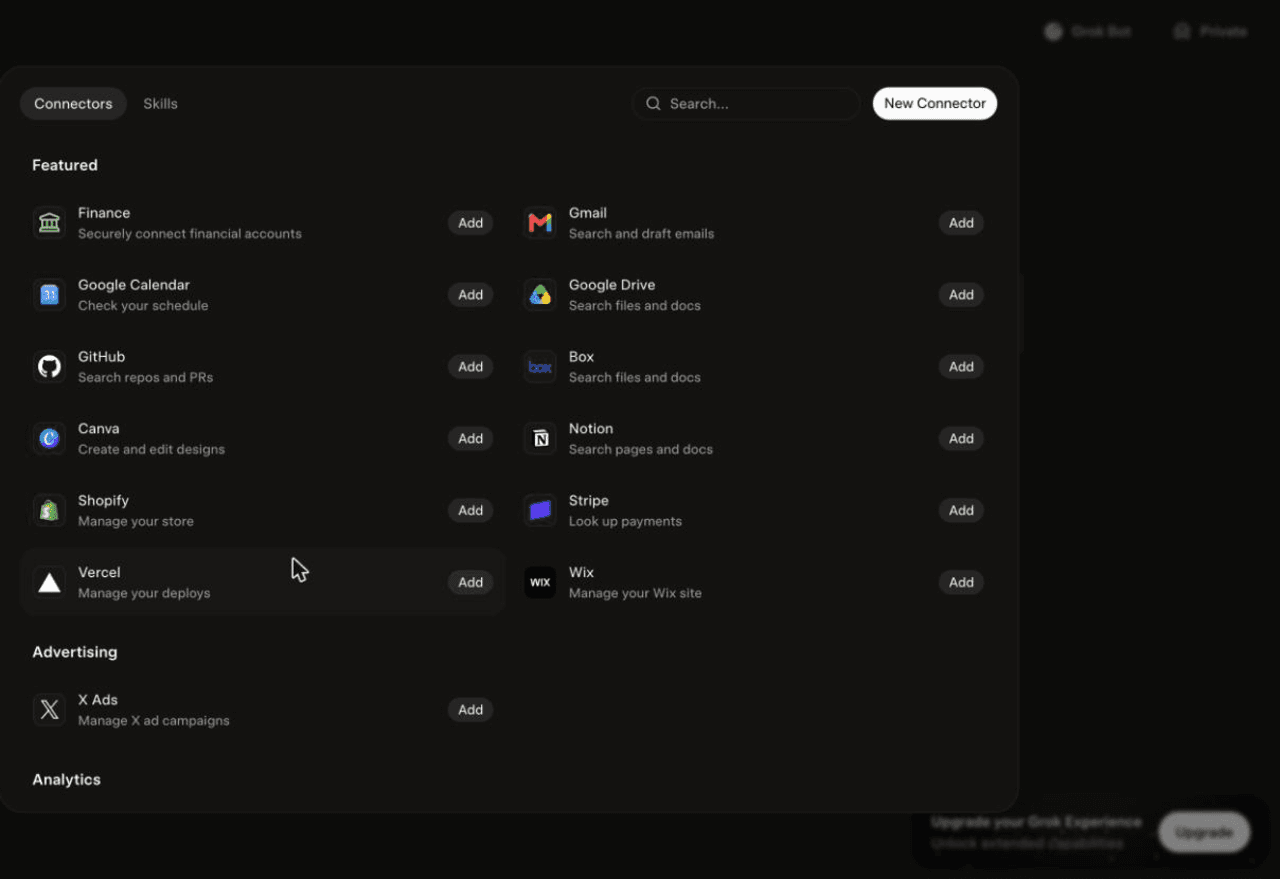
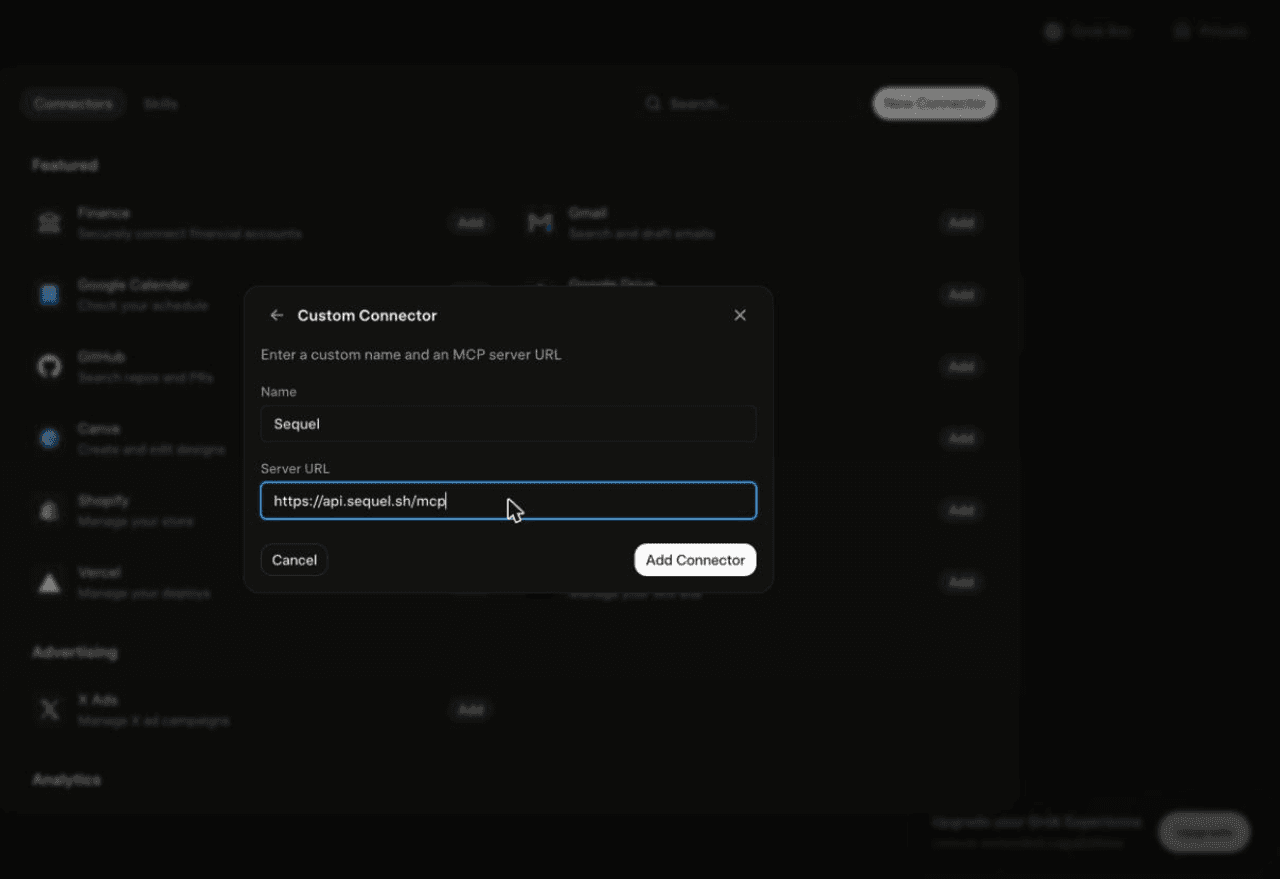
Using Grok chat rather than a bot? The steps do not carry over. On grok.com, open Plugins → New Connector → Custom, set the name to Sequel and the Server URL to https://api.sequel.sh/mcp, click Add Connector, and sign in.
Step 3: Ask Grok Bot About Your PostgreSQL Data
Attach @sequel and ask:
How many users registered this month, and how does that compare to last month?
What are the top 10 products by revenue in the last quarter, with units sold?
Are there any orders in the last 7 days with a null shipping address?
What You Can Do Now
Ad-hoc answers without a SQL editor: "How many trials converted last week?" is a chat message, not a ticket for the data team.
Scheduled digests: a server you add is available to every bot on your account and works in unattended runs, so a daily metrics summary becomes a bot schedule.
Data audits: "Which users have a subscription row but no payment record?" catches integrity problems before a customer does.
Schema exploration: "What tables exist and how are orders and customers related?" is faster than opening a dozen migration files.
Cross-source joins: with Stripe or GA4 also connected, ask one question that spans your database and the rest of your stack.
Troubleshooting
Symptom
Likely fix
The bot searched the marketplace instead of adding the server
Resend the message with the words "custom server" in it.
The server is not listed under Settings → Plugins → Yours
The registration did not complete. Resend the message and confirm the name and URL when the bot reads them back.
The bot answers without touching your data
You did not attach it. Type @ in the chat and pick sequel before asking.
Connection test fails in Sequel
Check the host, port, and database name in the connection string, and confirm your provider allows connections from outside its own network.
Sequel connects the systems your company runs on and learns how your team defines every metric, so any AI agent can answer from it. Free for up to 3 seats, no credit card required.
Ask the bot. Send "add a custom MCP server called sequel at https://api.sequel.sh/mcp", confirm the name and URL it reads back, then click Authorize on the connect card and sign in to Sequel. Say "custom server" explicitly so the bot adds the endpoint instead of searching the plugin marketplace.
Do I need a Sequel API key for Grok Bot?
No. Sequel is a remote MCP server with OAuth. The bot posts a connect card, you authorize in the browser, and the token stays on the connector side. There is no key to paste into a chat.
Is this the same as Grok chat or Grok Build?
No, and the steps do not carry over. Grok chat on grok.com adds servers under Plugins, New Connector, Custom. Grok Build is the terminal coding agent and uses grok mcp add. Grok Bot is the bot builder, where you add servers by asking the bot.
Can Grok Bot write to my PostgreSQL database?
No. Sequel opens every PostgreSQL session with default_transaction_read_only set on, so writes are rejected at the connection level. Pair that with a read-only database user and writes are impossible twice over.
Does this work with Supabase, Neon, and RDS?
Yes. Sequel connects to cloud-hosted PostgreSQL, so AWS RDS and Aurora, Supabase, Neon, Railway, Render, and DigitalOcean Managed Databases all work as long as the host is reachable over the network.
Can I connect more than one PostgreSQL database?
Yes. Add each database as its own connection in Sequel. Your bot sees all of them and can join across them in a single question, which a single psql session cannot do.
Does the bot see my database password?
No. Your connection string is encrypted inside Sequel. The bot only ever holds an OAuth session scoped to your Sequel account.