MySQL runs a large share of the web: ecommerce catalogs, WordPress installs, and the transactional core of plenty of SaaS products. Grok Bot is xAI's bot builder, an agent that keeps context across conversations and reaches your tools through plugins. Sequel's MCP server lets that bot read your MySQL tables directly, so an answer is a message rather than a query, an export, and a spreadsheet.
TL;DR
What you're connecting
A cloud-hosted MySQL database to Grok Bot
Setup time
About 5 minutes
Setup method
One chat message. Grok Bot has no MCP config file
Auth
OAuth. No API key to paste anywhere
Access level
Read-only tools, best paired with a SELECT-only user
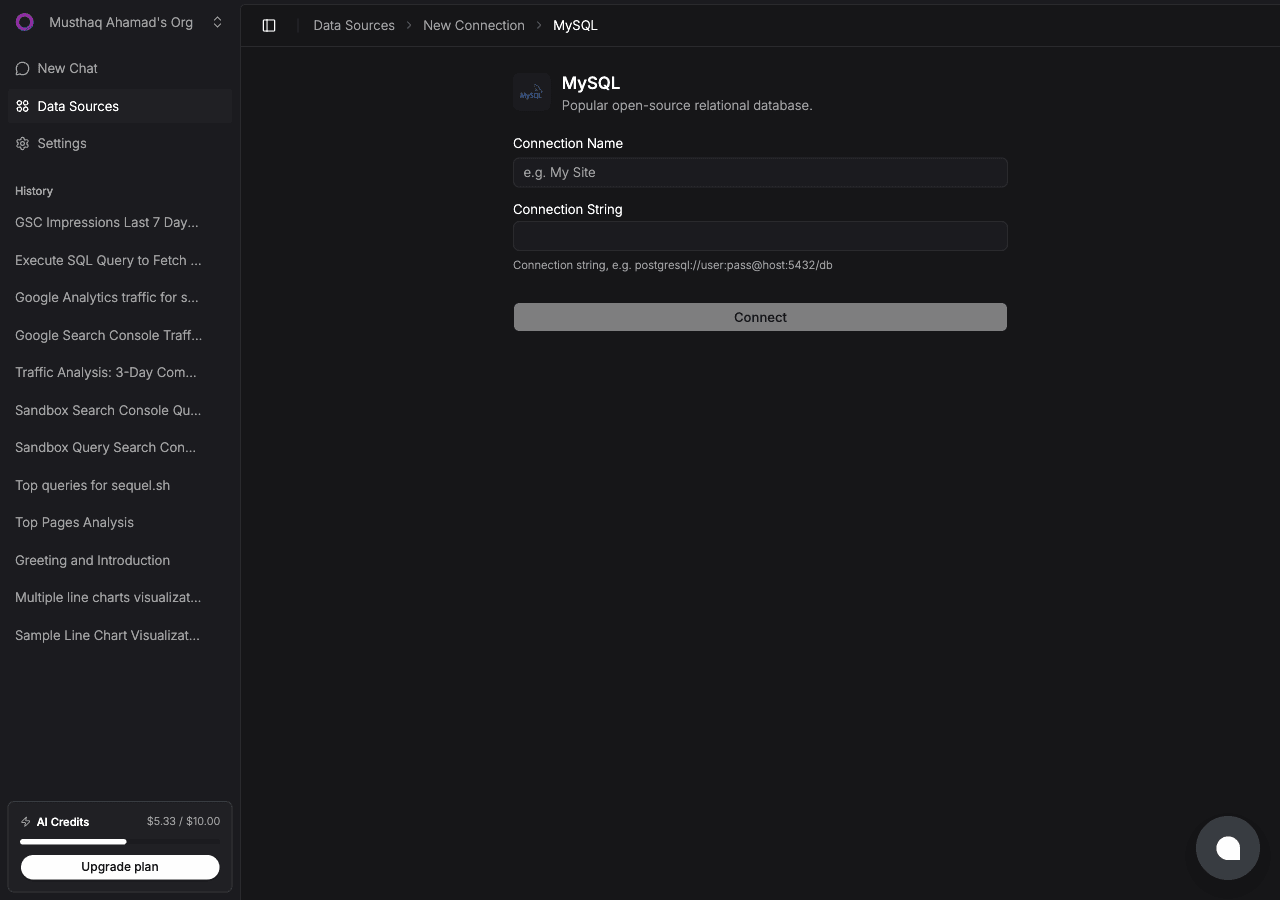
Click Connect. Sequel verifies the credentials and indexes your schema so the bot writes SQL against your real table and column names.
Create a read-only user first:
CREATE USER 'sequel_reader'@'%' IDENTIFIED BY 'a_strong_password';GRANT SELECT ON your_database.* TO 'sequel_reader'@'%';FLUSH PRIVILEGES;
Step 2: Add Sequel to Grok Bot
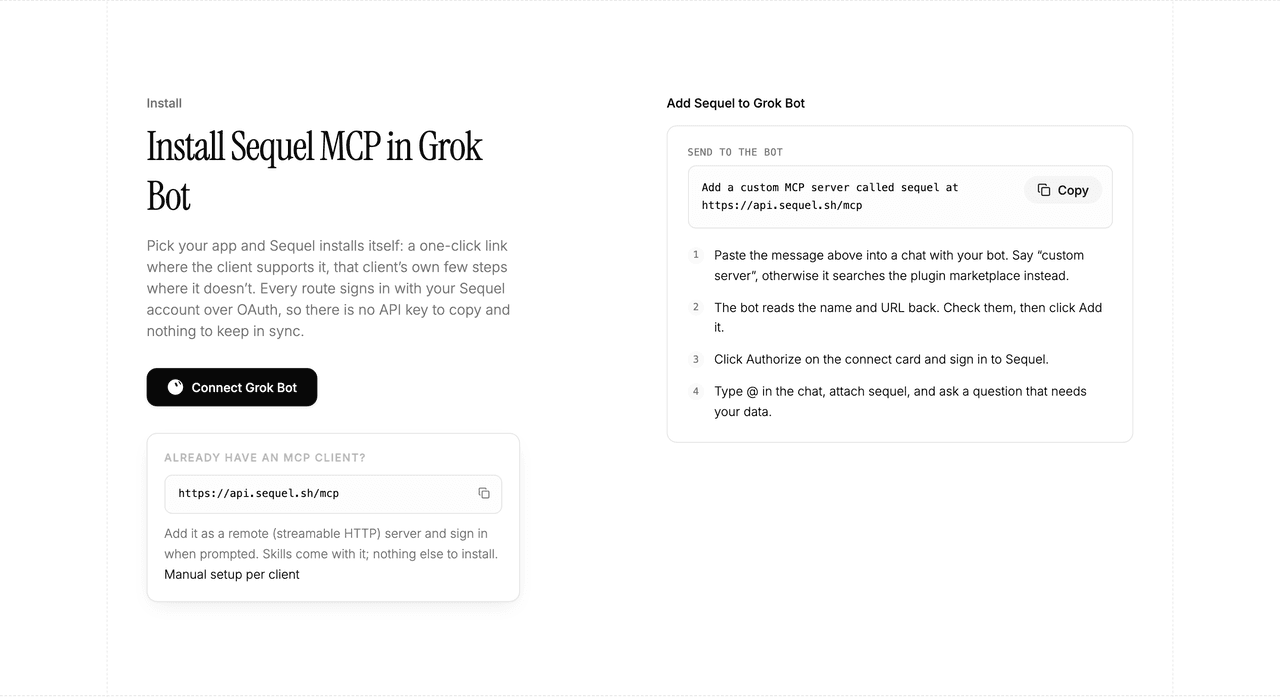
Grok Bot has no MCP config file and no settings form to fill in. You add a server by asking the bot.
Open a chat with your bot and send this:
Add a custom MCP server called sequel at https://api.sequel.sh/mcp
Say custom server explicitly. Leave those words out and the bot searches the plugin marketplace instead of registering your endpoint.
The bot reads the name and URL back to you. Check both, confirm, and it posts a connect card in the chat. Click Authorize, sign in to Sequel, and approve access. The OAuth token stays on the connector side, so there is no API key to copy and nothing to keep in sync.
To confirm it registered, open Settings → Plugins → Yours. Every server on your account is listed there, including the ones you added by chat.
Then attach it to a task: type @ in the chat and pick sequel.
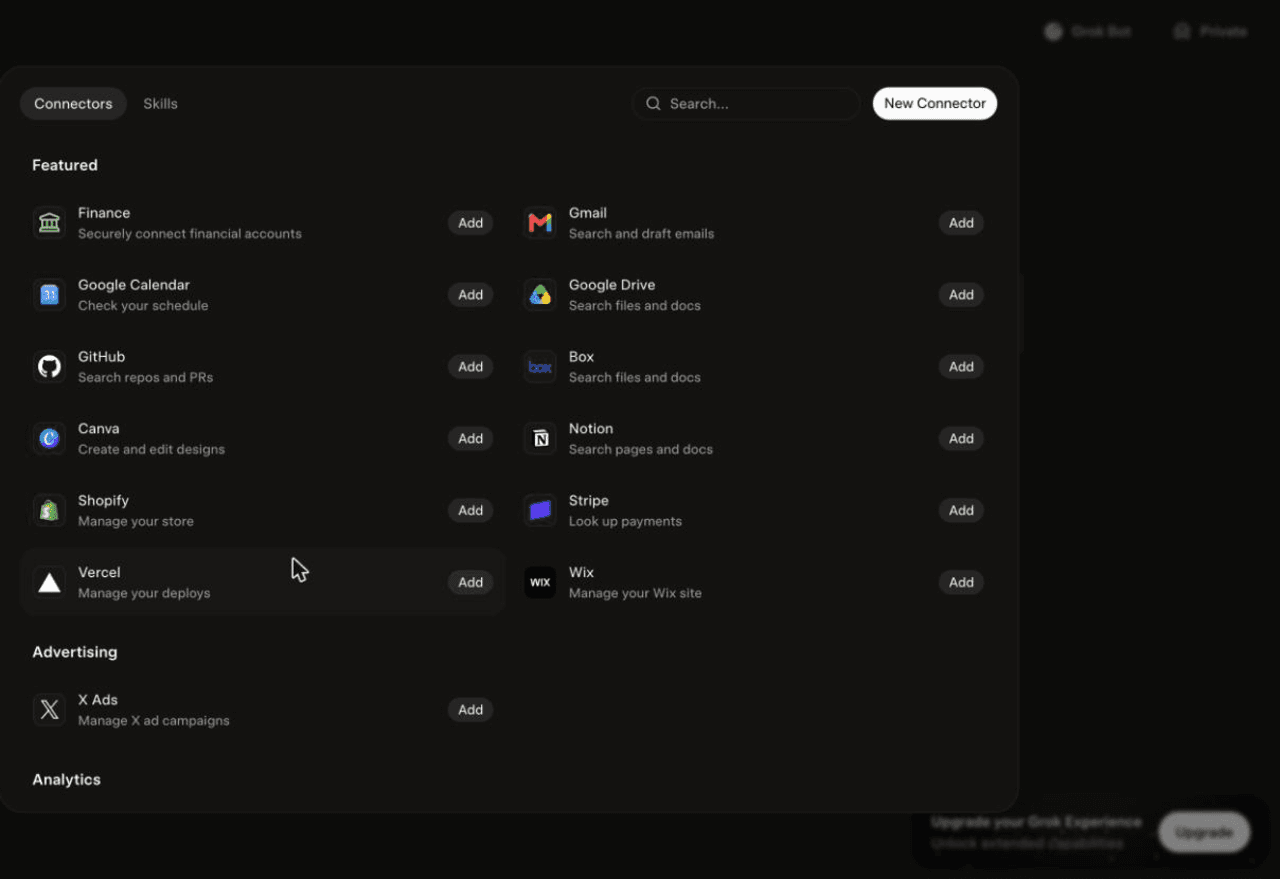
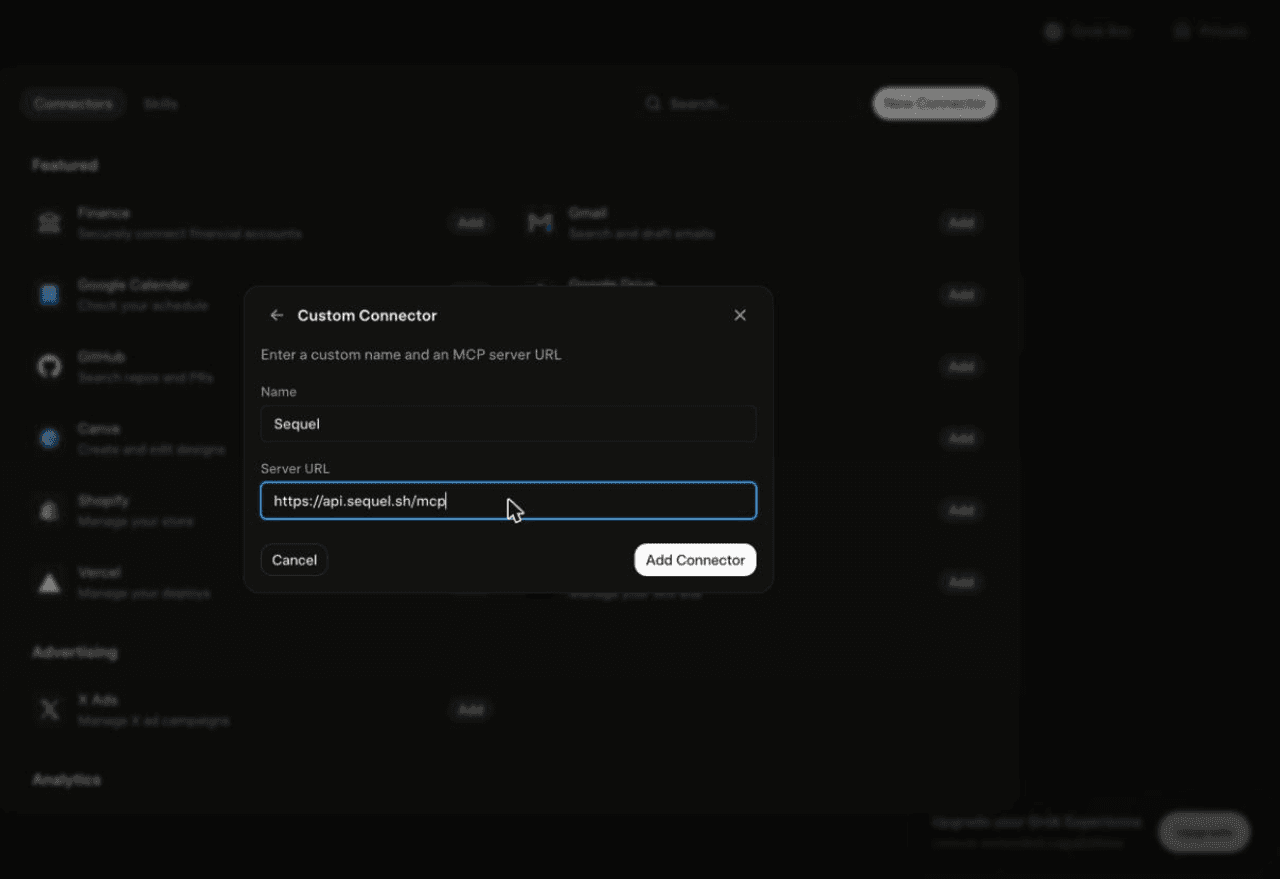
Using Grok chat rather than a bot? The steps do not carry over. On grok.com, open Plugins → New Connector → Custom, set the name to Sequel and the Server URL to https://api.sequel.sh/mcp, click Add Connector, and sign in.
Step 3: Ask Grok Bot About Your MySQL Data
Attach @sequel and ask:
What were the top 20 products by revenue last month, with units and average price?
How many customers placed a second order within 60 days of their first?
Show daily order volume for the last 90 days and flag any day more than 30% below the trailing average.
What You Can Do Now
Merchandising questions on demand: "Which categories grew fastest last quarter?" answered in the chat, not in a BI backlog.
Operational checks: "Are there orders stuck in pending for more than 48 hours?" run on a schedule by the bot.
Customer cohorts: "What's the 90-day repeat rate for customers acquired in March?" without exporting a CSV.
Schema discovery: "What tables exist and how do orders, line items, and customers relate?"
Cross-source joins: with Stripe or GA4 connected too, compare what the storefront recorded against what actually settled.
Troubleshooting
Symptom
Likely fix
The bot searched the marketplace instead of adding the server
Resend the message with the words "custom server" in it.
The server is not listed under Settings → Plugins → Yours
The registration did not complete. Resend the message and confirm the name and URL when the bot reads them back.
The bot answers without touching your data
You did not attach it. Type @ in the chat and pick sequel before asking.
Connection test fails in Sequel
Check host, port, and database name, and confirm your provider's network rules allow the connection.
A write query is rejected
Expected if you used a SELECT-only grant. That is the recommended setup.
Column names look wrong in generated SQL
Refresh the schema from the connection settings after a migration.
Sequel connects the systems your company runs on and learns how your team defines every metric, so any AI agent can answer from it. Free for up to 3 seats, no credit card required.
Ask the bot. Send "add a custom MCP server called sequel at https://api.sequel.sh/mcp", confirm the name and URL it reads back, then click Authorize on the connect card and sign in to Sequel. Say "custom server" explicitly so the bot adds the endpoint instead of searching the plugin marketplace.
Do I need a Sequel API key for Grok Bot?
No. Sequel is a remote MCP server with OAuth. The bot posts a connect card, you authorize in the browser, and the token stays on the connector side. There is no key to paste into a chat.
Is this the same as Grok chat or Grok Build?
No, and the steps do not carry over. Grok chat on grok.com adds servers under Plugins, New Connector, Custom. Grok Build is the terminal coding agent and uses grok mcp add. Grok Bot is the bot builder, where you add servers by asking the bot.
Can Grok Bot change data in my MySQL database?
Not if you connect with a SELECT-only user, which is what we recommend. Sequel's MySQL connector ships read tools only, and a grant limited to SELECT blocks writes at the database level regardless of what the bot asks for.
Does this work with PlanetScale, RDS, and Aurora MySQL?
Yes. Sequel connects to cloud-hosted MySQL, so PlanetScale, AWS RDS and Aurora MySQL, Google Cloud SQL, Azure Database for MySQL, and DigitalOcean Managed Databases all work.
Does MariaDB work too?
Yes. MariaDB speaks the MySQL wire protocol, so the same connection string format and the same tools apply.
Can I connect more than one MySQL database?
Yes. Add each as its own connection in Sequel. Your bot can query all of them and join across them in one question.