
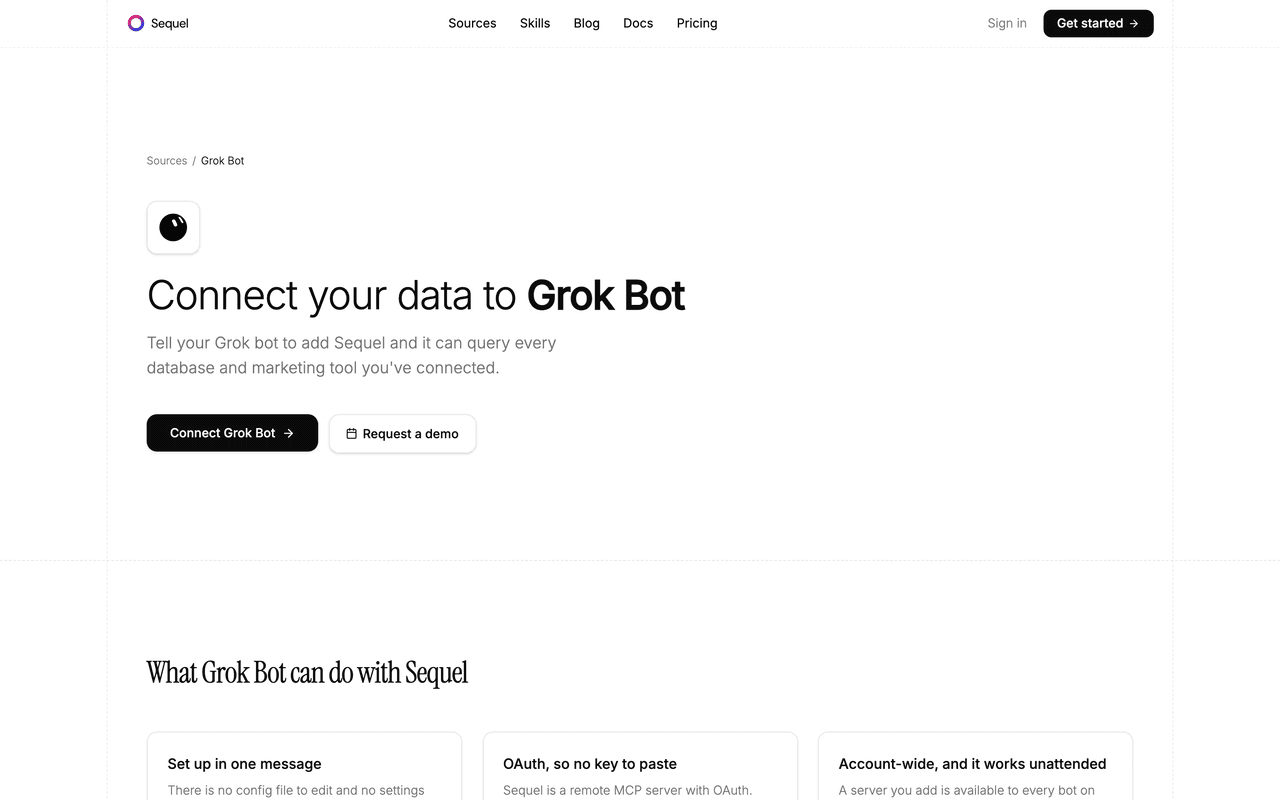
BigQuery is where most teams park the data that is too big or too joined-up for the app database: warehouse tables, GA4 exports, event streams. Grok Bot is xAI's bot builder, an agent that keeps context and reaches your tools through plugins. Sequel's MCP server lets that bot run read-only BigQuery jobs, so a warehouse question gets answered in the chat instead of in a ticket.
TL;DR
| What you're connecting | A Google Cloud project's BigQuery datasets to Grok Bot |
| Setup time | About 5 minutes |
| Setup method | One chat message. Grok Bot has no MCP config file |
| Auth | Google OAuth to Sequel, then OAuth from the bot to Sequel |
| Scope requested | bigquery.readonly only |
| IAM needed | bigquery.dataViewer and bigquery.jobUser |
| Availability | Account-wide, including scheduled and background runs |
What You'll Accomplish
Once this is wired up, you can ask your bot:
- "What's daily revenue for the past 30 days, split by country?"
- "Which marketing channels drove the most first-time purchasers last quarter?"
- "List the tables in our analytics dataset with row counts and last-modified dates."
Prerequisites
- A Sequel account: sign up free at sequel.sh
- A Google Cloud project with the BigQuery API enabled
- A Google account with
bigquery.dataViewerandbigquery.jobUseron that project - Your GCP Project ID, for example
my-company-analytics-123 - A Grok account with a bot you can send messages to
Step 1: Connect BigQuery to Sequel
Sign in to sequel.sh and open Data Sources.
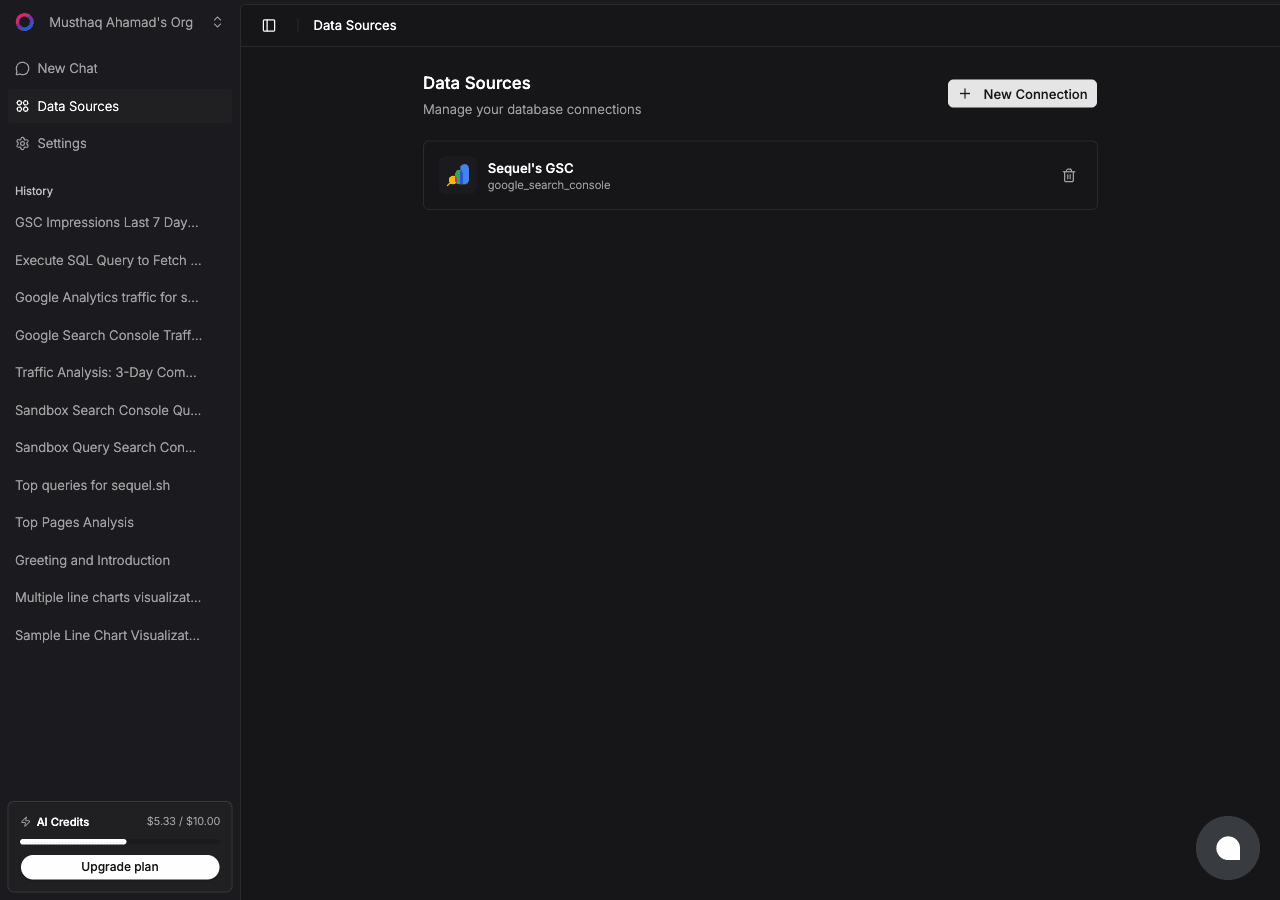
Click New Connection and choose BigQuery.
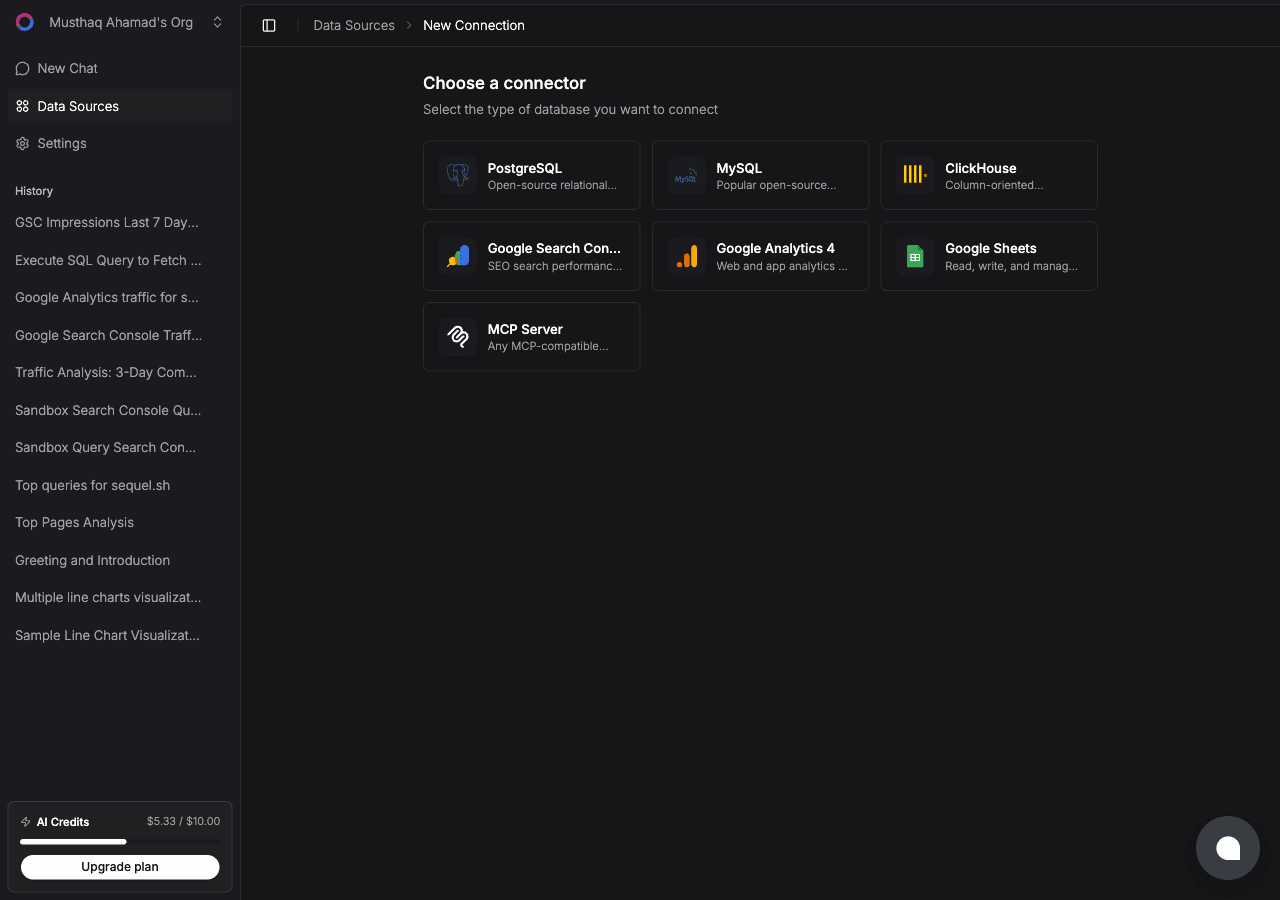
Then:
| Step | What happens |
|---|---|
| Sign in with Google | Sequel requests only the read-only bigquery.readonly scope |
| Enter your GCP Project ID | Use the project ID, not the project name or number |
| Test and save | Sequel confirms the API is enabled, lists datasets, and reads table schemas |
Use a least-privilege Google account. Sign in with an account that can only read the datasets you intend to expose. The read-only scope means Sequel can run
SELECTbut can never modify your data.
Step 2: Add Sequel to Grok Bot
Grok Bot has no MCP config file and no settings form to fill in. You add a server by asking the bot.
Open a chat with your bot and send this:
Add a custom MCP server called sequel at https://api.sequel.sh/mcp
Say custom server explicitly. Leave those words out and the bot searches the plugin marketplace instead of registering your endpoint.
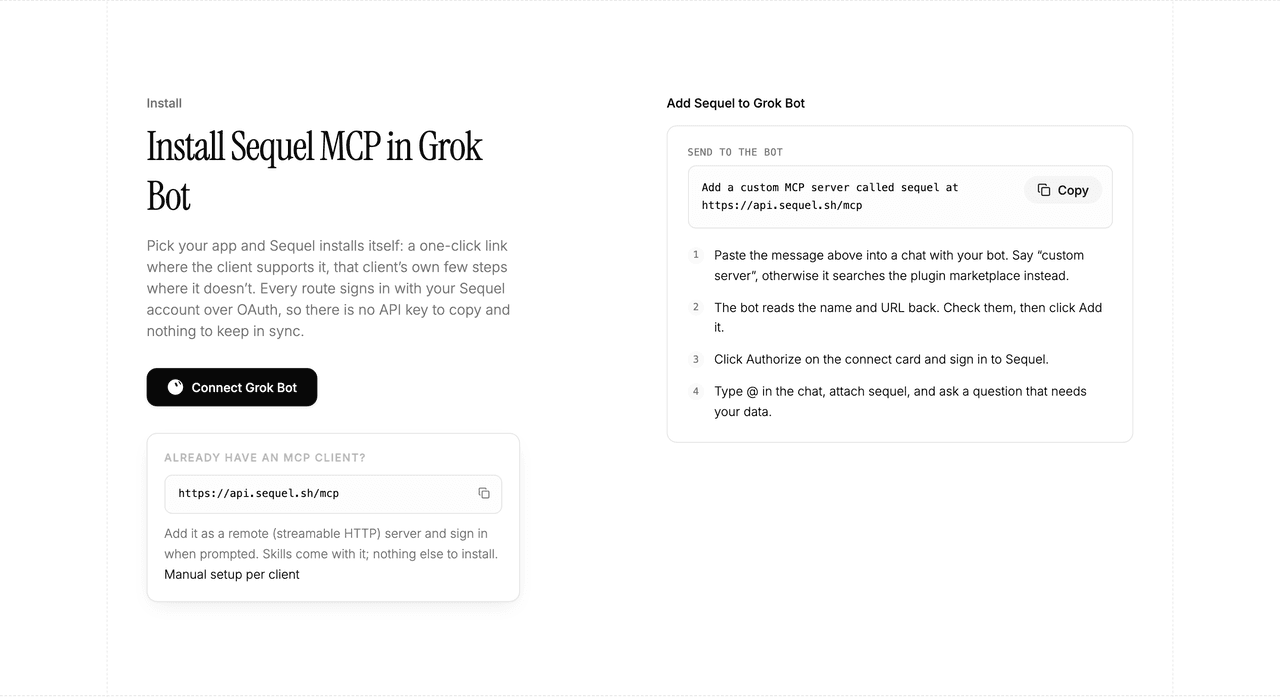
The bot reads the name and URL back to you. Check both, confirm, and it posts a connect card in the chat. Click Authorize, sign in to Sequel, and approve access. The OAuth token stays on the connector side, so there is no API key to copy and nothing to keep in sync.
To confirm it registered, open Settings → Plugins → Yours. Every server on your account is listed there, including the ones you added by chat.
Then attach it to a task: type @ in the chat and pick sequel.
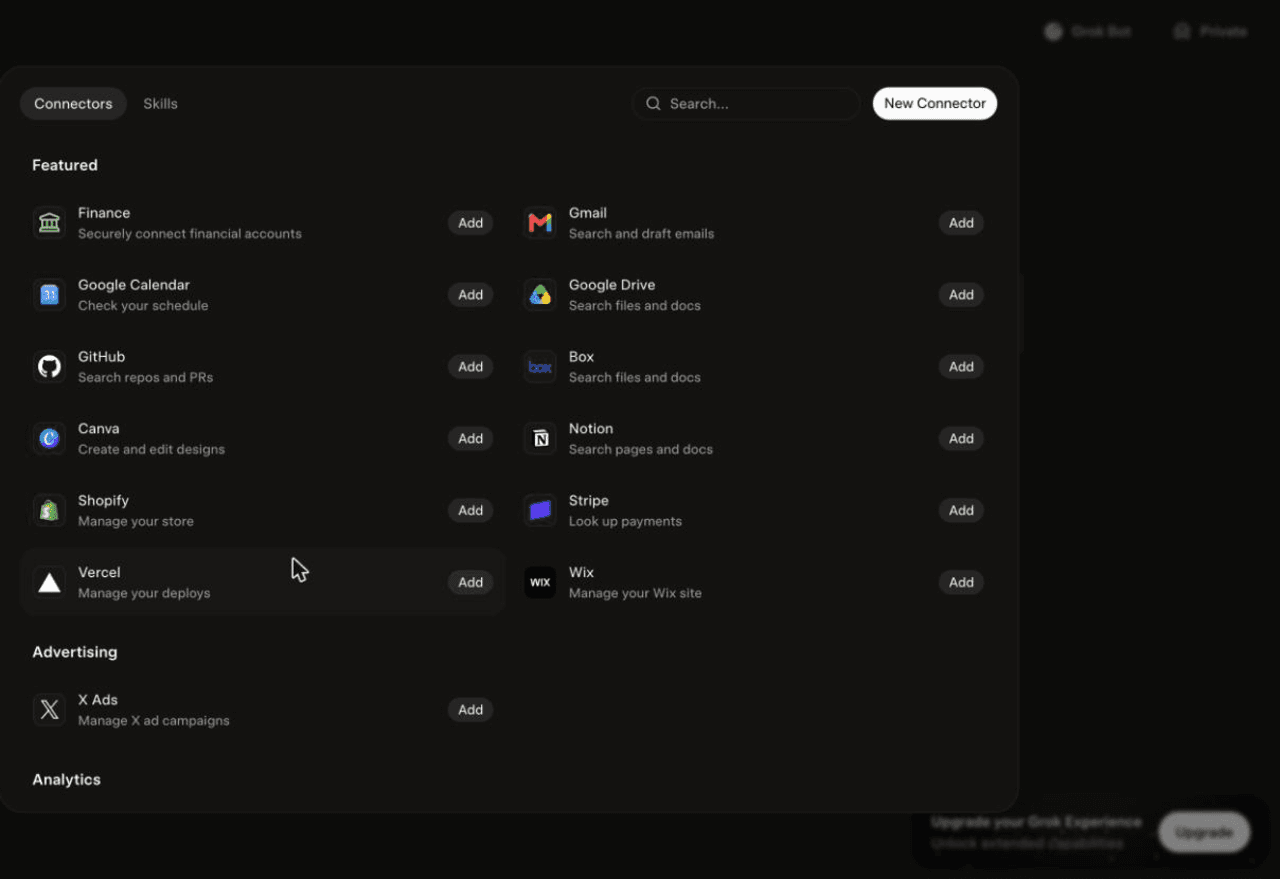
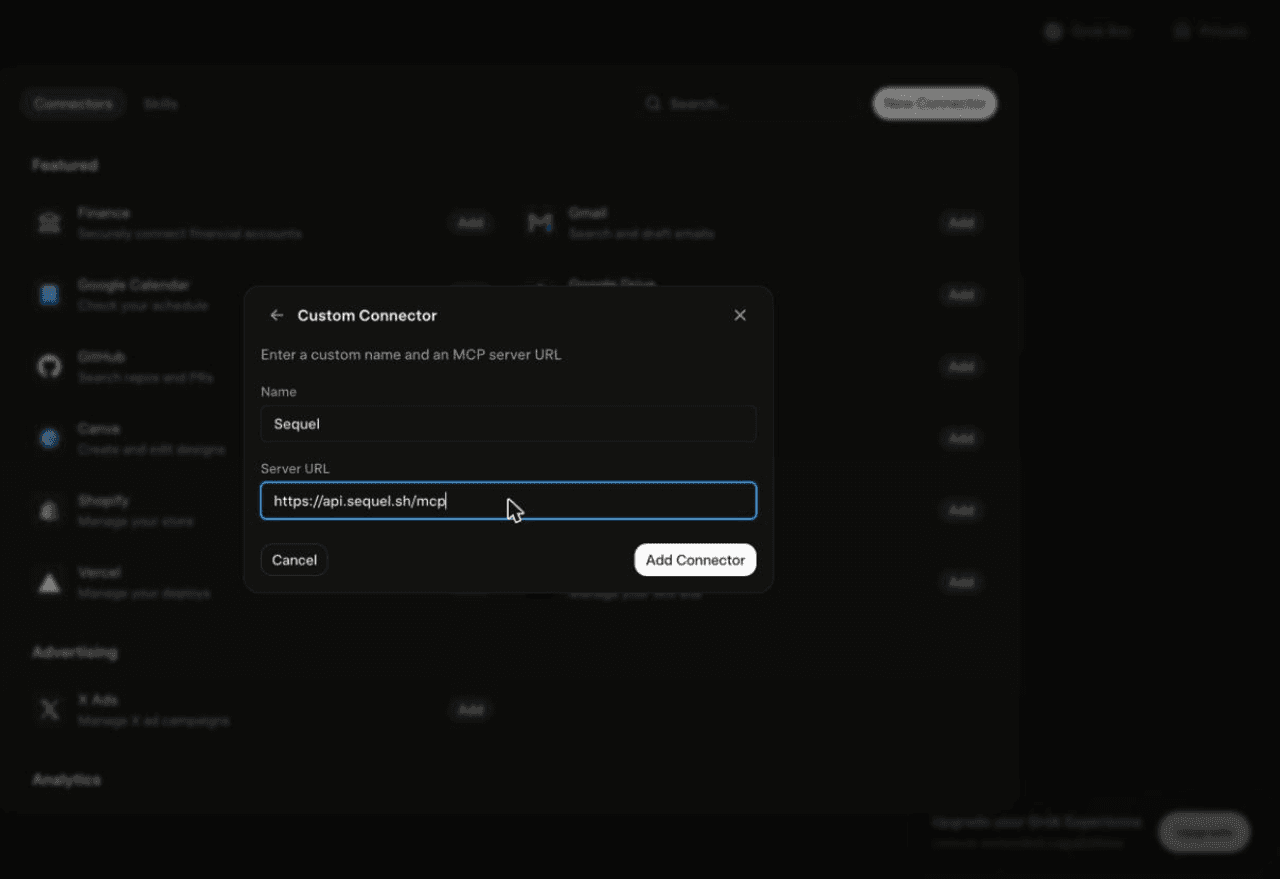
Using Grok chat rather than a bot? The steps do not carry over. On grok.com, open Plugins → New Connector → Custom, set the name to
Sequeland the Server URL tohttps://api.sequel.sh/mcp, click Add Connector, and sign in.
Step 3: Ask Grok Bot About Your BigQuery Data
Attach @sequel and ask:
What was daily revenue for the last 30 days, and which day was the worst?
Which traffic sources produced the most first-time purchasers last quarter?
List every table in the analytics dataset with its row count and size in GB.
What You Can Do Now
- Warehouse answers without a seat: people who never log into the console can still ask the warehouse a question.
- Scheduled reporting: a server you add is available to every bot on your account and works unattended, so a Monday morning revenue digest is a bot schedule.
- Cost-aware exploration: with a partition-filter instruction on the connection, exploratory questions stay cheap.
- Schema discovery: "What is in this dataset and how do these tables join?" answered from the real schema.
- Cross-source joins: combine warehouse facts with live Postgres rows or Search Console clicks in a single question.
Troubleshooting
| Symptom | Likely fix |
|---|---|
| The bot searched the marketplace instead of adding the server | Resend the message with the words "custom server" in it. |
| The server is not listed under Settings → Plugins → Yours | The registration did not complete. Resend the message and confirm the name and URL when the bot reads them back. |
| The bot answers without touching your data | You did not attach it. Type @ in the chat and pick sequel before asking. |
| Access denied or a 403 | Enable the BigQuery API and grant bigquery.dataViewer plus bigquery.jobUser to the signed-in account. |
| Project not found or a 404 | Use the project ID, not the project name or project number. |
| Queries scan too many bytes | Add a connection instruction to always filter partitioned tables on their partition column. |