
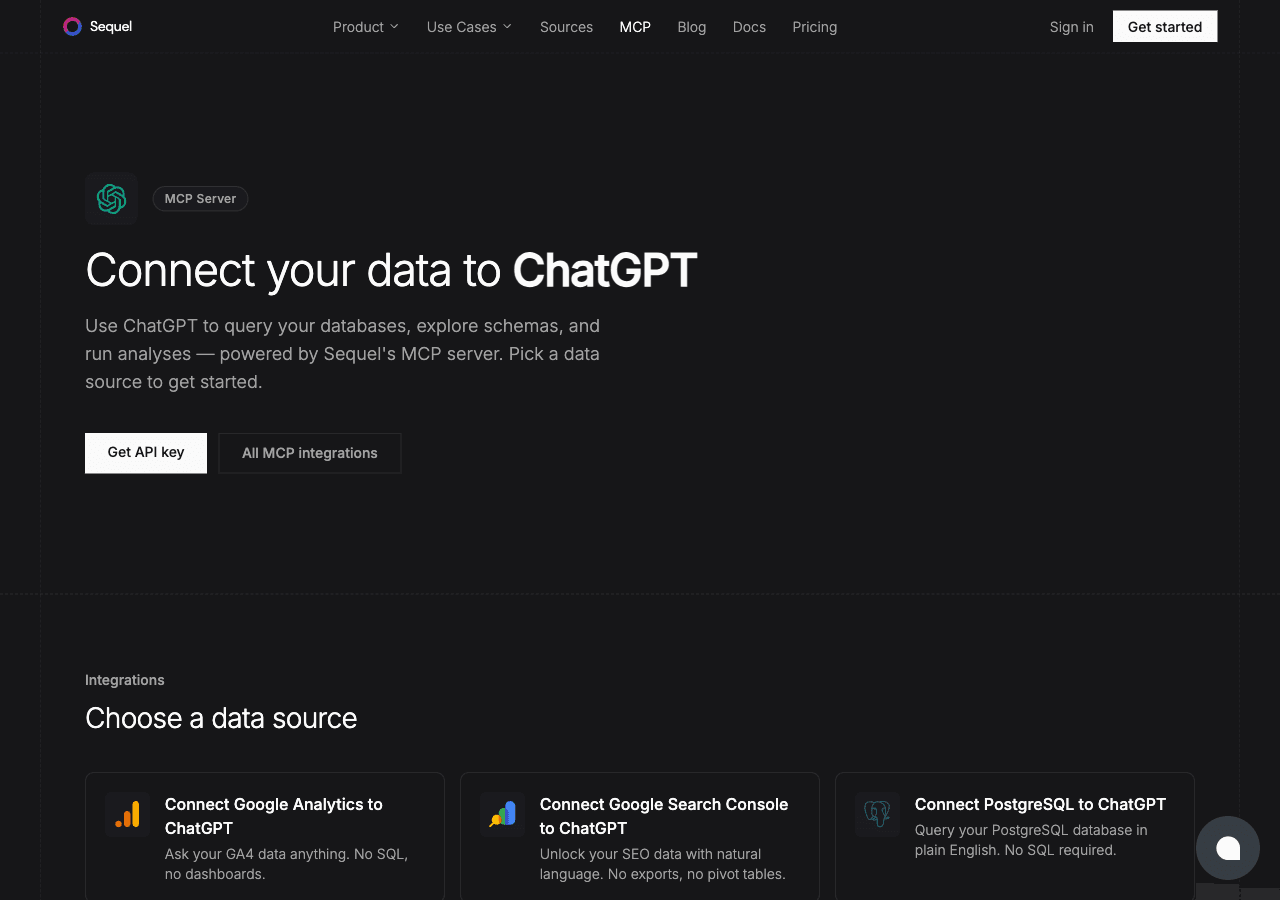
ClickHouse is the analytics database of choice for teams working with large-scale event data and telemetry. ChatGPT is the AI that millions of people use for analysis and exploration. Connecting them through Sequel's MCP server turns ChatGPT into an analytics co-pilot that can query your live ClickHouse data on demand.
What You'll Accomplish
After this integration is live, you can ask ChatGPT:
- "How many events did we log yesterday, broken down by type?"
- "What's the median session duration for users on mobile vs. desktop this week?"
- "Which A/B test variant is performing better based on conversion rate?"
Prerequisites
- A Sequel account: Sign up free at sequel.sh
- A running ClickHouse instance: ClickHouse Cloud or self-hosted
- A ChatGPT Plus, Team, or Enterprise account: required for custom MCP apps
Step 1: Connect Your ClickHouse Database to Sequel
Sign in to sequel.sh and click Data Sources in the left sidebar.
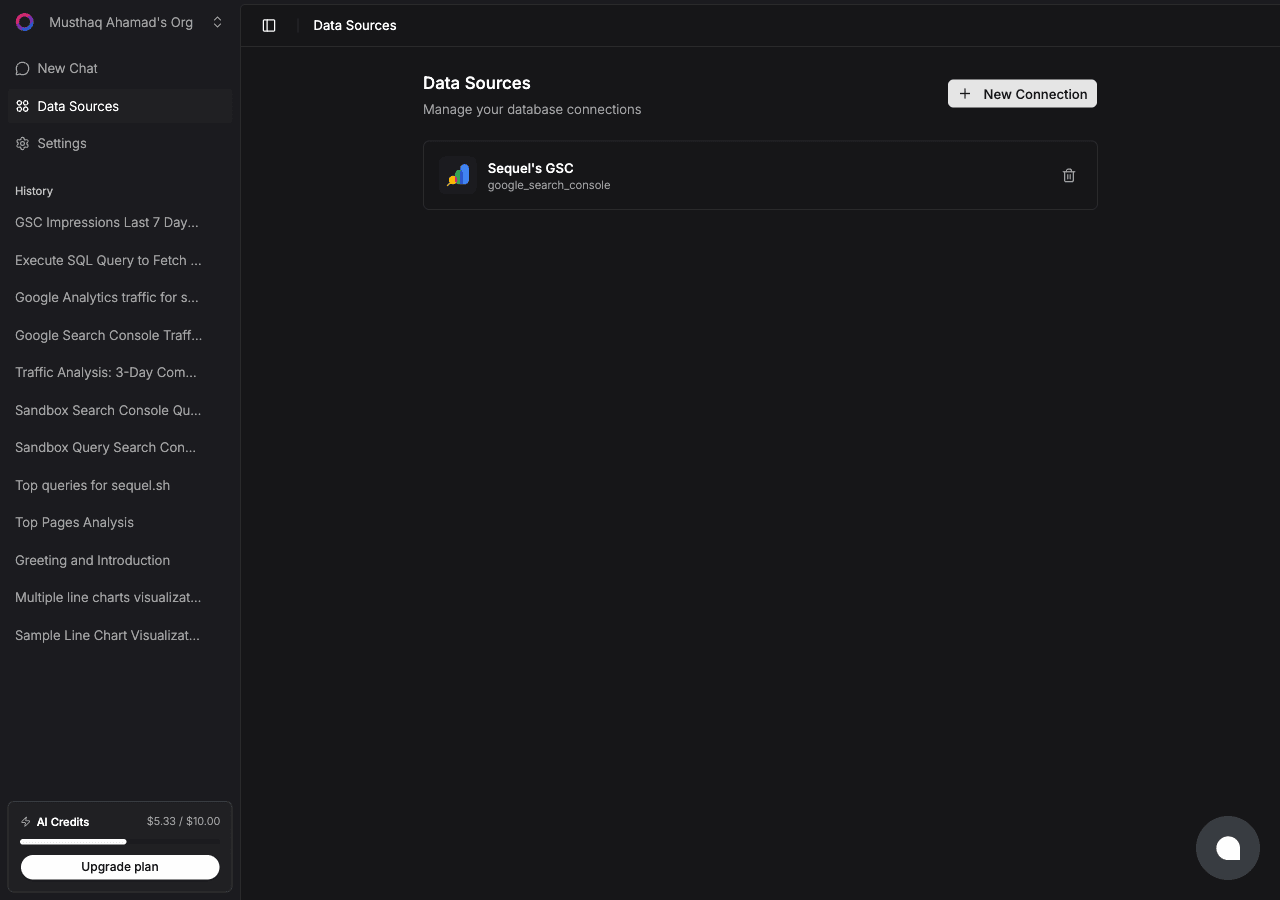
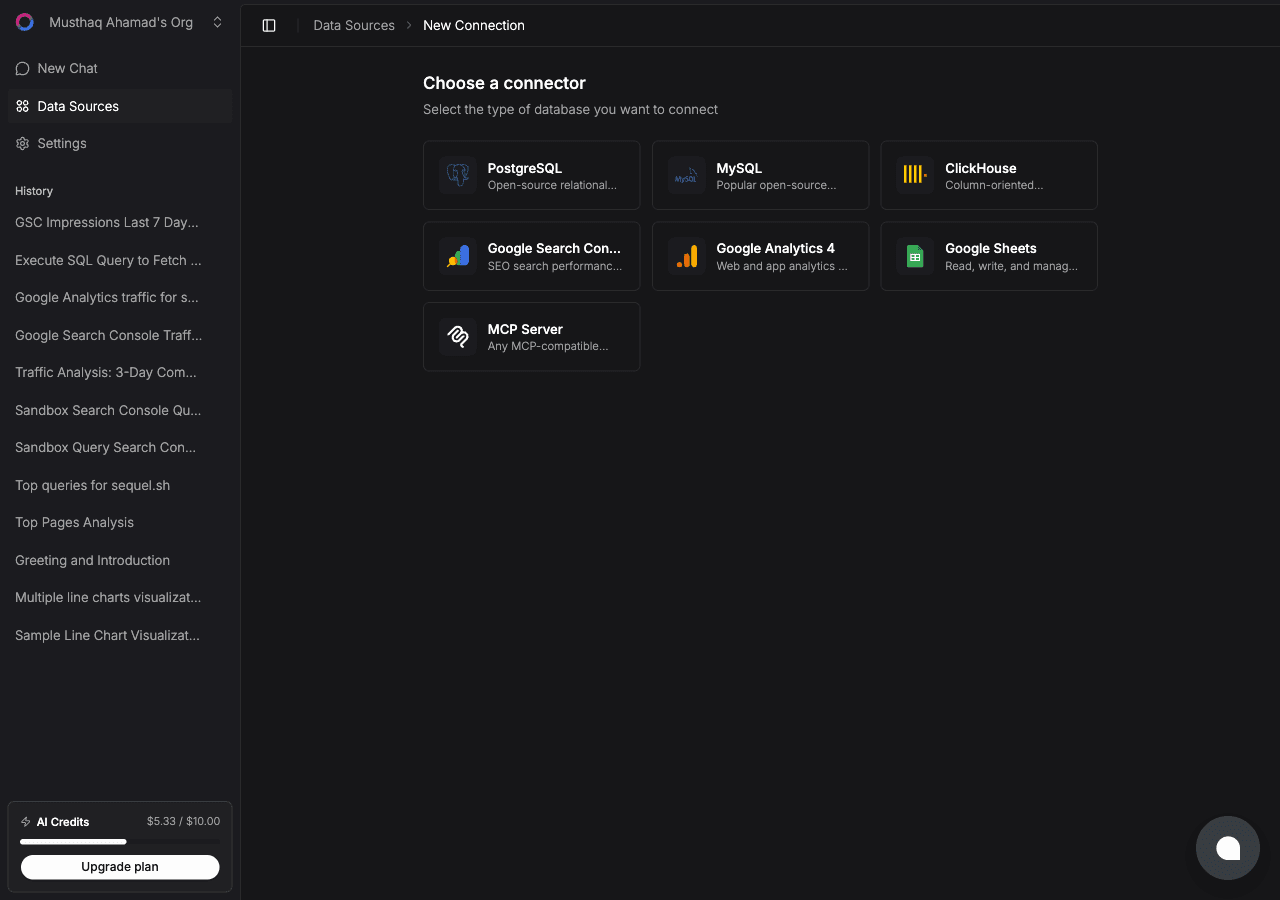
Click New Connection. On the "Choose a connector" page, select ClickHouse.
Fill in the connection fields:
- Connection Name: a memorable label, e.g.
ClickHouse Events DB - Host: your ClickHouse hostname, without
https://orhttp:// - Port:
8443for ClickHouse Cloud,8123for self-hosted HTTP - Username: e.g.
default - Password: your ClickHouse password
- Database: the database name to connect to
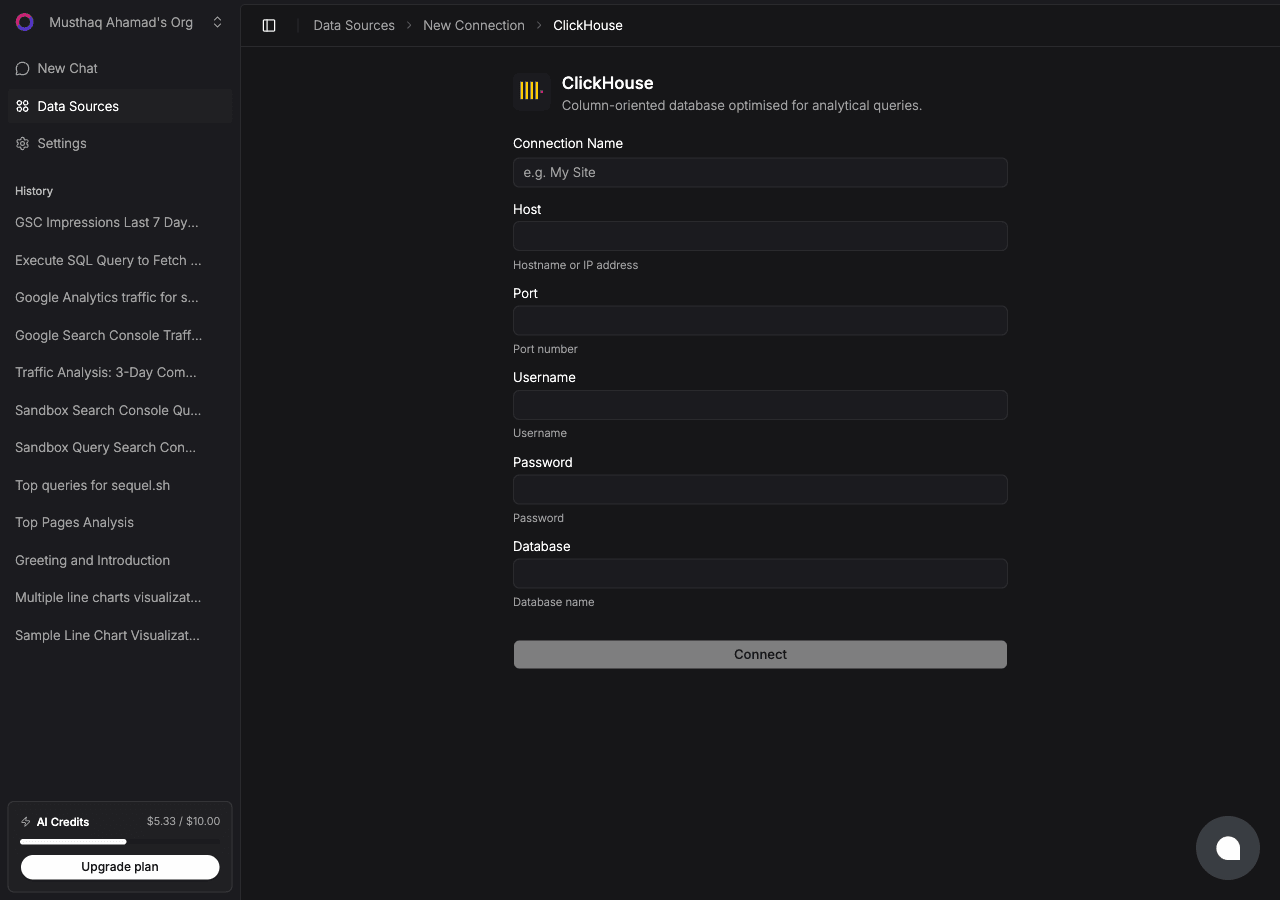
Click Connect to verify and save.
Step 2: Add Sequel to ChatGPT
First, enable Developer Mode. Open ChatGPT and go to Settings -> Apps. Click Advanced Settings and toggle Developer Mode on.
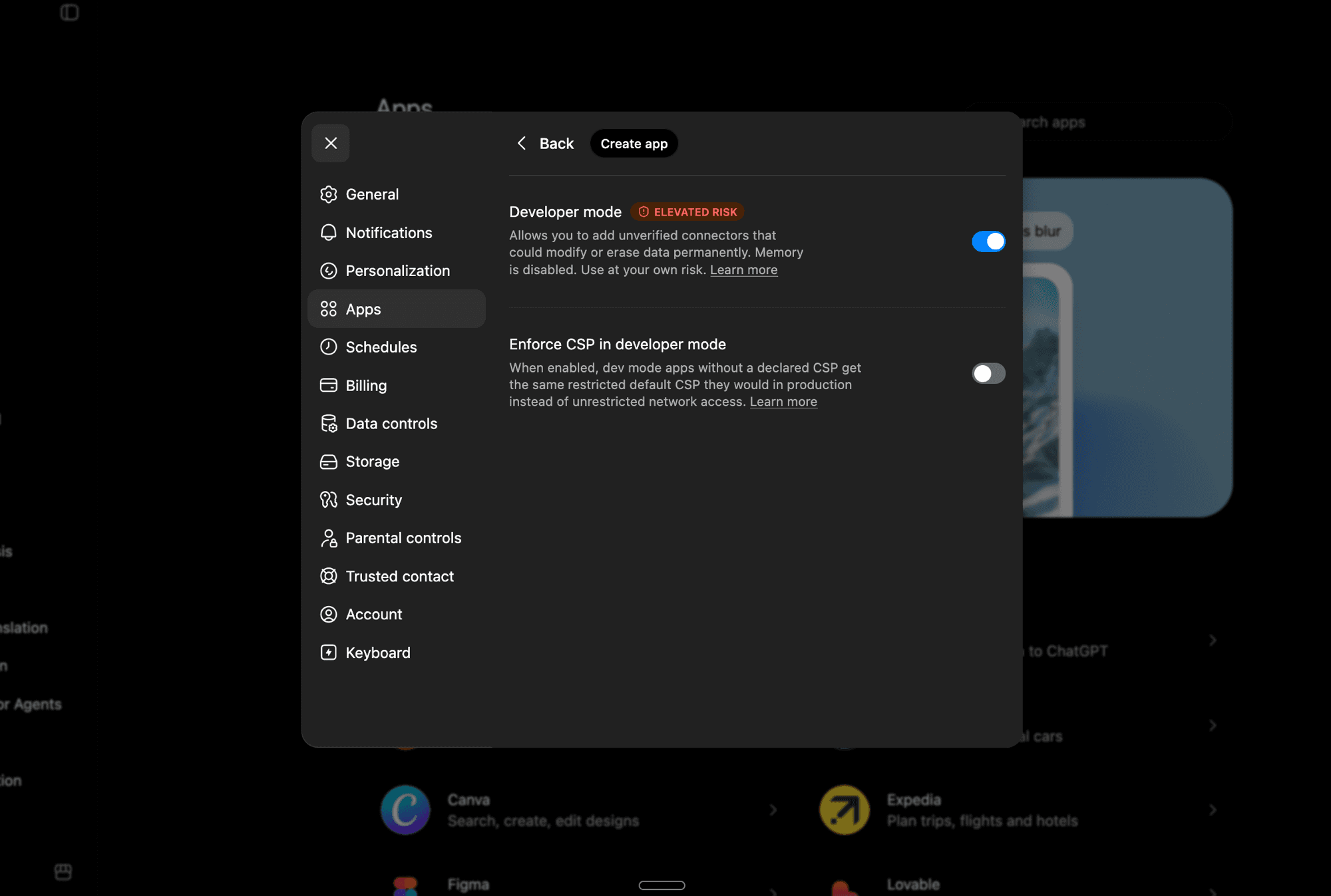
Developer Mode lets you add unverified MCP apps. Note that it disables ChatGPT's Memory feature while active.
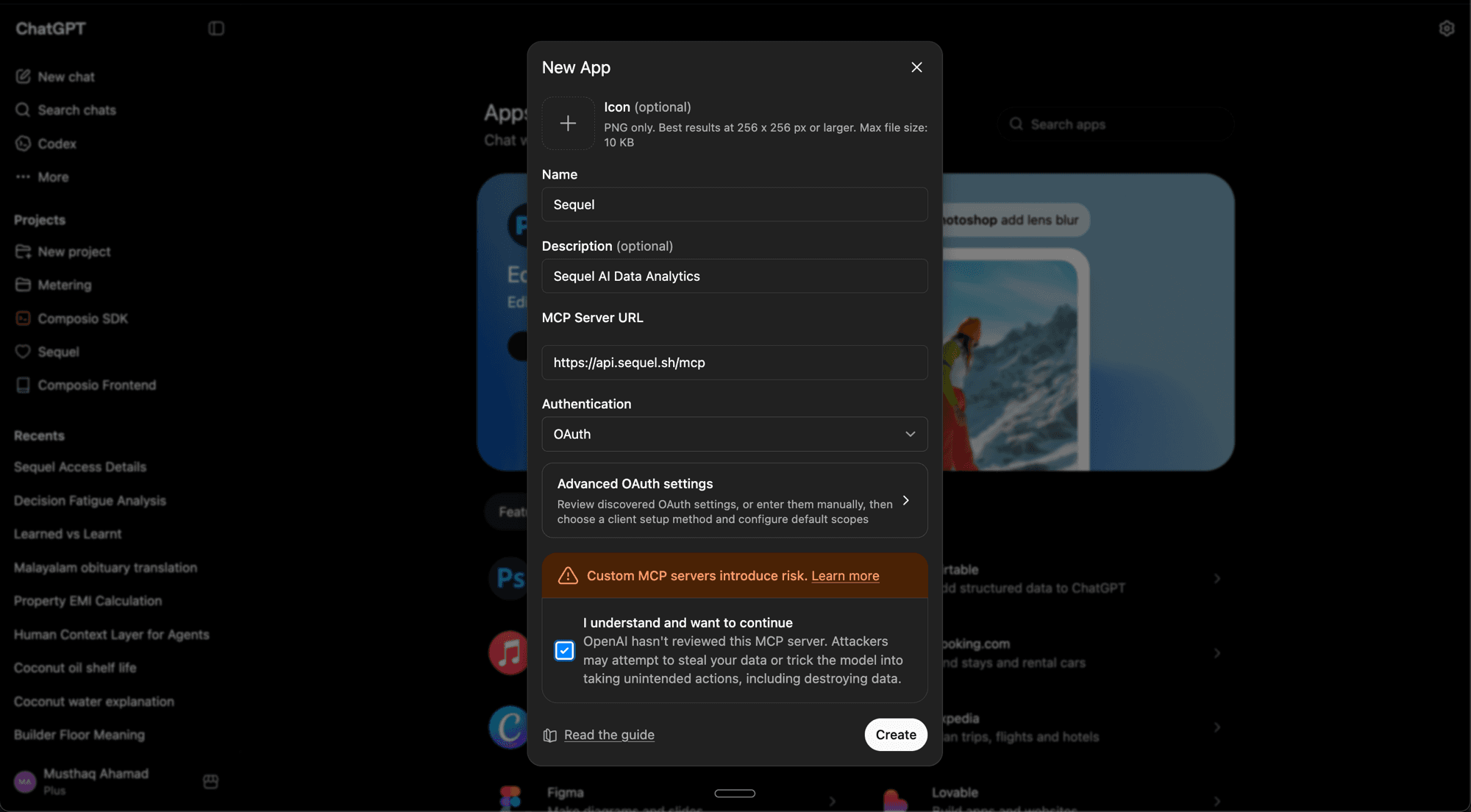
Now go back to Settings -> Apps and click Create App. Fill in the details:
- Name:
Sequel - Description:
Sequel AI Data Analytics(optional) - MCP Server URL:
https://api.sequel.sh/mcp - Authentication: OAuth
Check "I understand and want to continue", then click Create.
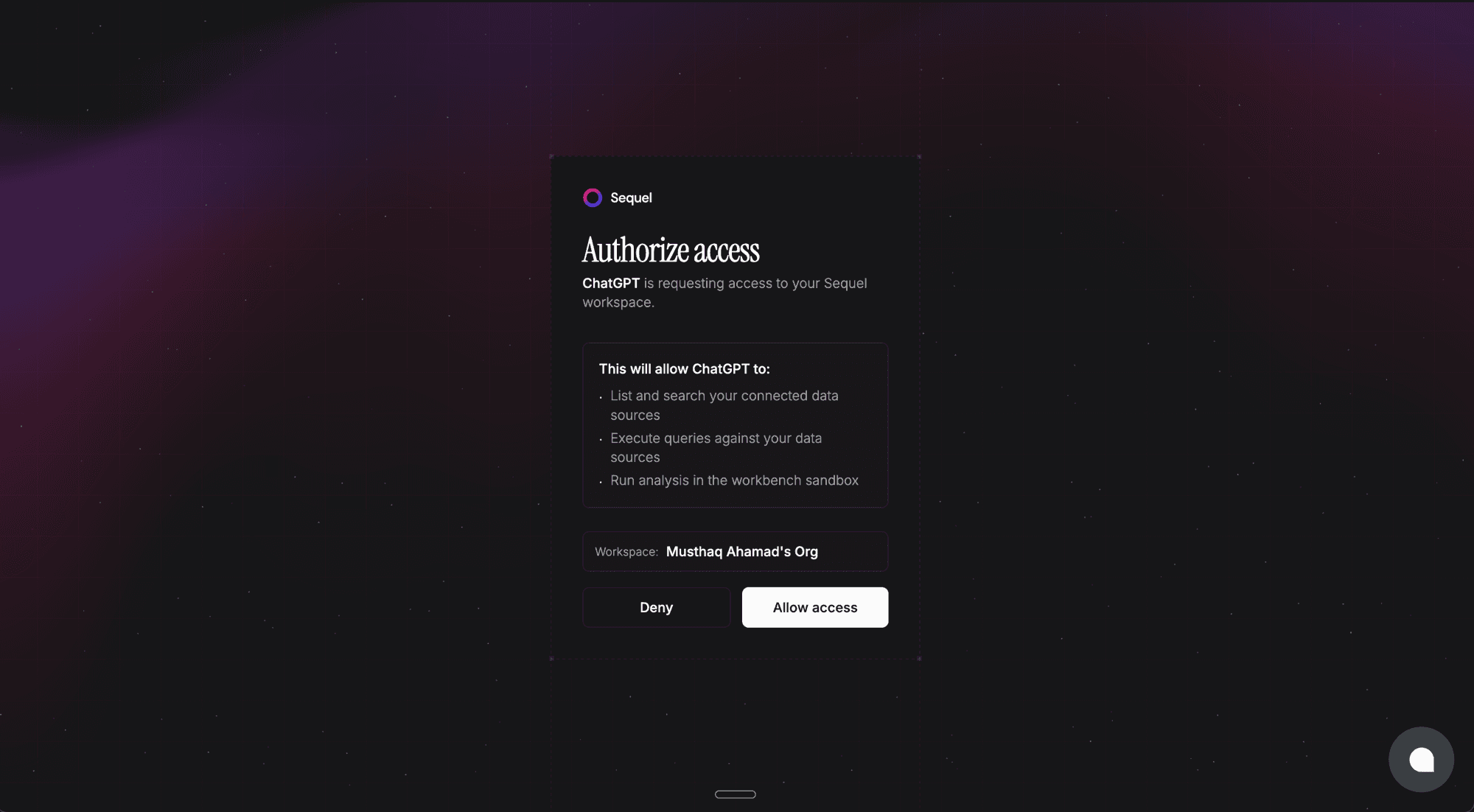
Sequel's authorization page will open in your browser. Review the permissions and click Allow access.
Once authorized, Sequel will appear in your Apps list and you're ready to query.
Step 3: Query Your ClickHouse Database
Using my ClickHouse database, how many unique users were active today?
What's the breakdown of revenue by country for this month?
Show me the trend of page load times over the past 7 days.
What You Can Do Now
- Stakeholder reporting: ask "Give me a summary of key product metrics this quarter" backed by live data
- Funnel debugging: ask "Where do users drop off in the signup flow?"
- Marketing attribution: ask "Which acquisition channels have the highest 30-day retention?"
- Anomaly detection: ask "Has anything unusual happened with our event volume in the past hour?"
- Comparative analysis: ask ChatGPT to compare two time periods or user segments and summarize the differences