
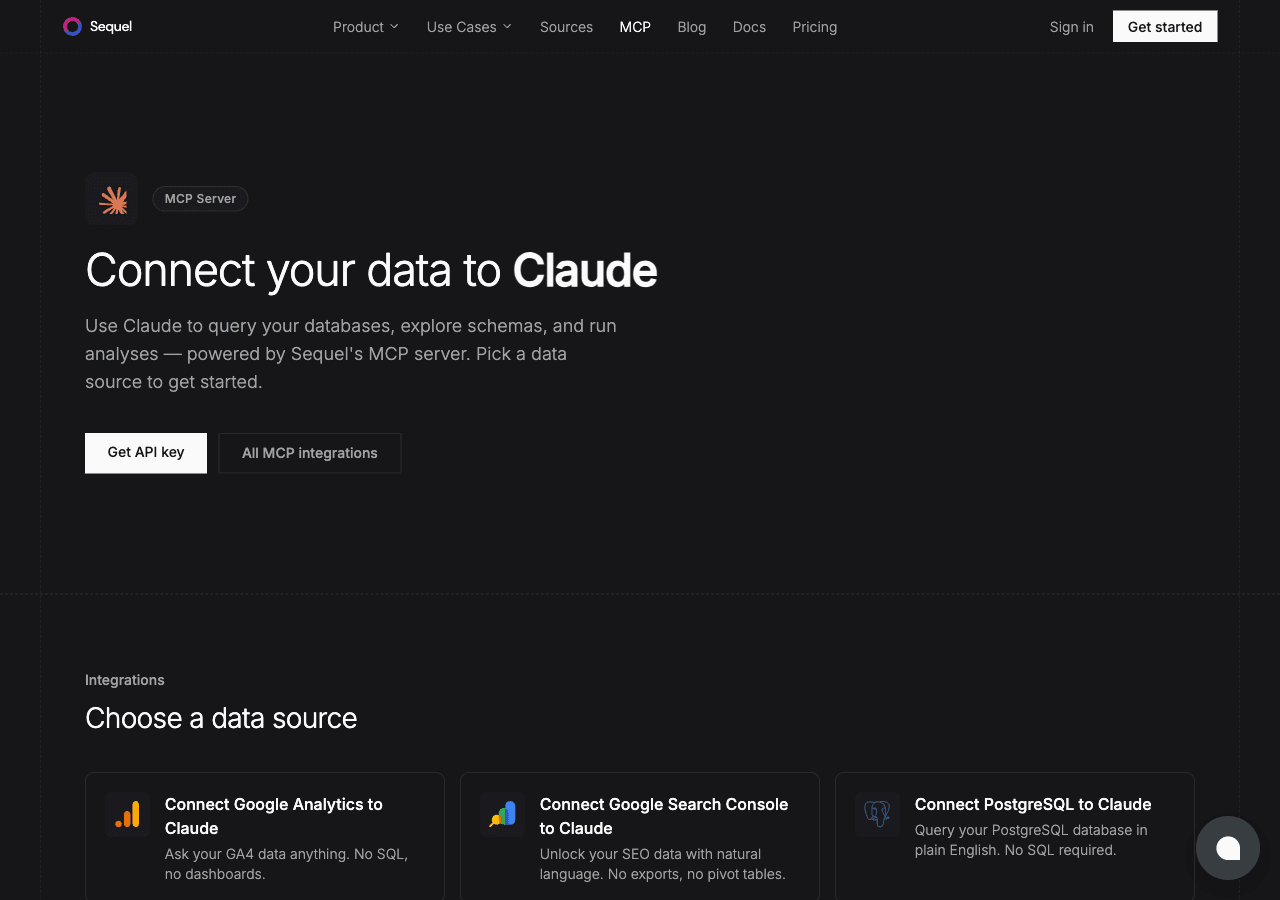
GA4 is where all your traffic and behavior data lives. Claude Desktop gives you a conversational AI interface. With Sequel's MCP server in between, you can just ask questions about your GA4 data. No dashboards, no custom reports.
What You'll Accomplish
After this setup, you'll be able to ask in Claude Desktop:
- "What's our top traffic source this week?"
- "How has our conversion rate changed over the past 3 months?"
- "Which pages do users spend the most time on?"
Prerequisites
- A Sequel account: Sign up free at sequel.sh
- A Google Analytics 4 property with at least Viewer access
- Claude Desktop installed: download from claude.ai/download
Step 1: Connect Google Analytics 4 to Sequel
Sign in to sequel.sh and click Data Sources in the left sidebar.
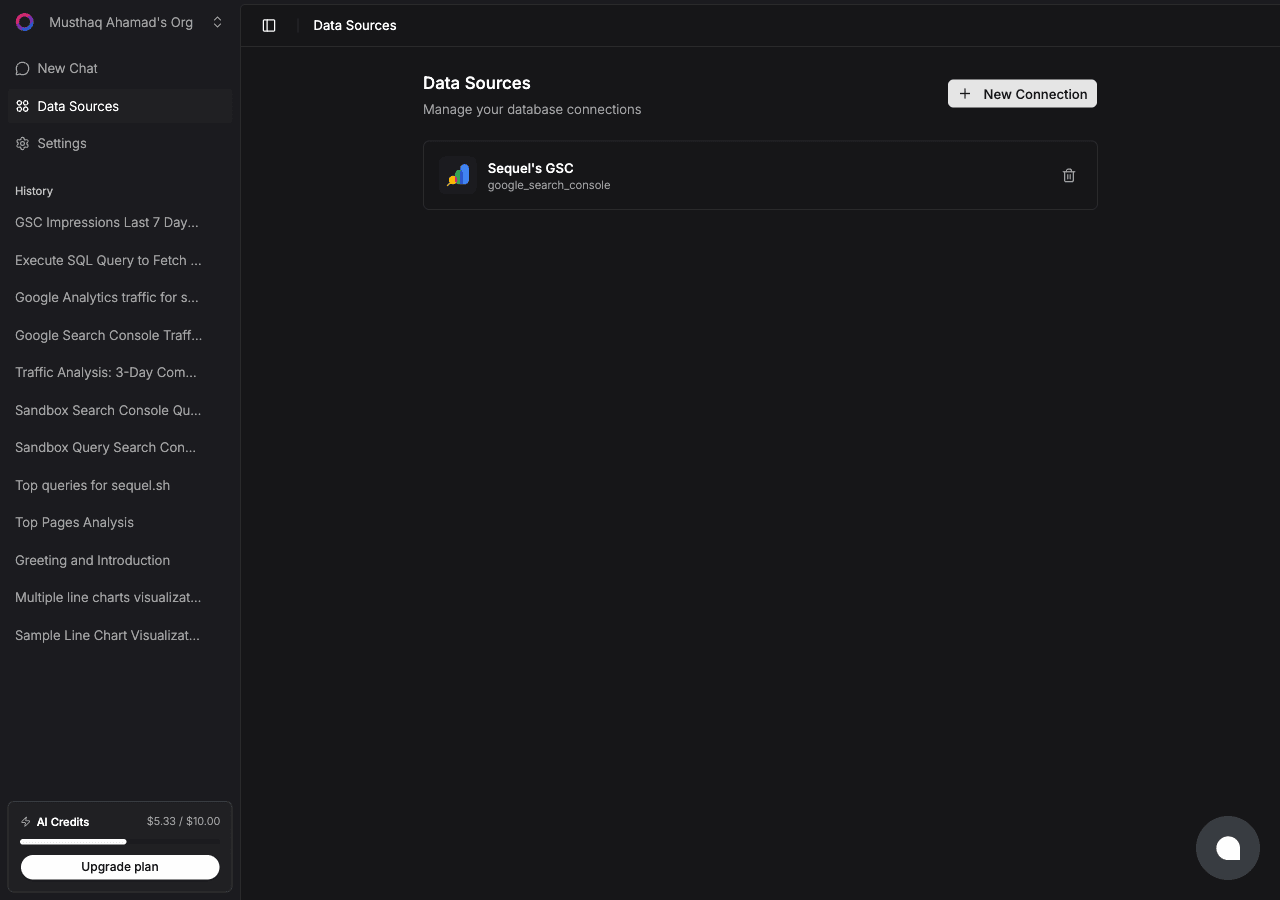
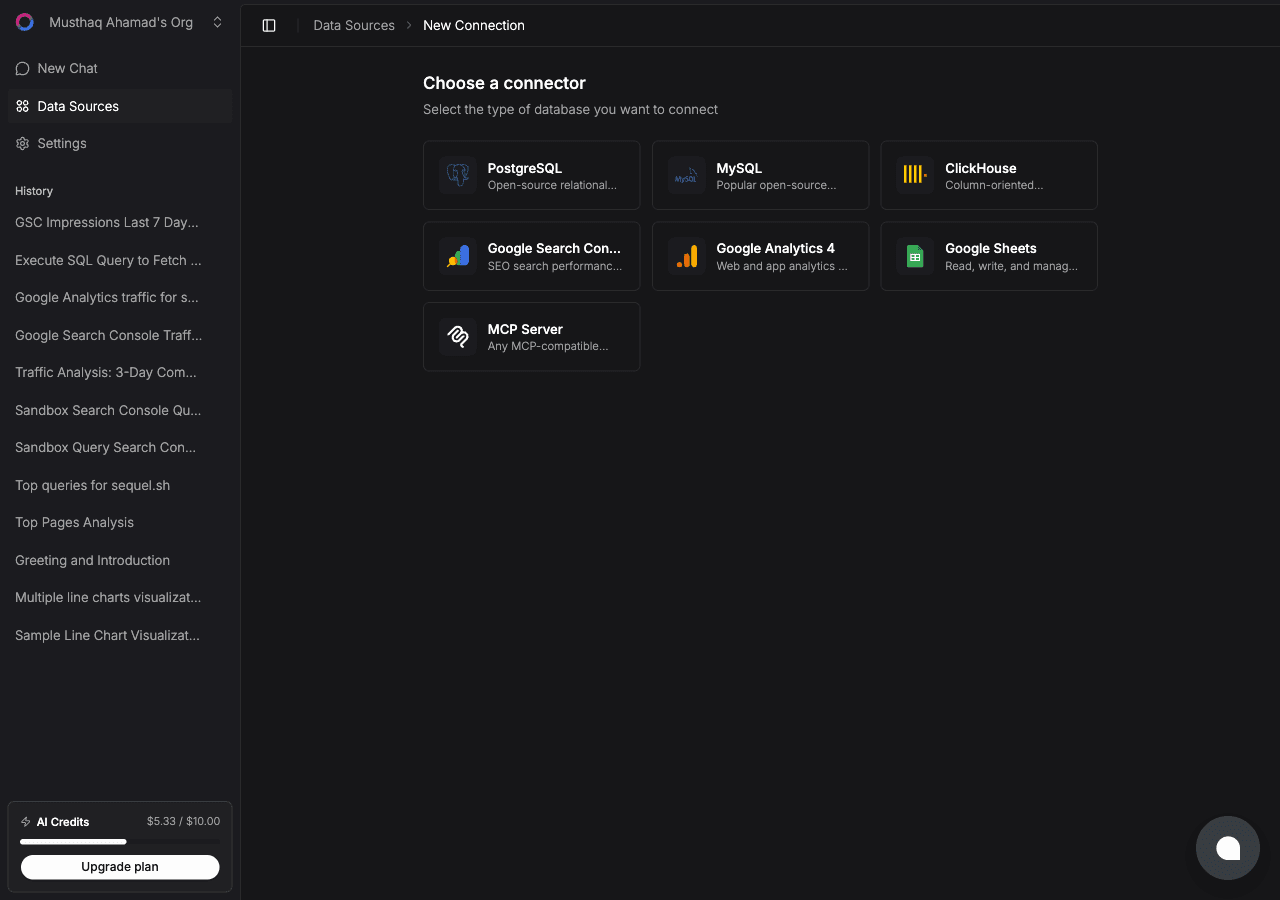
Click New Connection. On the "Choose a connector" page, select Google Analytics 4.
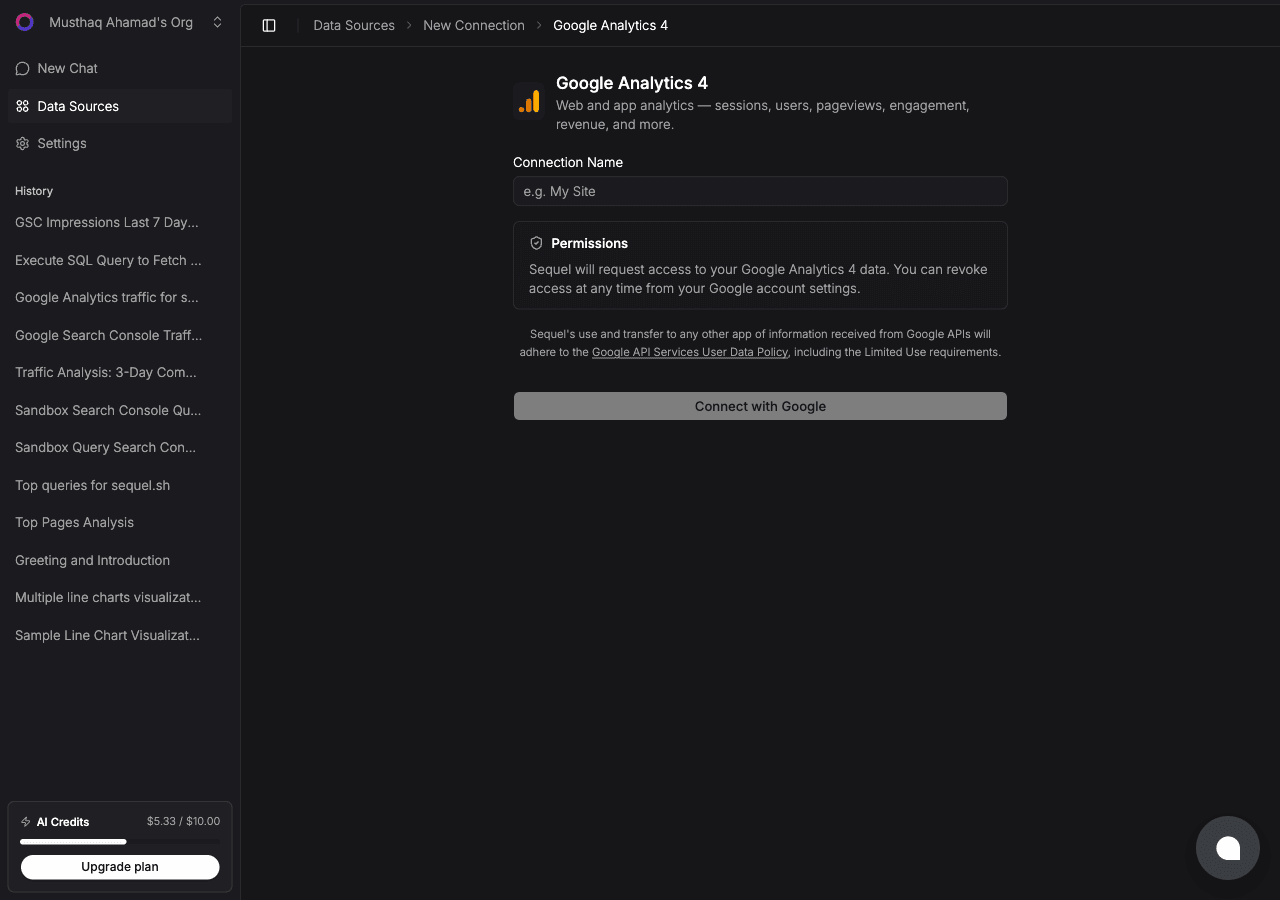
Enter a Connection Name, e.g. My Site Analytics. Then click Connect with Google.
A Google OAuth window will open. Sign in with the Google account that has access to your GA4 property and grant Sequel the requested permissions. You'll be redirected back to Sequel with the connection saved.
Step 2: Get Your Sequel API Key
Click Settings in the left sidebar, then select API Keys from the settings navigation.
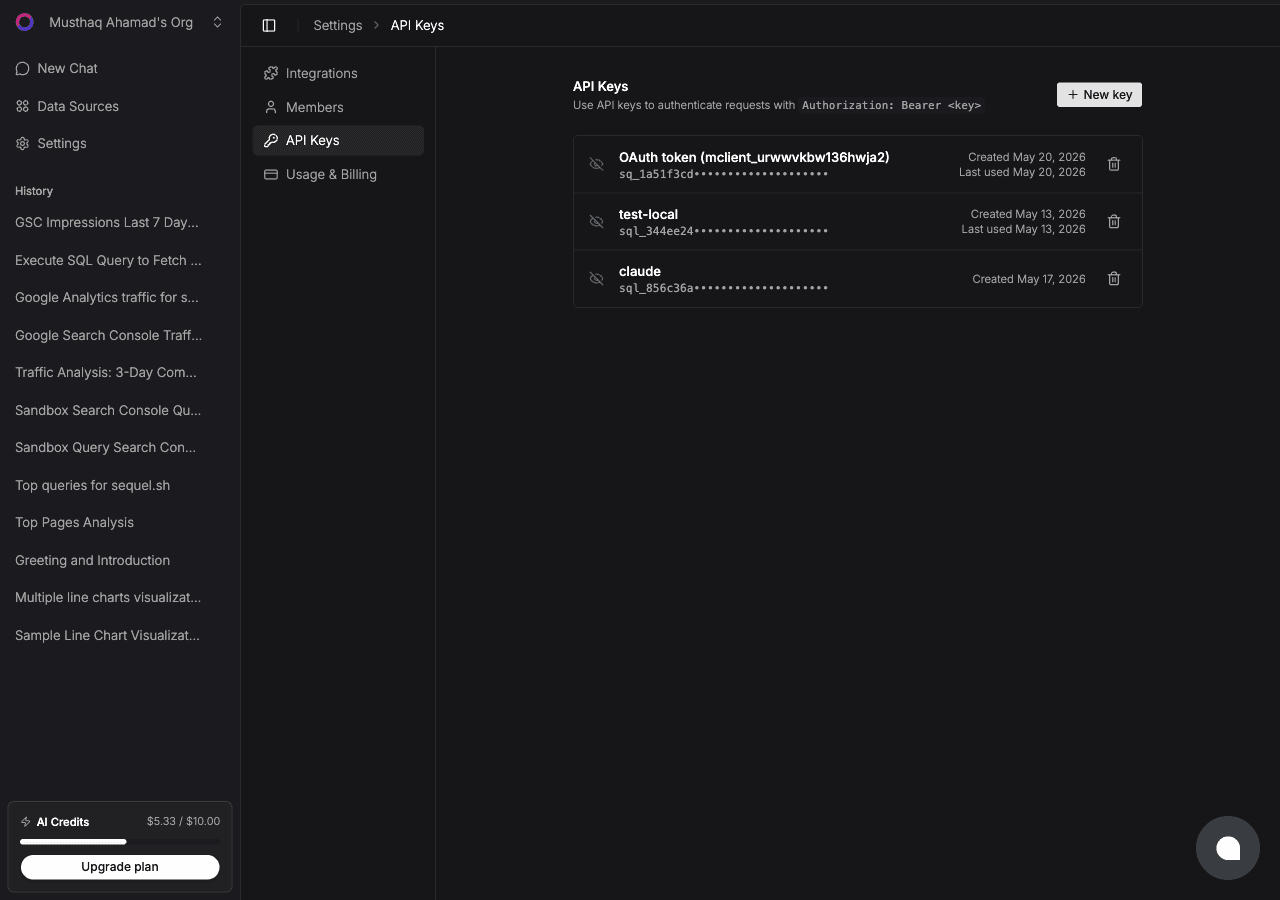
Click New key, name it claude-desktop-ga, and copy the key (starts with sql_).
Step 3: Configure Claude Desktop
Open or create the config file:
- Mac:
~/Library/Application Support/Claude/claude_desktop_config.json - Windows:
%APPDATA%\Claude\claude_desktop_config.json
Add the Sequel entry:
{
  "mcpServers": {
    "sequel": {
      "url": "https://api.sequel.sh/mcp",
      "headers": {
        "Authorization": "Bearer sql_your_api_key"
      }
    }
  }
}
Replace sql_your_api_key with the key from Step 2. Restart Claude Desktop after saving.
Step 4: Query Your Google Analytics Data
Start a conversation in Claude Desktop:
How many sessions did we have last week vs. the week before?
What are the top 10 pages by pageviews this month?
What percentage of our users are on mobile vs. desktop?
What You Can Do Now
- Marketing team reporting: ask "Which campaigns drove the most conversions this quarter?" without building a custom report
- Content performance: ask "Which blog posts have the highest engagement rate?"
- Executive summaries: ask Claude to write a plain-English summary of this month's traffic trends
- Funnel analysis: ask "What's the drop-off between product page visits and add-to-cart events?"
- Audience insights: ask "What countries are our users coming from and how do they convert differently?"