
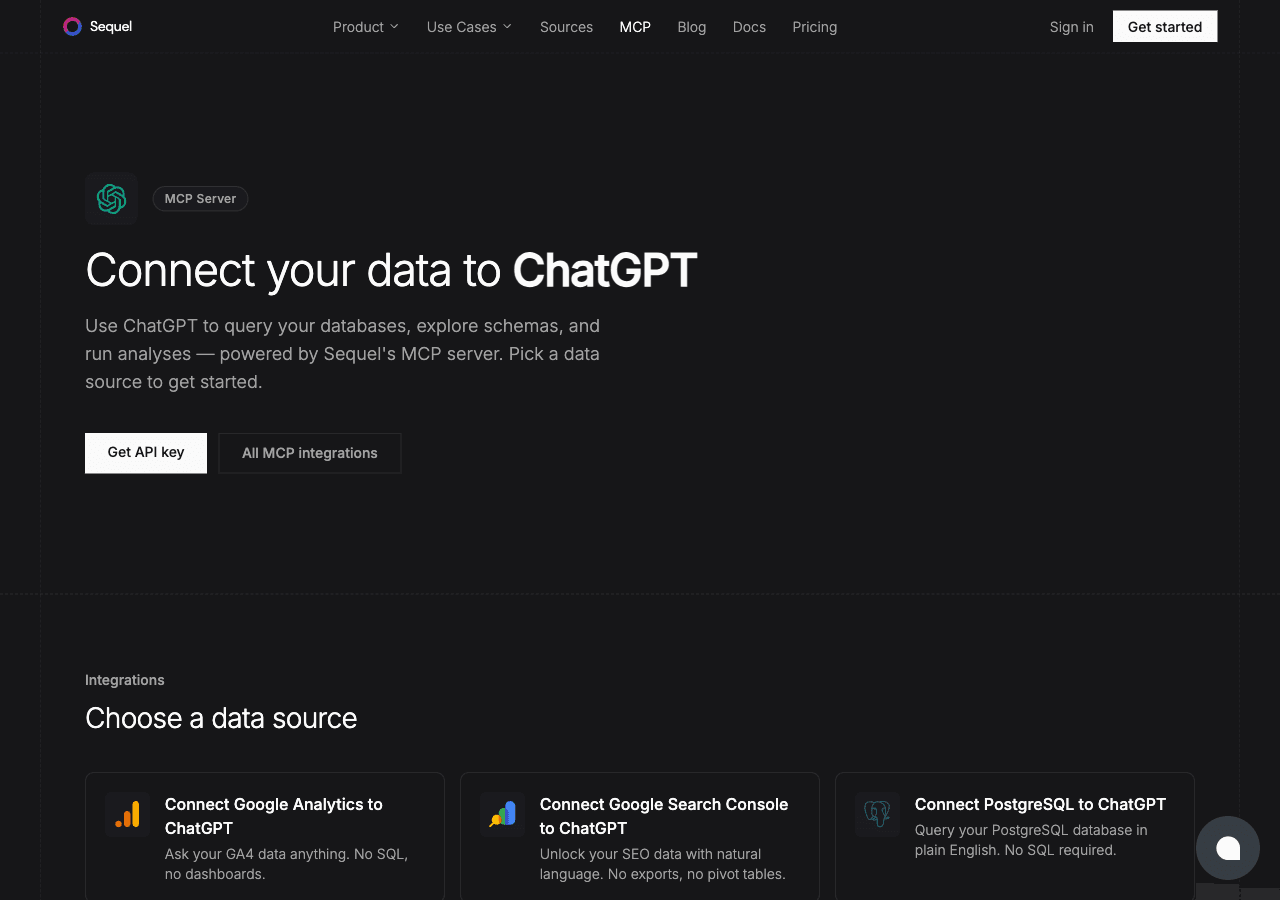
Google Search Console has all your site's search performance data: every query, every click, every ranking. ChatGPT is one of the most widely used AI tools around. Connecting them through Sequel's MCP server means you can just ask questions about your SEO data. No more navigating dashboards or building custom reports.
What You'll Accomplish
Once connected, you can ask ChatGPT:
- "What are my top 10 queries by clicks this month?"
- "Which pages have the most impressions but under 3% CTR?"
- "How has my average position for non-branded queries changed over the past 6 months?"
Prerequisites
- A Sequel account: Sign up free at sequel.sh
- Google Search Console access: at least Full User on the property
- A ChatGPT Plus, Team, or Enterprise account: required for custom MCP apps
Step 1: Connect Google Search Console to Sequel
Sign in to sequel.sh and click Data Sources in the left sidebar.
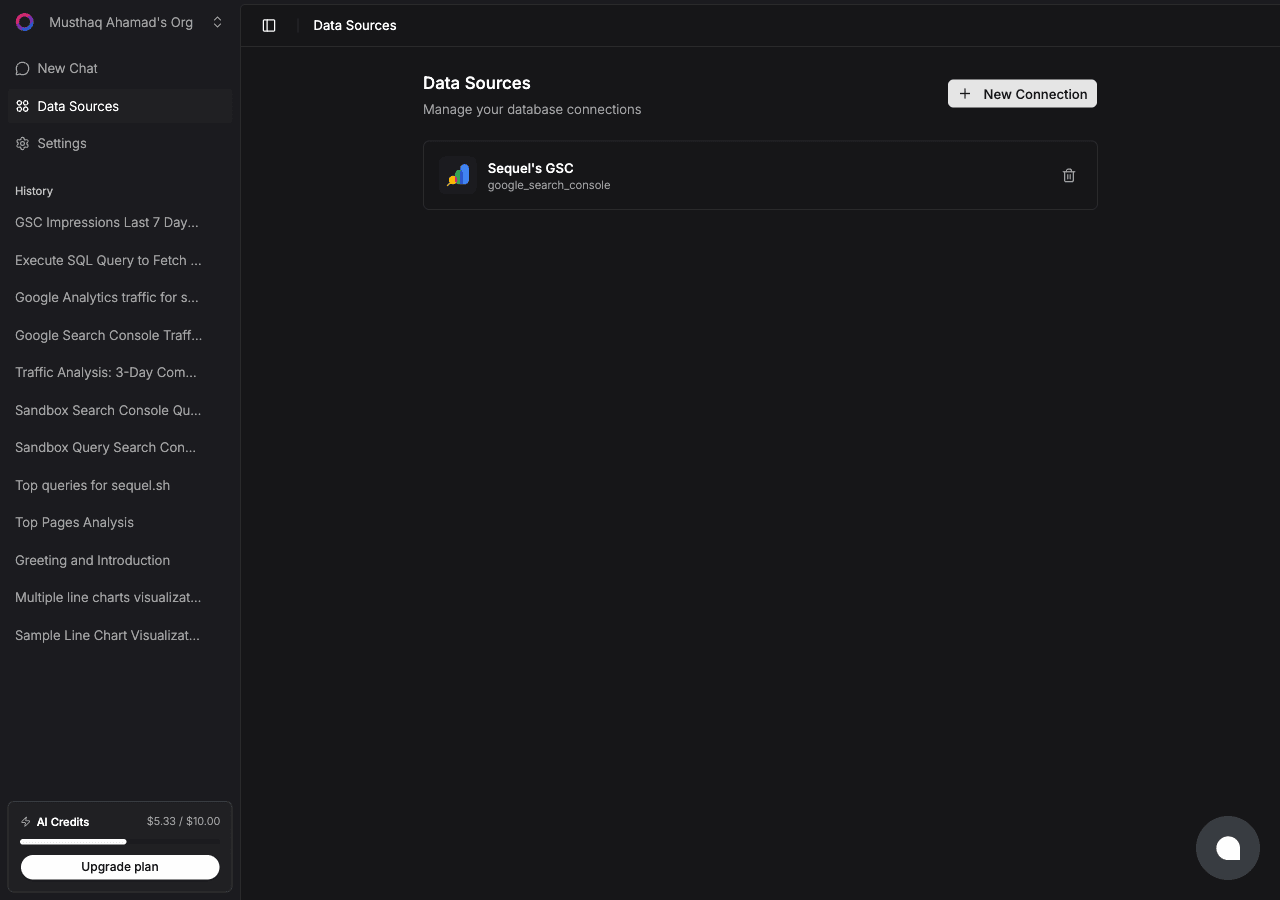
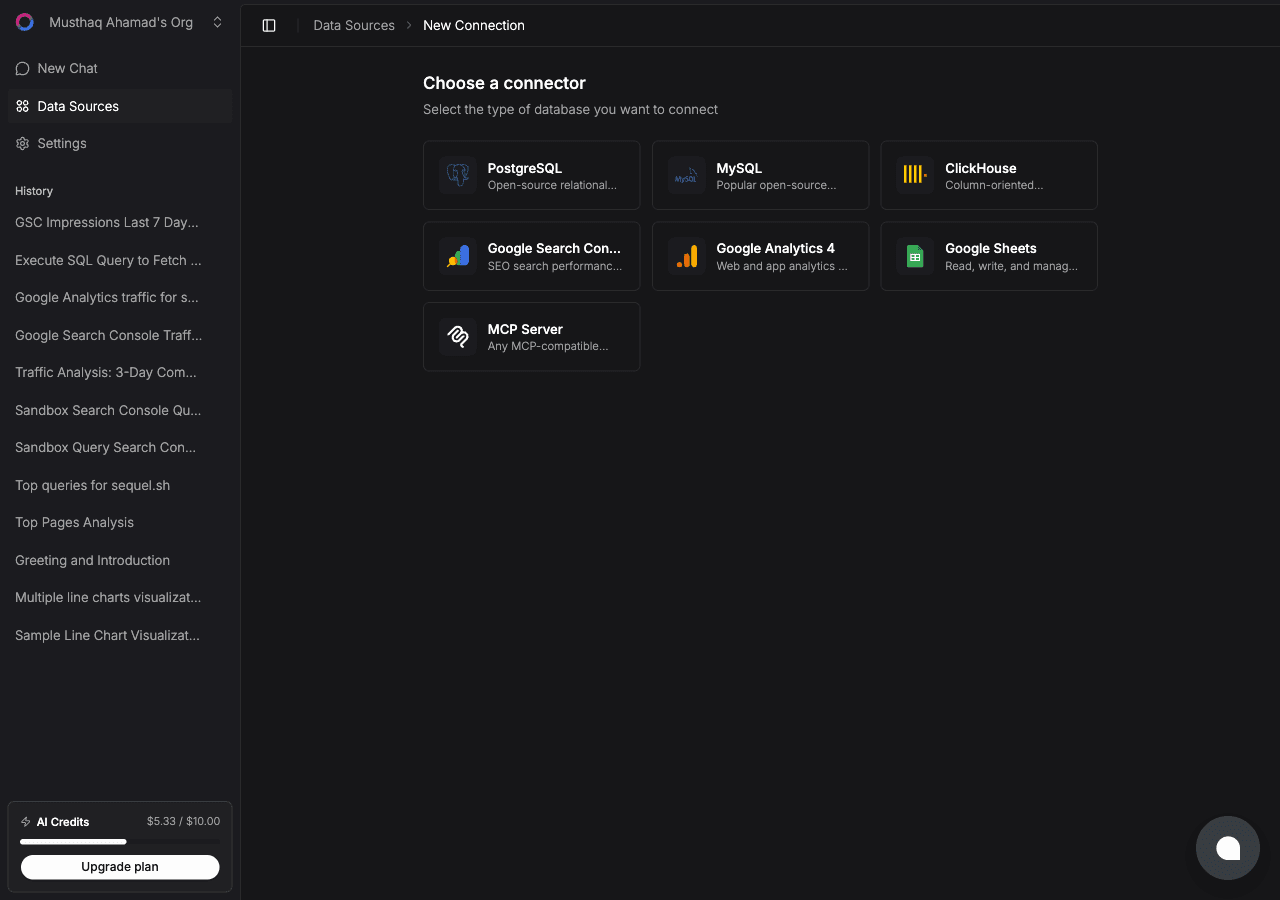
Click New Connection. On the "Choose a connector" page, select Google Search Console.
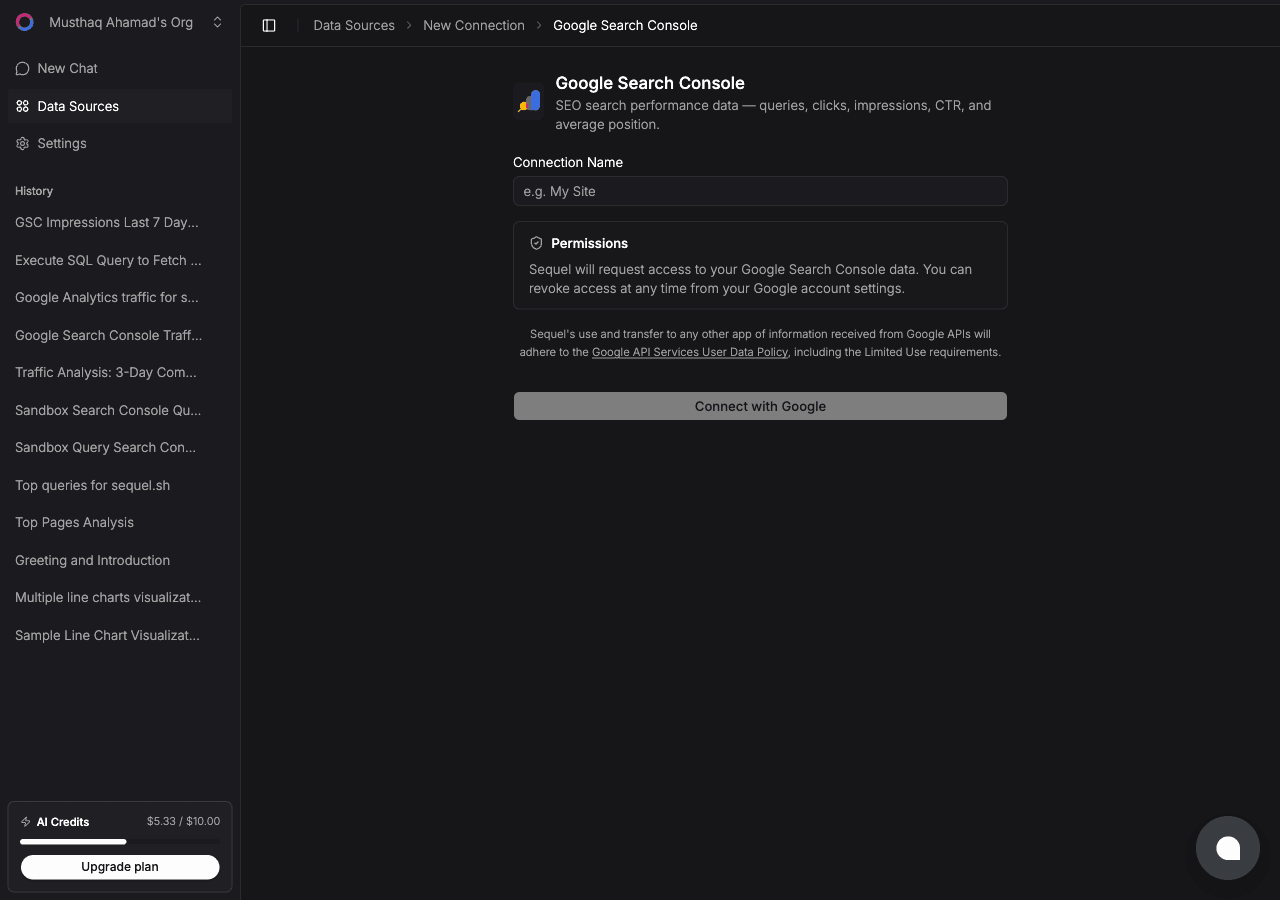
Enter a Connection Name, e.g. My Site GSC. Then click Connect with Google.
A Google OAuth window will open. Sign in with the account that has access to your Search Console property and grant Sequel the requested permissions. You'll be redirected back to Sequel with the connection saved.
Step 2: Add Sequel to ChatGPT
First, enable Developer Mode. Open ChatGPT and go to Settings -> Apps. Click Advanced Settings and toggle Developer Mode on.
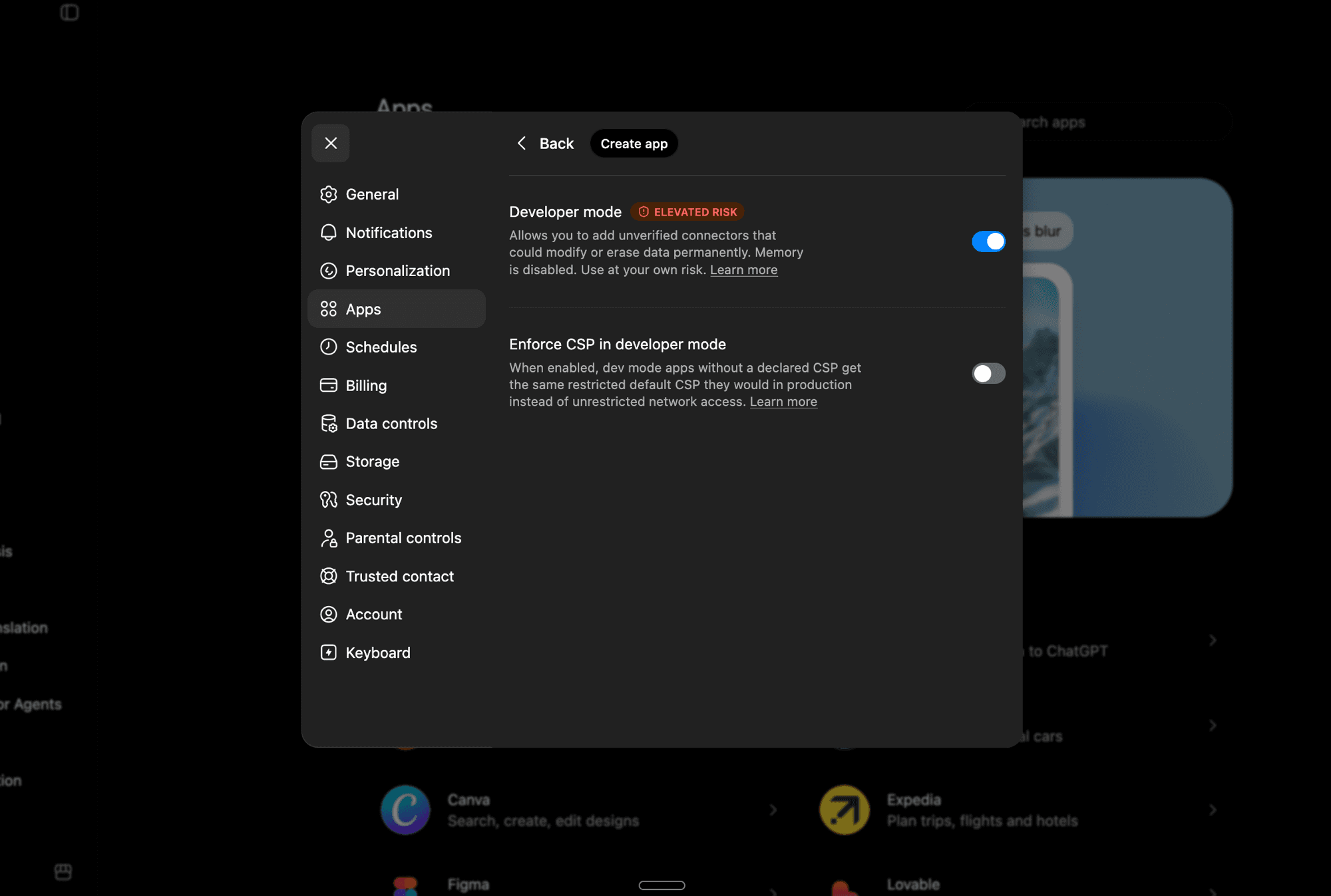
Developer Mode lets you add unverified MCP apps. Note that it disables ChatGPT's Memory feature while active.
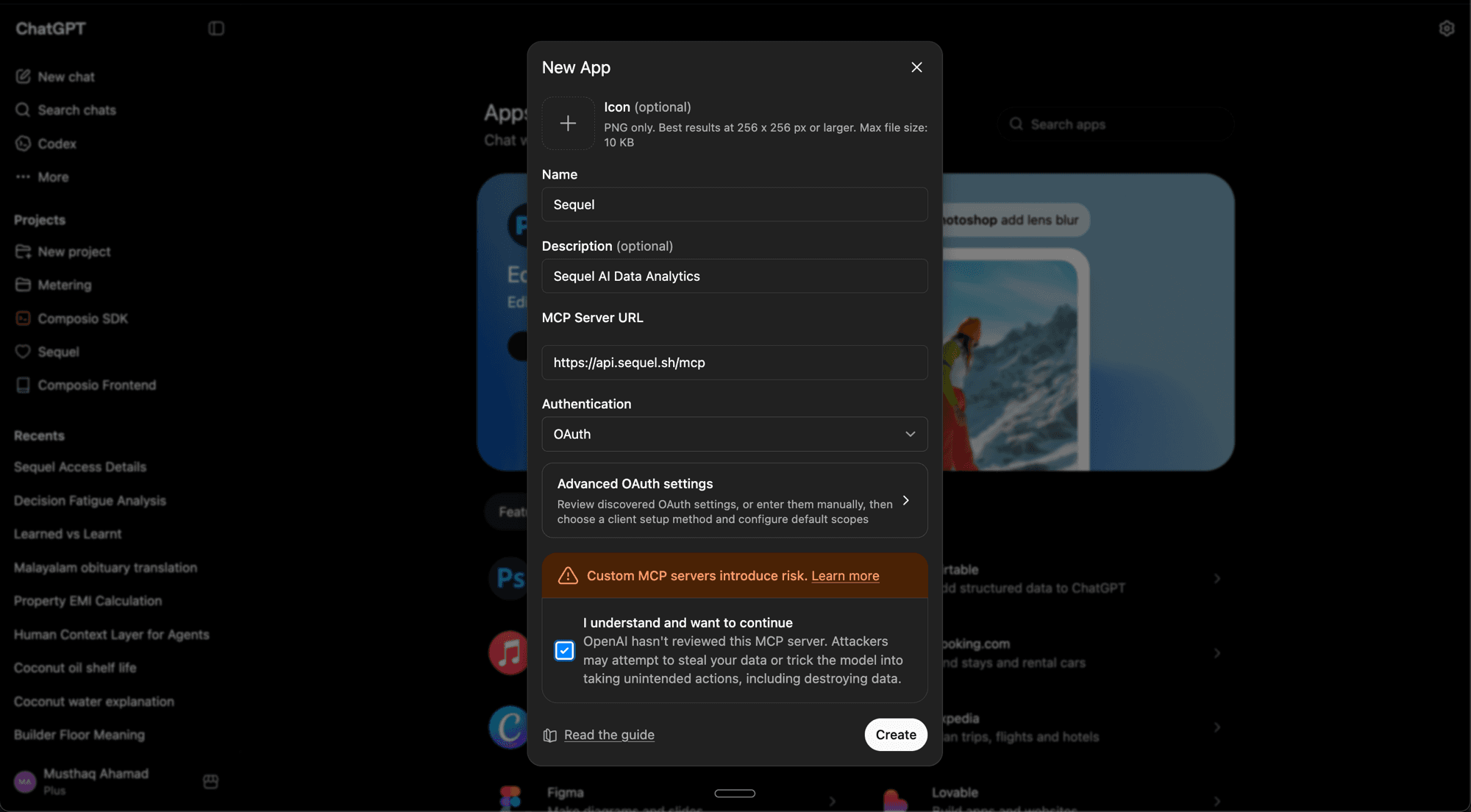
Now go back to Settings -> Apps and click Create App. Fill in the details:
- Name:
Sequel - Description:
Sequel AI Data Analytics(optional) - MCP Server URL:
https://api.sequel.sh/mcp - Authentication: OAuth
Check "I understand and want to continue", then click Create.
Sequel's authorization page will open in your browser. Review the permissions and click Allow access.
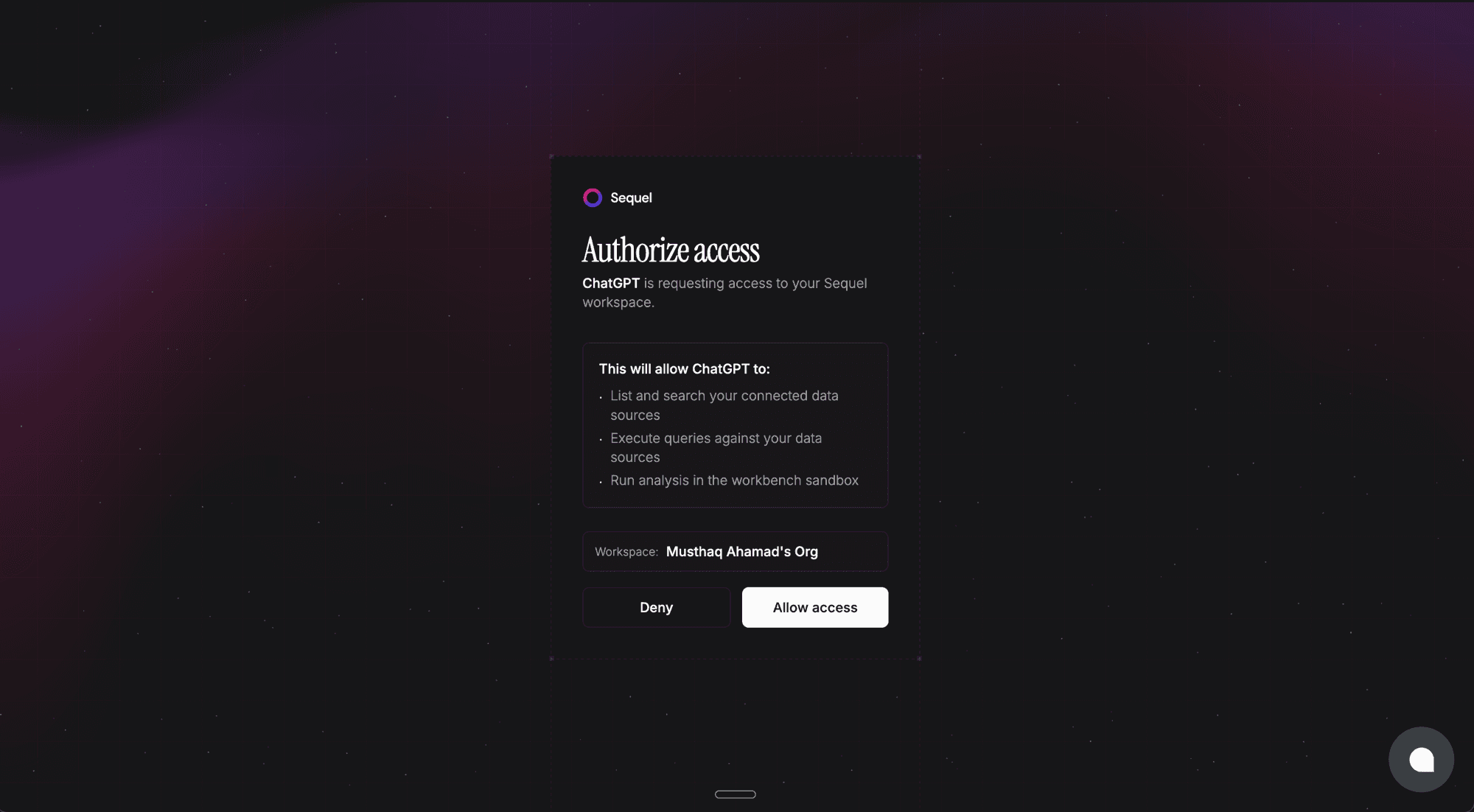
Once authorized, Sequel will appear in your Apps list and you're ready to query.
ChatGPT will walk you through an OAuth login to your Sequel account. Once done, Sequel will appear in your Apps list and you're ready to query.
Step 3: Query Your Search Console Data
What are my top 20 queries by impressions this month?
Which pages have been losing clicks compared to last month?
What's our click-through rate for queries containing 'how to'?
What You Can Do Now
- Keyword opportunity analysis: ask "Which queries rank between positions 5 and 15?" to find pages worth optimizing
- Content performance: ask "Which blog posts are driving the most clicks from search this quarter?"
- SEO reporting: ask ChatGPT to write a plain-English monthly SEO summary based on your Search Console data
- CTR improvement: ask "Which queries have high impressions but under 2% CTR?" and prioritize title tag rewrites
- Trend detection: ask "Are there any queries that have significantly dropped in position over the past 30 days?"