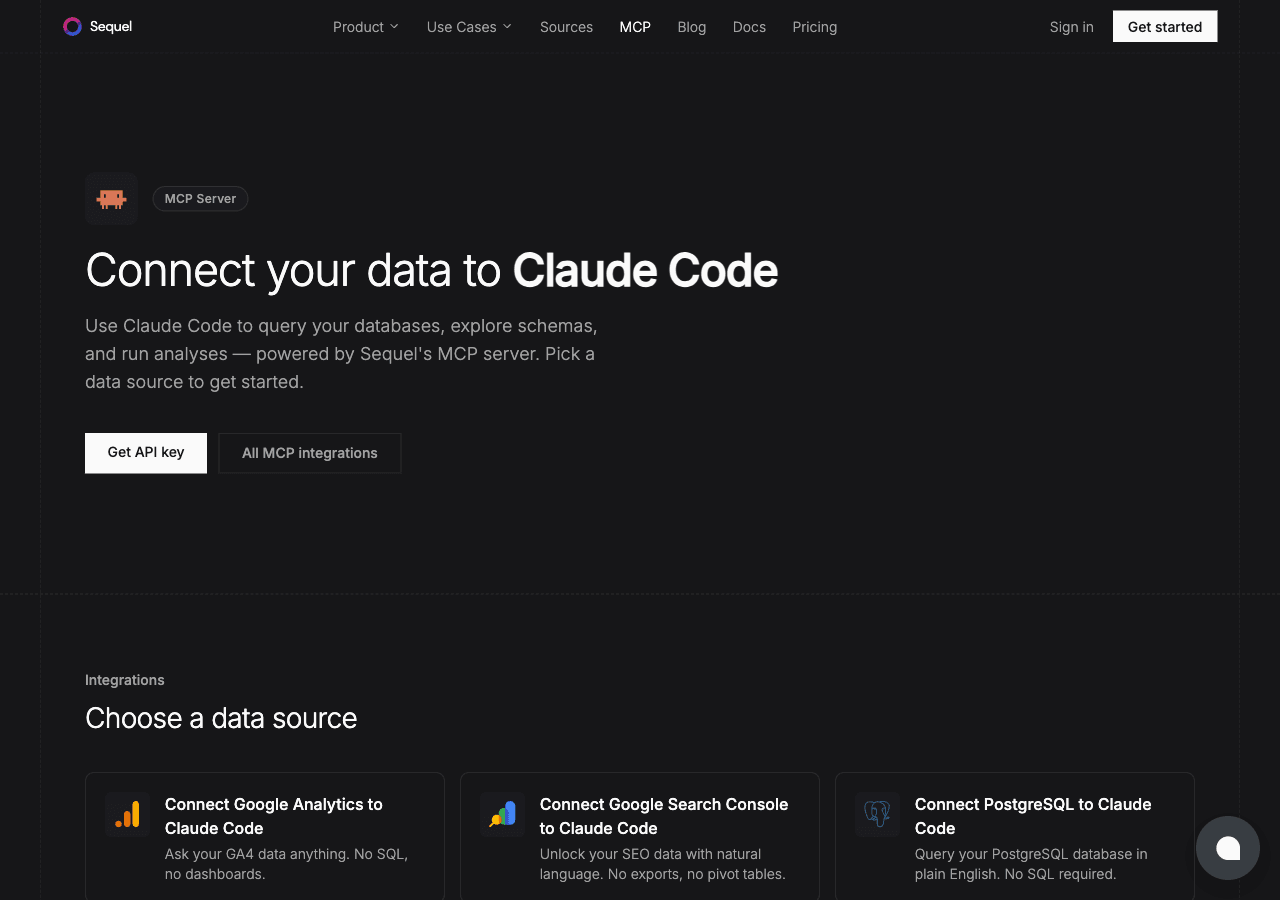
MySQL is behind a huge chunk of the web, from WordPress blogs to large-scale e-commerce platforms. Claude Code brings Anthropic's AI to your terminal. Connect them through Sequel's MCP server and you can query your MySQL database in natural language without leaving the command line.
What You'll Accomplish
Once configured, you'll be able to open Claude Code and ask:
"How many orders were placed today?"
"What products are low on inventory?"
"Show me the most recently registered users."
Claude Code will use Sequel's MCP server to translate those questions into MySQL queries, run them, and return results in your terminal.
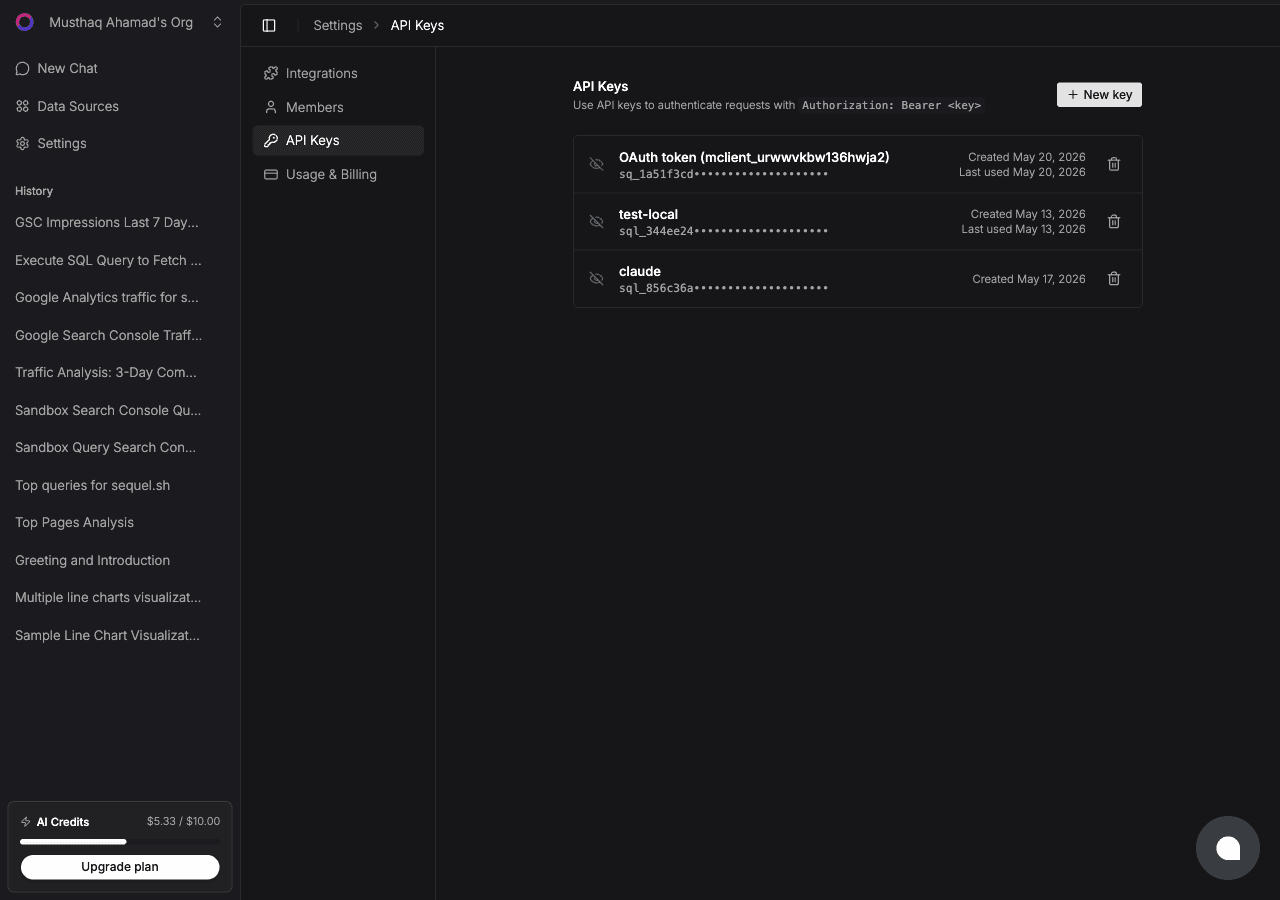
Replace sql_your_api_key with the key from Step 2. Add --scope user before --transport to install it globally for every project. Verify with:
claude mcp list
Step 4: Query Your MySQL Database
Start a Claude Code session and ask:
How many active users are in the database?
Show me the orders placed in the last 24 hours with their total values.
Which products haven't been ordered in the past 90 days?
What You Can Do Now
Support and ops: answer customer questions quickly without building custom admin panels
Debugging: ask "Are there any orphaned records in the order_items table?"
Business intelligence: ask "What's our revenue trend for the past 12 months?"
Schema exploration: ask "What tables exist in this database?" when jumping into an unfamiliar codebase
Data quality checks: ask "Are there any NULL values in required fields?" before running a deployment
Try Sequel
Build your company brain.
Sequel connects the systems your company runs on and learns how your team defines every metric, so any AI agent can answer from it. Free for up to 3 seats, no credit card required.
Sequel supports MySQL 5.7 and MySQL 8.0+. It also works with MySQL-compatible databases like PlanetScale, AWS Aurora MySQL, and Vitess as long as they accept standard MySQL connection strings.
What does a MySQL connection string look like?
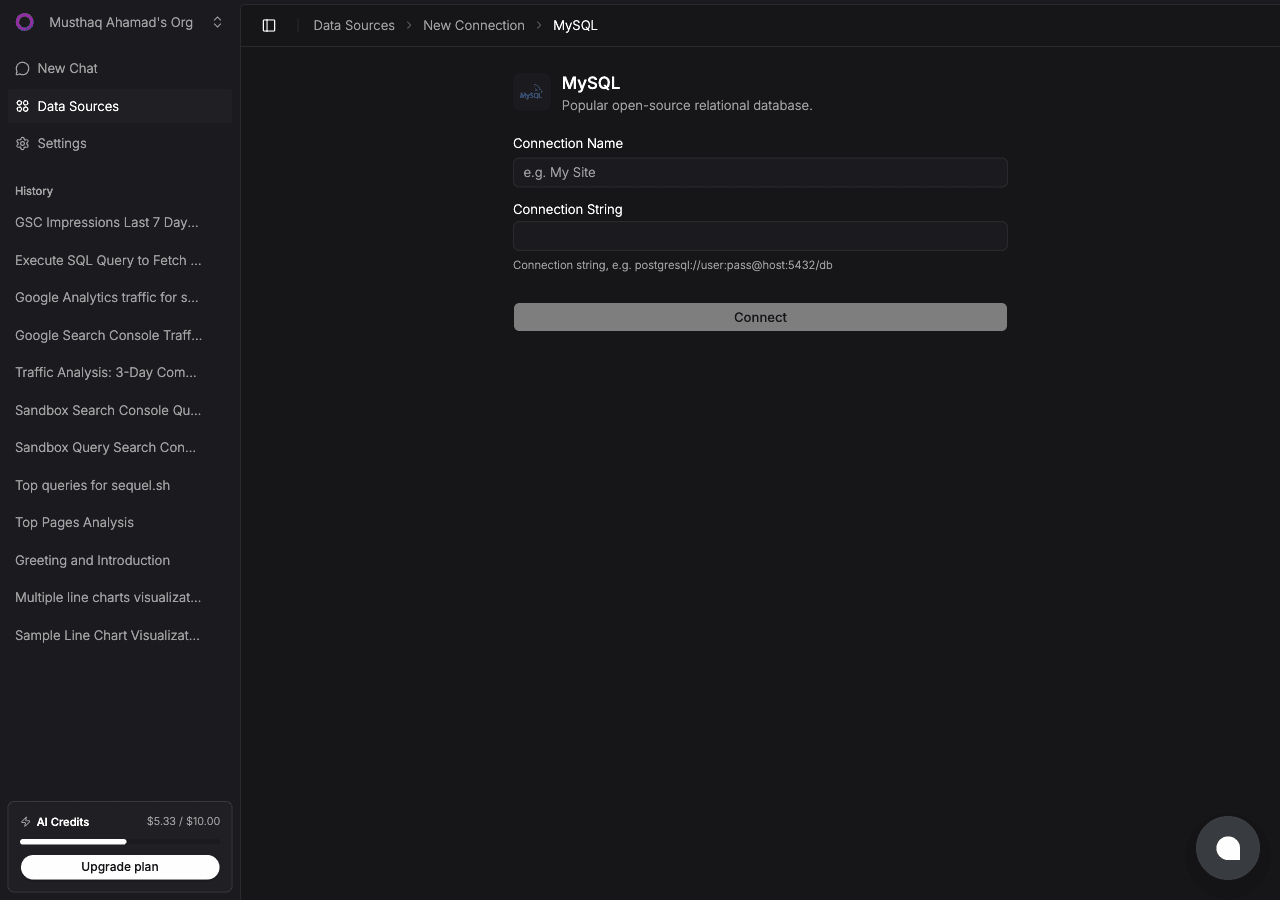
The format is mysql://username:password@host:3306/database_name. For example, mysql://root:mypassword@db.myapp.com:3306/production.
Does Sequel send my MySQL schema to a third party?
Sequel uses your schema to build accurate SQL queries, but your actual row data is only accessed when you run a query. Schema metadata stays within Sequel's infrastructure and is never shared with Claude or Anthropic directly.
What MySQL permissions does the Sequel user need?
For read-only access, GRANT SELECT on the relevant tables is sufficient. Sequel does not need INSERT, UPDATE, DELETE, or DDL permissions.
My MySQL database requires SSL. Will this work?
Yes. Sequel supports SSL connections to MySQL. When adding your connection, include the SSL parameters in your connection string if required by your server.
Can Claude Code write data back to MySQL through Sequel?
If you use a read-only MySQL user (recommended), writes are blocked at the database level regardless of what Claude Code requests.