MySQL is the database behind countless web applications. Claude Desktop gives you a conversational AI interface on your desktop. Connect them through Sequel's MCP server and you just type your question and get an answer.
What You'll Accomplish
After this setup, you'll be able to ask in Claude Desktop:
"How many orders were placed this week?"
"Which customers have the highest lifetime value?"
"Show me all products with fewer than 10 units in stock."
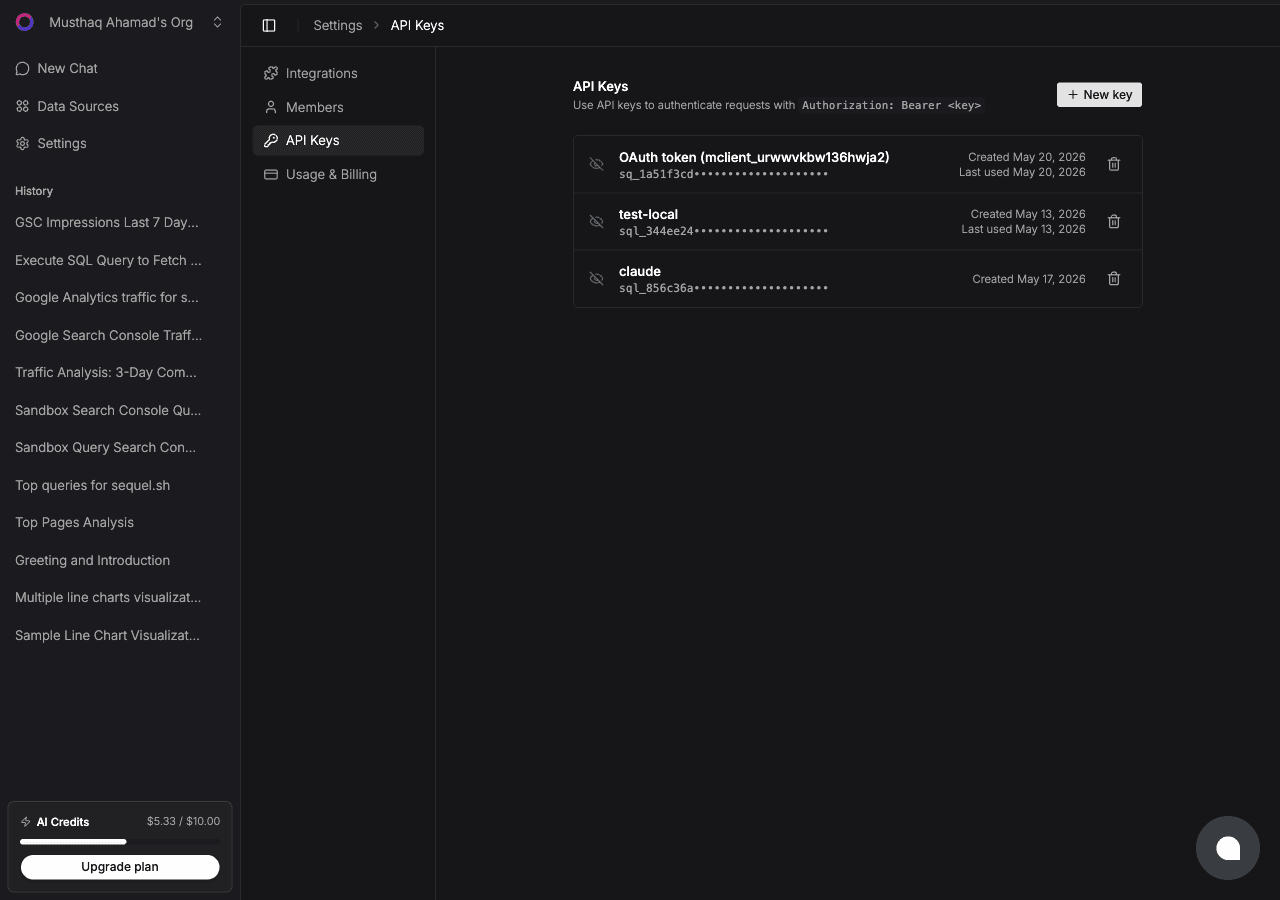
Replace sql_your_api_key with the key from Step 2. Restart Claude Desktop after saving.
Step 4: Query Your MySQL Database
Start a conversation in Claude Desktop:
How many new user registrations happened this month compared to last month?
Which product categories generate the most revenue?
Are there any orders that have been in 'processing' status for more than 7 days?
What You Can Do Now
Answer one-off business questions instantly: no Looker, no spreadsheet, no waiting for an analyst
Audit your data: ask "Are there duplicate phone numbers in the customers table?"
Generate reports in plain English: ask "Give me a summary of this month's sales performance"
Explore schemas you're not familiar with: useful when onboarding to a new project or reviewing inherited code
Try Sequel
Build your company brain.
Sequel connects the systems your company runs on and learns how your team defines every metric, so any AI agent can answer from it. Free for up to 3 seats, no credit card required.
Yes. Sequel supports both MySQL 5.7 and MySQL 8.0+. It also works with compatible databases like AWS Aurora MySQL, PlanetScale, and Vitess.
What does a MySQL connection string look like?
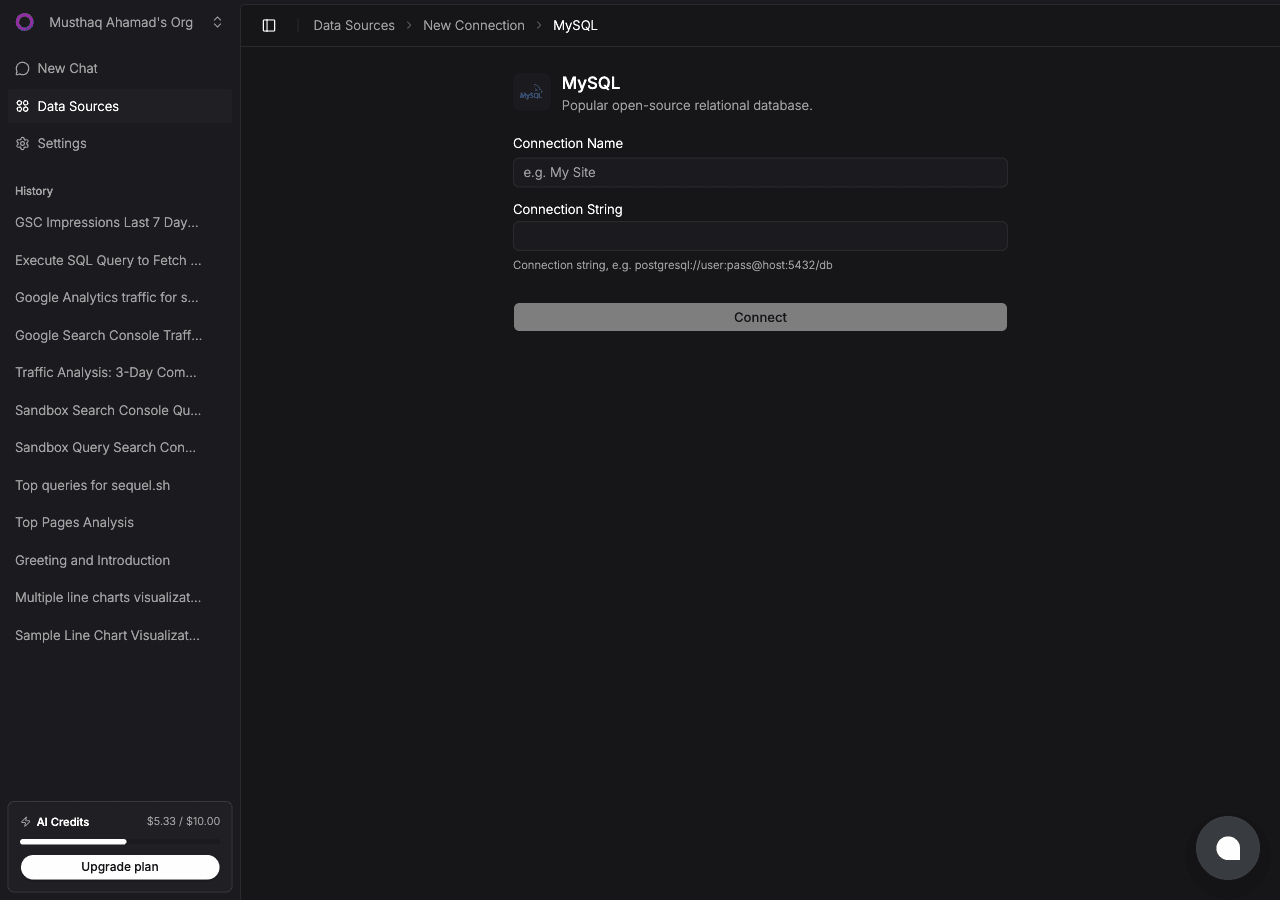
The format is mysql://username:password@host:3306/database_name. For example, mysql://root:mypassword@db.myapp.com:3306/production.
Where is the Claude Desktop config file on Mac and Windows?
On Mac it's at "~/Library/Application Support/Claude/claude_desktop_config.json". On Windows it's at "%APPDATA%\Claude\claude_desktop_config.json". Create the file if it doesn't exist.
Will Claude Desktop keep my MySQL connection persistent across sessions?
Yes. Once you add the Sequel MCP server to the config file, it loads automatically every time Claude Desktop starts. You don't need to reconfigure it per session.
How do I update my Sequel API key in Claude Desktop after rotating it?
Open claude_desktop_config.json, update the Bearer token value to your new key, save the file, and restart Claude Desktop.
What if I have multiple MySQL databases in Sequel?
All your Sequel data sources are accessible through the single MCP server entry. You can ask Claude to list your connections and specify which database to target in your questions.