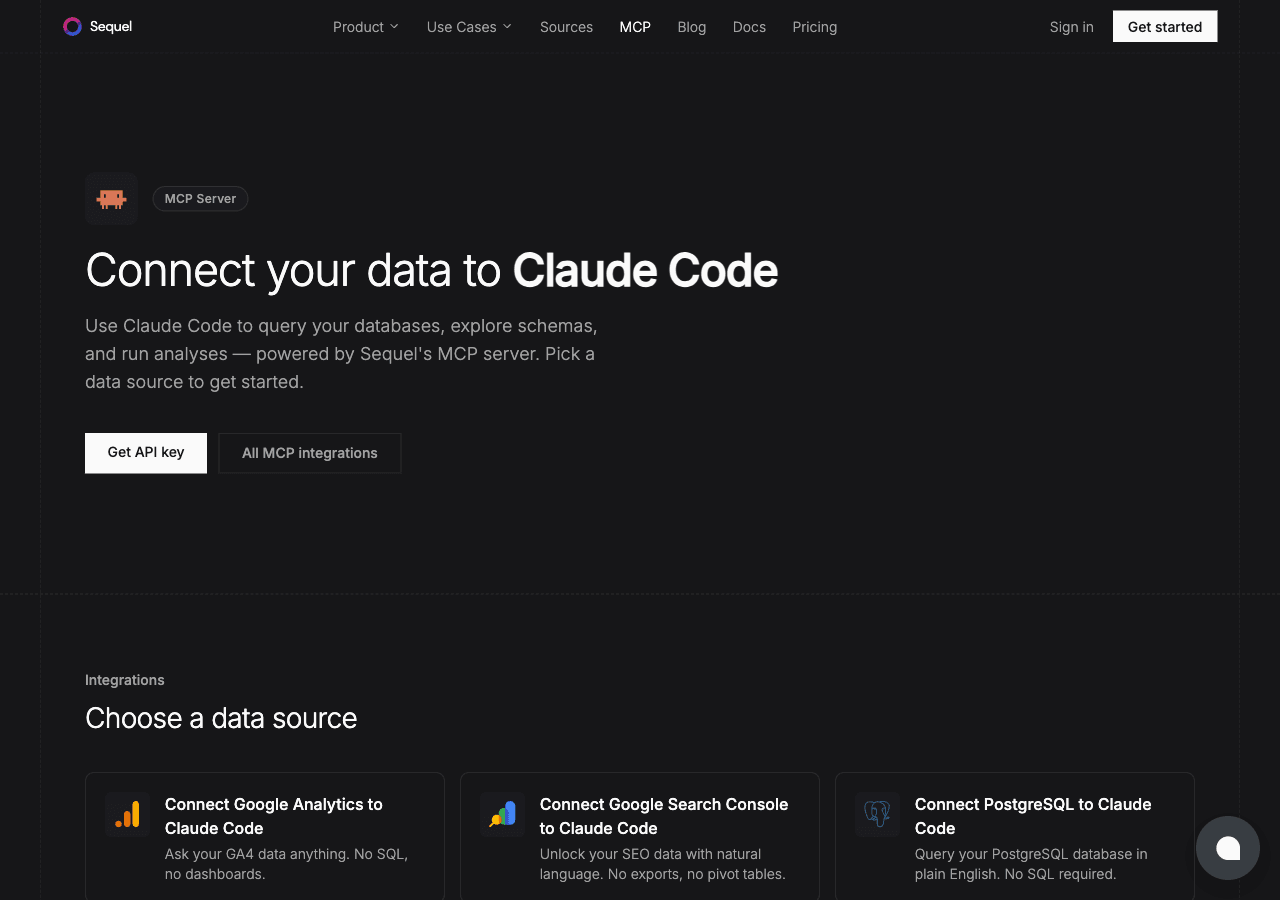
Postgres is probably already running somewhere in your stack. Claude Code is Anthropic's AI coding CLI that lives in your terminal. Sequel's MCP server connects the two so you can ask questions about your Postgres data directly from the command line. No context switching, no SQL, no opening a DB client.
This guide walks you through the full setup in four steps.
What You'll Accomplish
By the end of this guide, you'll be able to open a terminal, run Claude Code, and ask questions like:
"How many users signed up last week?"
"Which products have had more than 100 orders in the past 30 days?"
"Show me the top 5 customers by lifetime value."
Claude Code will use Sequel's MCP server to translate those questions into SQL, run them against your PostgreSQL database, and return the results. All without leaving your terminal.
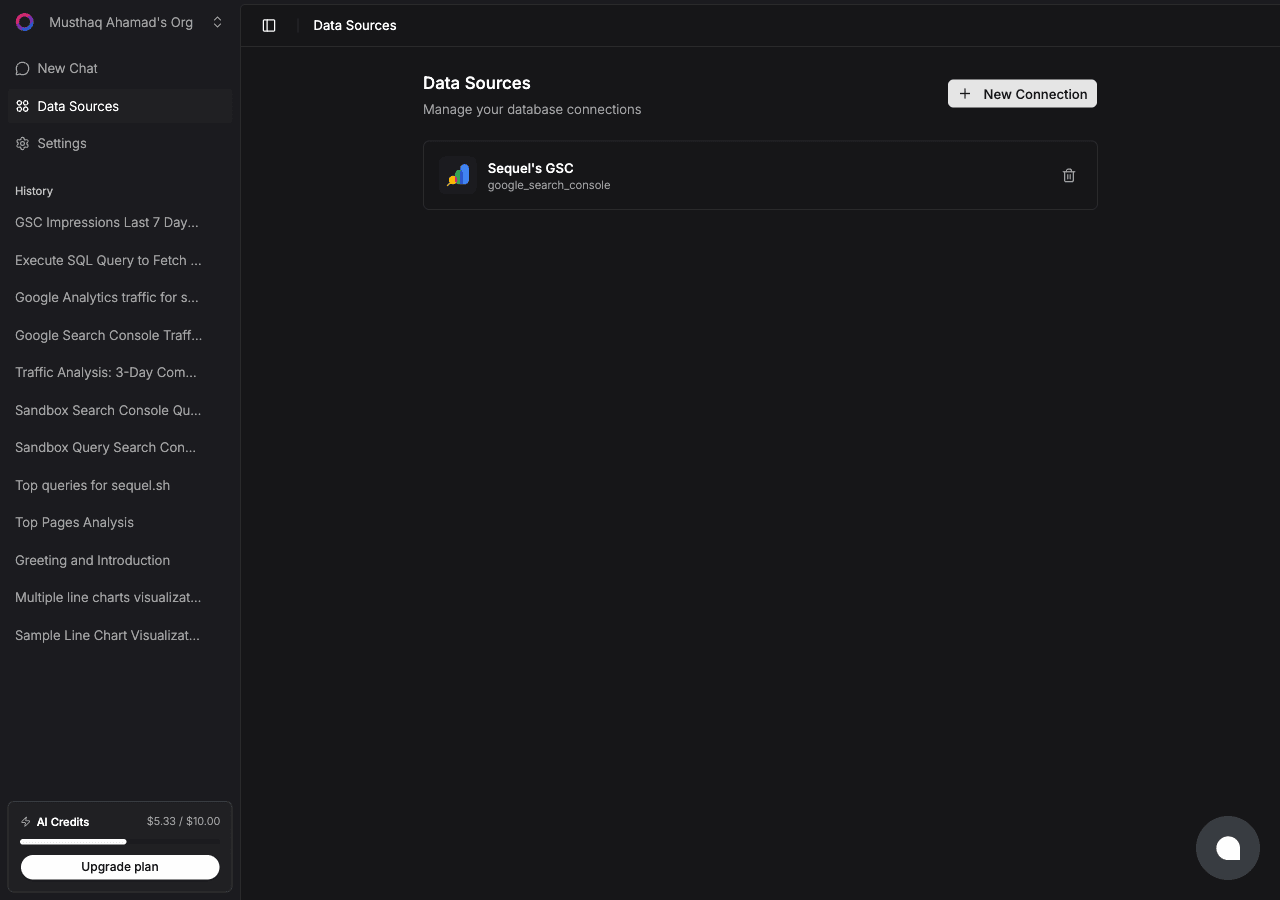
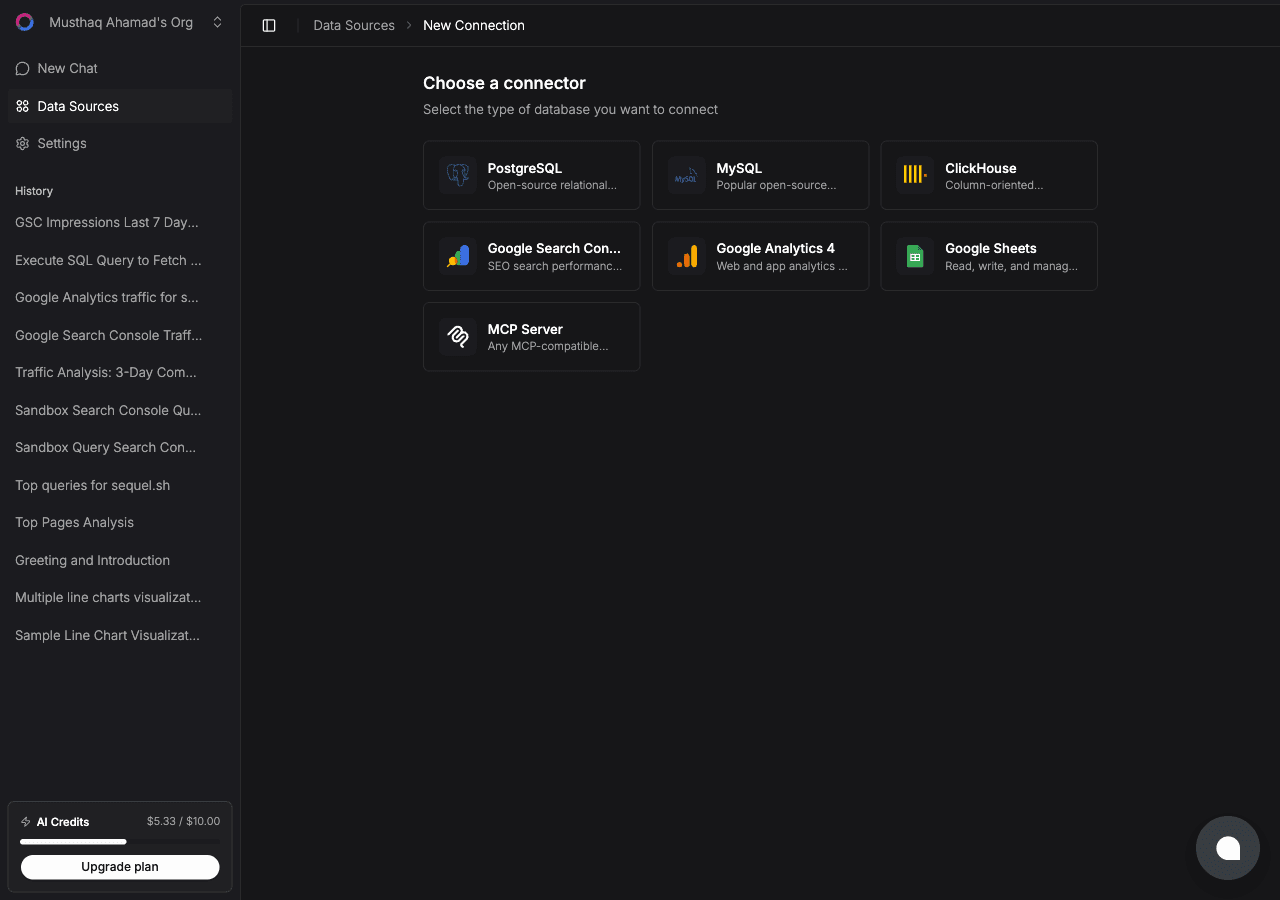
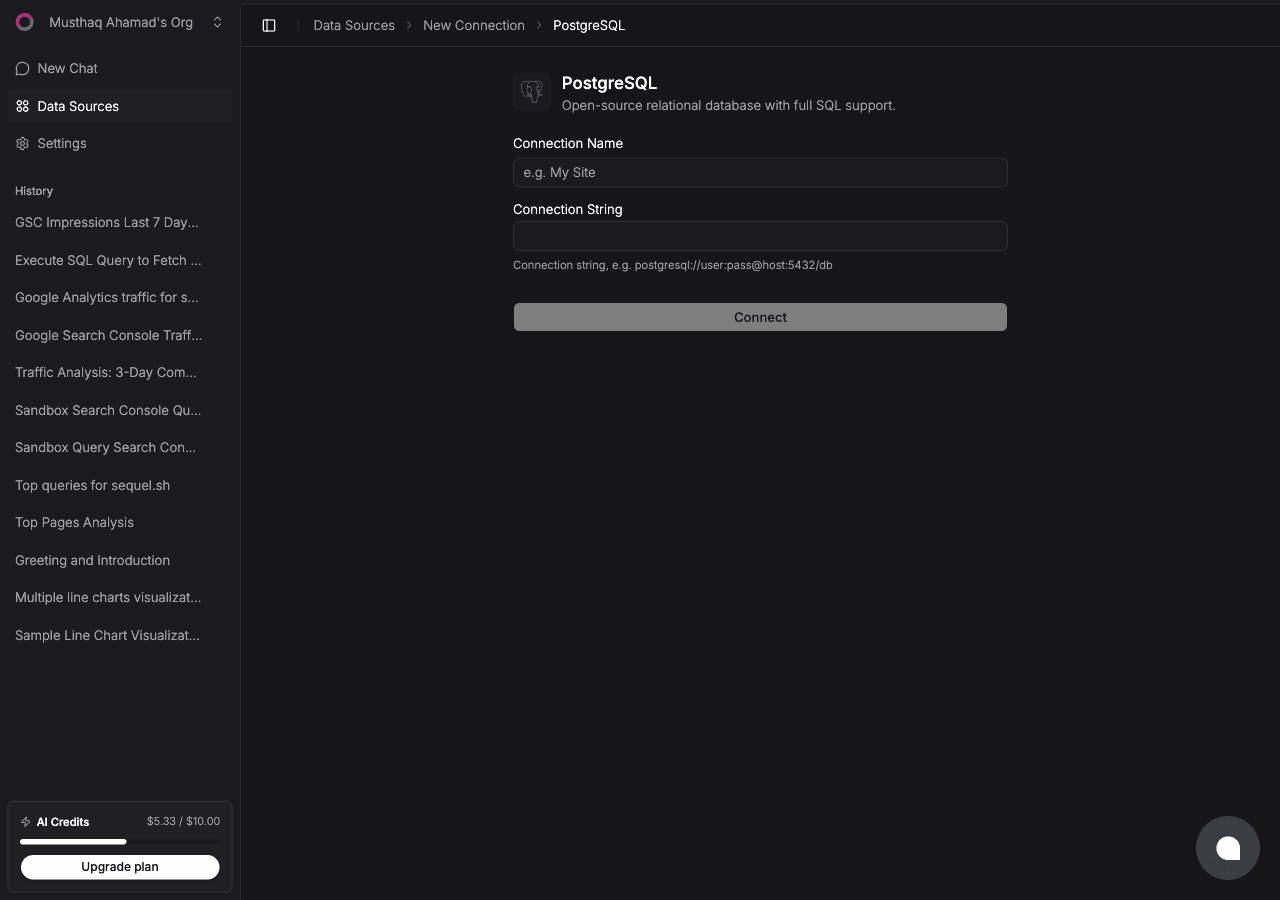
Click Connect. Sequel will verify your credentials and save the connection.
Tip: For safety, create a read-only PostgreSQL user before connecting:
CREATE USER sequel_reader WITH PASSWORD 'a_strong_password';GRANT CONNECT ON DATABASE myapp TO sequel_reader;GRANT USAGE ON SCHEMA public TO sequel_reader;GRANT SELECT ON ALL TABLES IN SCHEMA public TO sequel_reader;
Then use postgresql://sequel_reader:a_strong_password@host:5432/myapp as your connection string.
Step 2: Get Your Sequel API Key
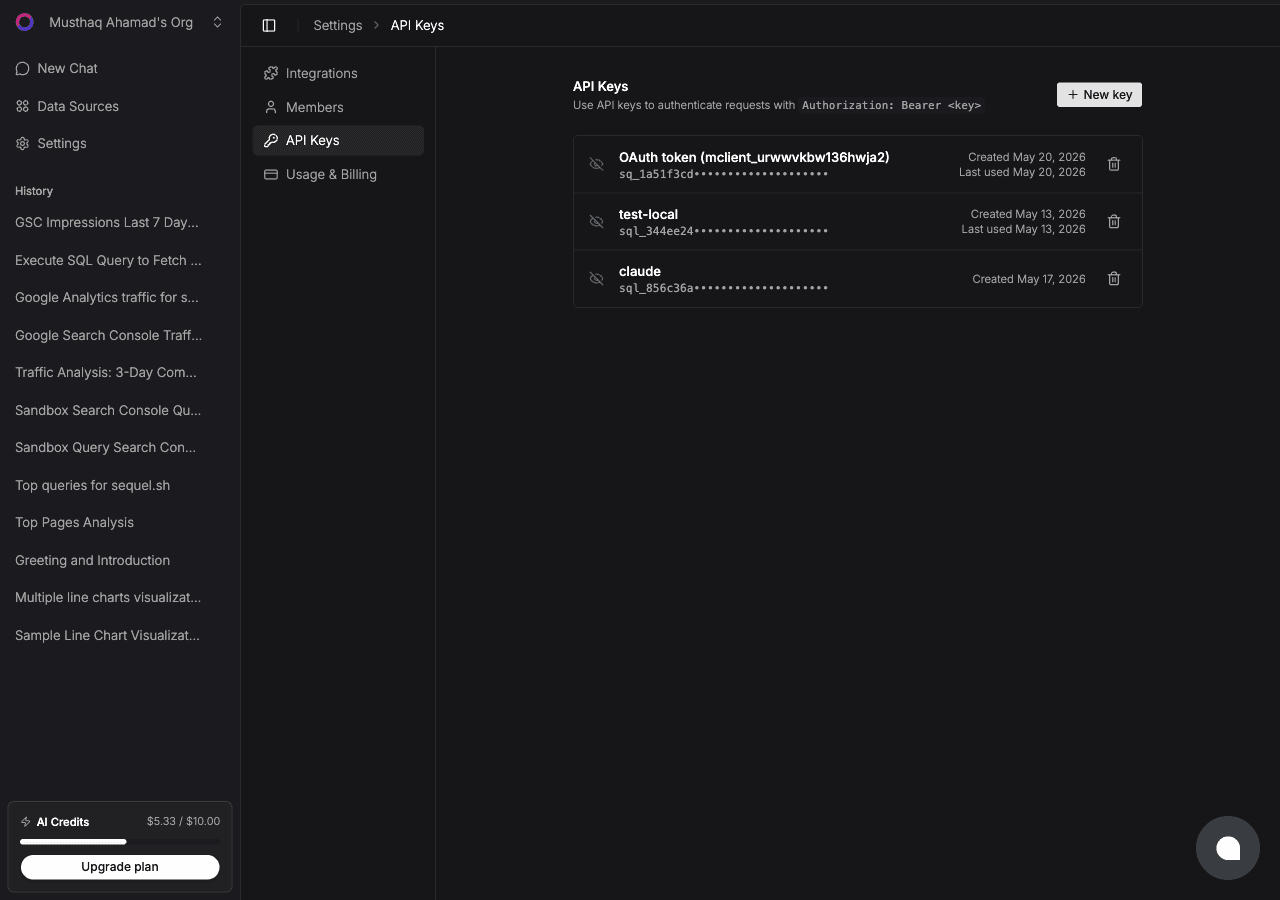
Click Settings in the left sidebar, then select API Keys from the settings navigation.
Click New key, give it a name like claude-code, and copy the generated key. It starts with sql_. Keep it secure and treat it like a password.
Replace sql_your_api_key with the key you copied in Step 2. Add --scope user before --transport to make Sequel available across every project on your machine.
Verify it was registered:
claude mcp list
You should see sequel listed as a configured MCP server.
Step 4: Query Your PostgreSQL Database
Start a Claude Code session and try a few natural language queries:
How many rows are in the users table?
Show me orders placed in the last 7 days, grouped by day.
Which user has the highest total spend?
Claude Code will call the Sequel MCP server, which queries your PostgreSQL database and returns the results directly in your terminal.
What You Can Do Now
Debug data issues: ask "Are there any orders with a null customer_id?" or "Find duplicate email addresses in the users table."
Explore unfamiliar schemas: ask "What tables exist?" or "What does the events table look like?" without opening a SQL client.
Generate quick reports: ask "Summarize revenue by product category for the past quarter."
Write better queries: describe what you want, get working SQL back, then adapt it for production.
Audit changes: ask "Which records were updated in the last 24 hours?"
Try Sequel
Build your company brain.
Sequel connects the systems your company runs on and learns how your team defines every metric, so any AI agent can answer from it. Free for up to 3 seats, no credit card required.
What is the Model Context Protocol (MCP) and why does it matter for PostgreSQL?
MCP is a standard protocol that lets AI tools connect to external systems like databases. For PostgreSQL, it means Claude Code can directly query your tables using natural language. No manual schema copying or SQL writing required.
Is my PostgreSQL data sent to Anthropic or stored by Sequel?
Your data is not sent to Anthropic. Sequel's MCP server acts as a bridge. Claude Code sends natural language requests to the Sequel MCP endpoint, Sequel translates them into SQL, runs the query against your database, and returns the results. Sequel does not store your query results.
Do I need a read-only PostgreSQL user for this to work?
It is strongly recommended. Create a dedicated user with SELECT-only access to the tables you want to query. This limits the blast radius if a query goes wrong and keeps your production data safe.
What version of Claude Code supports MCP?
Claude Code has supported MCP since early 2025. Run "claude --version" to check your version and "npm install -g @anthropic-ai/claude-code" to update to the latest.
Can I connect multiple PostgreSQL databases to Claude Code through Sequel?
Yes. In Sequel you can add multiple data sources, each with its own name. Claude Code will list all available connections when you ask it to, and you can target specific databases in your queries.
Does this work with cloud-hosted PostgreSQL like RDS, Supabase, or Neon?
Yes. Any PostgreSQL-compatible host works. AWS RDS, Supabase, Neon, Railway, DigitalOcean Managed PostgreSQL, and others all work fine. Just make sure your database accepts inbound connections from Sequel's servers.