
The headline you have seen is "text-to-SQL is over 90% accurate." It is true on one benchmark and misleading for your database. The real answer is more useful: very accurate on clean, simple questions, noticeably weaker on complex queries over messy data, and the gap is where every production headache lives.
This piece explains what the accuracy numbers mean, why a high score can still be useless, and how to get reliable results anyway. It is the evidence behind our text-to-SQL guide.
What "accuracy" actually measures
When researchers report text-to-SQL accuracy, they almost always mean execution accuracy. That is the share of generated queries that, when run, return the same result as the correct reference query.
Execution accuracy is the right metric because SQL has many correct forms. Two queries can look different and return identical results. Comparing the output, not the text, handles those equivalent formulations. Keep one thing in mind: "90% accurate" means 9 in 10 queries returned the right answer on a test set. It does not mean 9 in 10 will on yours.
Spider vs BIRD: the gap that tells the story
Two benchmarks dominate the field, and the distance between them is the most important fact about text-to-SQL accuracy.
| Benchmark | What it tests | Where scores land |
|---|---|---|
| Spider | Clean, academic schemas | Over 90% in recent years |
| BIRD | 95 large, messy real-world databases, 37+ domains | Top system ~82% (late 2025); many models 50-60% |
Spider execution accuracy climbed past 90%, which is where the optimistic headline comes from. BIRD, introduced to be harder and more realistic, sits lower because it uses messy data, external knowledge, and value-based questions. The top entry reached 81.67% on the test set in late 2025, still well short of the 92.96% human-expert baseline, and most models score lower still.
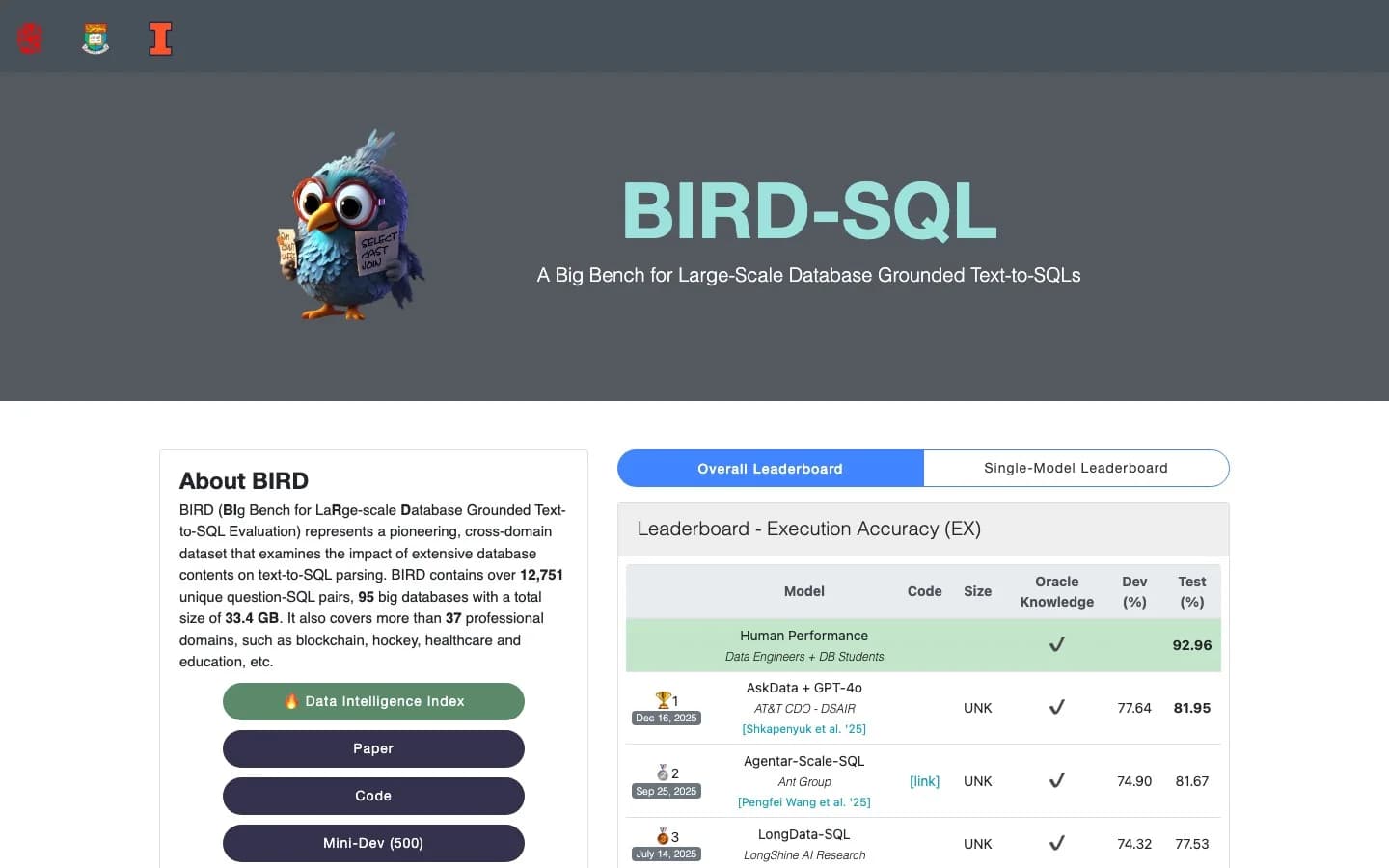 The BIRD-SQL leaderboard: the human-expert baseline (92.96%) still sits above the best systems (~82%).
Your production database looks like BIRD, not Spider. So treat the 50-80% range as the honest anchor for hard, multi-join analytics.
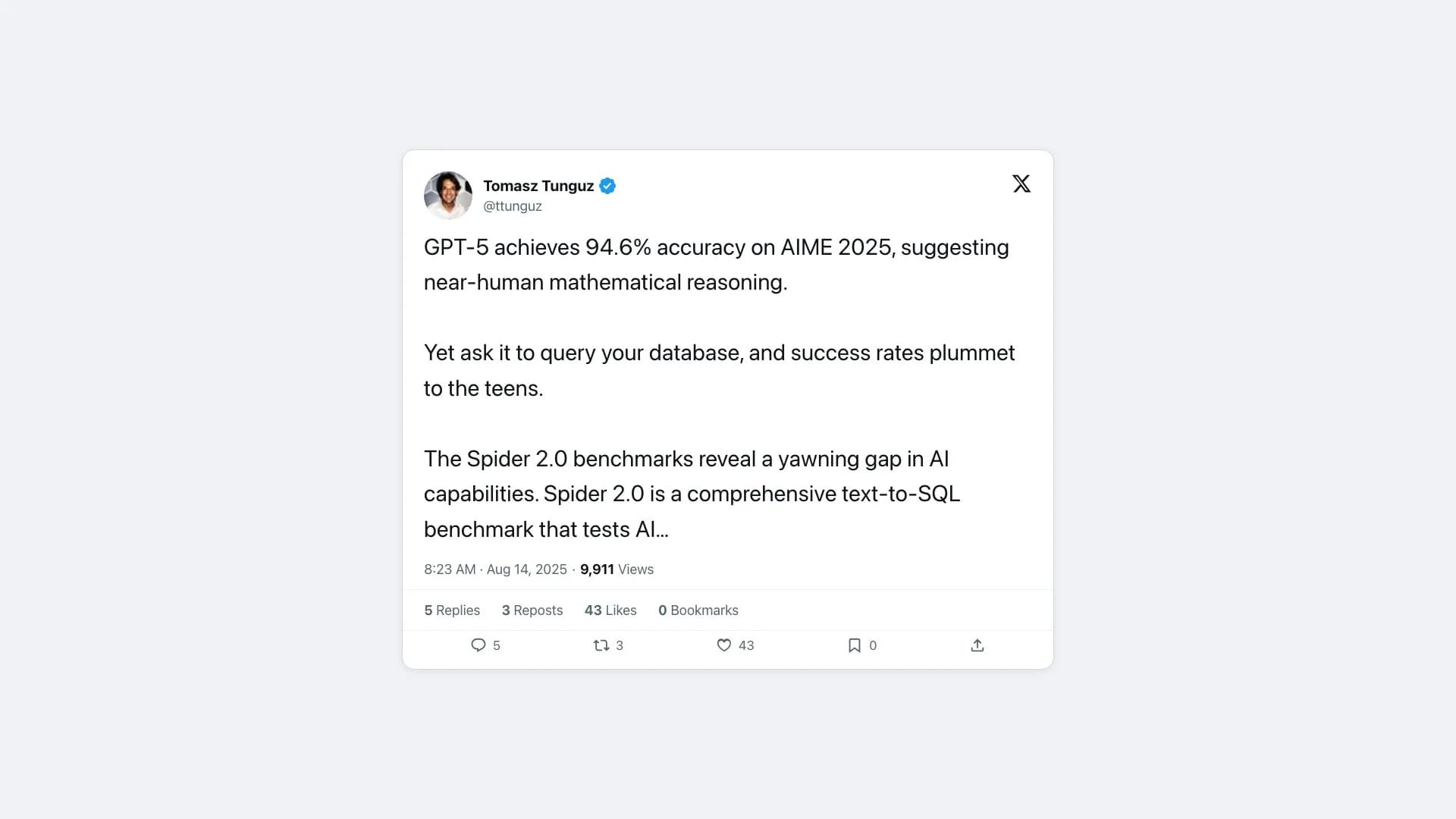 @ttunguz on the gap between benchmark math scores and real database queries; more in his Spider 2.0 write-up.
Why benchmarks overstate real-world accuracy
Even BIRD is kinder than your data, for two reasons.
First, benchmark schemas are curated. Real schemas have cryptic column names, undocumented tables, and overlapping definitions that confuse generation.
Second, the benchmarks have their own errors. Researchers re-analyzing the test sets found annotation errors in 52.8% of BIRD's test examples, meaning some reported scores are partly measuring noise in the benchmark's own gold answers. The takeaway is not "text-to-SQL is unreliable." It is "trust it more on simple questions and verify it on complex ones."
Why 90% can still be "useless"
Here is the contrarian case worth taking seriously. In a sharp Towards Data Science essay, Gary Zavaleta argues that for self-service analytics, high-but-imperfect accuracy is the worst of both worlds:
"An accuracy of 80% or even 90% is, unfortunately, not enough. ... You cannot compromise on accuracy because it immediately erodes trust. And what happens when a system loses trust? It will not be used."
His point: an end user with no validation layer who hits a single hallucinated table or misread filter stops believing the tool entirely. "Achieving 90% accuracy might be academically interesting," he writes, "but in the enterprise, it is industrially useless." The lesson is not to abandon text-to-SQL. It is to design for the 10%, with guardrails and a human check where it counts.
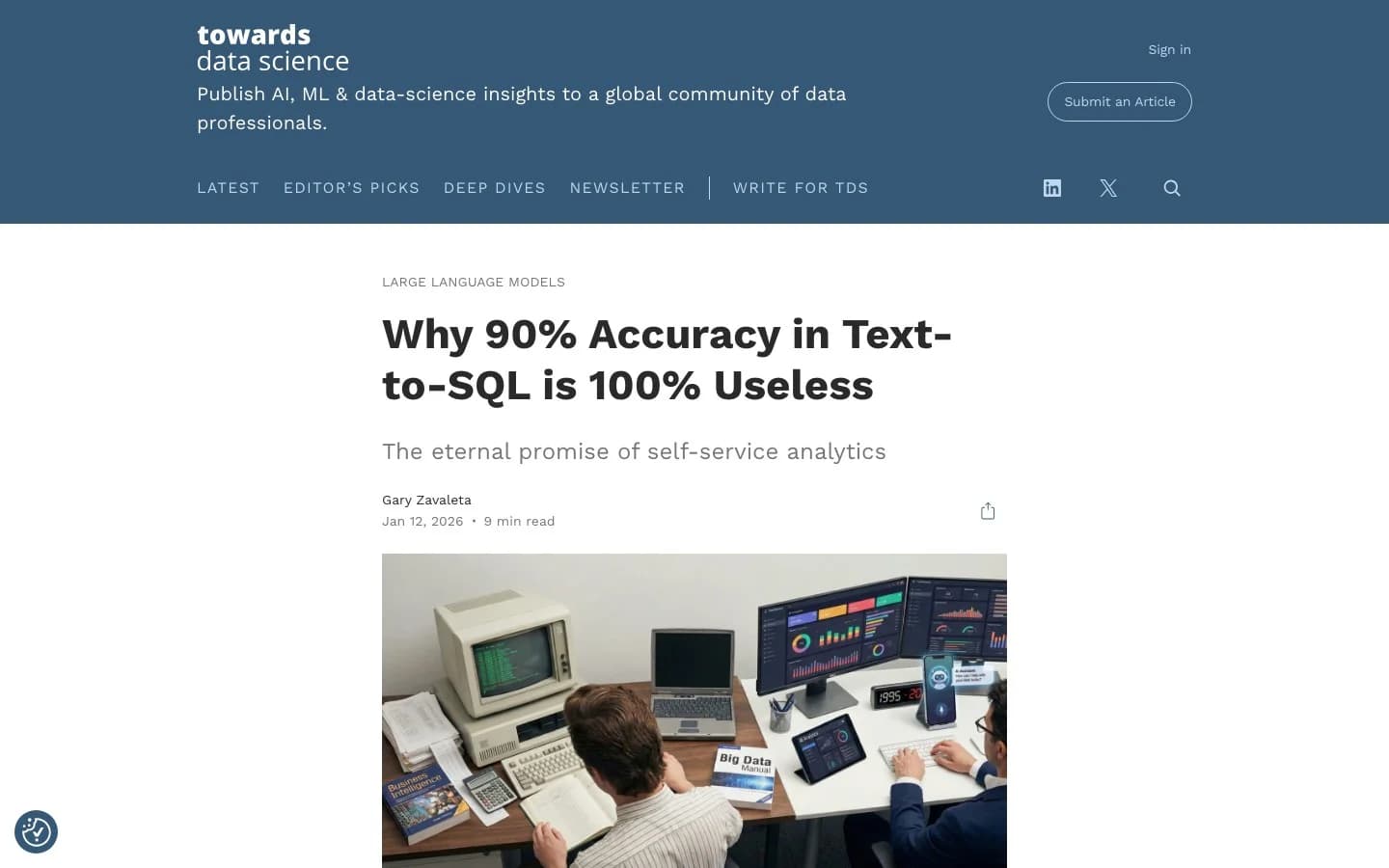 Gary Zavaleta's Towards Data Science essay on why high-but-imperfect accuracy erodes trust in self-service analytics.
Where accuracy drops in practice
The failure modes are predictable, which makes them manageable. Data engineers describe them vividly. In a thread on whether AI-generated reporting can be trusted, one practitioner's experience:
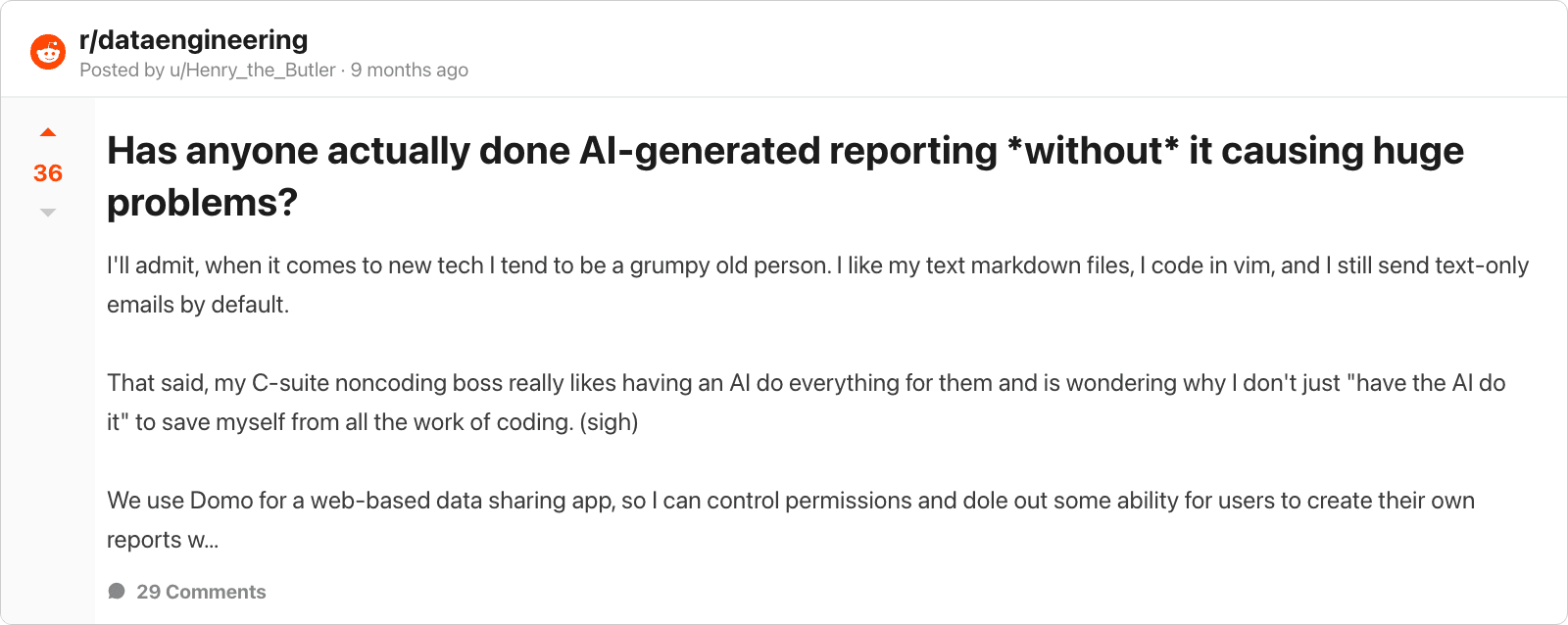 An r/dataengineering discussion on the real-world failure modes of AI reporting.
"Anything with actual logic is super sketch with AI... it's always doing bad things with date inclusion ranges, making assumptions. Randomly inserting 500 fields."
The usual suspects:
- Multi-table joins with ambiguous relationships
- Date ranges and off-by-one boundary errors
- Undefined business terms like "active" or "revenue"
- Cryptic schemas with names the model cannot interpret
- Missing filters, like forgetting to exclude test accounts
A simple aggregation rarely fails. A five-table join with a business-specific definition often needs a second look. Even Uber, after shipping QueryGPT, said hallucinated tables and columns "remains an area that we are constantly working on."
How to get reliable results
The good news: most of the real-world gap closes with a few habits.
- Give it clear schema. Readable table and column names lift accuracy more than any prompt trick. The model uses them as context, as we explain in how text-to-SQL works.
- Define your terms. Tell the tool what "active user" means once, and stop it guessing.
- Ask specific questions. "Weekly signups for Q1" beats "how is growth."
- Read the SQL. A few seconds reading the query catches the wrong-join error. Knowing some SQL query optimization basics helps you spot trouble.
- Keep it read-only. Accuracy is about correctness; safety is about access. A read-only user means a wrong query is a wrong answer, never a damaged table.
A tool that retrieves the right tables, validates queries, and shows you the SQL turns "I hope this is right" into "I can see it is right."
So, can you trust it?
For the everyday analytical questions that make up most of a team's data work, yes. For complex, high-stakes analytics over a messy schema, trust it as a fast first draft and verify the query.
That is exactly how the engineering teams ship it. They pair generation with retrieval, validation, and a human review on the hard queries, the pattern behind production systems like Uber's QueryGPT. Accuracy is not a number you wait for. It is something you design around.
Want text-to-SQL that retrieves the right tables, shows its work, and runs read-only by default? Get started free or compare the best text-to-SQL tools.