
When Uber wanted to cut the time its teams spent writing SQL, it did not hire more analysts. It built QueryGPT, a text-to-SQL system that turns plain-English questions into queries and dropped authoring time from about 10 minutes to 3. That is text-to-SQL doing its job: you ask, a model writes the query, you get the answer.
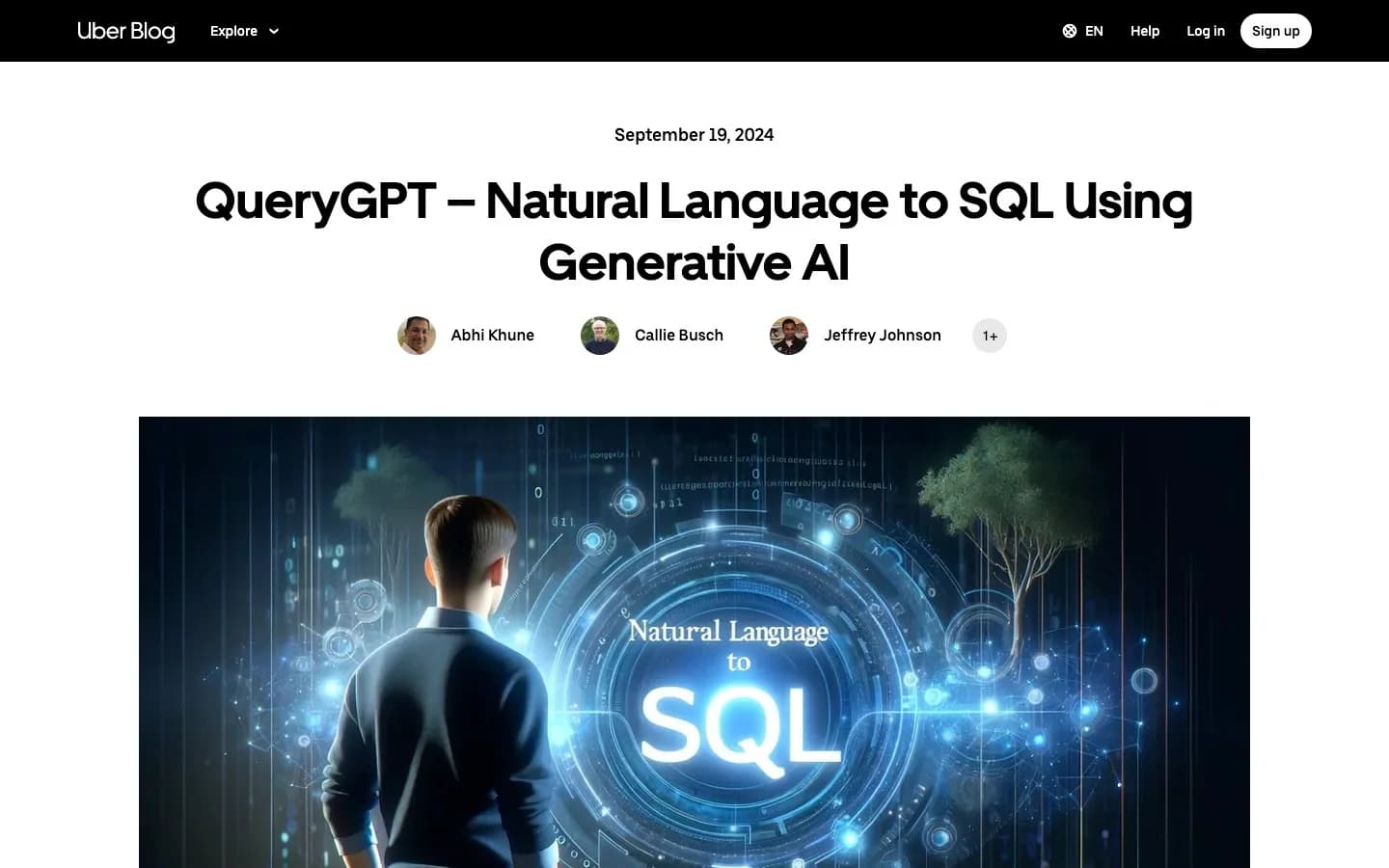 Uber's engineering team detailed its text-to-SQL system in QueryGPT – Natural Language to SQL Using Generative AI.
Text-to-SQL is the engine inside every AI data analyst. It is also the most useful application of large language models for data teams, because SQL is the language of business data and most people in a business cannot write it.
This guide is the hub. It covers what text-to-SQL is, how it works, how accurate it really is, where it breaks, and how to run it safely. The deeper pieces are linked throughout.
What is text-to-SQL?
Text-to-SQL converts a natural-language question into a SQL query. The input is a sentence. The output is a query that runs against your database and returns the answer.
The idea is not new. What changed is quality. Modern models, given your schema as context, write SQL that is correct often enough to be genuinely useful, not just a demo. You will see the category called natural-language-to-SQL or NL-to-SQL; we use the terms interchangeably. Our guide to generating SQL with AI covers the hands-on basics.
How text-to-SQL works
The model does not work from your question alone. It works from your question plus your schema. That context is what makes the SQL match your tables instead of a generic guess.
The flow looks like this:
- The tool reads your schema: tables, columns, types, and joins.
- It retrieves the few relevant tables out of the many in your database.
- Your question and that schema go to the model.
- The model generates a SQL query.
- A validator checks the query before it runs.
- The query runs, read-only, and returns rows.
We break down each step, with a real query example, in how text-to-SQL works. The key point: clear schema, good table selection, and clear naming produce better SQL. A column named signup_date helps the model more than dt2.
How accurate is text-to-SQL?
This is the question everyone actually wants answered. The honest version: very good on clean, simple questions, weaker on hard ones over messy data.
On the Spider benchmark, execution accuracy has climbed past 90% in recent years. The tougher BIRD benchmark, built from messy real-world databases, tells a different story: the top system scored 81.67% on the test set in late 2025, well short of the 92.96% human-expert baseline, and many GPT-4o-based systems sit in the 60s and 70s. That gap between clean and messy is the whole story.
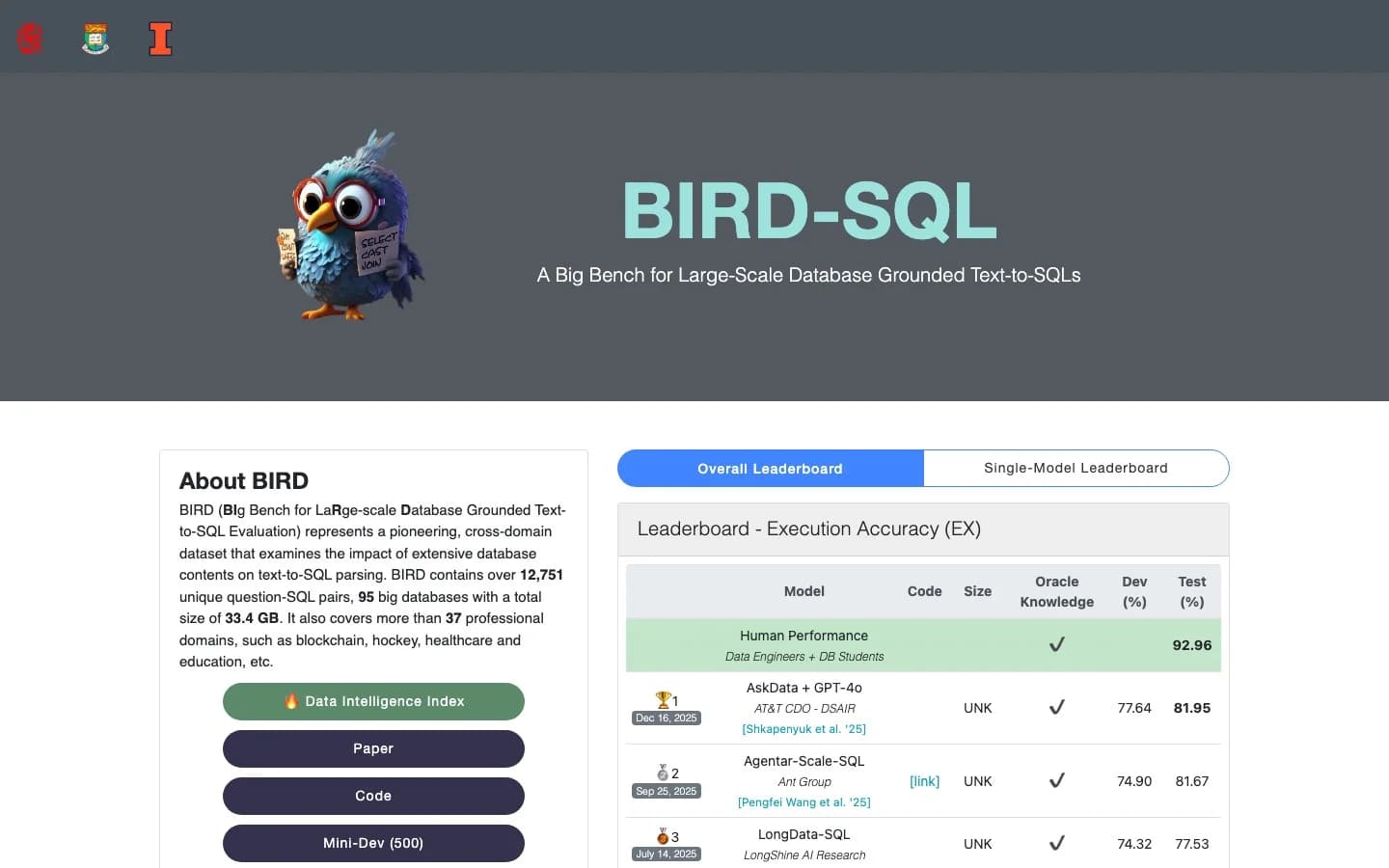 The BIRD-SQL leaderboard shows top systems in the low 80s, still short of the 92.96% human-expert baseline.
A caveat worth knowing: researchers re-analyzing BIRD found that 52.8% of its test examples contained annotation errors, so even the benchmark's own gold answers are imperfect and headline numbers deserve scrutiny. We dig into what the scores mean for your work in how accurate text-to-SQL is.
Why demos work and production struggles
The biggest misunderstanding about text-to-SQL is that a slick demo means it will work on your database. A Hacker News thread titled "Text-to-SQL is dead, long live text-to-SQL" captured the practitioner consensus well.
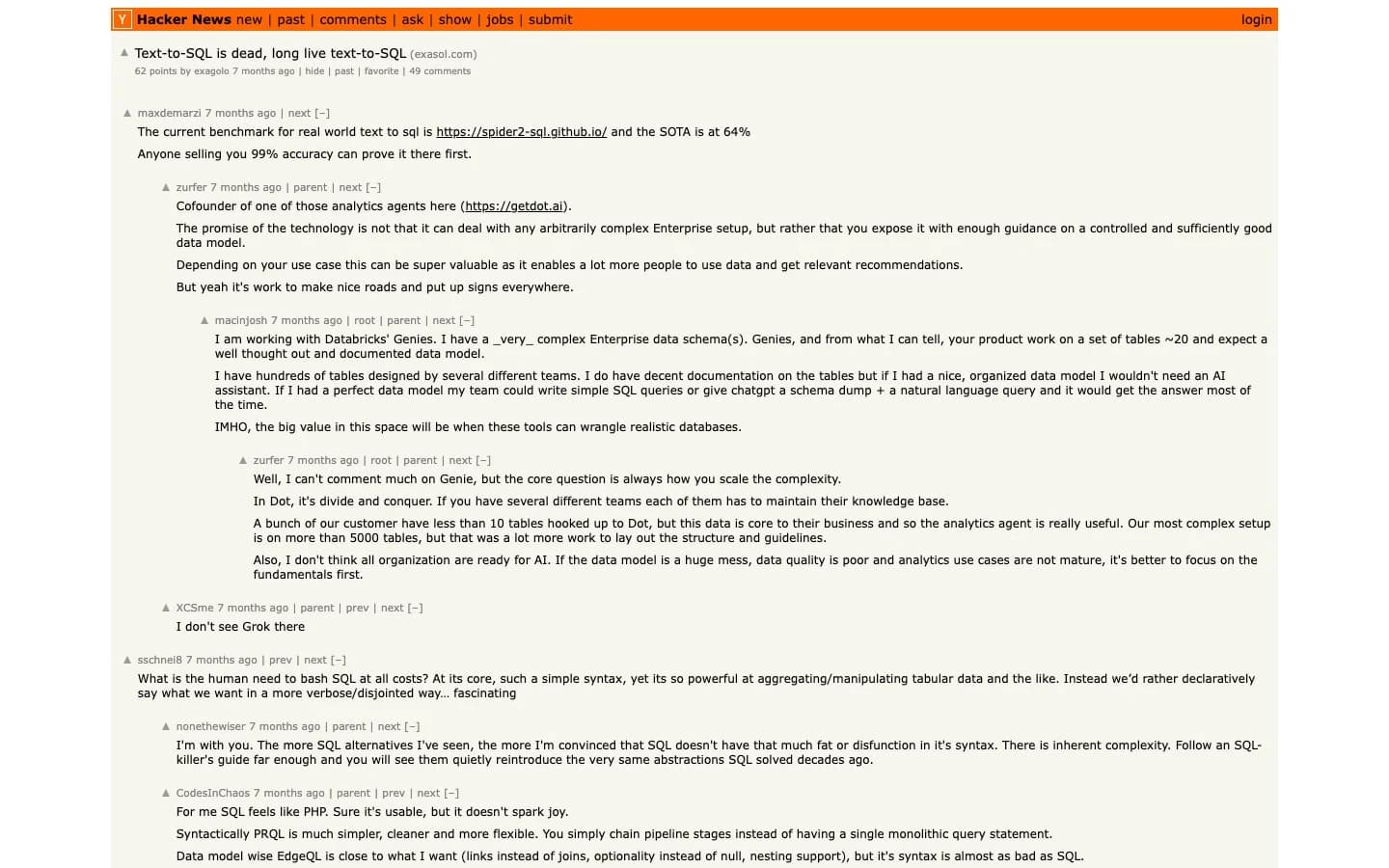 The Hacker News discussion where practitioners weighed in on why text-to-SQL demos rarely survive contact with a real enterprise schema.
One commenter on the gap between demos and reality:
"I have hundreds of tables designed by several different teams. ... If I had a nice, organized data model I wouldn't need an AI assistant. The big value in this space will be when these tools can wrangle realistic databases."
macinjosh, Hacker News
A founder in the same thread offered the productive reframing:
"The promise is not that it can deal with any arbitrarily complex enterprise setup, but rather that you expose it with enough guidance on a controlled and sufficiently good data model."
zurfer, Hacker News
That matches what the engineering teams found. The model is the easy part. Giving it the right context is the work.
Where text-to-SQL breaks
Knowing the failure modes is how you use it well.
- Complex joins. Many tables and ambiguous relationships trip up generation.
- Vague questions. "How are we doing" has no SQL. "Revenue by plan last month" does.
- Messy schemas. Cryptic column names and undocumented tables hurt accuracy.
- Business definitions. If "active user" is undefined, the model picks one for you.
- Dialect quirks. BigQuery, Postgres, and Snowflake SQL differ in the details.
On r/dataengineering, the verdict on getting real value is consistent.
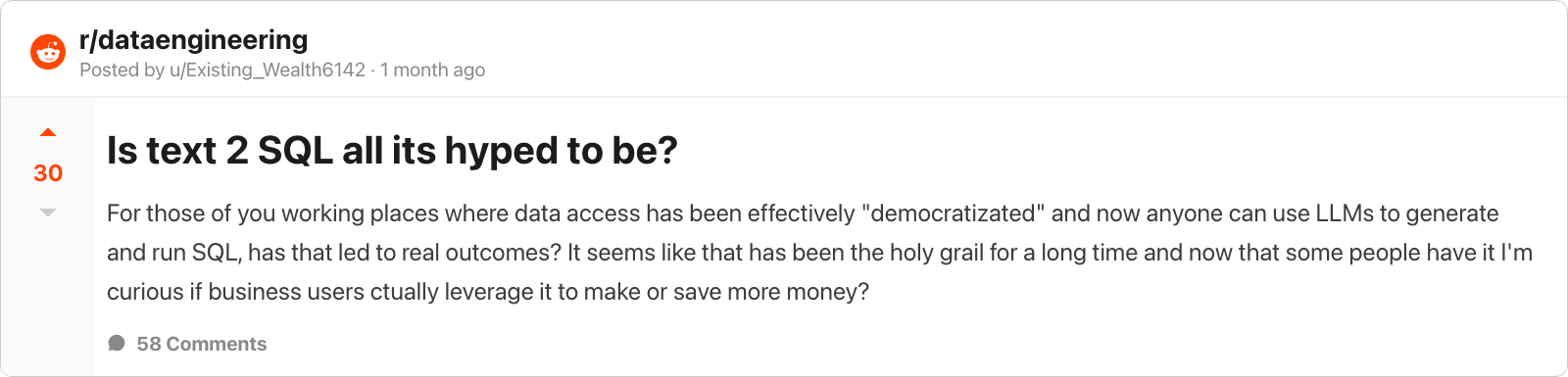 An r/dataengineering discussion on whether text-to-SQL lives up to the hype.
The top comment is the whole lesson in three sentences:
"If you just want to blindly let it write SQL it won't work well. If you take the effort to actually curate datasets, make semantic models, describe columns in detail etc. it can work quite well. But it takes quite a lot of effort to get there."
How to use text-to-SQL safely
The two guardrails that matter most:
- Read-only access. Connect through a user that can only run SELECT. The database itself then rejects any write the model might produce. Our read-only PostgreSQL user guide covers the setup.
- Query visibility. Use a tool that shows you the SQL. Reading it takes seconds and catches the wrong-join class of error.
With those in place, running text-to-SQL against real data is reasonable, not reckless. Add query logging and you have an audit trail too.
Text-to-SQL in the real world
This is not theoretical. Engineering teams have shipped text-to-SQL in production and published the results:
- Uber's QueryGPT processes questions across ~1.2 million monthly queries with an agent-based architecture.
- Pinterest built text-to-SQL into its open-source Querybook and reported first-shot acceptance rising from 20% to over 40%.
- LinkedIn's SQL Bot uses a multi-agent system where ~95% of users rate accuracy "passes" or above.
- Salesforce shared how it built a text-to-SQL agent, and Google Cloud published techniques for improving text-to-SQL.
The pattern across all of them: schema context, table retrieval, validation, and a human in the loop for the hard queries.
Text-to-SQL tools
You can get text-to-SQL through a general chat tool or a purpose-built analyst. We compare the options in the best text-to-SQL tools and the best SQL AI tools. For the chat-first route, see using ChatGPT for SQL.
The tradeoff is context. A general chatbot does not know your schema. A purpose-built tool connects to your database, selects tables, validates queries, and runs them read-only. That is the difference between a snippet you paste and an answer you get.
Where to go next
Text-to-SQL turns "what does the data say" into something anyone can ask. Pair it with read-only access and query visibility, and it is safe enough for real work today. The companies running it at scale prove the model holds up, as long as you feed it good context.
Want to run it on your own database, with the SQL shown and the connection read-only? Get started free, or connect it to your AI tools through MCP.