
Uber's data teams run roughly 1.2 million interactive queries a month. To cut the time spent writing them, Uber built an AI tool called QueryGPT that turns plain-English questions into SQL, and reported dropping query authoring time from about 10 minutes to 3. That tool is an AI data analyst, and Uber is not alone. Pinterest, LinkedIn, and DoorDash have all built their own.
An AI data analyst answers questions about your data in plain English. You ask "what was revenue by plan last month," and it reads your schema, writes the SQL, runs it, and hands back a chart. No query. No ticket. No waiting on the data team.
This guide covers what an AI data analyst is, how it works, what the companies building them in production have learned, what it can and cannot do in 2026, and how to choose. For the engine underneath, read our text-to-SQL guide next.
What is an AI data analyst?
An AI data analyst is software that turns natural-language questions into database queries, runs them, and returns visualized answers. It pairs a large language model with your schema so the model knows your tables, columns, and how they join.
Think of it as a layer between you and your database. You speak business. It speaks SQL. It translates in both directions, then draws the chart.
The category exists because demand for data answers keeps outrunning the supply of people who can write SQL. The U.S. Bureau of Labor Statistics projects data scientist roles to grow 34% from 2024 to 2034 and operations research analysts 21%. More questions, not enough query-writers. That gap is what an AI data analyst fills.
How an AI data analyst works
The flow is consistent across the tools shipping today. We cover each step in how AI data analysts actually work, but here is the short version.
| Stage | What happens |
|---|---|
| Schema understanding | The tool reads your tables, columns, types, and relationships |
| Table selection | It finds the few relevant tables among hundreds or thousands |
| Question to SQL | Your plain-English question becomes a SQL query |
| Validation | The query is checked before it runs |
| Execution | The query runs against your database, read-only |
| Visualization | Rows become a table or the right chart type |
Table selection is the step people underestimate. Pinterest, which has "hundreds of thousands" of tables in its warehouse, found that "identifying the correct tables" was the hard part, not writing the SQL once the tables were known.
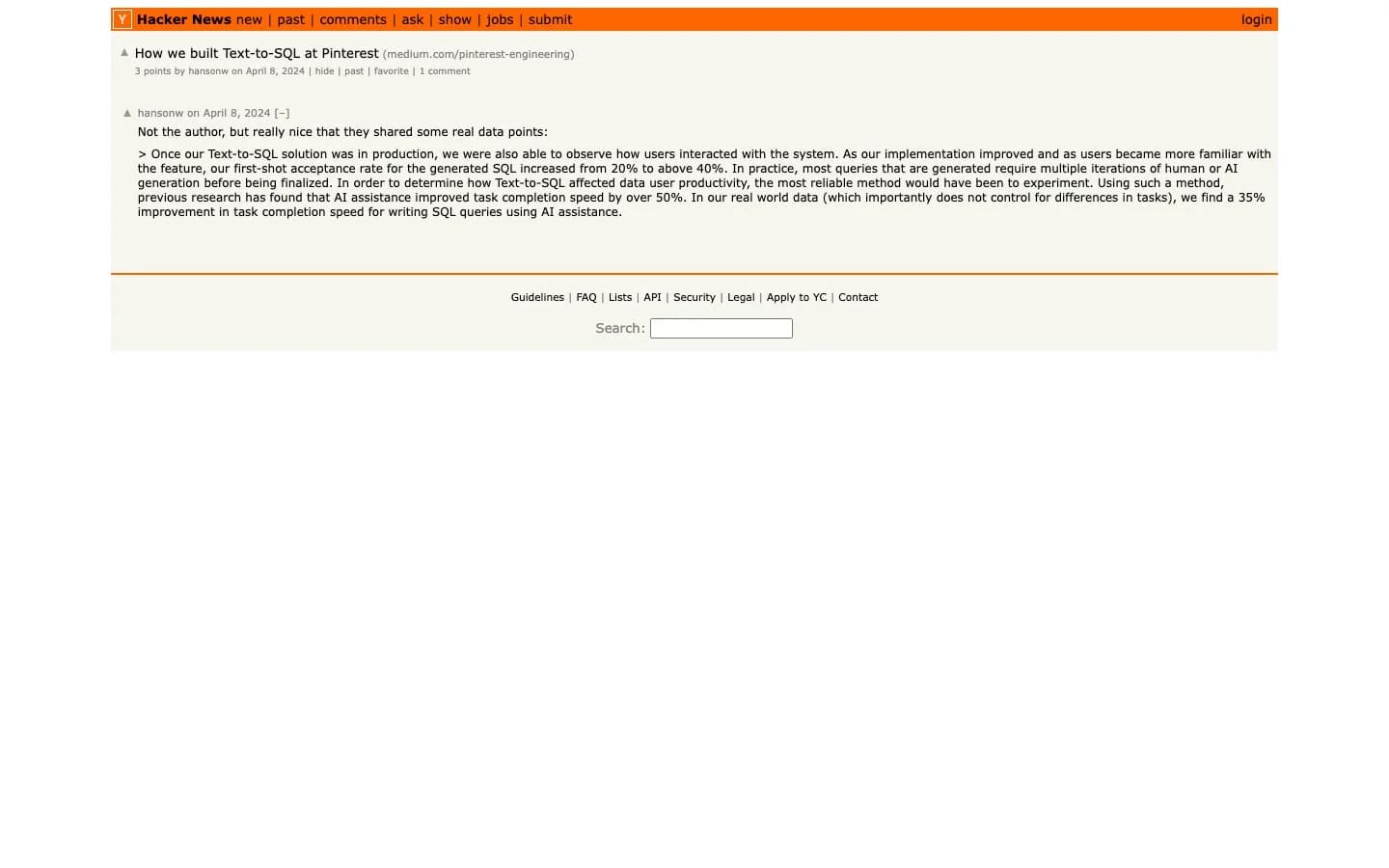 Pinterest's "How we built Text-to-SQL at Pinterest" write-up, where the team found table selection was the hard part.
What companies building AI data analysts have learned
The most useful evidence is not vendor marketing. It is the engineering teams who built these systems for their own analysts and published the results.
| Company | Tool | Reported result |
|---|---|---|
| Uber | QueryGPT | ~10 min to ~3 min per query; 78% of users report faster authoring |
| Text-to-SQL in Querybook | 35% faster SQL writing; first-shot acceptance rose from 20% to over 40% | |
| SQL Bot | ~95% of users rated accuracy "passes" or above; adoption rose 5-10x after platform integration | |
| DoorDash | DataExplorer agent | Reads a metrics glossary and internal services to generate SQL |
Uber's QueryGPT uses an Intent Agent to route a question to the right business domain, a Table Agent to pick tables, and a Column Prune Agent to trim the schema before generation. Pinterest built its assistant into Querybook, its open-source SQL tool, and leaned on retrieval to find tables. LinkedIn's SQL Bot runs a multi-agent system with a knowledge graph and an LLM re-ranker that narrows 20 candidate tables down to 7. We did a full deep dive on Uber's QueryGPT if you want the architecture.
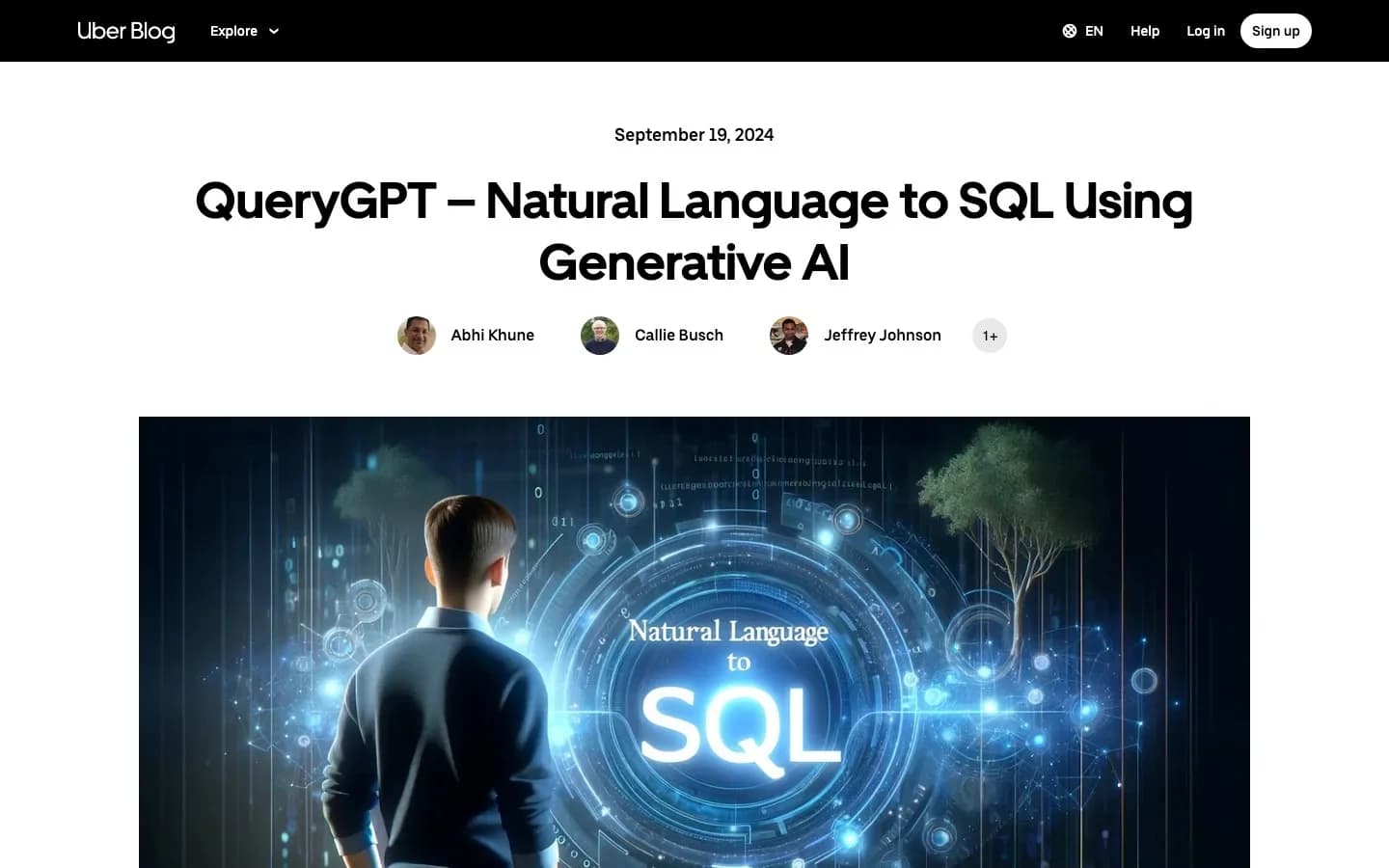 Uber's QueryGPT engineering post, which details its Intent, Table, and Column Prune agents.
The common thread: schema context and table selection do the heavy lifting, and a human stays in the loop. None of these teams replaced their analysts. They sped them up.
What an AI data analyst can do today
In 2026, a capable AI data analyst handles a wide band of everyday work:
- Answer ad-hoc questions like "how many trials converted last week" without a ticket
- Find the right tables in a large warehouse, then write and run the SQL
- Query across databases in a single question, joining Postgres and BigQuery
- Pick the right chart automatically, whether a line, bar, or pie
- Explain its own query so you can see how it got the number
- Remember context, like how your team defines "active user," and reuse it
- Live where you work, including Slack and AI tools through an MCP server
The payoff is access. People who used to wait on the data team can answer their own routine questions. On r/analytics, practitioners describe non-technical teammates becoming functional analysts with AI.
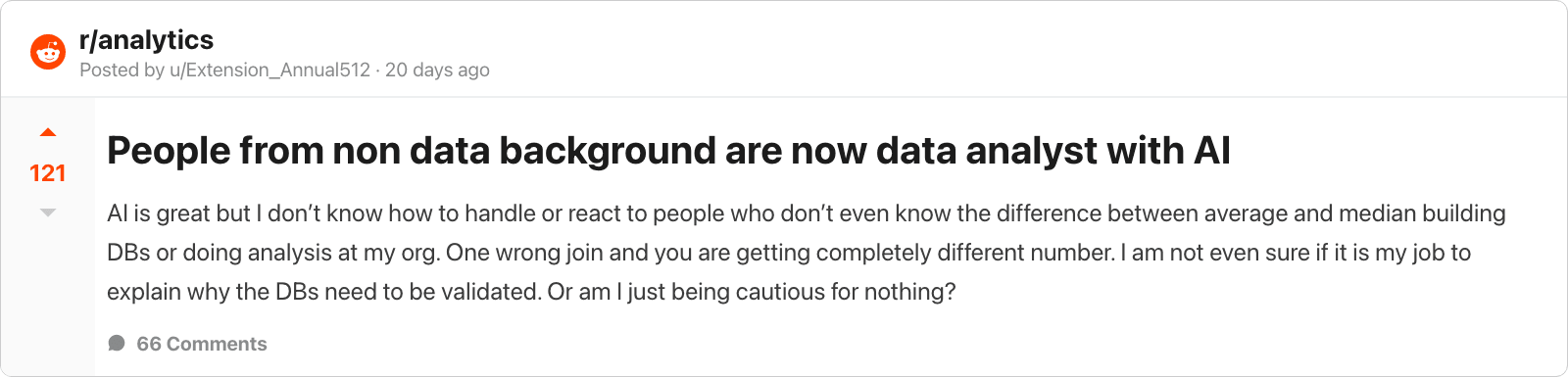 An r/analytics discussion on how AI is widening who can self-serve data.
What an AI data analyst cannot do yet
This is where honesty matters, and where the people running these tools are blunt.
- It can write the wrong query. Text-to-SQL is good, not perfect. We break down the numbers in how accurate text-to-SQL is.
- It does not know what to ask. As one data engineer put it on Reddit, "the blocker is not technical skill. It's always the right mix of statistical intuition and domain knowledge."
- It will not fix a broken metric definition. If "active customer" means three things across teams, the tool needs that resolved first.
- It does not own the decision. Interpreting a result against business reality needs a person.
Even Uber, after shipping QueryGPT, noted that hallucinated tables and columns "remain an area that we are constantly working on." Treat the generated SQL as a draft you can read, not a black box you must trust.
AI data analyst vs BI tools and notebooks
People often ask how this differs from Tableau, Looker, or a notebook. The short answer: those tools assume you already know what to build. An AI data analyst meets you at the question.
A dashboard is great for a metric you check every day. It is slow for a question you have once. The two are complementary, not interchangeable, and replacing one with the other goes badly. We cover that in full in AI data analyst vs traditional BI tools.
Who uses an AI data analyst
Not just data teams. The biggest wins come from the people who used to wait on them.
| Team | A question they can now answer themselves |
|---|---|
| Finance | "What was net revenue by plan, month over month?" |
| Marketing | "Which campaigns drove signups that converted to paid?" |
| Customer success | "Which accounts dropped usage in the last 30 days?" |
| Product | "What is the funnel from signup to first query?" |
| Operations | "Where are orders stalling in fulfillment?" |
When a marketer answers their own question, the analyst gets time back for the work that actually needs them. Sequel is built for teams, with shared connections and shared memory.
How to choose an AI data analyst
A few questions cut through the noise:
- Does it connect to your data? Check your specific database or warehouse is supported.
- Is it read-only by default? It should run SELECT queries, never mutate data. See our guide on read-only database users.
- Can you see the SQL? Transparency lets you trust and correct the output.
- Does it handle table selection? In a real warehouse, finding the right tables is most of the problem.
- Does it learn your terms? Shared memory is what separates a demo from daily use.
For a tool-by-tool breakdown, see the best AI data analyst tools in 2026. For the chat-only approach many teams start with, compare using ChatGPT for data analysis.
Where this is heading
The line between "ask a question" and "get an answer" keeps shrinking. Uber, Pinterest, and LinkedIn proved the model works at scale, with the analyst moving up to the questions that need a human. Want to see it on your own database? Get started free or explore what Sequel does.