
Best Hex Alternatives for AI Data Analysis in 2026
TL;DR
| Alternative | Best for | Starting price |
|---|---|---|
| Sequel | Teams that want AI data analysis without writing SQL | Free ($0, 3 seats) |
| Julius AI | Knowledge workers analyzing files and spreadsheets | $20/month (1 seat) |
| Basedash | Startups that want AI-driven dashboards with Slack integration | $250/month (2 users) |
| BlazeSQL | Privacy-conscious teams that want a desktop-first SQL AI | $39/month (1 user) |
| AI2SQL | Developers who need a quick SQL query generator | $9/month |
| Chat2DB | Open-source fans who want a self-hostable SQL client with AI | Free (community), $8/user/month (cloud) |
Hex raised $70M in May 2025, acquired Hashboard, and reports 1,500+ customers. So why are people looking for alternatives?
Hex was built for data engineers and analysts who work in SQL and Python notebooks. The AI features help that audience move faster. But if your team includes non-technical users who ask questions in plain English and want charts back, they will hit the notebook model quickly.
Then there's the money. The Team plan is $75 per editor per month. A five-person data team is $375 before compute add-ons, which bill separately by the hour. The AI credits system is also just rolling out on the Team plan with unclear budget implications. And if you're migrating from Looker or another BI platform, the rewrite cost for hundreds of charts is real, and Hex's own community acknowledges it.
Finally, some enterprise procurement teams have been blocked by Hex's Terms of Service. The data handling language has kept multiple large companies from completing vendor reviews. That's not a knock on the product itself, but it is a structural problem for certain buyers.
If any of that applies to your situation, there's a real reason to look elsewhere.
What is Hex?
Hex is a collaborative analytics platform where data teams write SQL and Python in shared notebooks, publish those notebooks as interactive apps, and use AI to generate and edit code. It launched in 2021, pivoted heavily into agentic analytics in Fall 2025, and now includes a Notebook agent, a Threads agent, a Semantic model agent, and a self-serve BI product called Explore.
It integrates with most major databases: Snowflake, BigQuery, Redshift, Databricks, Postgres, MySQL, and 10 more. It also connects to dbt, Airflow, and other orchestration tools that data engineers use.
Pricing (As of April 2026):
| Tier | Price |
|---|---|
| Community | Free (5 notebooks, 5 apps, limited credits) |
| Professional | $36/editor/month |
| Team | $75/editor/month |
| Enterprise | Custom |
Compute runs separately: $0.32/hr for 16 GB RAM, up to $4.06/hr for an A10G GPU. The AI credits system is actively rolling out on paid plans, which means monthly AI costs need budgeting separately from seat costs.
Hex is aimed at teams that are comfortable with SQL and Python notebooks. If your team includes non-technical users who need to ask their own questions, one of the alternatives below will be a better fit.
Comparison overview
| Tool | Best for | Starting price | Database connectivity | Free tier |
|---|---|---|---|---|
| Sequel | Natural language BI for full teams | $0 | PostgreSQL, MySQL, ClickHouse, more | Yes (3 seats, 1 source) |
| Julius AI | File analysis and knowledge workers | $20/month | Business tier only ($375/mo) | Yes (files only) |
| Basedash | Startup teams needing AI dashboards | $250/month | SQL sources on Basic; 750+ on Growth | No (14-day trial) |
| BlazeSQL | Privacy-first SQL AI with desktop app | $39/month | 12+ SQL databases | No (14-day trial) |
| AI2SQL | Developers needing a query generator | $9/month | Pro tier ($24/mo) | No (7-day trial) |
| Chat2DB | OSS SQL client with AI features | Free / $8/user/month | 20+ databases | Yes (community app) |
1. Sequel
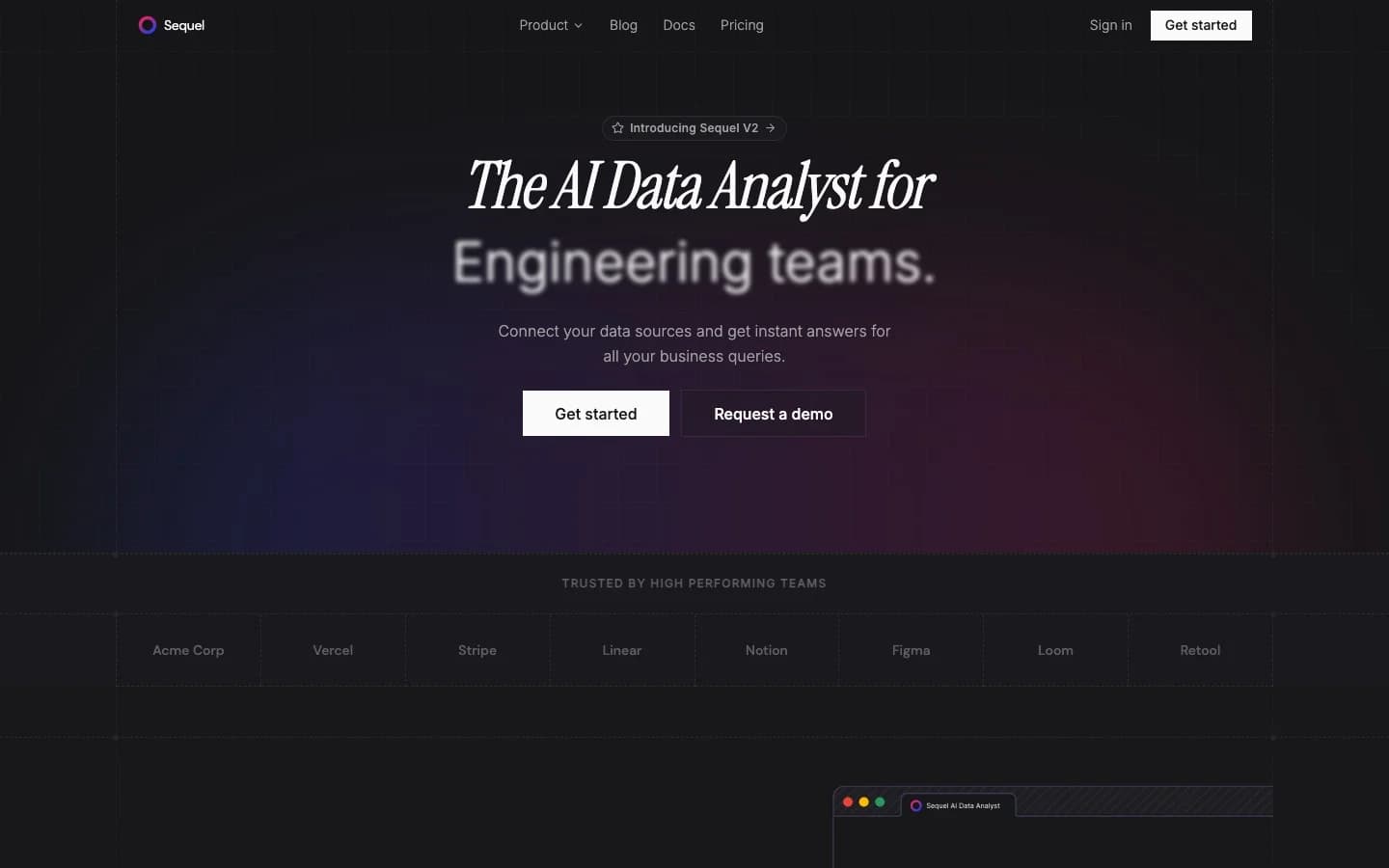
Sequel is an AI data analyst built for everyone on the team, not just the people who know SQL. You ask a question in plain English. Sequel translates it, runs it against your connected databases, and returns a chart or table. No notebook. No SQL editor. No manual schema wrangling.
What makes Sequel different from the tools below it on this list: it learns. The agents improve their understanding of your schema over time, refine themselves based on feedback, and build context around your company's specific terminology and KPIs. Ask "what was our CAC last quarter" and Sequel figures out which tables define "CAC" in your data model, not just which columns contain cost data.
It also joins across multiple data sources in a single question. If your orders are in Postgres and your marketing spend is in a separate MySQL database, one question can pull from both without any manual query engineering.
Pricing (As of April 2026):
| Tier | Price | Seats | Data sources |
|---|---|---|---|
| Free | $0 | 3 | 1 |
| Pro | $99/month | 10 | 10 |
| Startup | $999/month | 25 | Unlimited |
| Enterprise | Custom | Unlimited | Unlimited (self-hosted, BYO keys) |
The Enterprise tier is self-hosted with bring-your-own API keys. For companies with strict data security requirements, this means your data stays in your infrastructure and you control your AI costs directly.
Sequel connects to PostgreSQL, MySQL, ClickHouse, Turso, Cloudflare D1, and MotherDuck, with BigQuery, Snowflake, MongoDB, and Redshift coming soon.
Choose Sequel when your team includes non-technical members who need real answers from your databases without a SQL learning curve, or when you need genuine multi-source joins through plain language.
2. Julius AI
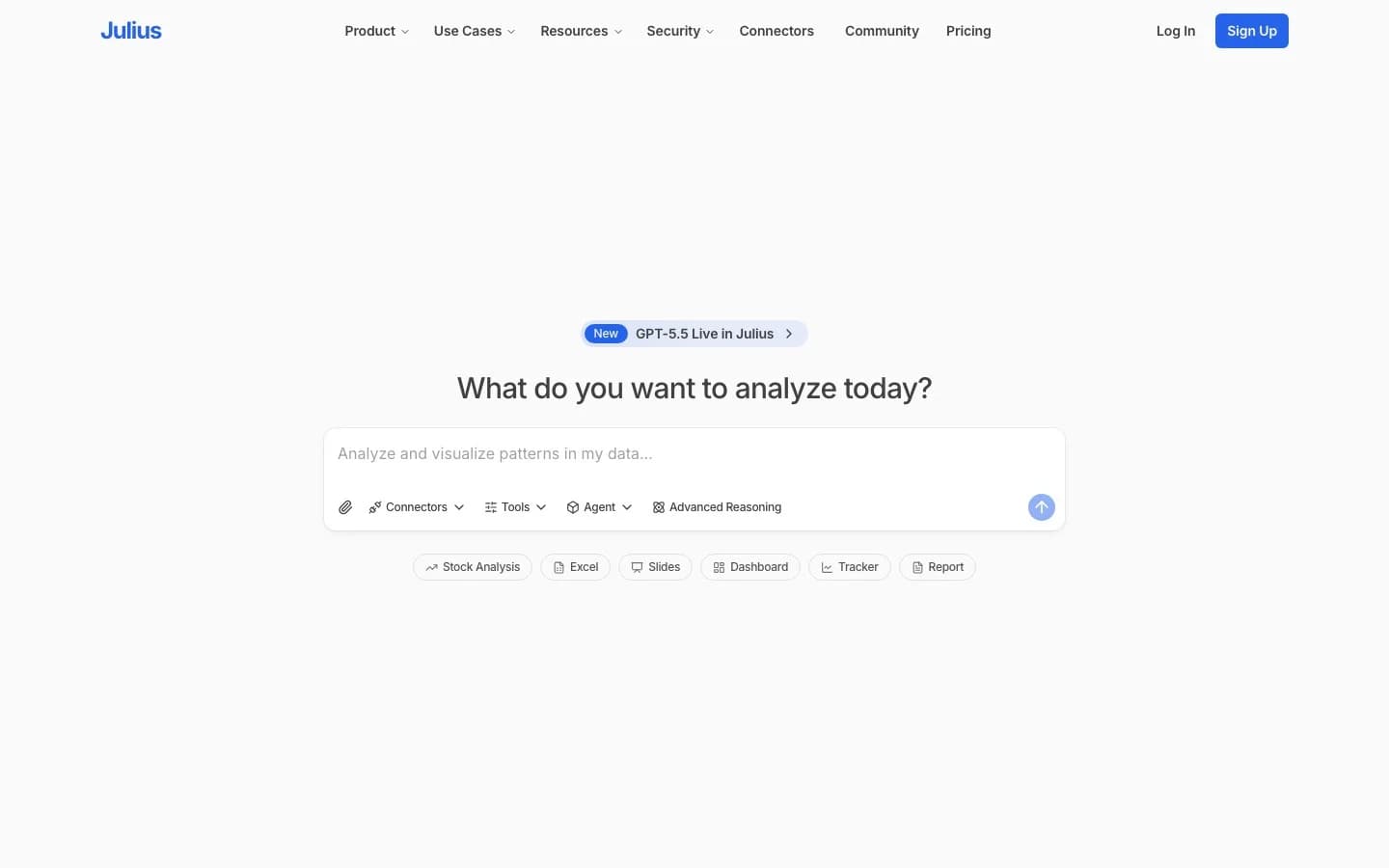
Julius AI is built around file uploads. Upload a CSV, Excel file, or Google Sheet, ask a question, get analysis and charts back. Julius generates Python or R code under the hood, runs it, and shows you the result. For non-technical users working with spreadsheets, it's fast and intuitive.
The catch appears when teams need database connectivity. Direct connections to Postgres, BigQuery, or Snowflake only unlock at the Business tier. That's $375/month on an annual plan, for 10 seats. At that price point, Julius's file-analysis DNA starts to show its limits: critics from the data engineering community have noted that the SQL connector feels bolted on, metric definitions can drift between queries without a semantic layer, and governance is minimal.
Pricing (As of April 2026):
| Tier | Price | Notes |
|---|---|---|
| Free | $0 | 100 credits/month, file analysis only |
| Plus | $20/month | 2,000 credits, 1 seat |
| Pro | $45/month | 4,000 credits, all models |
| Max | $200/month | 20,000 credits, 1 seat |
| Business | $375/month (annual) | 10 seats, DB connectors |
| Growth | $625/month (annual) | 30 seats, custom agents |
One thing to watch: Julius's Trustpilot score is 2.5/5 across 6 reviews, with complaints about login issues and slow support response times. Anecdotally, this matches patterns in the data science community on Reddit where users have flagged inconsistent answers across identical questions.
Choose Julius AI when your team primarily works with file exports, spreadsheets, or Google Sheets, and database connectivity isn't a daily need.
3. Basedash
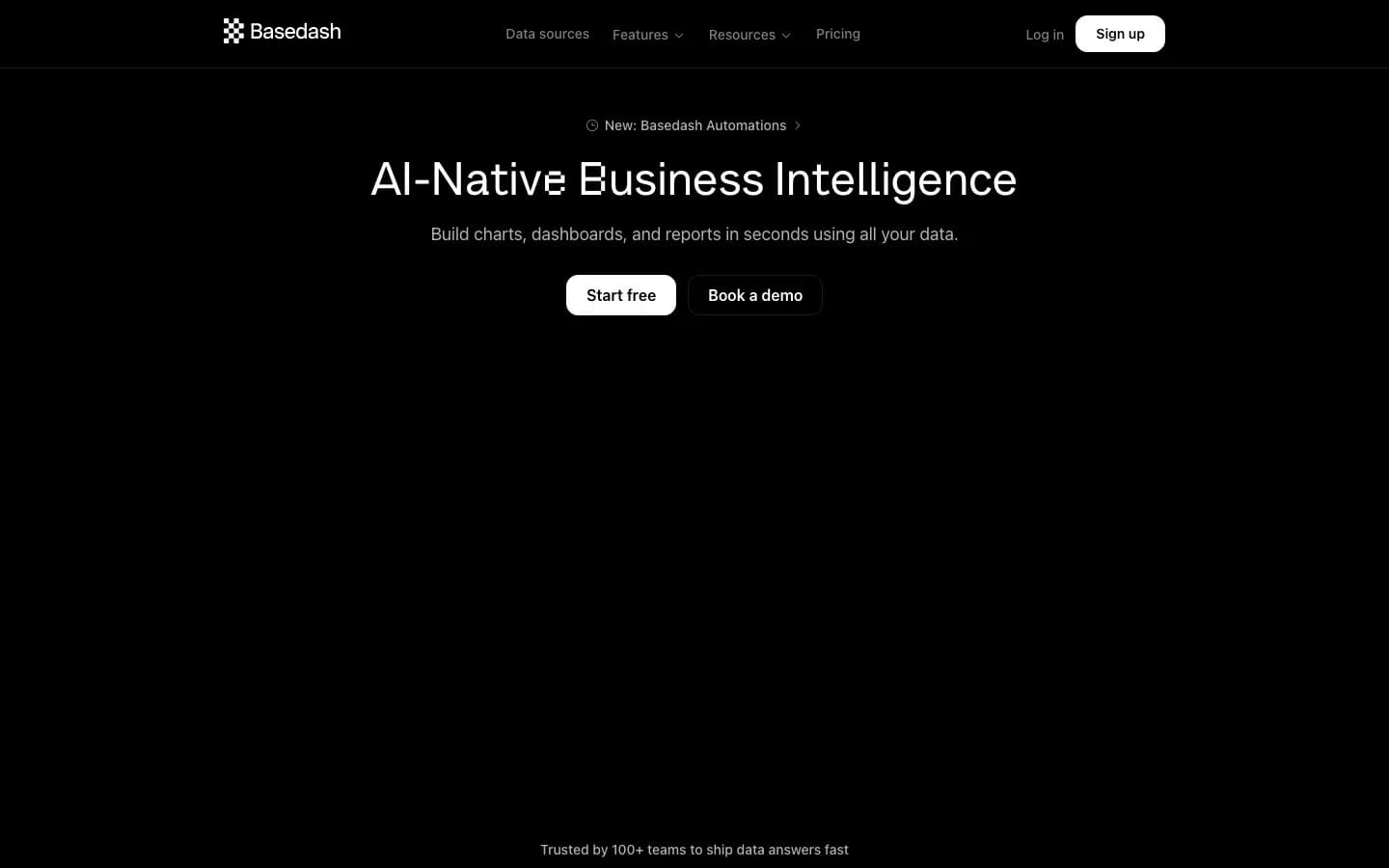
Basedash started as a YC-backed database admin panel in 2020. In 2024, the team pivoted entirely to AI-native BI. Today it's a dashboard platform that connects to SQL databases, generates charts through natural language, and sends automated insights to Slack.
The Dashboard Agent launched on April 30, 2026. The team is active. The Basic plan is $250/month for 2 users with SQL sources only and a $25/month AI credit allowance. The Growth plan is $1,000/month for 25 users. There is no free tier. For a 7-person bootstrapped team with ~$1M ARR, that pricing carries continuity risk. The 2024 product pivot also means any integrations built on the original admin panel are now deprecated.
For Sequel's own comparison of Basedash, see sequel.sh/blog/basedash-alterntives.
Pricing (As of April 2026):
| Tier | Price | Seats |
|---|---|---|
| Basic | $250/month | 2 users |
| Growth | $1,000/month | 25 users |
| Enterprise | Custom | Custom |
One thing to watch: Basedash's Basic tier is SQL-sources-only. If your stack includes non-SQL data sources, you're on Growth at $1,000/month from day one.
Choose Basedash when you're a startup with SQL databases and a team that wants AI dashboards plus Slack automation, and you're comfortable with the pricing step-up.
4. BlazeSQL
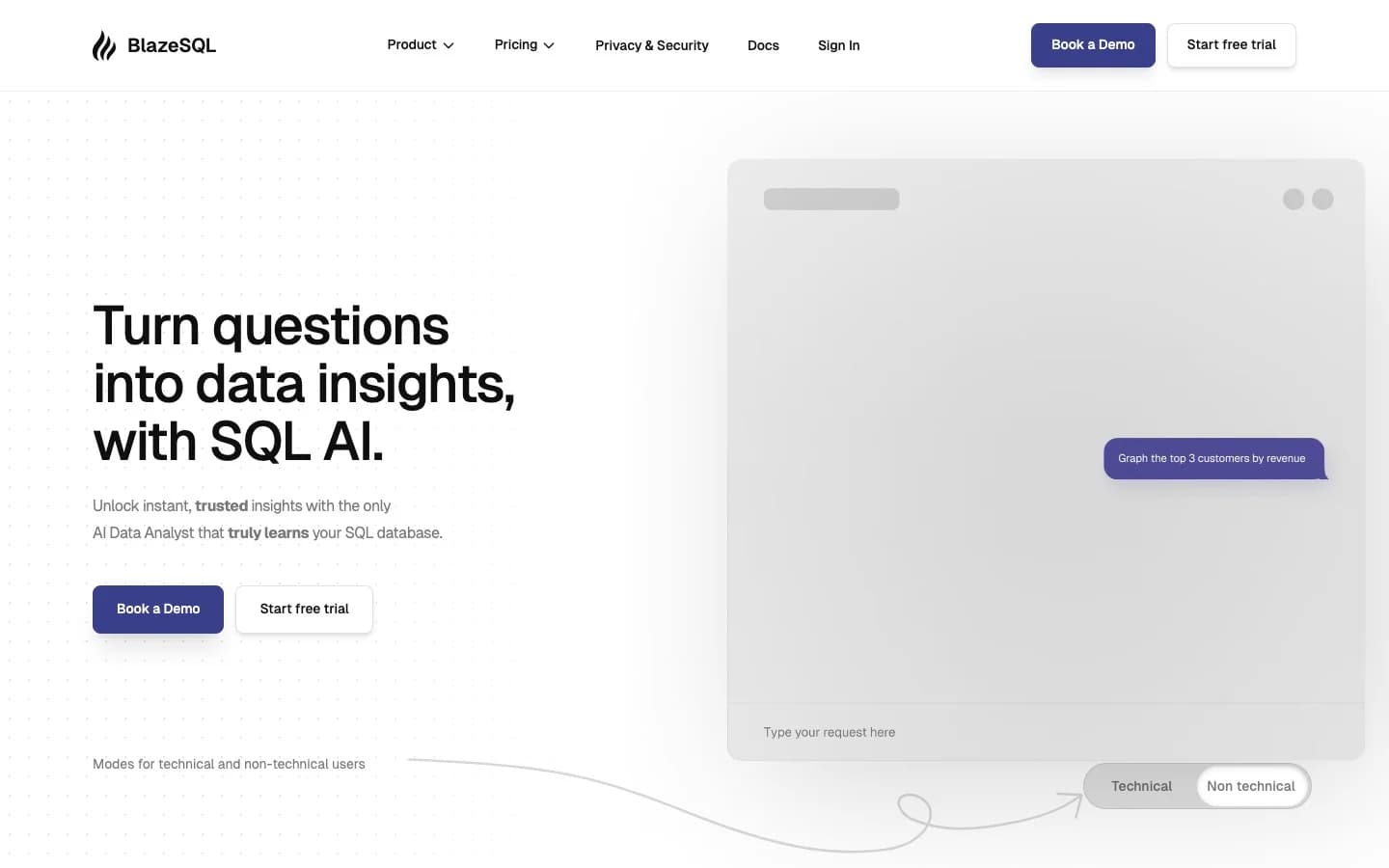
BlazeSQL is an AI SQL analyst that offers something the others on this list don't: a desktop app with a local/offline mode. For teams in regulated industries or those with strict policies against cloud data processing, this is a genuine differentiator. Enterprise customers listed on the homepage include Siemens, eBay, and Flixbus.
The product works: write natural language, get SQL back, run it against your connected database. It handles 12+ SQL database types including Snowflake, BigQuery, SQL Server, Oracle, and Redshift. Users with clean, well-documented schemas generally report strong results. The privacy angle gets specific praise from non-technical users on Product Hunt ("the privacy of their desktop app is critical").
The limitations are around the edges. Complex queries sometimes need manual adjustment. Large datasets can be slow. Visualization customization is limited. And crucially, the /pricing page currently returns a 404, which means pricing transparency is effectively zero for new evaluators. The tiers below come from a September 2024 blog post, not a live pricing page.
Pricing (As of April 2026, from Sept 2024 source, verify before purchase):
| Tier | Price | Seats |
|---|---|---|
| Blaze Pro | $39/month | 1 |
| Blaze Advanced | $99/month | 1 |
| Blaze Team | $149/month | 3 included |
| Blaze Team Advanced | $499/month | 3 included |
| Blaze Enterprise | Custom | Custom |
One thing to watch: The pricing page is broken. Before committing to BlazeSQL, contact the team directly to get current pricing confirmed in writing.
Choose BlazeSQL when your team needs a desktop-first SQL AI with offline capability, or when cloud data processing is prohibited by your security policy.
5. AI2SQL
AI2SQL is the most stripped-down product in this comparison. It is a query generator: describe what you want in plain English, get valid SQL back. That's the core. There are supporting utilities (ER diagrams, formula generation, file upload) but no visualization, no dashboarding, and no built-in reporting.
Built and maintained by a solo founder since 2021, AI2SQL has 50,000+ claimed users and $60K ARR. For individuals or small development teams that need a fast SQL generator on top of their existing BI tool, it does the job at the lowest price in the category.
The ceiling is visible quickly. Start plan users get 100 queries per month against 10 tables. That's a soft limit that rules out production use for most teams. Database connectivity requires at minimum the Pro tier ($24/month). And the tool still expects some SQL literacy to validate output - it's not a no-code experience.
Pricing (As of April 2026):
| Tier | Price | Query limit | Table limit |
|---|---|---|---|
| Start | $9/month | 100 queries/month | 10 tables |
| Pro | $24/month | 300 queries/month | 50 tables |
| Business | $39/month | 1,000 queries/month | Unlimited |
| Enterprise | Custom | Custom | Custom |
One thing to watch: This is a one-person operation. There is no team behind the roadmap, no funding, and no disclosed support SLA. For personal or experimental use, that's fine. For team production use, it's a continuity risk.
Choose AI2SQL when you're a developer or analyst who already has a BI tool and just wants faster SQL query drafting, and you don't need visualization or team features.
6. Chat2DB
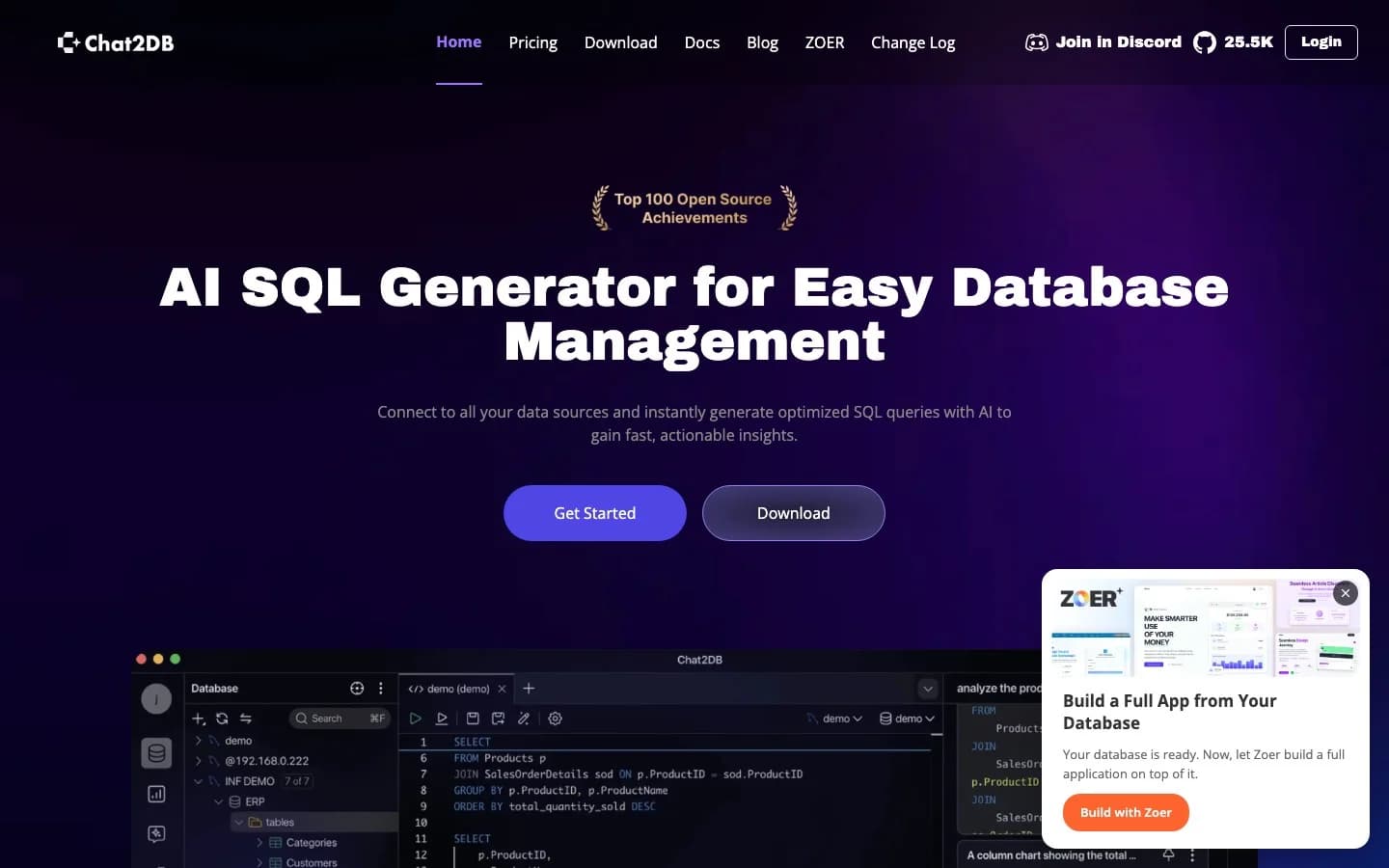
Chat2DB started as an Alibaba open-source project, evolved into a commercial product under CodePhiliaX (Hangzhou, China), and now claims 1M+ developers using it. The open-source codebase is on GitHub under Apache 2.0, which means teams can self-host the core client and bring their own AI configuration.
The commercial cloud product (Chat2DB PRO) starts at $8/user/month for the Starter tier with 3,000 AI requests per month, rising to $16/user/month for unlimited requests. The pricing is among the most accessible in this comparison on a per-seat basis.
Chat2DB covers SQL client tasks with AI assistance across 20+ databases. The free community app handles basic SQL without a subscription.
There are trust signals worth evaluating. A 2024 Hacker News launch was flagged by moderators, and a comment in Chinese appearing to coordinate vote behavior was surfaced in the thread. Product Hunt reviewers flagged bot-like comments. These are community signals, not product defects, but they matter for teams that care about vendor credibility. The commercial product also operates from Hangzhou, which raises data residency questions for EU and regulated-industry buyers who need data to stay within specific geographic boundaries.
Pricing (As of April 2026):
| Tier | Price |
|---|---|
| Community (app) | Free |
| Starter (cloud) | $8/user/month |
| Pro (cloud) | $16/user/month |
| Team (cloud) | $40/user/month |
| Enterprise | Custom |
One thing to watch: Cloud sync is required on the Pro tier. For teams with data residency requirements or GDPR obligations, verify your data handling terms before adopting the cloud product. The self-hosted community app is a viable alternative for teams that need to keep data local.
Choose Chat2DB when you want an open-source SQL client with AI assistance, you're comfortable with self-hosting, and data residency or vendor trust concerns are manageable for your context.
How to choose
The right tool depends on who on your team actually uses it day to day.
If your team includes non-technical members who need answers from databases without learning SQL, the choice is Sequel or Julius. Julius is better if your team's primary data lives in files and spreadsheets. Sequel is better if you have live databases, need multi-source joins, or want the AI to learn your business terminology over time rather than recalculate metric definitions on every query.
If you have a pure data engineering team that wants SQL and Python notebooks with AI assist, Hex is defensible. If Hex's pricing or ToS is the blocker, BlazeSQL handles the SQL AI use case at a lower price, particularly for teams with desktop-first requirements.
If budget is the primary constraint, AI2SQL at $9/month gets you a query generator. Chat2DB's community app is free. Neither is a replacement for Hex, but both are functional tools for specific narrow use cases.
If you're a startup that needs dashboards and Slack alerts, Basedash is worth evaluating alongside its $250/month entry price. The product quality is high; the question is whether the cost and the 7-person team behind it fit your risk tolerance.
Sequel fits the largest slice of the market: teams of mixed technical ability, multiple data sources, and a need for AI analysis that actually understands the business rather than just translating queries. The Free plan covers 3 seats and one data source, which means most teams can run a real evaluation without a credit card.
Start with Sequel for free at sequel.sh