
Best Julius AI Alternatives for AI Data Analysis in 2026
TL;DR
| Alternative | Best for | Starting price |
|---|---|---|
| Sequel | Teams that need real DB connections, multi-source joins, and agents that learn your business | Free |
| Hex | Data engineering teams who want SQL + Python notebooks with collaborative publishing | Free (limited) |
| Basedash | Startups that want an AI BI layer on top of existing databases | $250/month |
| BlazeSQL | Privacy-first teams who need a desktop app with offline SQL analysis | $39/month |
| AI2SQL | Developers who need a fast SQL generator without a full BI platform | $9/month |
| Chat2DB | Developers who prefer an open-source SQL client with AI query generation | Free (community) |
Julius AI was built for file analysis. Upload a CSV, ask a question, get a chart. It supports Python and R code generation and reports 2M+ users. Teams that work primarily with spreadsheets and exports are its main audience.
But teams running into a wall with Julius are usually hitting one of three things. First, the $375/month jump to unlock database connectors. Individual plans are file-only, full stop. Second, the absence of a semantic layer. Ask Julius about "revenue" on Monday and it picks a column. Ask on Thursday and it may pick a different one. There is no mechanism to lock in how your business defines a metric. Third, a Trustpilot score of 2.5/5 from reviewers citing login failures, API outages, and slow support responses.
The good news: the alternatives below all do direct database connections, several at a fraction of Julius's team pricing.
What is Julius AI?
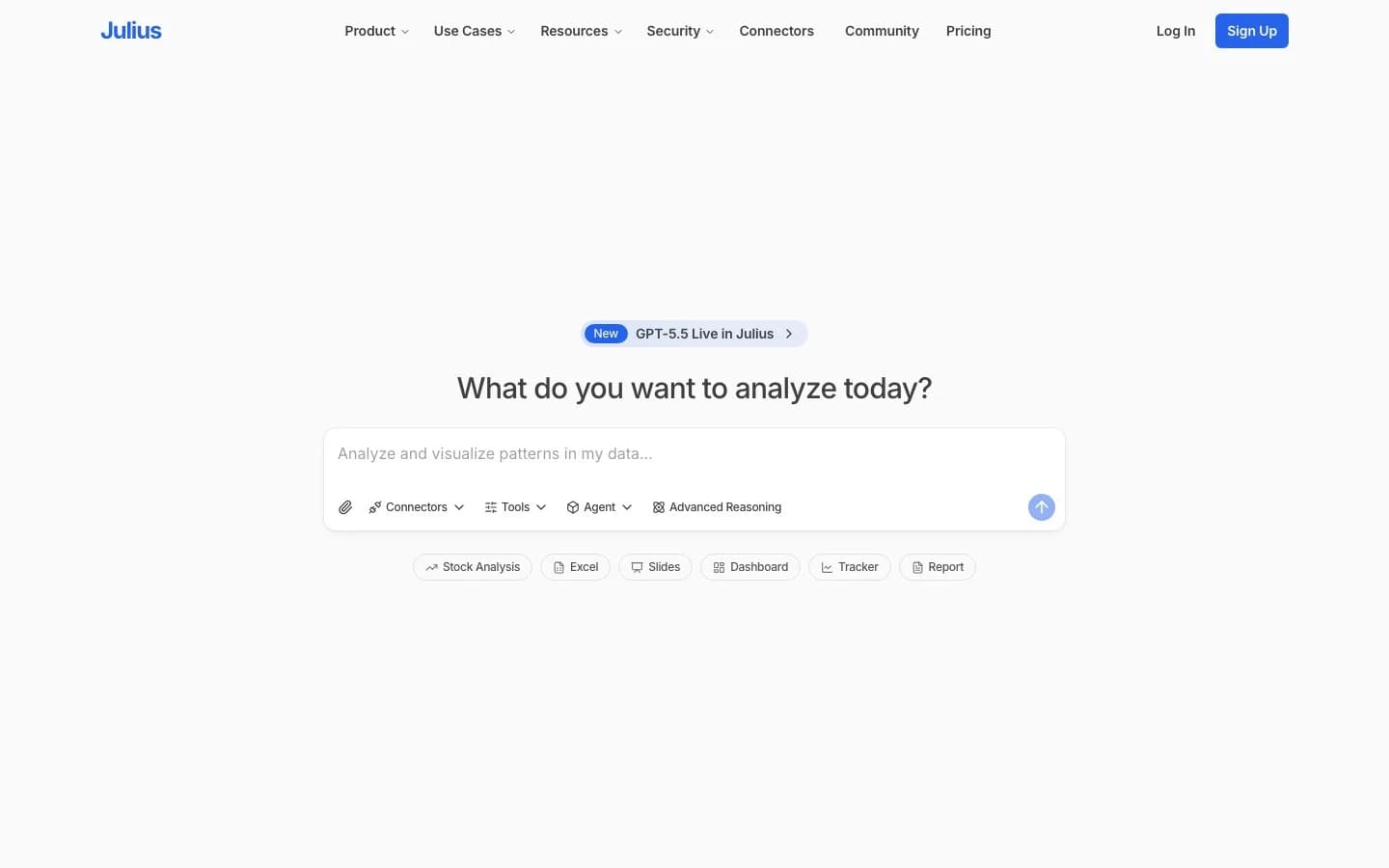
Julius AI is a file-first AI data analyst launched in San Francisco, backed by $14.5M total funding including a $10M seed from Bessemer Venture Partners in July 2025. The core product lets users upload CSV, Excel, or Google Sheets files and ask natural language questions. Julius generates Python or R code, runs the analysis, and returns charts. Scheduled reports via Slack and notebook-style analysis were added later.
Database connectors (PostgreSQL, BigQuery, Snowflake) were added alongside the July 2025 funding round. The architecture was designed around files first, so SQL connectivity was grafted onto an existing system rather than built in from the start.
Pricing (As of April 2026):
| Plan | Monthly (annual) | DB connectors |
|---|---|---|
| Free | $0 | No |
| Plus | $16/month | No |
| Pro | $37/month | No |
| Max | $166/month | No |
| Business | $375/month (10 seats) | Yes |
| Growth | $625/month (30 seats) | Yes |
| Enterprise | Custom | Yes |
The file-to-Business gap is where most complaints originate. Five plan tiers exist below the one that actually connects to a database.
Comparison: Julius AI vs alternatives
| Tool | Starting price | DB connectors | Semantic layer | Team features | Visualization |
|---|---|---|---|---|---|
| Sequel | Free | Yes (Free tier) | Yes (learning agents) | Yes | Yes |
| Julius AI | Free (file-only) | $375/month | No | $375/month | Yes |
| Hex | Free (limited) | Professional ($36/editor) | Via dbt/Cube | Yes | Yes |
| Basedash | $250/month | Yes (SQL on Basic) | No | Yes | Yes |
| BlazeSQL | $39/month | Yes | No | $149/month | Basic |
| AI2SQL | $9/month | Pro ($24/month) | No | No | No |
| Chat2DB | Free (community) | Yes | No | $40/user/month | Basic |
1. Sequel
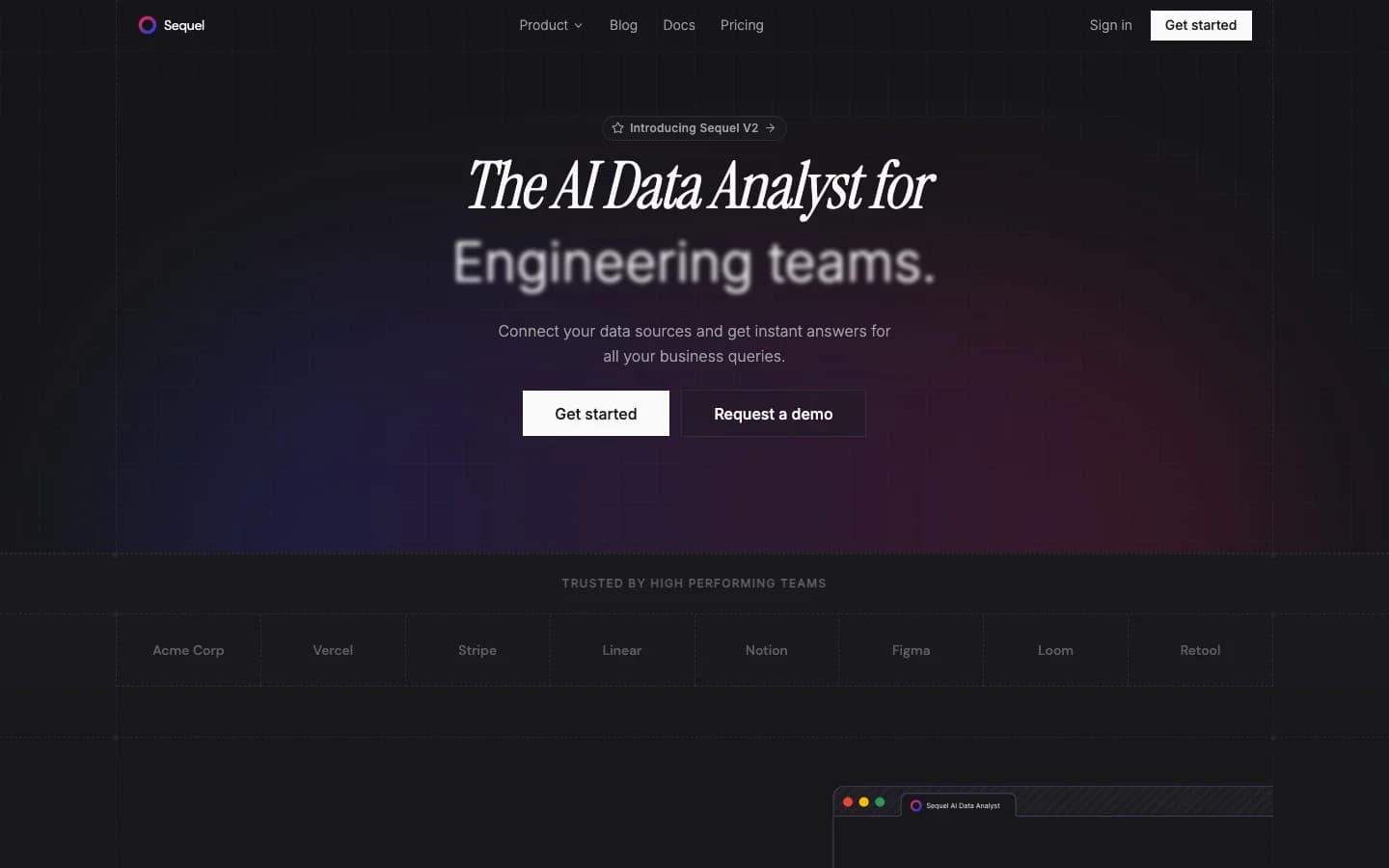
Sequel is an AI-native BI platform built around agents that learn your business over time. You connect your databases, ask questions in plain English, and Sequel generates optimized SQL, runs it, and renders results as charts. The differentiator is not just that it translates language to SQL. It is that the agents accumulate context about your schema, your KPIs, and your team's terminology across sessions.
Key features:
- Self-learning agents that improve their understanding of your schema and query patterns with every session
- Multi-agent systems that join across multiple data sources in a single question
- Slack integration and an MCP server for use inside Claude and Cursor
- Supported databases: PostgreSQL, MySQL, ClickHouse, Turso, Cloudflare D1, MotherDuck (BigQuery, Snowflake, MongoDB, and Redshift coming)
Pricing (As of April 2026):
| Plan | Price | Seats | Data sources |
|---|---|---|---|
| Free | $0 | 3 | 1 |
| Pro | $99/month | 10 | 10 |
| Startup | $999/month | 25 | Unlimited |
| Enterprise | Custom | Unlimited | Unlimited (self-hosted, BYO keys) |
No credit-based billing on lower tiers. Enterprise customers bring their own API keys and host on their own infrastructure, which makes usage costs predictable and data residency fully controllable.
Best for: Teams that connect to real databases from day one, need answers that span multiple sources, and want agents that get smarter about their business over time rather than treating every session as a blank slate.
Julius AI still wins when: You primarily analyze uploaded files and spreadsheets, or your team's workflow is built around CSV export and ad-hoc analysis rather than direct database connections.
2. Hex
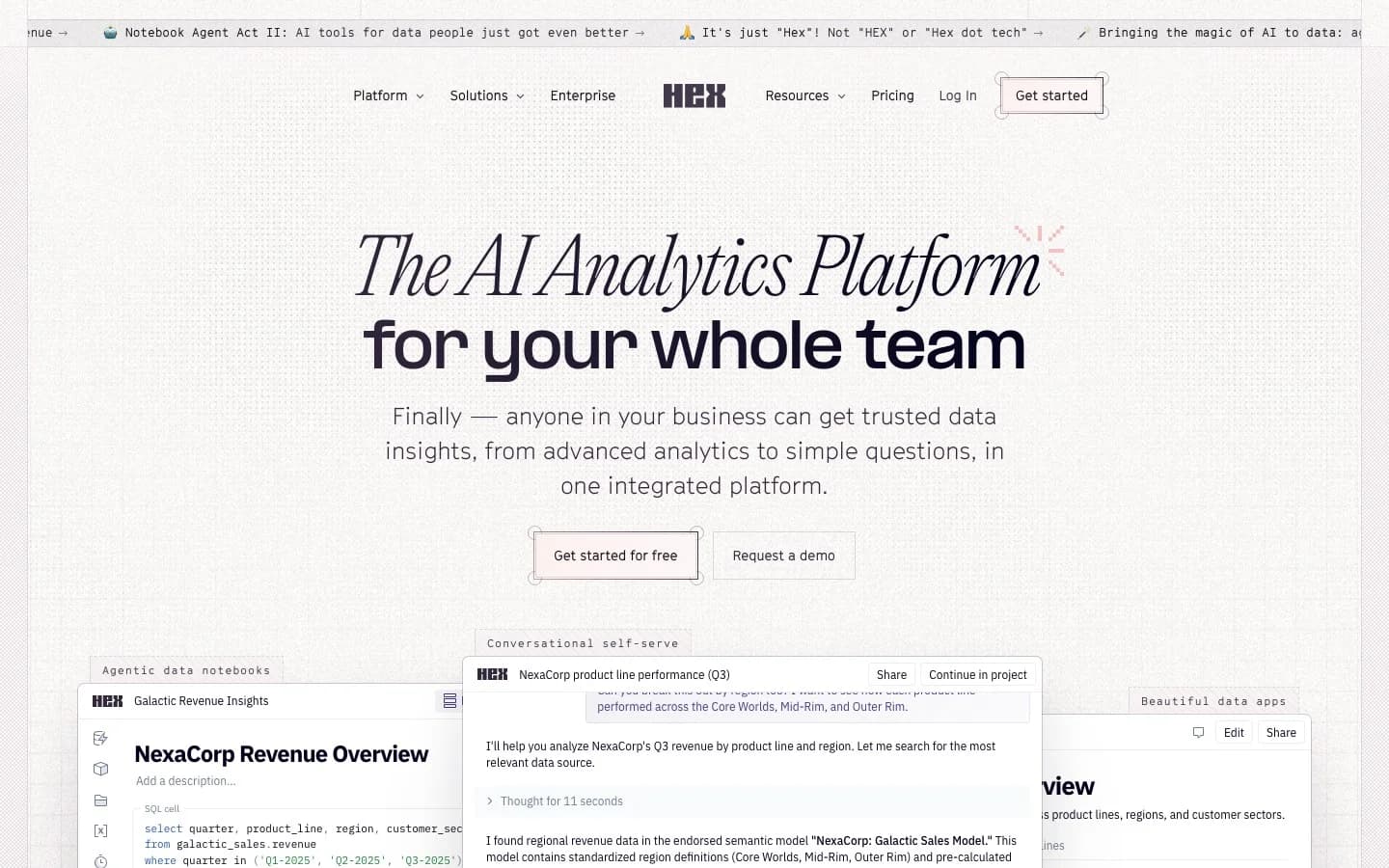
Hex is a collaborative data platform that combines SQL and Python notebooks with AI-assisted code generation. Data teams write queries and transformations in shared notebooks, then publish them as interactive apps for stakeholders. The "Magic" AI layer generates and edits code on request. Hex raised a $70M Series C in May 2025 and acquired Hashboard (a BI startup) the month before, adding semantic modeling and self-serve BI to the platform.
Key features:
- SQL + Python notebooks in a shared, version-controlled environment
- AI agent that generates, explains, and edits code within notebooks
- Publish notebooks as interactive data apps for non-technical stakeholders
- Connects to Snowflake, BigQuery, Databricks, ClickHouse, Postgres, and 10+ more
Pricing (As of April 2026):
| Plan | Price | Notes |
|---|---|---|
| Community | Free | Up to 5 notebooks, 5 apps |
| Professional | $36/editor/month | Unlimited notebooks, Notebook agent |
| Team | $75/editor/month | Threads agent, Semantic model agent, scheduling |
| Enterprise | Custom | SSO, HIPAA, single-tenant |
Compute add-ons are billed separately per hour (from $0.32/hr for 16 GB to $4.06/hr for GPU). AI credits are now rolling out with enforcement on Team plans.
One thing to watch: Hex explicitly rejected the "AI data analyst" framing. Nicolas Kruchten from the Hex team wrote: "Magic isn't an 'AI data analyst', because honestly, we don't really think that should be a thing." If you need an agent that answers business questions directly, Hex is a tool for data teams to write better code, not a natural language interface for business users.
Best for: Data engineering and analytics teams who want to move fast in SQL and Python, publish results to stakeholders, and need serious compute options.
Julius AI still wins when: You want a consumer-grade, no-code experience for uploading files and getting charts without any SQL or Python involvement.
3. Basedash
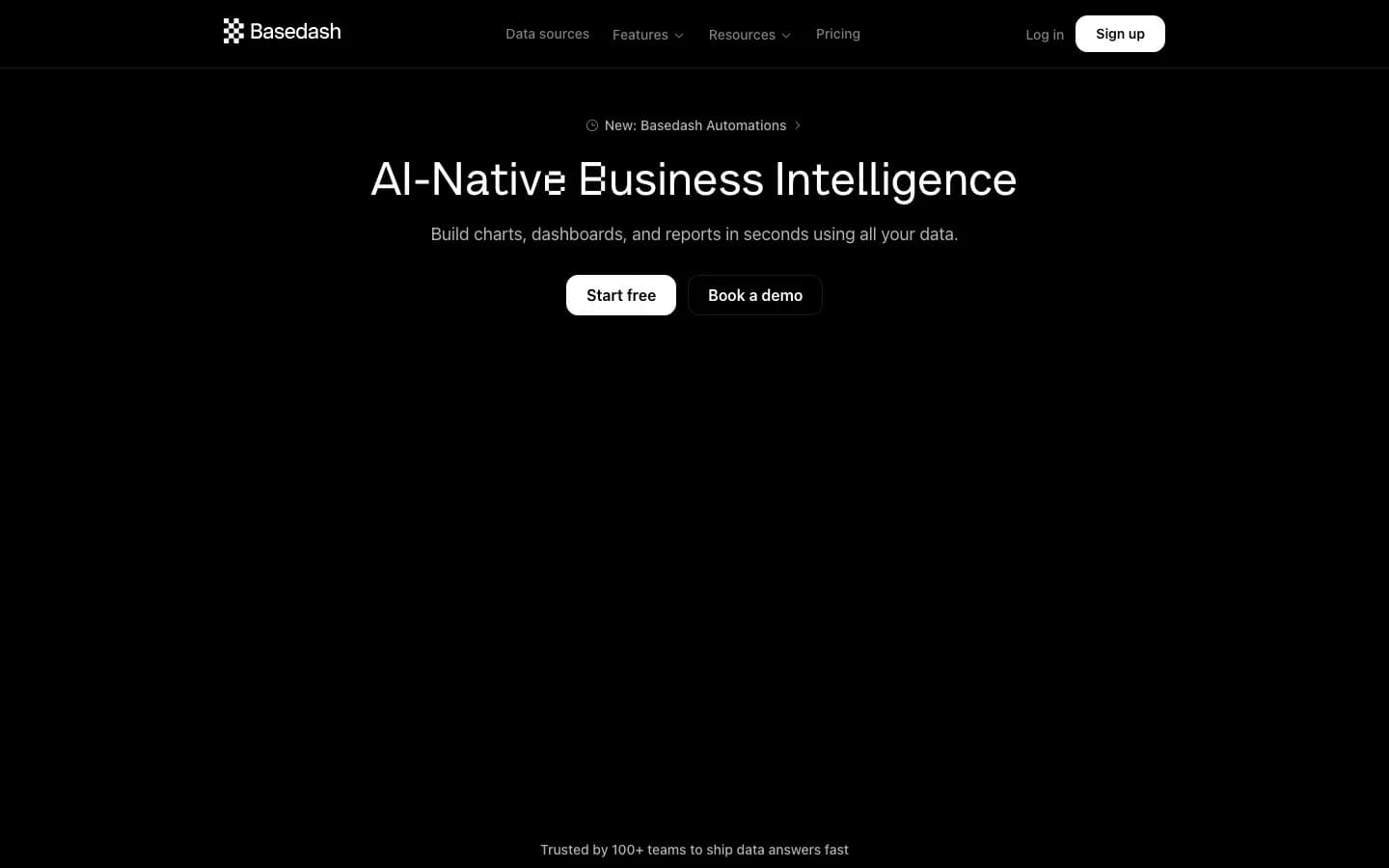
Basedash started life as a YC S20-backed database GUI (often called a spiritual successor to Django Admin) and fully pivoted to AI-native BI in 2024. Today it markets itself as an AI-powered analytics platform for startups and growing teams. The product includes AI dashboards, Automations, a Slack app, and an MCP server. A 7-person bootstrapped team ships fast. The Dashboard Agent launched on Product Hunt on April 30, 2026.
Key features:
- AI-generated dashboards from natural language prompts
- Automations that trigger actions based on data changes
- Slack app for querying data without leaving your workspace
- MCP server for integration with Claude and other AI tools
Pricing (As of April 2026):
| Plan | Price | Seats | Data sources |
|---|---|---|---|
| Basic | $250/month | 2 | SQL sources only |
| Growth | $1,000/month | 25 | 750+ sources |
| Enterprise | Custom | Custom | Custom |
No free tier. 14-day trial with full feature access, no credit card required. AI overage billing applies when monthly credits are exceeded on Growth.
One thing to watch: The 2024 pivot fully deprecated Basedash's original admin panel product. Teams relying on those integration workflows had to rebuild. A 7-person team in a crowded category is a real constraint on support and roadmap velocity.
For a detailed comparison, Sequel has a full breakdown at sequel.sh/blog/basedash-alterntives.
Best for: Startups and small teams that want AI-generated dashboards connected to SQL databases, with Slack integration, and can absorb the $250/month minimum.
Julius AI still wins when: Your users need file analysis (CSV, Excel, Sheets) rather than a persistent database connection, or you need to stay under $250/month.
4. BlazeSQL
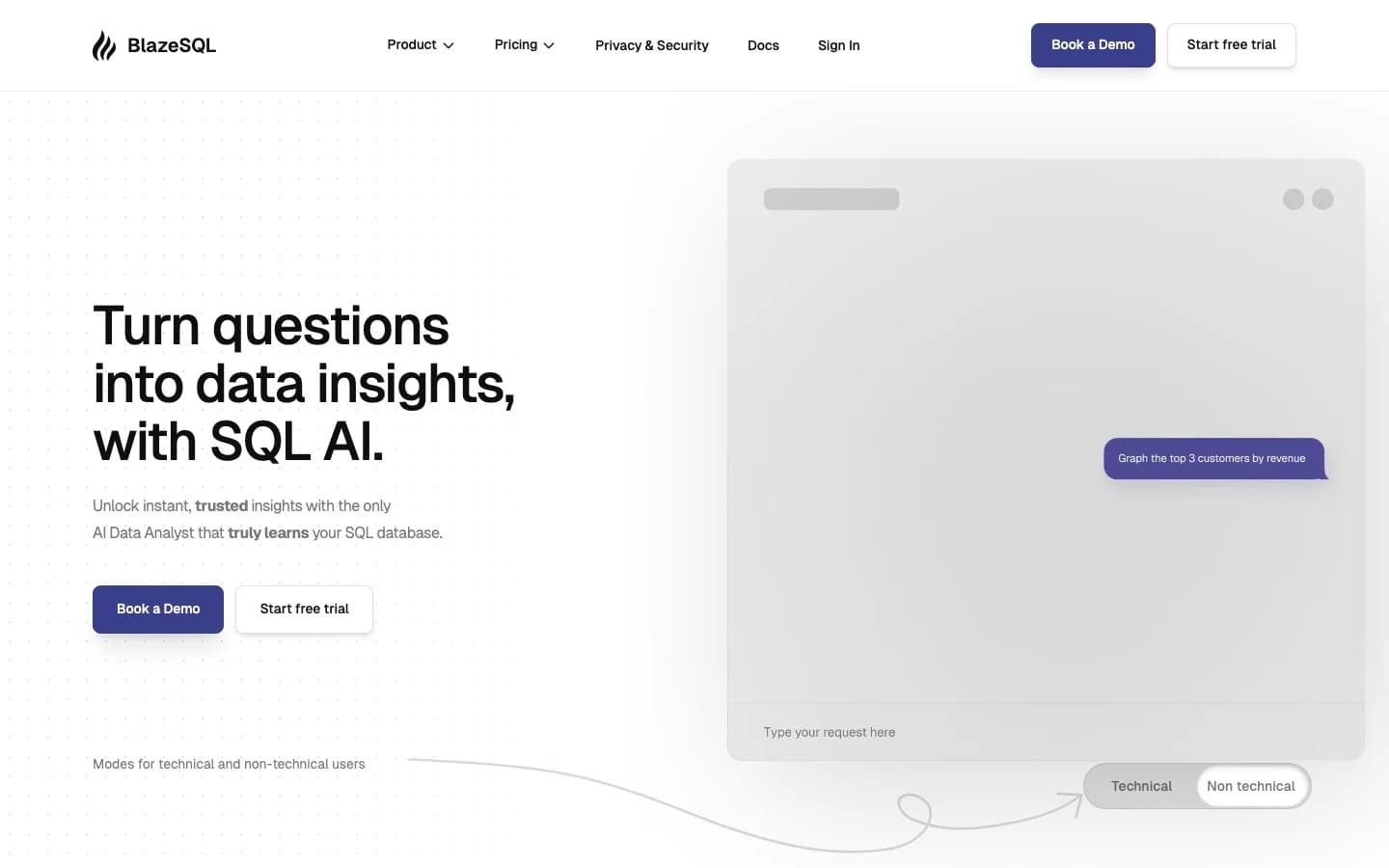
BlazeSQL is an AI BI platform with a distinct privacy angle: it ships a desktop app that processes queries locally, so your data never leaves your machine during analysis. The web app version connects to SQL databases across 12+ vendors. Enterprise customers cited on the homepage include Flixbus, eBay, Siemens, and Yamaha. Claims 2M+ questions answered. Bootstrapped with no disclosed funding.
Key features:
- Desktop app with local/offline query processing for privacy-sensitive environments
- Natural language to SQL across Snowflake, BigQuery, Postgres, MySQL, Databricks, Redshift, ClickHouse, and 5+ more
- Unlimited AI chat messages on all paid plans
- Enterprise: white-label and API access
Pricing (As of April 2026):
Note: BlazeSQL's /pricing page returned a 404 as of April 30, 2026. The tiers below are sourced from BlazeSQL's own September 2024 blog post and may not reflect current pricing. Verify directly before purchasing.
| Plan | Price | Seats |
|---|---|---|
| Blaze Pro | $39/month | 1 |
| Blaze Advanced | $99/month | 1 |
| Blaze Team | $149/month | 3 included |
| Blaze Team Advanced | $499/month | 3 included |
| Blaze Enterprise | Custom | Custom |
One thing to watch: The broken pricing page is a real signal about operational health. A company confident in its pricing keeps that page live. With no disclosed funding and well-funded competitors accelerating, verifying current pricing before committing is essential.
Best for: Teams with strict data privacy requirements who need local query processing, or privacy-conscious analysts who want SQL analysis on their machine rather than in the cloud.
Julius AI still wins when: You need file-based analysis (CSV, Sheets) or a polished consumer-grade experience rather than a SQL-first BI tool.
5. AI2SQL
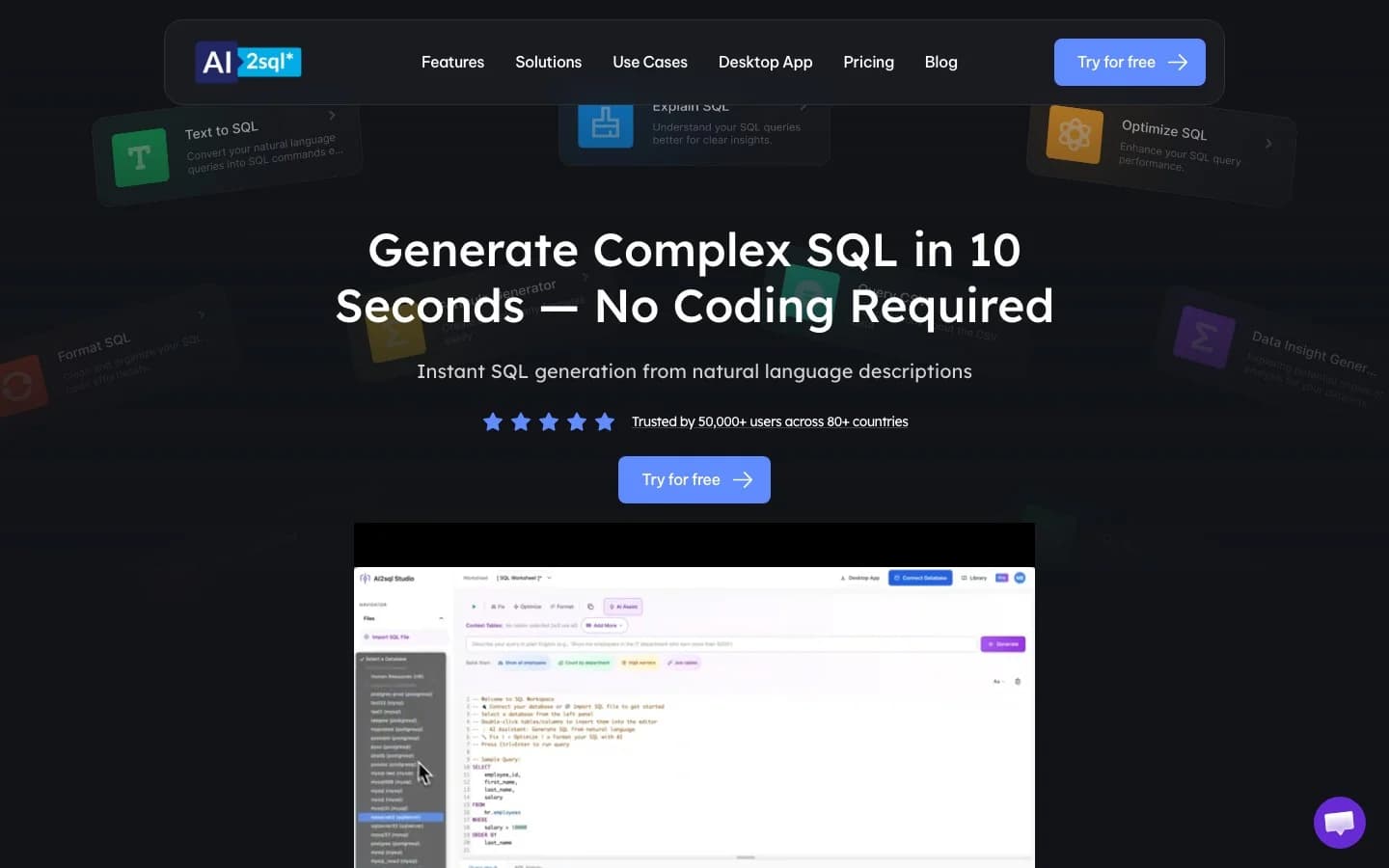
AI2SQL is exactly what the name says: give it a table schema and a plain English question, get SQL back. It is the smallest and most focused product in this comparison. Built and maintained by a solo founder (Mustafa Ergisi) since 2021. Claims 50,000+ professionals. Revenue is approximately $60K ARR based on public data.
Key features:
- Plain English to SQL generation for MySQL, PostgreSQL, BigQuery, Oracle, MongoDB, Redshift, and more
- Formula generator, ER diagram support, and SQL file upload
- Desktop app on Business tier
- API integration for developers embedding query generation
Pricing (As of April 2026):
| Plan | Price | Queries/month | Tables |
|---|---|---|---|
| Start | $9/month | 100 | 10 |
| Pro | $24/month | 300 | 50 |
| Business | $39/month | 1,000 | Unlimited |
| Enterprise | Contact | Custom | Custom |
No free tier. 7-day trial on all paid plans.
One thing to watch: This is a solo-founder project. Support, updates, and uptime all depend on one person. The query limits (100/month on the cheapest plan) are low enough that active teams will hit the ceiling quickly. There is also no visualization layer. You get SQL, then you run it somewhere else.
Best for: Developers and technical analysts who need a fast, cheap SQL generator and already have a database client or BI tool to run queries and build charts.
Julius AI still wins when: You need end-to-end analysis (file upload, chart generation, scheduled reports) without writing or validating SQL yourself.
6. Chat2DB

Chat2DB started as an open-source project inside Alibaba and is now a commercial product maintained by CodePhiliaX in Hangzhou, China. The GitHub repository has more stars than any other text-to-SQL tool and claims 1M+ developer users. It functions as both an AI SQL client and a database management tool. The community (free) tier works with most databases without a subscription. A companion app-builder product called Zoer is also in development.
Key features:
- AI query generation across MySQL, PostgreSQL, MongoDB, Redis, and 20+ databases
- Full database management GUI: schema editor, table editor, data browser
- Cloud SaaS (Chat2DB PRO) and local/self-hosted options
- 30-day Pro trial with no payment information required
Pricing (As of April 2026):
| Plan | Monthly | Notes |
|---|---|---|
| Community | Free | Manual AI config, basic SQL console |
| Starter | $8/user/month | 3,000 AI requests/month |
| Pro | $16/user/month | Unlimited AI requests |
| Team | $40/user/month | Shared team management |
| Enterprise | Custom | Private deployment, SSO |
One thing to watch: Chat2DB's commercial product is operated out of Hangzhou. Cloud sync is active even on the Pro tier, which means data transits infrastructure in China. European teams and organizations in regulated industries must evaluate data residency implications before adopting the cloud product. The community edition is Apache 2.0 licensed and self-hostable, which removes most of this risk for technical teams willing to run their own instance.
A Show HN post for Chat2DB was flagged by moderators in April 2024 for suspected vote manipulation. It is a minor data point, but worth noting for organizations that weight community trust in procurement decisions.
Best for: Developers who want a capable, low-cost SQL client with AI query generation and are comfortable self-hosting or evaluating data residency implications for the cloud product.
Julius AI still wins when: You need a polished no-code experience for business users, file-based analysis, or scheduled reports without managing your own infrastructure.
How to choose
The right tool depends on where your data actually lives and who needs to query it.
Start with Sequel if your team's source of truth is a database, not a spreadsheet. The free tier connects a real database on day one. The multi-agent architecture means Sequel gets better the longer your team uses it. No credit-based billing surprises. The Enterprise tier handles self-hosting and bring-your-own-keys for teams with compliance requirements.
Choose Hex if your team is already SQL and Python-native, needs collaborative notebook workflows, and wants to publish interactive apps for stakeholders. Budget for the per-editor seat cost on large teams.
Choose Basedash if your team runs on SQL databases and wants AI dashboards plus Slack integration, and you can absorb the $250/month minimum. Read the Sequel vs Basedash comparison before committing.
Choose BlazeSQL if data leaves the building being a problem is your first constraint. The desktop app handles local processing, which is a real differentiator for privacy-sensitive environments.
Choose AI2SQL if you are a developer who already has a database client and just needs a query generator. It is the cheapest way to accelerate SQL writing without buying a full BI platform.
Choose Chat2DB if you want an open-source SQL client with AI features and are comfortable with self-hosting. Evaluate data residency before using the cloud product.
Julius AI fits file-first workflows. If your analysis starts with CSVs, Excel files, or Google Sheets and you do not need live database connections, it covers that use case. The team pricing is where it loses the comparison.
If you want to try Sequel, the free tier connects a real database in minutes. No file upload required.