
Best AI2SQL Alternatives for AI Data Analysis in 2026
TL;DR
| Alternative | Best for | Starting price |
|---|---|---|
| Sequel | Teams that want a full AI data analyst with self-learning agents, auto-charts, and multi-source joins | Free (3 seats) |
| Julius AI | Individual analysts who work with files and want rich Python/R analysis | $20/month |
| Hex | Technical data teams building collaborative SQL and Python notebooks | $36/editor/month |
| Basedash | Startups that want AI-driven dashboards with Slack integration and MCP server | $250/month |
| BlazeSQL | Privacy-conscious teams that need a desktop app with offline mode | $39/month |
| Chat2DB | Developers who want an open-source SQL client with AI assist | $8/user/month |
AI2SQL launched in 2021 and reports 50,000+ users. At $9/month it is the lowest-priced option in text-to-SQL. It generates SQL from plain English — no dashboards, no visualization, no analysis layer. For a solo developer who just needs SQL faster, it fits that narrow need.
The problems surface when you try to do anything beyond query generation. AI2SQL does not run the queries it writes. It does not produce charts or dashboards. It has no BI layer, no visualization engine, and no integrations with tools like Tableau or Power BI. You still need to understand SQL well enough to evaluate whether the output is correct - one reviewer on a Substack comparison put it plainly: "it might be used for people who already know about SQL." The tool positions itself as productivity help for SQL writers, not as a replacement for data analysis work.
The query limits compound the problem. One hundred queries per month on the $9 plan. Three hundred on the $24 plan. For a team doing any volume of data work, those caps are reached fast. And the business behind the product is a one-person company with roughly $61,000 ARR - bootstrapped, no investors, no employees. That is not a knock on Mustafa Ergisi's work, but it is a real continuity question for teams building workflows around a tool.
If you are looking for something that generates SQL, runs it, explains the results, and draws the chart - these alternatives are worth a close look.
How AI2SQL compares across the field
| Tool | Starting price | Natural language to SQL | Runs queries | Auto-charts | Multi-source joins | Free tier |
|---|---|---|---|---|---|---|
| AI2SQL | $9/month | Yes | No | No | No | No |
| Sequel | Free | Yes | Yes | Yes | Yes | Yes (3 seats) |
| Julius AI | $20/month | Yes | Yes (Python/R) | Yes | No | Yes (100 credits) |
| Hex | $36/editor/month | Yes | Yes | Yes | No | Yes (5 notebooks) |
| Basedash | $250/month | Yes | Yes | Yes | No | No |
| BlazeSQL | $39/month | Yes | Yes | Yes | No | No |
| Chat2DB | $8/user/month | Yes | Yes | Limited | No | Yes (local client) |
Prices as of April 2026.
The 6 best AI2SQL alternatives in 2026
1. Sequel - The full AI data analyst
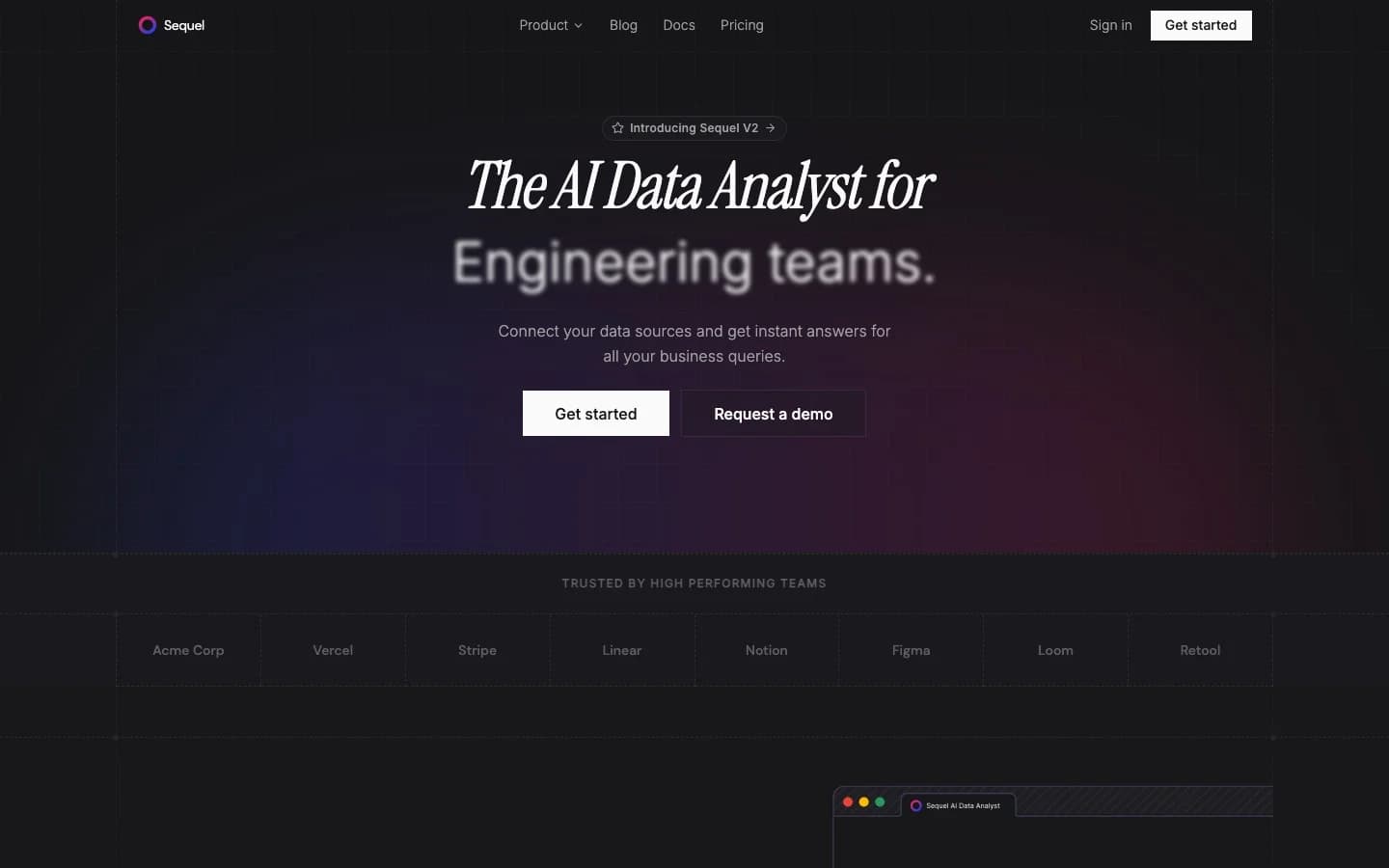
Sequel is what most people are actually looking for when they outgrow AI2SQL. Where AI2SQL stops at query generation, Sequel handles the full workflow: connect your database, ask a question in plain English, get SQL generated and executed, see the result as an auto-rendered chart or table. No context-switching between a query generator and a separate BI tool.
The more meaningful difference is at the architecture level. Sequel runs multi-agent systems that learn your business over time. These agents build context about your schema, your terminology, and the KPIs your team cares about. Ask the same question twice and the second answer is informed by what the agent already knows. Ask about "weekly active users" and Sequel maps that to your actual user activity table - not a generic interpretation.
Cross-source joins are available out of the box. You can ask a single natural language question that pulls from a PostgreSQL database, a ClickHouse analytics cluster, and a CSV file, and Sequel handles the join. That is unusual in this category.
Key features:
- Natural language to SQL, executed immediately against your connected database
- Auto-rendered charts and visualizations from query results
- Self-learning agents that improve schema understanding over time
- Multi-source joins - single question across disparate databases and APIs
- Slack integration and MCP server (works inside Claude and Cursor)
- Self-hosted Enterprise tier with bring-your-own-keys support
Pricing (as of April 2026):
| Tier | Price | Seats | Sources |
|---|---|---|---|
| Free | $0/month | 3 | 1 |
| Pro | $99/month | 10 | 10 |
| Startup | $999/month | 25 | Unlimited |
| Enterprise | Custom | Unlimited | Unlimited |
The free tier gives three seats and one data source - enough to evaluate the product seriously without a credit card. Enterprise includes self-hosting, BYO model keys, and a dedicated Slack channel for support.
Databases supported: PostgreSQL, MySQL, ClickHouse, Turso, Cloudflare D1, MotherDuck. BigQuery, Snowflake, MongoDB, and Redshift are coming soon.
Choose Sequel when your team needs analysis, not just query text. When you want something that gets smarter about your data over time. When "generate SQL" is a step in a workflow, not the final output.
AI2SQL still wins when you write your own SQL and want a faster way to generate boilerplate queries or translate between dialects. If validation is part of your job and you want the raw SQL to inspect, AI2SQL's simplicity is an asset.
2. Julius AI - File-first analysis with broad model support
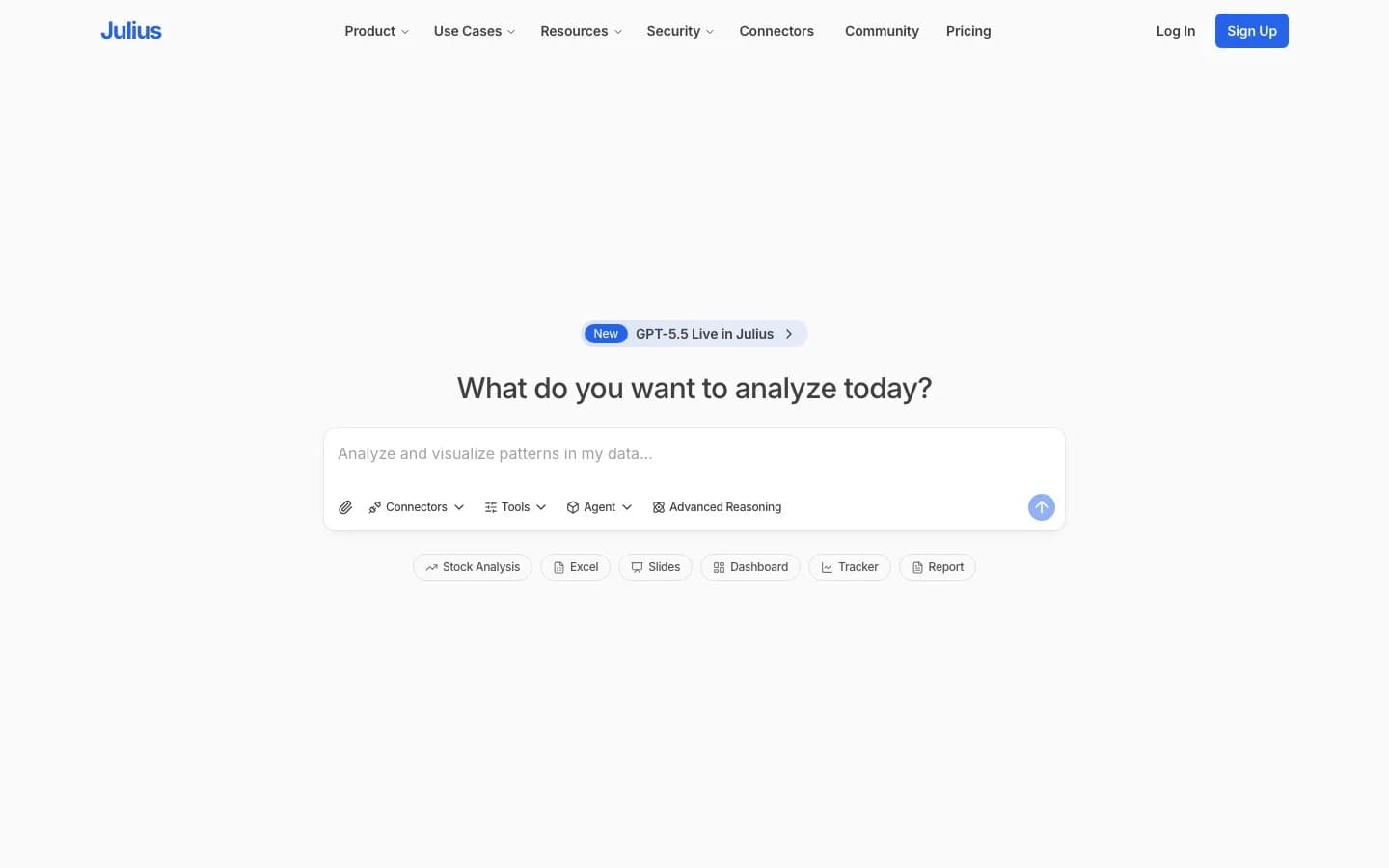
Julius AI is built around file analysis: upload a CSV or Excel file, connect a Google Sheet, and ask questions. Julius generates Python or R code to answer them and renders charts. It reports 2 million users.
The transition to database-native analytics happened later and shows. Julius added SQL connectors - PostgreSQL, BigQuery, Snowflake and others - but those connectors are locked to the Business tier at $375/month billed annually. For individuals on the $16–$45/month plans, Julius is file-only. A Hackernews commenter captured it well: "How can their AI answer questions about entire data ecosystems if AI as a whole can't even correctly answer questions about individual databases?"
There is no semantic layer. Ask Julius about "revenue" today and it might calculate it using one column. Ask tomorrow and the answer might differ. For teams where metric consistency matters, that is a problem. Trustpilot gives it 2.5/5 across six reviews, with login issues and slow support cited.
For individuals doing ad-hoc file analysis, Julius covers that use case. For teams that need database access, the $375/month floor is steep for functionality the product was not originally designed around.
Key features:
- File analysis: CSV, Excel, Google Sheets, Google Drive, OneDrive, SharePoint
- Python and R code execution for analysis
- Charts, scheduled reports, Slack agent (Growth tier)
- Database connectors on Business tier (PostgreSQL, BigQuery, Snowflake)
- SOC 2 Type II, GDPR, CCPA compliant
- 50% student/educator discount
Pricing (as of April 2026):
| Tier | Monthly | Notes |
|---|---|---|
| Free | $0 | 100 credits, file-only |
| Plus | $20/month | 2,000 credits, 1 seat |
| Pro | $45/month | 4,000 credits, all models |
| Max | $200/month | 20,000 credits, 1 seat |
| Business | $450/month | DB connectors, 10 seats |
One thing to watch: The credit system can surprise teams. Business tier overages are billed separately, and the jump from individual plans ($45/month) to database access ($450/month) is a 10x step.
Choose Julius AI when you or your team primarily work with files - CSVs, spreadsheets, and shared Google Drive documents. The free tier is generous enough to evaluate it properly.
AI2SQL still wins when you need raw SQL output across a specific database schema and want nothing more than a text generator.
3. Hex - Collaborative notebooks for technical teams
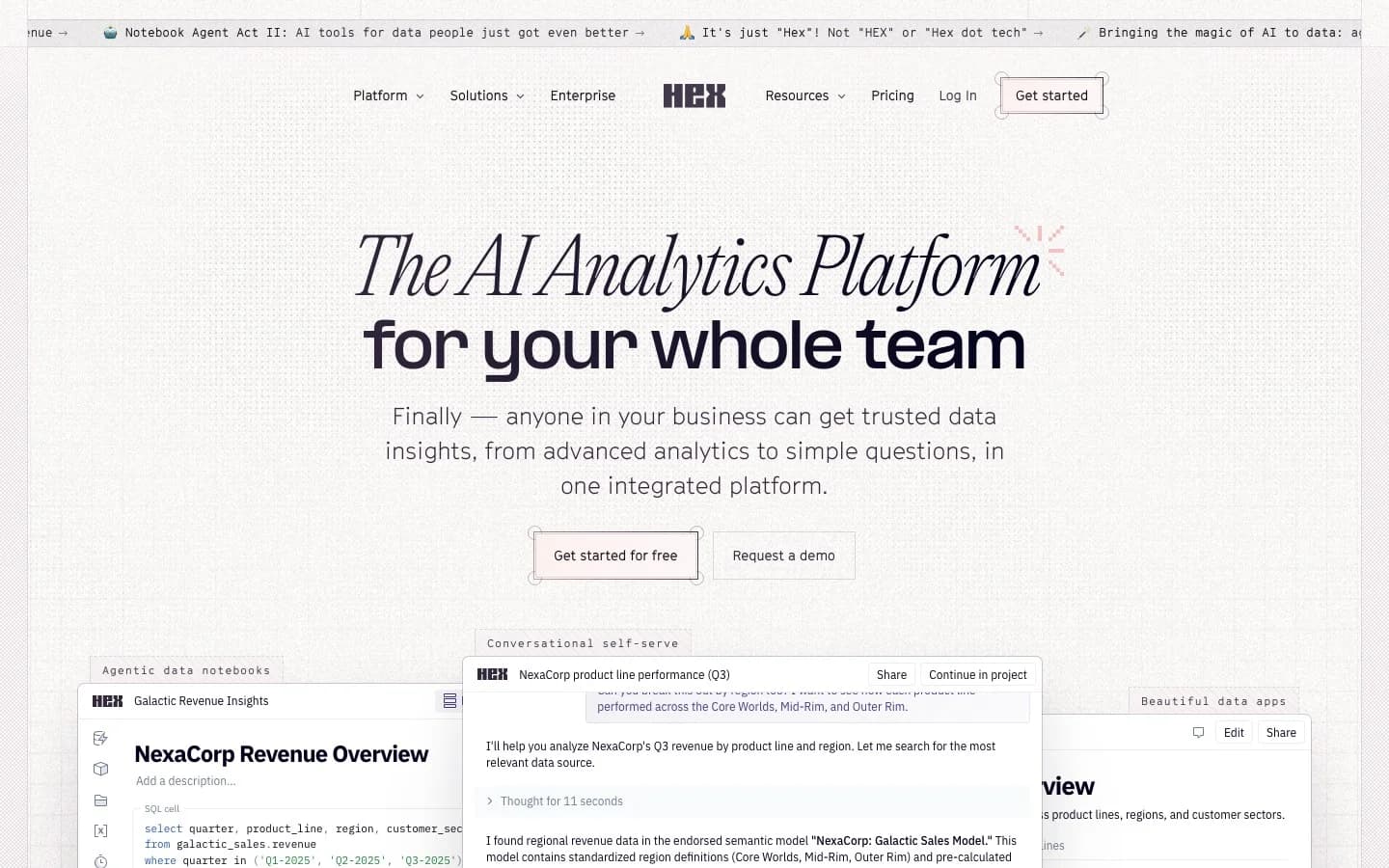
Hex is a different category of tool. It combines SQL notebooks, Python notebooks, and collaborative data apps in one platform. Teams write queries and code in shared notebooks, run them against connected databases, and publish results as interactive apps that non-technical stakeholders can use. AI ("Magic") assists with code generation and editing throughout.
The product is unambiguously technical. Hex's own team has pushed back on the "AI data analyst" framing directly: "Magic isn't an 'AI data analyst', because honestly, we don't really think that should be a thing." That is an honest positioning statement. If your team includes data engineers and analysts who write code and want a collaborative environment for doing it, Hex is excellent. If you want non-technical users to self-serve answers, it is the wrong tool.
The pricing structure reflects the technical audience. Plans are per editor per month. On the Team plan ($75/editor/month), viewers and explorers are billed separately. For organizations with many non-technical readers of data outputs, the cost calculation gets complex. A $70M Series C in May 2025 and an acquisition of Hashboard (a BI startup) in April 2025 signal serious investment in the agentic analytics direction.
Key features:
- SQL and Python notebooks with collaborative editing
- AI code generation and editing ("Magic")
- Publish notebooks as interactive data apps
- Notebook agent, Threads agent, Semantic model agent (Team tier)
- Broad database support: ClickHouse, Databricks, BigQuery, Snowflake, Redshift, Postgres, MySQL, and more
- Scheduling, Hex CLI, "Explore" self-serve BI
Pricing (as of April 2026):
| Tier | Price | Notes |
|---|---|---|
| Community | Free | 5 notebooks, 5 apps |
| Professional | $36/editor/month | Unlimited notebooks, Notebook agent |
| Team | $75/editor/month | Threads agent, Semantic model agent |
| Enterprise | Custom | SSO, HIPAA, single-tenant |
Compute is billed separately at $0.32–$4.06/hour depending on instance size. An AI credits system is also rolling out on paid plans.
One thing to watch: Some enterprise procurement teams have flagged Hex's terms of service around data handling. From Reddit's r/dataengineering: "I'd be very careful about Hex and what data they are pulling off you. On their Terms of Service there are several problems." The Series C and Snowflake's strategic investment suggest the product is stable, but the ToS concern has blocked adoption at some larger companies.
Choose Hex when you have a technical data team that writes SQL and Python and wants to collaborate on notebooks and publish results to the rest of the company.
AI2SQL still wins when you want something lightweight and do not need collaborative editing or a notebook environment.
4. Basedash - AI-native BI for startups
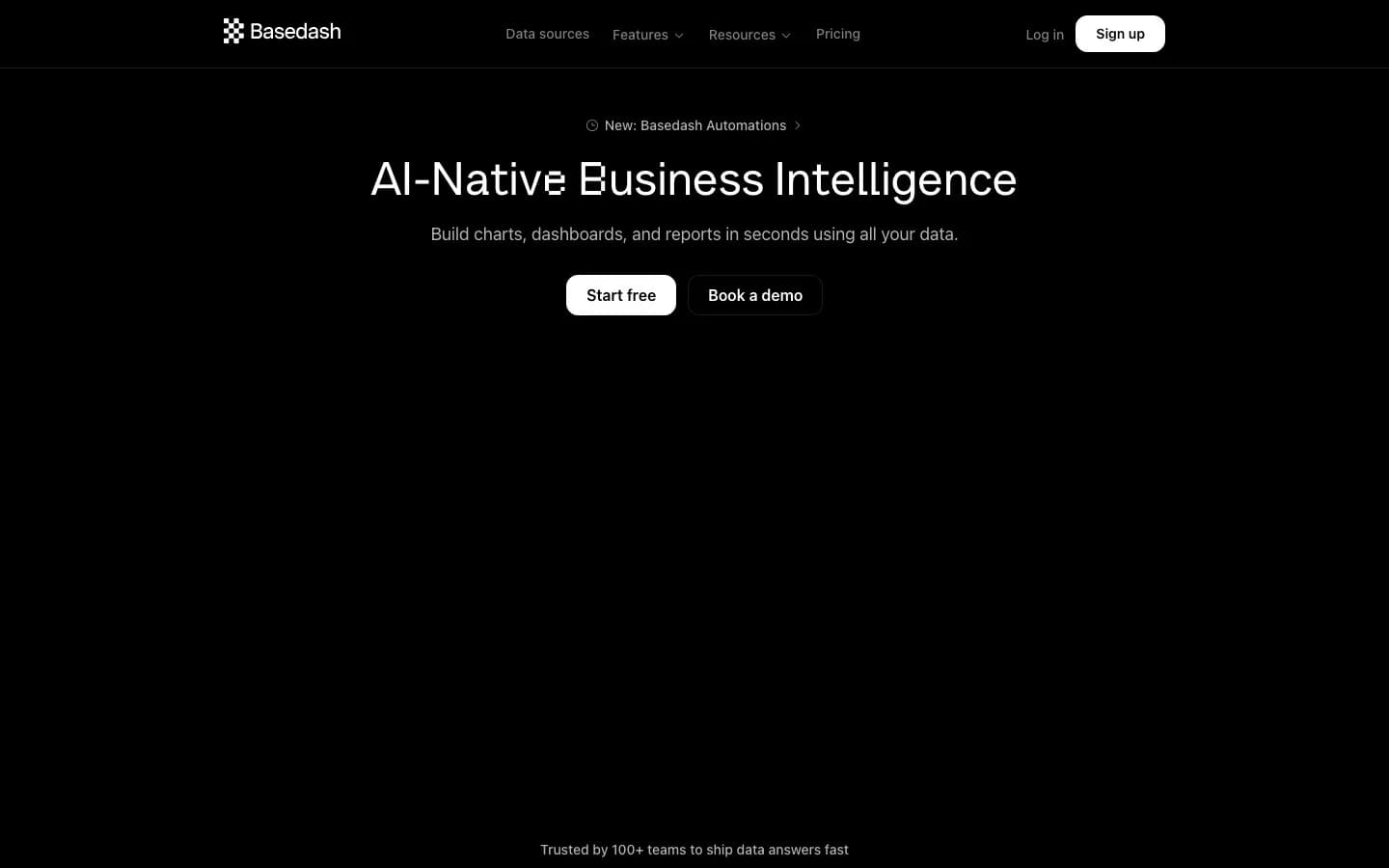
Basedash started as a YC-backed (S20) database GUI and admin panel builder, then pivoted hard to AI-native BI in 2024. Today it is an AI-powered BI platform with a Slack app, an MCP server, automated Insights, and dashboard generation. The team is 7 people, the product is bootstrapped, and the focus is squarely on startups and growing teams.
The Slack integration and MCP server are genuine differentiators at this tier. Asking data questions from Slack without context-switching to a dashboard tool has real workflow value. The most recent Product Hunt launch (Dashboard Agent, April 30, 2026) suggests active product development.
Pricing is the friction point. The Basic plan is $250/month for 2 users, with no free tier. That is a steep entry for a product still finding its footing after a full pivot. The pivot itself is worth noting: Basedash abandoned its original product entirely, which means prior integrations and workflows built on the admin panel version are now deprecated.
For more context on how Sequel compares directly with Basedash, see the Sequel vs. Basedash comparison.
Key features:
- Natural language to SQL with auto-rendered dashboards
- Slack app for asking data questions from Slack
- MCP server integration
- Automations and scheduled Insights
- 750+ data sources on Growth tier
- SOC 2 Type II, data not used for model training
Pricing (as of April 2026):
| Tier | Price | Seats | Sources |
|---|---|---|---|
| Basic | $250/month | 2 | SQL only |
| Growth | $1,000/month | 25 | 750+ sources |
| Enterprise | Custom | Custom | Custom |
One thing to watch: AI credits are included monthly but overages are billed separately. At the Growth tier, budget carefully. The product pivot also means the security model that concerned some early users - around credential sharing with a third-party service - is worth re-evaluating against the current product documentation.
Choose Basedash when your startup wants AI-driven dashboards and the Slack integration fits how your team already works. The 14-day trial (no credit card required) is the right way to evaluate it.
AI2SQL still wins when you need only query generation at the lowest possible price.
5. BlazeSQL - Desktop-first, privacy-first SQL analytics
BlazeSQL occupies a specific niche: the team that needs AI-assisted SQL analytics but cannot or will not put data into a cloud service. Its desktop app runs locally, with an offline mode, and that privacy architecture is a real differentiator for security-conscious teams.
The enterprise customer list is credible - Flixbus, eBay, Siemens, Yamaha, and Amazon are cited on the homepage. The breadth of database support is also above average: Snowflake, BigQuery, SQL Server, PostgreSQL, MySQL, Oracle, Redshift, Databricks, ClickHouse, and more across 12+ connectors. For teams with complex enterprise SQL environments, that coverage matters.
The rough edges show up at scale. Users report slowdowns on large datasets, and complex queries sometimes need manual adjustment to produce correct results. Visualization customization is limited. The pricing page was returning a 404 at the time of research - suggesting pricing may have changed and the site has not caught up. BlazeSQL's own blog describes the product honestly: "Pricier than simple chatbots. Overkill if you're just analyzing local CSVs."
Key features:
- Desktop app with local/offline mode - no cloud sync required
- AI natural language to SQL with query explanation
- 12+ database connectors (Snowflake, BigQuery, SQL Server, Postgres, MySQL, Oracle, and more)
- 300-table maximum per connection
- Unlimited AI chat messages on paid plans
Pricing (as of April 2026, sourced from Sept 2024 blog post - pricing page is 404):
| Tier | Price | Seats |
|---|---|---|
| Blaze Pro | $39/month | 1 |
| Blaze Advanced | $99/month | 1 |
| Blaze Team | $149/month | 3 included |
| Blaze Team Advanced | $499/month | 3 included |
Note: Verify pricing directly with BlazeSQL before purchasing. The /pricing page was unavailable at time of research.
One thing to watch: No free tier and no published pricing page creates unnecessary friction. If the pricing has changed, there is no way to know without contacting sales. That lack of transparency is unusual for a self-serve product.
Choose BlazeSQL when data privacy and a local/offline mode are non-negotiable requirements. Enterprise teams in regulated industries where data cannot leave the premises will find the desktop app architecture valuable.
AI2SQL still wins when you want the absolute lowest price point and only need query generation, not analysis.
6. Chat2DB - Open-source SQL client with AI assist
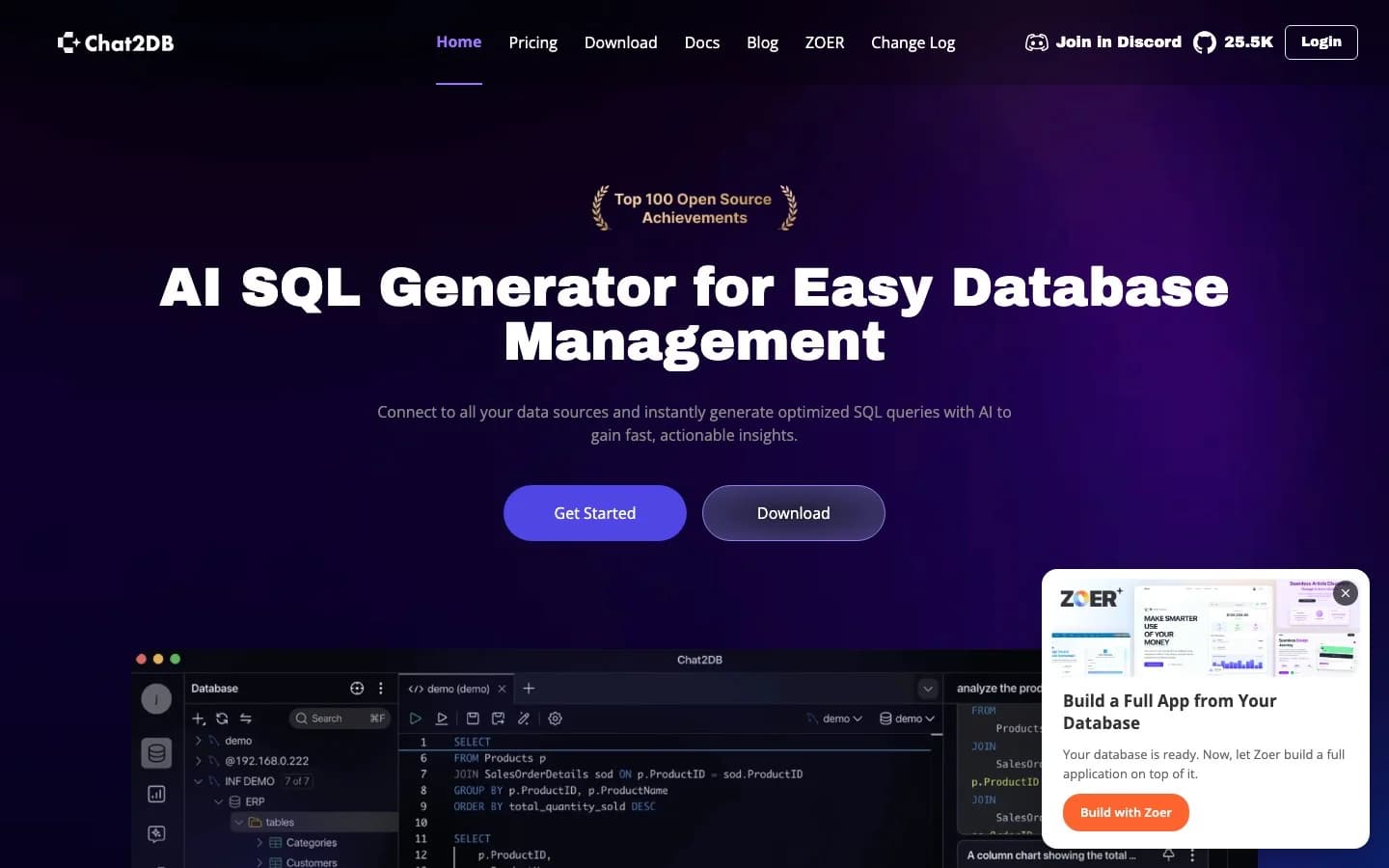
Chat2DB has the largest developer following in this list. The GitHub repository, originally released under Alibaba's open-source program, has significant star counts and claims over one million developer users. The Apache 2.0 license means the codebase is self-hostable. For a developer who wants a full SQL client - not just a query generator - with AI assistance built in, Chat2DB covers a lot of ground: table editing, data visualization, schema browsing, and AI query generation across 20+ database types.
The distinction from AI2SQL is real. AI2SQL is a web form that outputs SQL text. Chat2DB is a full database client that happens to have AI query generation as one feature among many.
The trust issues deserve honest mention. The Hacker News launch post in 2024 was flagged by moderators for suspected vote manipulation. A comment in Chinese appeared to reference vote-stuffing - "Guys, stop voting, if you keep going it'll break through and the PR will fail." That does not disqualify the product, but it is a signal worth knowing about in developer-heavy organizations where HN community trust matters.
For EU teams and regulated-industry buyers: the commercial product is operated out of Hangzhou, China. The Pro tier requires cloud sync, meaning data transits that infrastructure. Evaluate your data residency requirements before adopting the cloud version. The self-hosted Community client avoids this, but requires manual AI configuration.
Key features:
- Full SQL client: table editor, schema browser, data visualization, AI query generation
- 20+ database types (MySQL, PostgreSQL, Redis, MongoDB, and more)
- Local client (Community, free) and cloud subscription (PRO)
- Self-hostable via Apache 2.0 license
- 30-day Pro trial with no payment info required
Pricing (as of April 2026):
| Tier | Monthly | Notes |
|---|---|---|
| Community client | Free | Manual AI config, basic features |
| Starter | $8/user/month | 3,000 AI requests |
| Pro | $16/user/month | Unlimited AI requests |
| Team | $40/user/month | Shared team management |
One thing to watch: The commercial entity and the open-source project have different trust profiles. If you use the self-hosted Community client, you are operating independently. If you use Chat2DB PRO (cloud), your data moves through Chinese infrastructure. Know which version you are evaluating.
Choose Chat2DB when you want a full SQL client with AI assist, you are comfortable with the data residency profile, and the open-source availability matters for your evaluation.
AI2SQL still wins when you want the simplest possible web-based query generator with no desktop software to install.
How to choose
The right tool depends on where SQL generation sits in your workflow.
You want a complete AI data analyst. Not just SQL text, but executed queries, rendered charts, and a system that learns your data model over time. Sequel is the answer. The free tier covers three seats. You can run a real query against your database in the first session.
You work primarily in files. CSVs, spreadsheets, Google Sheets. Julius AI is the most capable tool in this list for file-based analysis. The free tier is usable.
Your team writes SQL and Python professionally. Hex is a full collaborative notebook environment with serious infrastructure. It requires technical users, but it pays off for teams that want to publish analysis as data apps.
You want AI-driven dashboards and Slack integration. Basedash has the Slack workflow and MCP server integration that the others do not. Entry price is high, but the 14-day trial is no-commitment.
Data privacy means the data cannot leave the building. BlazeSQL's desktop app with offline mode is the only option here that genuinely supports that requirement.
You want a full SQL client, not just a generator, and open-source matters. Chat2DB covers it. Evaluate the cloud vs. self-hosted distinction carefully before committing.
If you have been using AI2SQL and the query limits or the lack of visualization have become blockers, Sequel is the natural next step. The gap between "generates SQL" and "runs it, charts it, and gets smarter about your data" is the difference between a utility and an analyst.
Try Sequel free at sequel.sh - three seats, no credit card.