
Instagram's Insights tab shows one post at a time and quietly discards older history. Grok Bot is xAI's bot builder, an agent that keeps context and reaches your tools through plugins. Connect Instagram through Sequel and your bot can look across the whole account, compare periods, and hand back a table instead of a screenshot.
TL;DR
| What you're connecting | One Instagram Professional account to Grok Bot |
| Setup time | About 4 minutes |
| Setup method | One chat message. Grok Bot has no MCP config file |
| Auth to Instagram | Instagram Login OAuth, no Facebook Page needed |
| Auth to the bot | OAuth to Sequel. No key in the chat |
| Account type required | Business or Creator. Personal is not supported |
| Data lag | Up to 48 hours. Reach is an estimate |
What You'll Accomplish
Once this is wired up, you can ask your bot:
- "Which posts last quarter earned the most saves and shares per person reached?"
- "How many accounts followed versus unfollowed me in the last 30 days?"
- "What share of last month's reach came from people who do not follow me?"
Prerequisites
- A Sequel account: sign up free at sequel.sh
- An Instagram Professional account, Business or Creator
- A Grok account with a bot you can send messages to
Step 1: Connect Instagram to Sequel
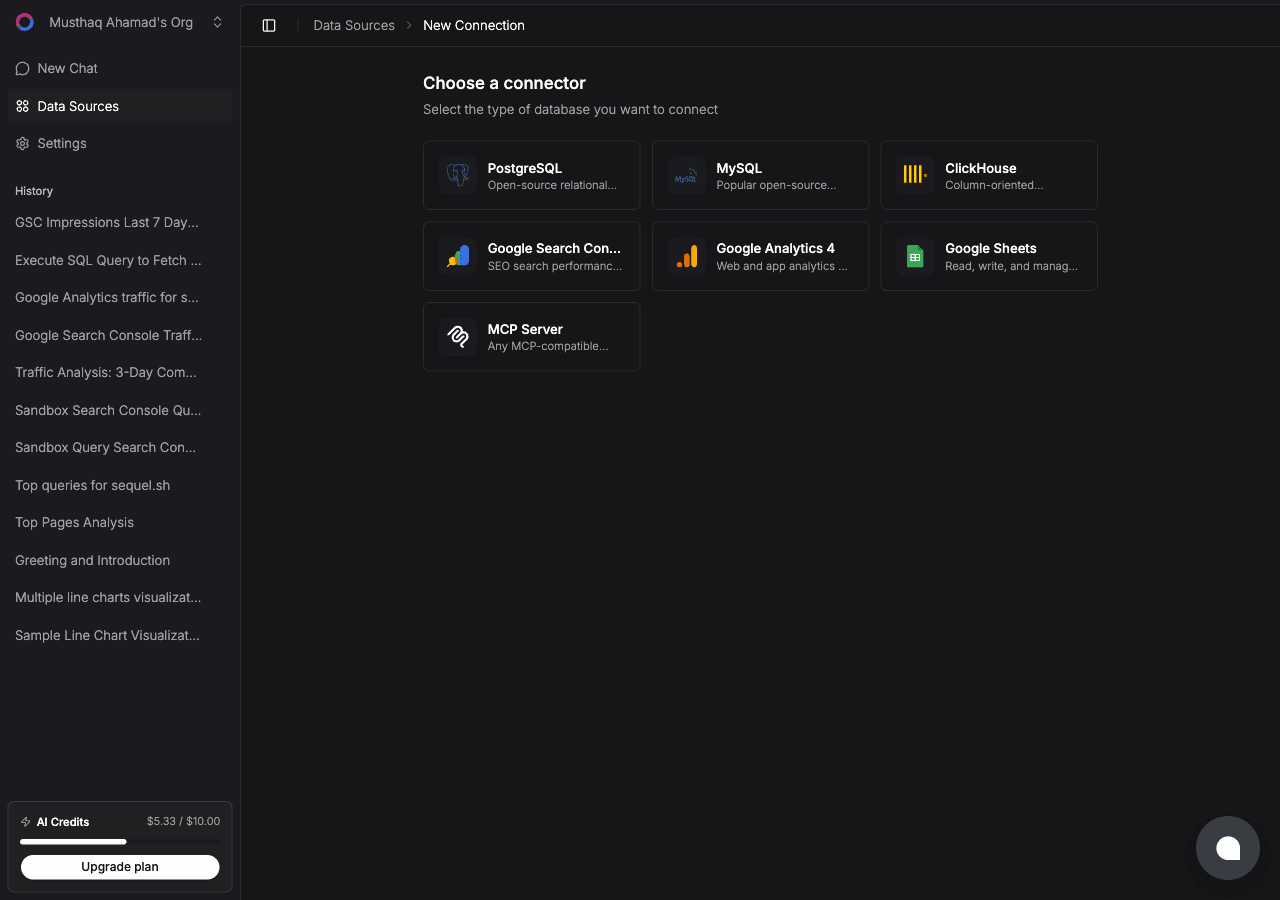
Sign in to sequel.sh, open Data Sources, click New Connection, and choose Instagram.
| Step | What happens |
|---|---|
| Connect with Instagram | Instagram's OAuth dialog opens on instagram.com |
| Approve the scopes | Read-only: basic profile and media, insights, and comments |
| Confirm | Sequel exchanges the code for a long-lived token and names the connection by handle |
Sequel requests instagram_business_basic, instagram_business_manage_insights, and instagram_business_manage_comments. These are read scopes. The connector cannot post, reply, or delete.
Step 2: Add Sequel to Grok Bot
Grok Bot has no MCP config file and no settings form to fill in. You add a server by asking the bot.
Open a chat with your bot and send this:
Add a custom MCP server called sequel at https://api.sequel.sh/mcp
Say custom server explicitly. Leave those words out and the bot searches the plugin marketplace instead of registering your endpoint.
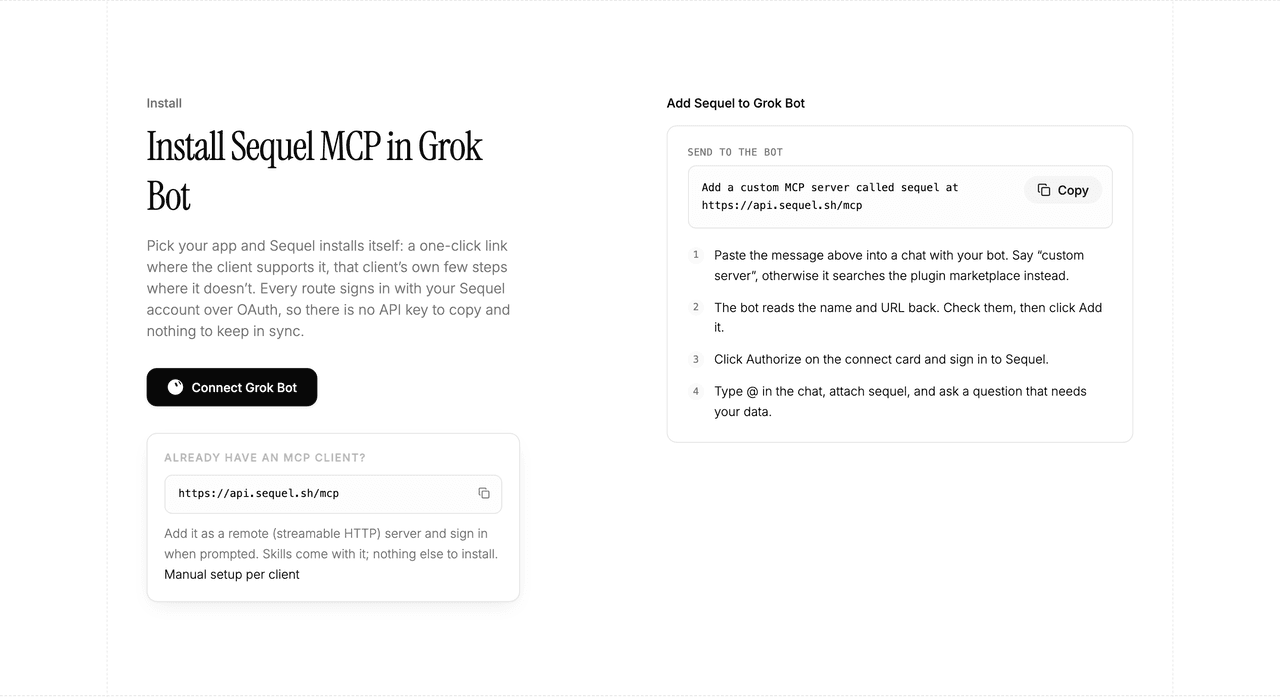
The bot reads the name and URL back to you. Check both, confirm, and it posts a connect card in the chat. Click Authorize, sign in to Sequel, and approve access. The OAuth token stays on the connector side, so there is no API key to copy and nothing to keep in sync.
To confirm it registered, open Settings → Plugins → Yours. Every server on your account is listed there, including the ones you added by chat.
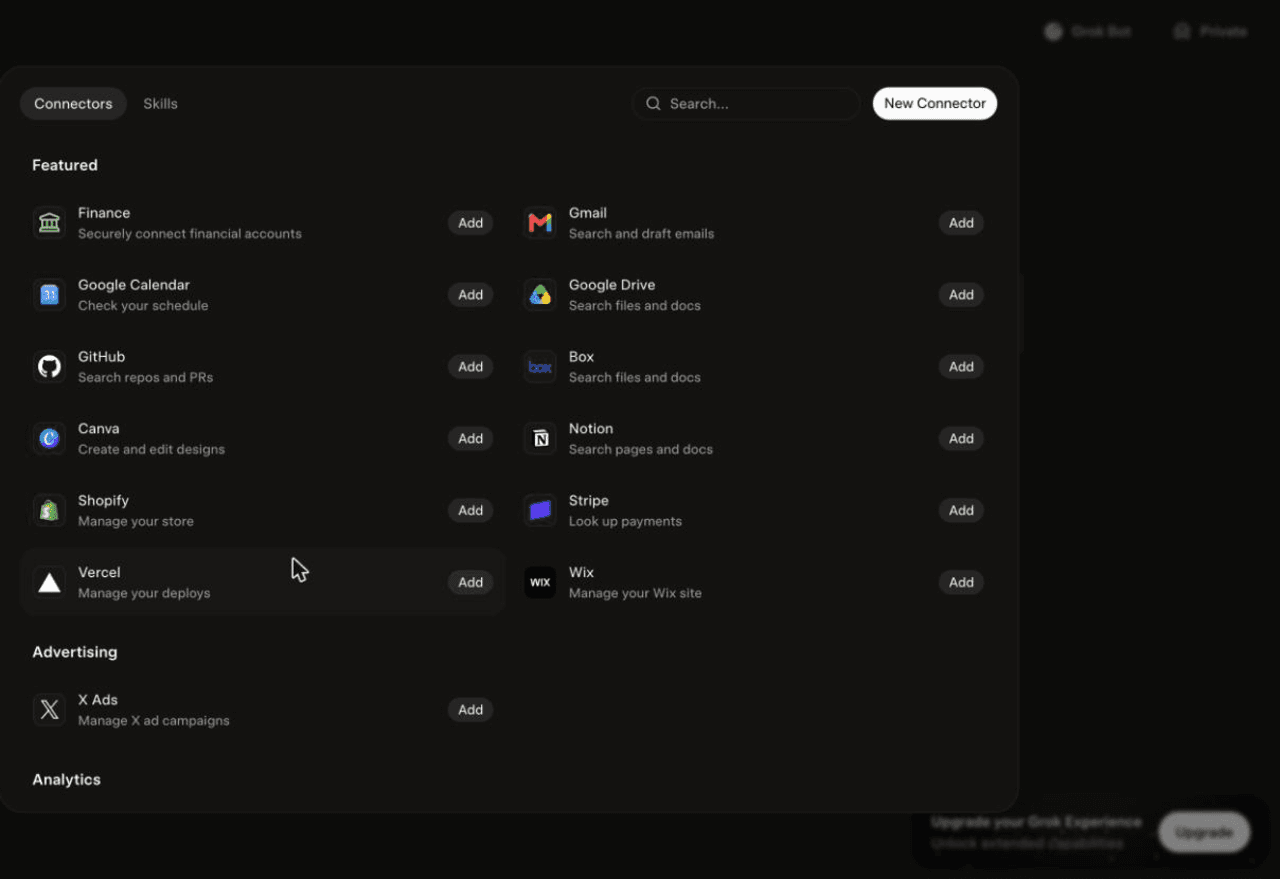
Then attach it to a task: type @ in the chat and pick sequel.
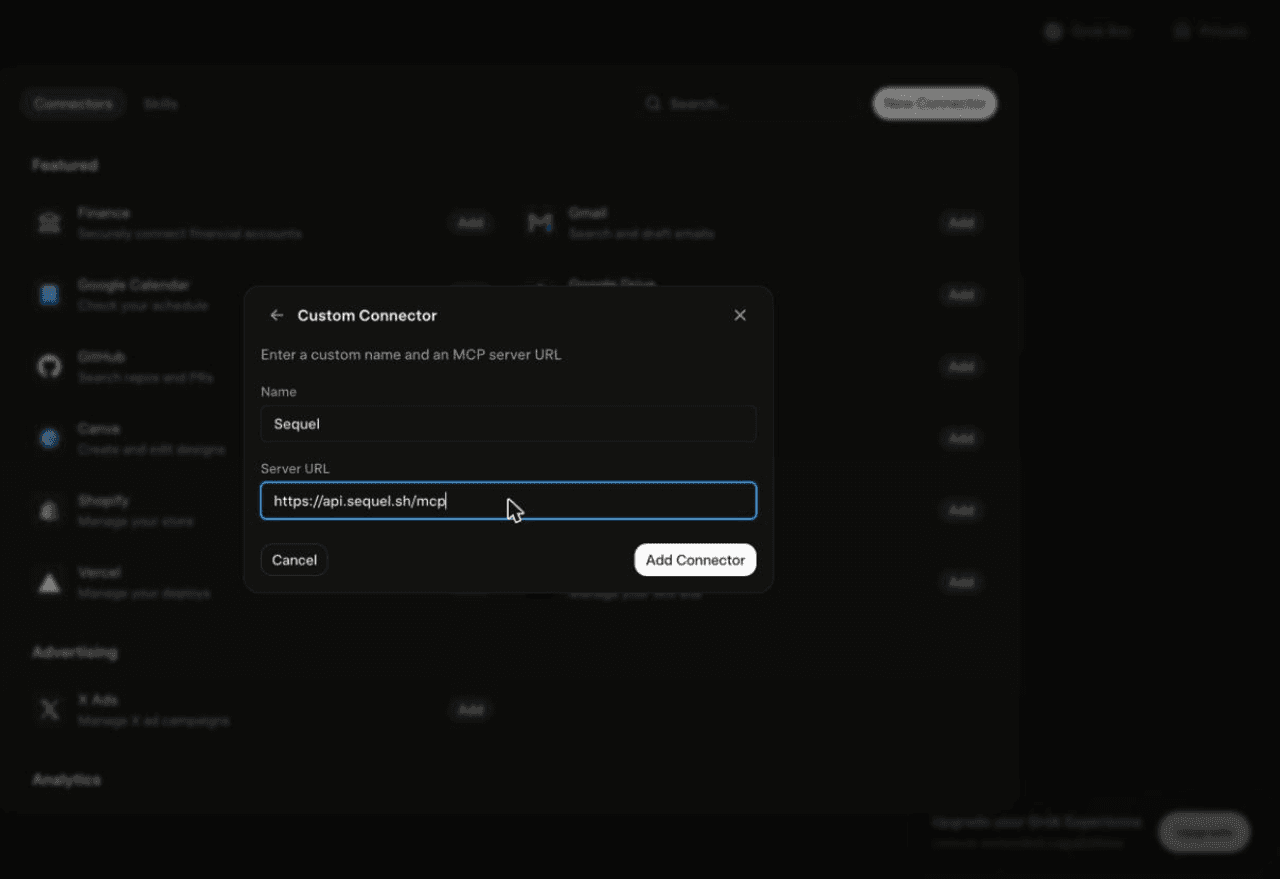
Using Grok chat rather than a bot? The steps do not carry over. On grok.com, open Plugins → New Connector → Custom, set the name to
Sequeland the Server URL tohttps://api.sequel.sh/mcp, click Add Connector, and sign in.
Step 3: Ask Grok Bot About Your Instagram Data
Attach @sequel and ask:
Which posts in the last 90 days had the highest saves per person reached?
How many accounts followed and unfollowed me in the last 30 days, by week?
What's my audience split by country and age band, and how has it shifted this quarter?
What You Can Do Now
- Content post-mortems: rank every post on saves and shares per reach, not just likes.
- Follower churn tracking: the bot runs unattended, so follows versus unfollows arrive weekly.
- Format comparison: reels against carousels against static, on the metrics that matter.
- Audience shifts: spot a change in country or age mix before it changes your engagement rate.
- Cross-source joins: pair Instagram reach with GA4 sessions and revenue to see what social actually drove.
Troubleshooting
| Symptom | Likely fix |
|---|---|
| The bot searched the marketplace instead of adding the server | Resend the message with the words "custom server" in it. |
| The server is not listed under Settings → Plugins → Yours | The registration did not complete. Resend the message and confirm the name and URL when the bot reads them back. |
| The bot answers without touching your data | You did not attach it. Type @ in the chat and pick sequel before asking. |
| The OAuth dialog rejects the account | The account is Personal. Switch it to Business or Creator in the Instagram app, then reconnect. |
| Recent numbers look low | Instagram insights lag up to 48 hours. Use windows that end two days back. |
| A metric is missing for older posts | Instagram does not backfill every insight for all media types and ages. |