
Polar handles billing for a lot of developer-first products, and its dashboard is better at the current state than at the trend. Grok Bot is xAI's bot builder, an agent that keeps context and reaches your tools through plugins. Connect Polar through Sequel and the bot can answer revenue questions, including metered usage, without an export.
TL;DR
| What you're connecting | A Polar organization to Grok Bot |
| Setup time | About 5 minutes |
| Setup method | One chat message. Grok Bot has no MCP config file |
| Auth to Polar | Organization Access Token (polar_oat_), read scopes only |
| Auth to the bot | OAuth to Sequel. No token in the chat |
| Access level | Read-only, enforced by Polar scopes |
| Environments | Production and sandbox, as separate connections |
What You'll Accomplish
Once this is wired up, you can ask your bot:
- "What's MRR and churn for the last 6 months?"
- "Which customers crossed their meter limit this month?"
- "What's LTV by product for customers acquired this year?"
Prerequisites
- A Sequel account: sign up free at sequel.sh
- A Polar organization whose settings you can access
- A read-only Organization Access Token
- A Grok account with a bot you can send messages to
Step 1: Connect Polar to Sequel
In Polar, go to Organization Settings → Developers → New Token. Name it, pick an expiry, and enable the read scopes:
metrics:read, orders:read, subscriptions:read, customers:read, products:read, payments:read, refunds:read, disputes:read, discounts:read, checkouts:read, events:read, meters:read, customer_meters:read, organizations:read
Leave every :write scope off. Copy the token, Polar shows it once.
Then sign in to sequel.sh, open Data Sources, click New Connection, and choose Polar.
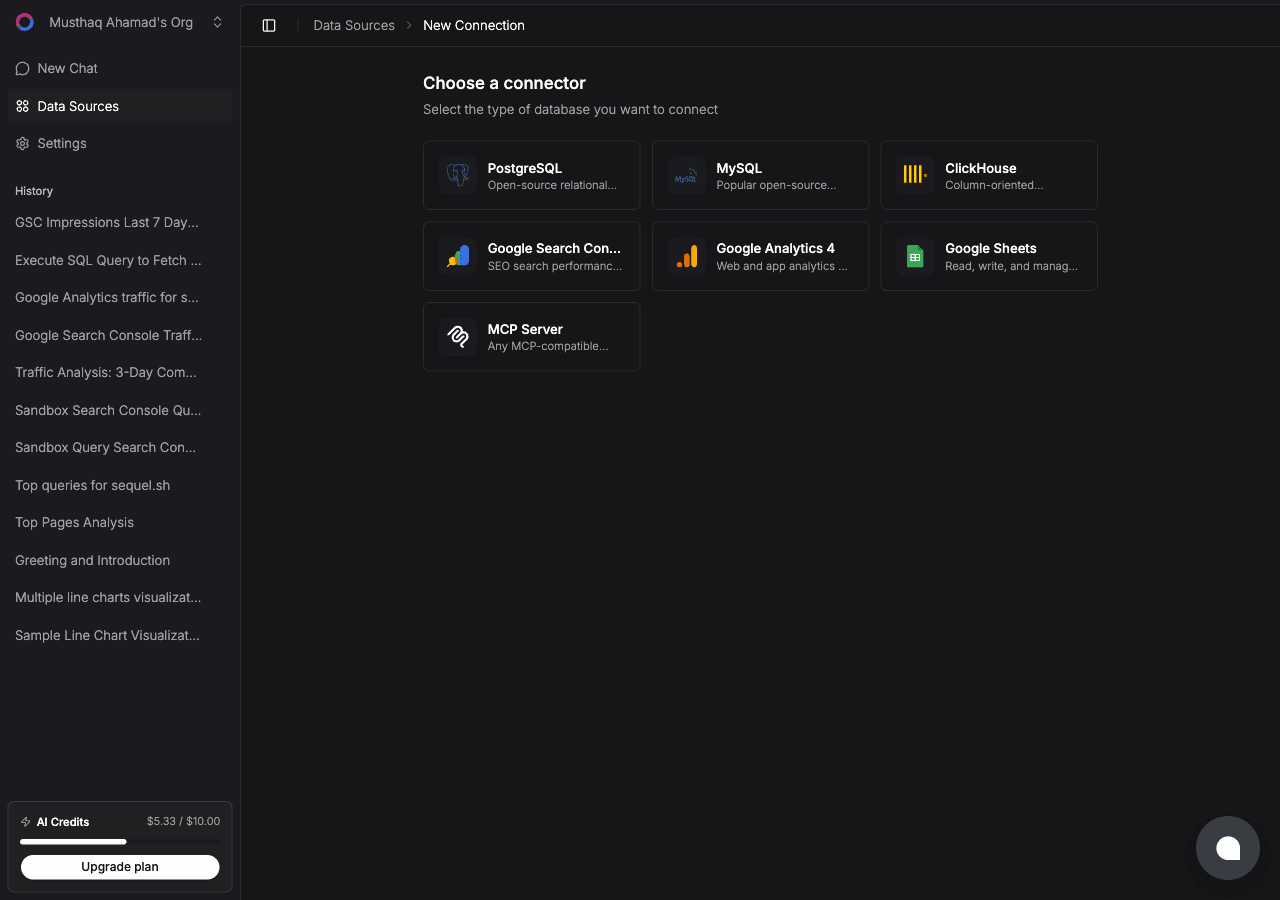
| Field | What to enter |
|---|---|
| API key | The polar_oat_… token |
| Server | Leave blank or production for your live org, sandbox for a sandbox org |
Sequel verifies the token and names the connection after your organization.
Step 2: Add Sequel to Grok Bot
Grok Bot has no MCP config file and no settings form to fill in. You add a server by asking the bot.
Open a chat with your bot and send this:
Add a custom MCP server called sequel at https://api.sequel.sh/mcp
Say custom server explicitly. Leave those words out and the bot searches the plugin marketplace instead of registering your endpoint.
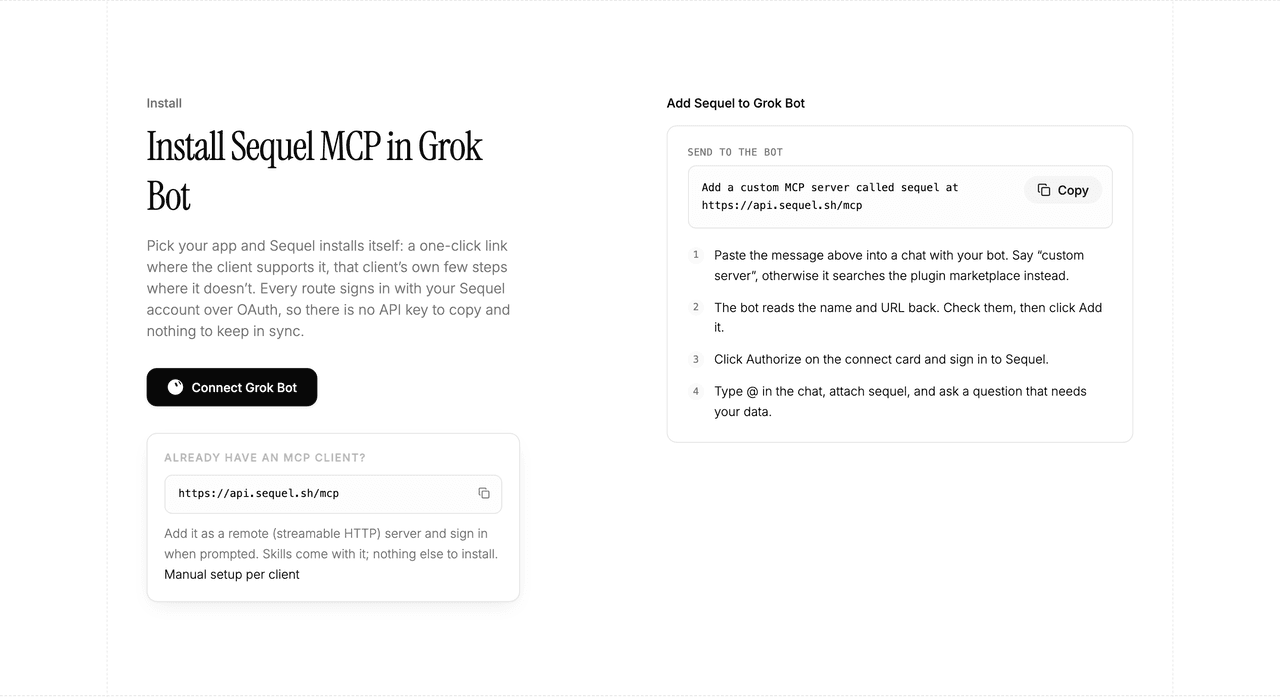
The bot reads the name and URL back to you. Check both, confirm, and it posts a connect card in the chat. Click Authorize, sign in to Sequel, and approve access. The OAuth token stays on the connector side, so there is no API key to copy and nothing to keep in sync.
To confirm it registered, open Settings → Plugins → Yours. Every server on your account is listed there, including the ones you added by chat.
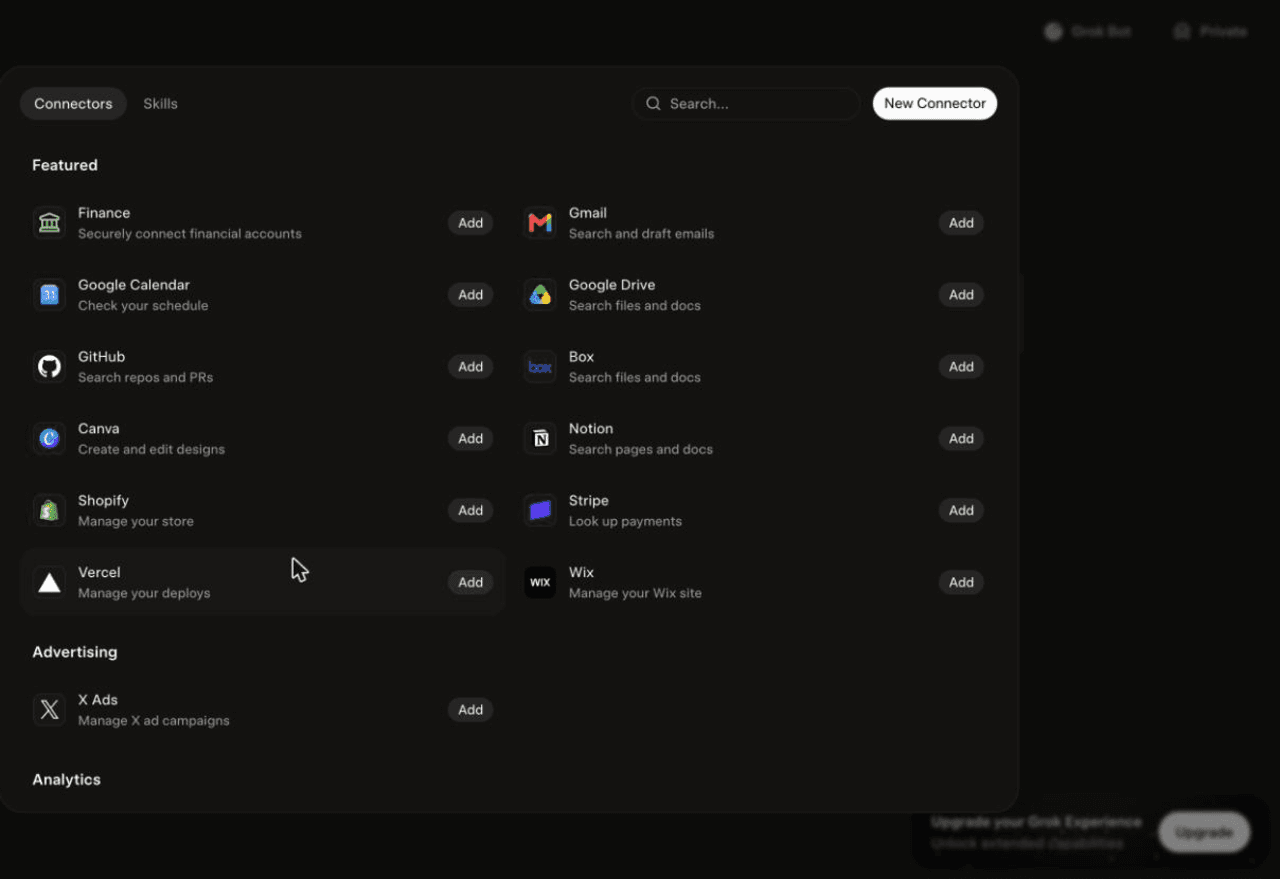
Then attach it to a task: type @ in the chat and pick sequel.
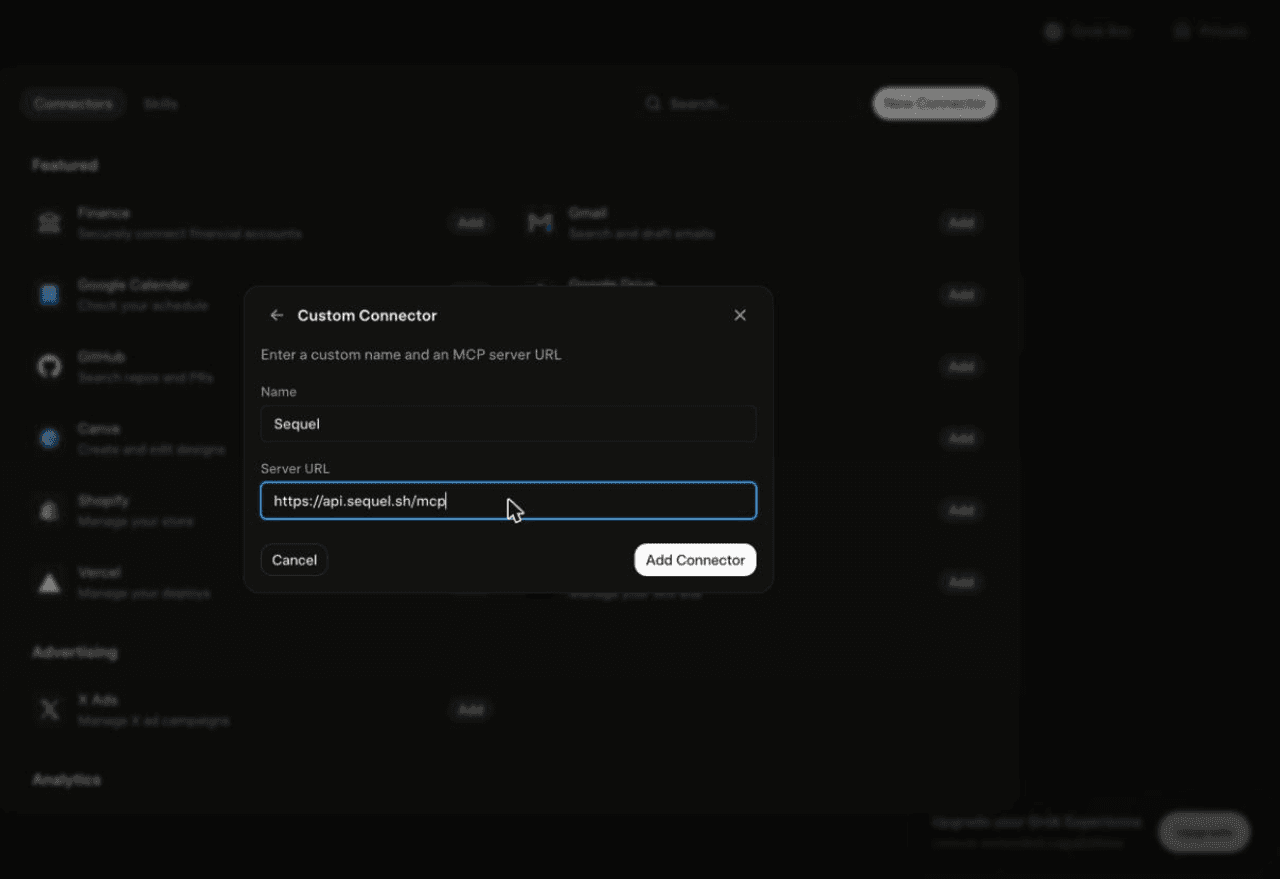
Using Grok chat rather than a bot? The steps do not carry over. On grok.com, open Plugins → New Connector → Custom, set the name to
Sequeland the Server URL tohttps://api.sequel.sh/mcp, click Add Connector, and sign in.
Step 3: Ask Grok Bot About Your Polar Data
Attach @sequel and ask:
What's MRR and churn rate for each of the last 6 months?
Which customers exceeded their metered usage allowance this month?
Show LTV by product for customers acquired this year.
What You Can Do Now
- Revenue trends without an export: MRR, ARR, churn, and LTV asked in plain English.
- Usage billing checks: the bot runs unattended, so a weekly over-limit list arrives on its own.
- Failed payment follow-up: "Who failed a payment in the last week and has not retried?"
- Product mix analysis: which products carry revenue and which carry support load.
- Cross-source joins: match Polar customers against your database to see whether billing and product state agree.
Troubleshooting
| Symptom | Likely fix |
|---|---|
| The bot searched the marketplace instead of adding the server | Resend the message with the words "custom server" in it. |
| The server is not listed under Settings → Plugins → Yours | The registration did not complete. Resend the message and confirm the name and URL when the bot reads them back. |
| The bot answers without touching your data | You did not attach it. Type @ in the chat and pick sequel before asking. |
| Token rejected | Confirm the token is an Organization Access Token and has not expired. Polar shows the secret once, so create a new one if lost. |
| A report is empty or errors | A read scope is missing. Recreate the token with the full read scope list. |
| Sandbox data where you expected production | Sandbox and production are separate deployments. Check the Server field on the connection. |