
TL;DR
| Question | Answer |
|---|---|
| What breaks? | Not the connection. The silence around it. |
| Most common failure | Wrong date range, reported confidently. |
| Second most common | Sampled or row-capped results, no warning. |
| Why it is dangerous | The output is fluent, formatted, and plausible. |
| Who catches it? | Nobody, until a number gets challenged in a meeting. |
| The fix | Make the query visible before you trust the answer. |
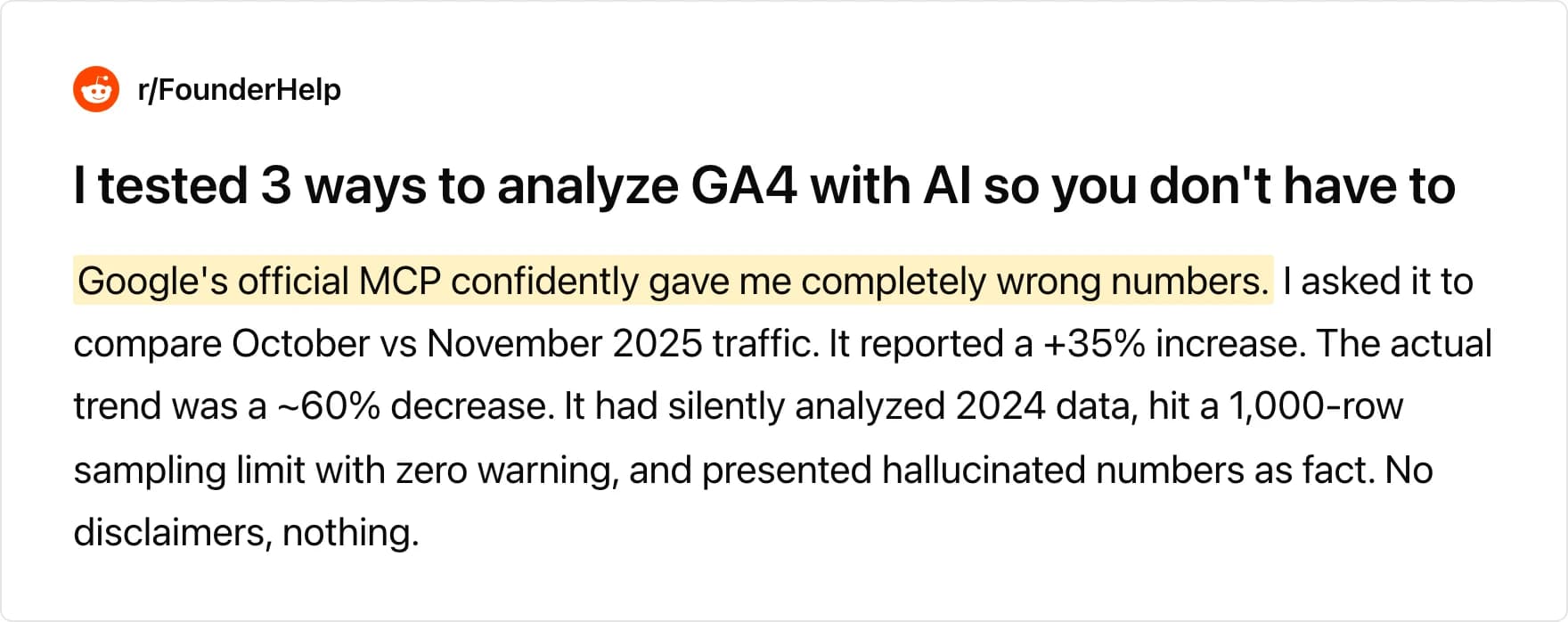
A marketer tested three ways to analyze GA4 with AI and asked one of them to compare October against November traffic. It reported a 35% increase. The real trend was a decrease of roughly 60%.
The tool had quietly analyzed the previous year's data, hit a 1,000-row sampling limit, and presented the result as fact. In their words: "No disclaimers, nothing."
That is the failure mode nobody warns you about. The connection worked perfectly. The API call succeeded. The number was real. It was just describing a different year than the one you asked about.
What an MCP server for GA4 actually does
The Model Context Protocol is a standard way for an AI tool to call an external system. A GA4 MCP server is a thin wrapper around the Google Analytics Data API. It exposes a handful of tools, your agent picks one, and the API returns rows.
That is the whole mechanism. The server does not verify the question. It does not check whether the range you meant matches the range the model requested.
Understanding that boundary matters, because it tells you where to look when a number is wrong. The bug is almost never in the transport layer. For the wider picture of how these connections work, see our guide to MCP for databases.
The three silent failures
Every wrong GA4 answer we have seen traces back to one of three causes. None of them throws an error.
Date drift
The model resolves a relative range against the wrong anchor. You ask for "October versus November." It picks 2024 instead of 2025. The API happily returns 2024 data because 2024 data exists.
This is the failure in the test above, and it is the hardest to spot. The numbers look like your numbers. The magnitude is right. The direction is inverted.
Sampling and row caps
GA4 estimates results from a subset of sessions once a query crosses its processing thresholds. The web UI puts a notice on the chart. An API response consumed by a language model frequently arrives with no equivalent flag surfaced into the conversation.
A row cap does the same thing in a different way. The agent asks for a breakdown, gets the first 1,000 rows, and summarizes them as if they were all of them. Your long tail vanishes without comment.
Metric ambiguity
GA4 ships several metrics that sound identical and are not. Sessions and engaged sessions. Users and active users. Conversions and key events. An agent choosing between them without instruction will choose confidently.
This is the same class of problem that makes text-to-SQL accuracy hard in general. The query is syntactically perfect and semantically wrong.
Why SEOs already stopped trusting this
The technical SEO community got here before anyone else, because they check their numbers against a second source out of habit.
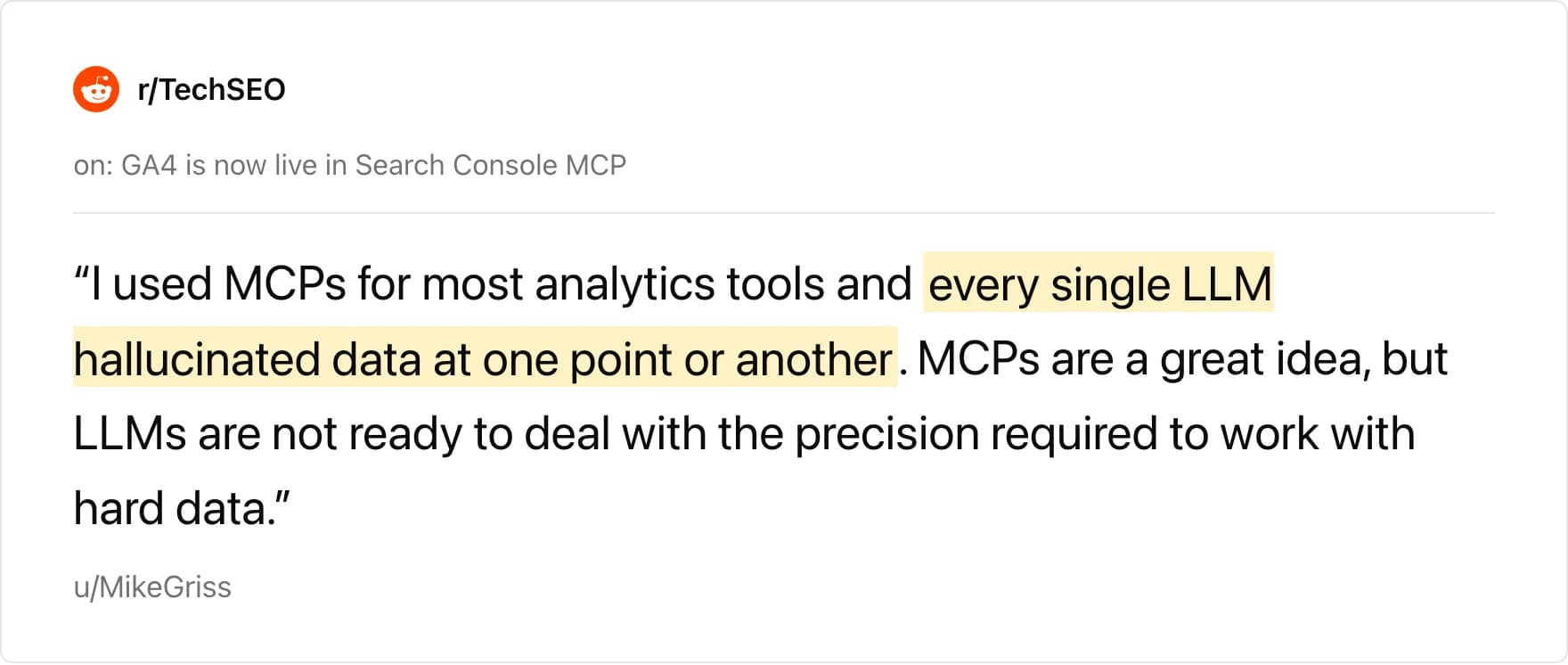
When a Search Console MCP server announced GA4 support on r/TechSEO, the top comment was not congratulations. Mike Griss, who had tried the category broadly, wrote: "I used MCPs for most analytics tools and every single LLM hallucinated data at one point or another."
He followed with the sharper version of the argument. "MCPs are a great idea, but LLMs are not ready to deal with the precision required to work with hard data."
When the server's author pushed back that the MCP itself was accurate, Griss conceded the point and kept the objection. "The issue isn't the MCP itself, but since it will connect to an LLM that always hallucinates, it becomes a moot point."
That is a fair reading of where the category sits. A perfect wrapper around a perfect API still hands its output to a system that will summarize confidently under uncertainty.
GA4 data was already an estimate
There is a second layer to this that marketers underrate. You are not putting a probabilistic system on top of ground truth. You are putting it on top of another estimate.
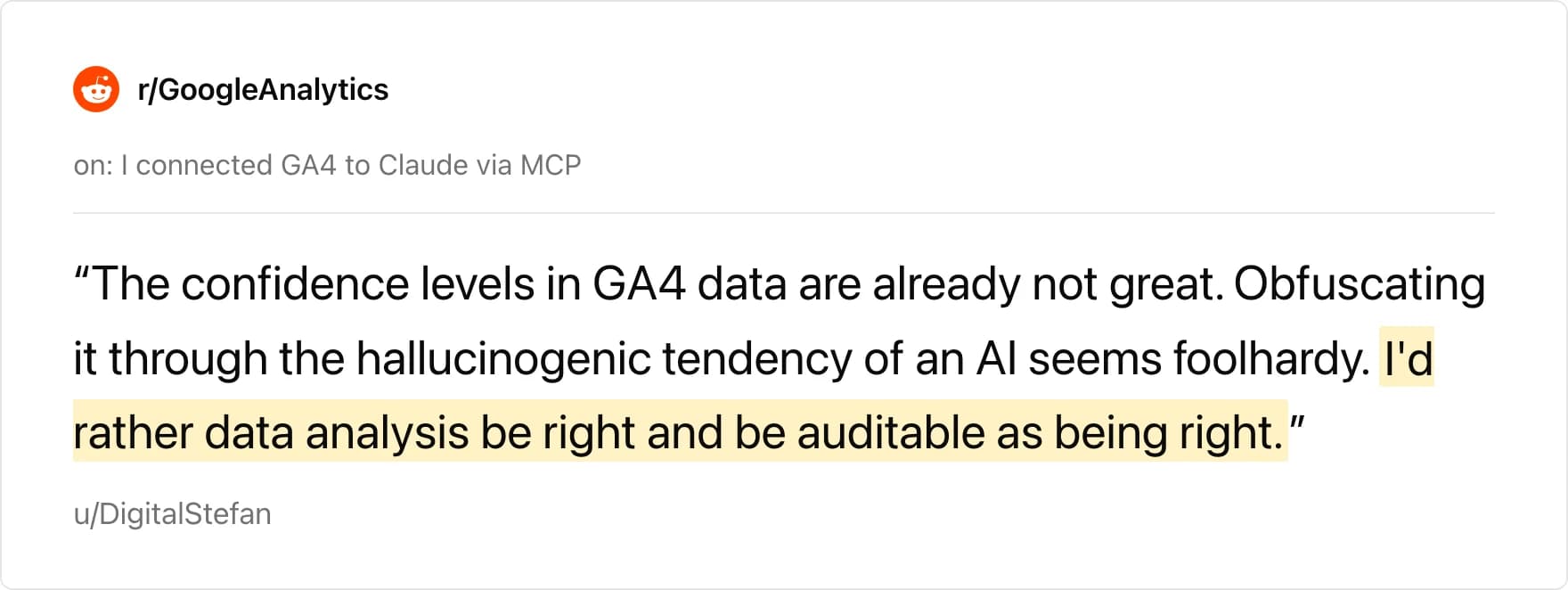
GA4 applies modelling, thresholding, and consent-mode adjustment before you ever see a number. In a thread about connecting GA4 to Claude, the top comment made the stacking explicit: "The confidence levels in GA4 data are already not great. Obfuscating it through the hallucinogenic tendency of an AI seems foolhardy."
The same thread produced the most sobering estimate in this whole discussion. A commenter with seven-plus years across small and large GA implementations reckoned that only 5 to 10 percent were "implementing well enough to put an agent on top of it and get reliable insights."
Their follow-up is the part that should worry anyone shipping this to a client. "Even if it's not the agent's fault for providing misdirected insights, it's going to appear broken."
Fluent failure is the actual risk
A practitioner who mapped seventeen analytics MCP combinations named this better than anyone. A commenter described nearly shipping a multi-client report where a context-trimming optimization caused one client's data to bleed into another's summary.
The thread author's reply is the line to remember: "the failure is fluent. A trimmed context doesn't throw an error, it produces a clean, plausible report about the wrong account."
Compare the two failure modes side by side.
| Model with no data access | Model with a GA4 connection | |
|---|---|---|
| Wrong answer looks like | Obviously invented | A real number from a real API call |
| Detection | Immediate, the number is absurd | Requires checking against the UI |
| Confidence in output | Hedged | Formatted, specific, assured |
| Blast radius | One bad answer | A recurring report nobody re-checks |
Connecting your data does not remove hallucination risk. It camouflages it.
What a trustworthy setup looks like
The fix is not a better model. It is a shorter distance between the answer and the evidence.
- Expose the query. You should be able to see the exact date range, metrics, dimensions, and filters behind every number, before you accept it. A tool that hides the query cannot be audited.
- Surface the caveats into the chat. If the response was sampled, thresholded, or capped, that belongs in the answer, not buried in an API field.
- Pin your date ranges. Absolute dates beat relative ones. "2025-10-01 to 2025-10-31" cannot drift. "Last October" can.
- Define your metrics once. Decide what a session, a conversion, and a user mean for your business, and make the agent use those definitions rather than re-deriving them each time.
- Keep access read-only. An agent that can only read cannot damage the property while it is being wrong. Our guide to securely connecting your data to AI agents covers the access model in depth.
- Check one number by hand each week. Pick a metric, open the UI, compare. This takes two minutes and catches drift before a client does.
The recurring theme in every thread above is that people want auditability more than autonomy. One commenter put it plainly: "I'd rather data analysis be right and be auditable as being right."
Where Sequel is different
Sequel connects to Google Analytics, Search Console, BigQuery, HubSpot, Stripe, PostHog, and your warehouse from one place, and it shows the query behind every answer before you act on it.
That single design choice addresses most of what is described above. When the agent picks a date range, you see the range. When it chooses between sessions and engaged sessions, you see which. Nothing arrives as a bare number with no provenance.

Access is read-only by default. Sequel reads from your sources and returns results as conversation context, so an agent exploring your analytics cannot alter the property it is reading.
It also runs inside the tools you already use. If you want the setup itself, we have step-by-step guides for connecting Google Analytics to Claude Code and connecting Google Analytics to ChatGPT.
claude mcp add --transport http sequel https://api.sequel.sh/mcp \
  --header "Authorization: Bearer sql_your_api_key"
Because Sequel reads across sources in one answer, you can also cross-check GA4 against a second system without exporting anything. Compare sessions against Search Console clicks, or conversions against actual Stripe charges. Two sources disagreeing is the cheapest hallucination detector there is.
For the broader category view, see our guide to AI agents for marketing analytics and the argument for why dashboards and agents do different jobs.
Verify before you automate
The teams getting value from GA4 and AI right now are not the ones with the best prompts. They are the ones who kept a human check in the loop long enough to learn where their setup drifts.
Start with questions you already know the answer to. When the agent gets those right for a month, extend its rope. Get started free and ask it something you can verify today.